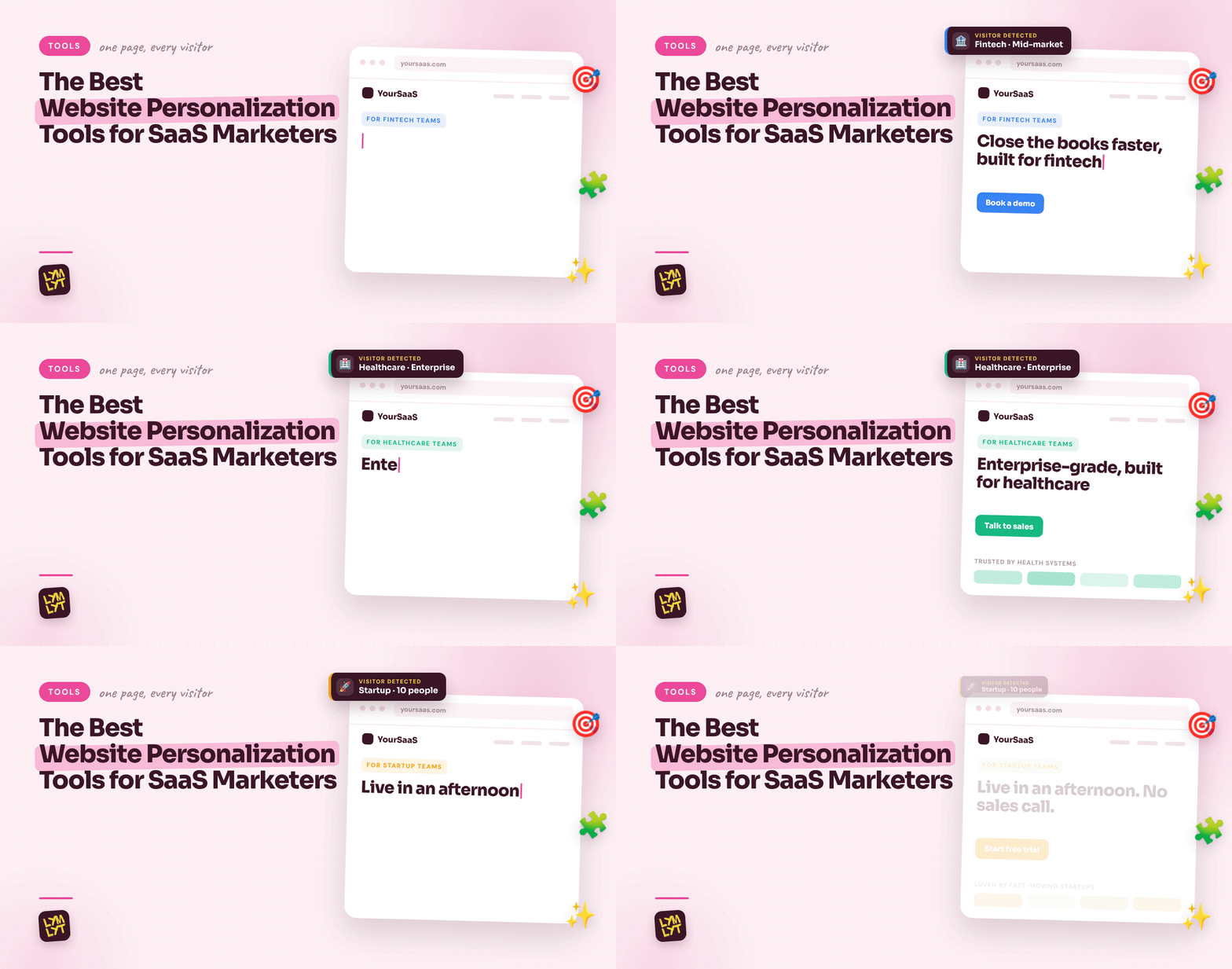
The 12 Best Website Personalization Tools for SaaS Marketers in 2026
Your homepage says the same thing to a five-person startup and a 5,000-person enterprise. Same headline, same logos, same case study, same “Book a demo” button. One of them bounces because it feels too big. The other bounces because it feels too small. Website personalization tools fix that by changing what each visitor sees based on who they are, where they came from and what they care about.
The catch is that “personalization” now covers very different products. Some identify which company is on your site. Some build a dedicated page for one target account. Some swap headlines by industry across your whole site. Some live inside your CMS, and some are full experimentation suites. Buying the wrong type is the most common way personalization projects die.
So this list follows the order a personalization program actually runs, from knowing who is on the page to proving the change worked. If your homepage message itself is the problem, start with our guide to writing homepage content that converts before you personalize anything.
What website personalization actually means for SaaS
Website personalization means showing different content to different visitors on the same URL. For a B2C store, that usually means product recommendations. For a B2B SaaS company, it means something more specific: matching the page to the account, industry, company size, funnel stage or campaign that brought the visitor in.
In practice, that looks like:
- A fintech visitor sees fintech logos and a fintech case study.
- An enterprise visitor sees security, SSO and “talk to sales” instead of a self-serve trial.
- A visitor from a LinkedIn ad sees the same promise the ad made.
- A named target account sees a page built for them, with their logo and their use case.
None of this works if the underlying message is weak. Personalization multiplies a good landing page. It cannot rescue a bad one. Our list of the elements of a high-converting landing page is the baseline to get right first.
The six steps of a personalization program
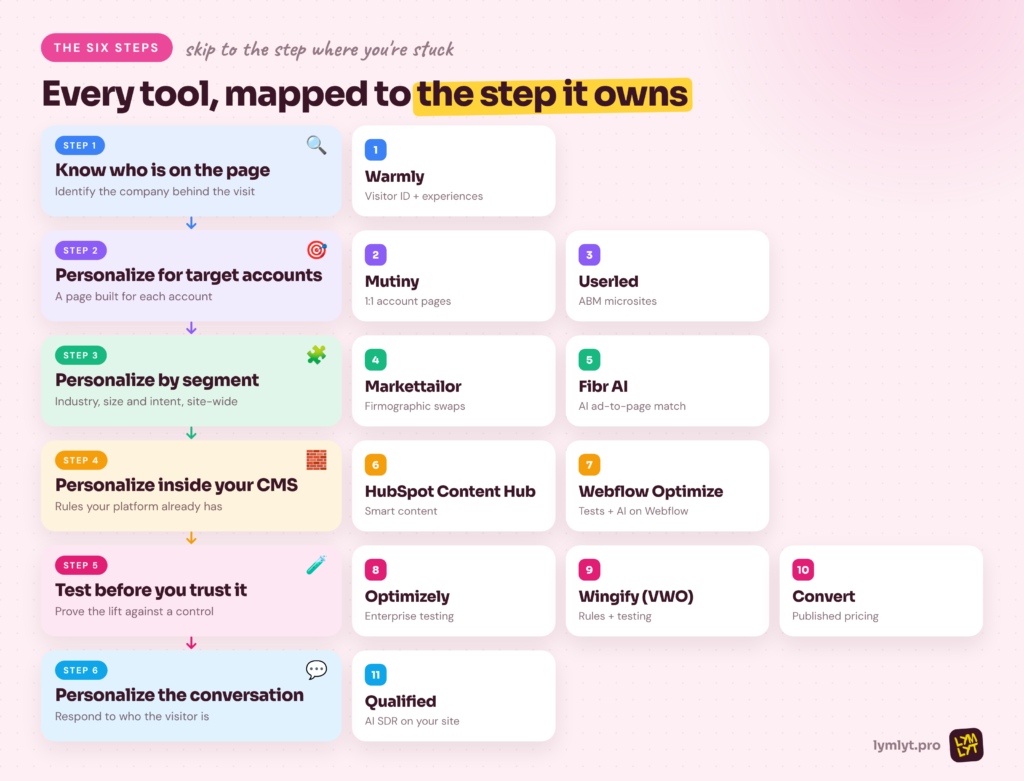
Every useful personalization program runs through the same six steps:
- Know who is on the page. Identify the company, and sometimes the person, behind a visit.
- Personalize for target accounts. Build dedicated experiences for your highest-value accounts.
- Personalize by segment. Swap headlines, proof and CTAs across the site by industry, size or intent.
- Personalize inside your CMS. Use the rules your website platform already has.
- Test before you trust it. Prove each change lifts conversion instead of assuming it does.
- Personalize the conversation. Let chat or an AI agent respond to who the visitor is.
The tools below are grouped by these steps. Skip to the step where your program breaks.
What SaaS marketers should look for
B2B signals, not just behavior. Consumer tools personalize on clicks and cart history. SaaS teams need firmographic signals: company, industry, size, tech stack and CRM stage. Check where the tool gets that data before you buy.
Speed and flicker. If the page loads the default headline and then swaps it, visitors see the flicker and your Core Web Vitals suffer. Ask how the tool renders changes and test it on a real page.
Measurement built in. Website personalization tools without a control group cannot tell you whether personalization helped. Insist on holdouts or A/B testing for every experience.
Who will run it. Some tools need a growth engineer. Others are built for a marketer with an afternoon. Match the tool to the person who will actually own it, or it will sit unused after the first quarter.
The 11 website personalization tools at a glance
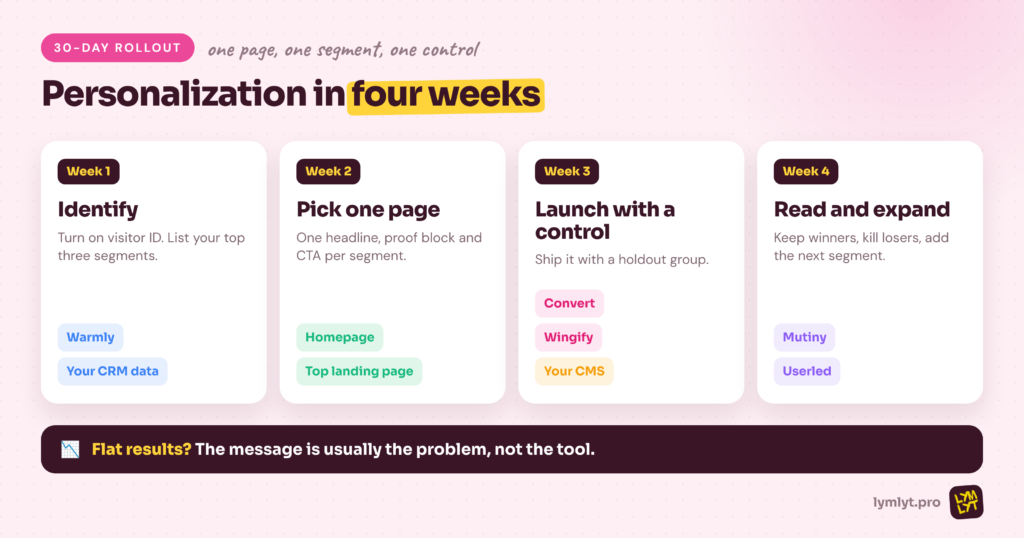
| # | Tool | Step | Best for | Starting price | Free option |
|---|---|---|---|---|---|
| 1 | Warmly | Know who’s on the page | Visitor identification plus personalized experiences | $10,000/yr | No |
| 2 | Mutiny | Target accounts | Personalized pages for target accounts | Business $50/mo | Yes |
| 3 | Userled | Target accounts | ABM microsites at scale | $2,000/mo, yearly | No |
| 4 | Markettailor | Segments | Site-wide B2B personalization by firmographics | Custom | No |
| 5 | Fibr AI | Segments | AI-generated headline and CTA variants | $239/mo, yearly | No |
| 6 | HubSpot Content Hub | Inside your CMS | Smart content on HubSpot sites | Pro $450/mo, yearly | Free CMS tools |
| 7 | Webflow Optimize | Inside your CMS | Testing and AI personalization on Webflow | $299/mo | No |
| 8 | Optimizely | Test before you trust it | Enterprise experimentation and personalization | Custom | No |
| 9 | Wingify (VWO) | Test before you trust it | Rules-based personalization with testing | Custom | 30-day trial |
| 10 | Convert | Test before you trust it | Privacy-friendly A/B testing and targeting | $299/mo, yearly | 15-day trial |
| 11 | Qualified | The conversation | AI SDR conversations on your site | Custom | No |
Prices checked on vendor pricing pages in October 2026. Confirm before you buy.
Step 1: Know who is on the page
You cannot personalize for a visitor you cannot identify. These website personalization tools turn anonymous traffic into named companies, which every later step depends on.
1. Warmly
Best for: Demand gen teams who want to see which companies visit, alert sales and change the page for high-intent accounts.
Price: AI Web-Deanonymization is $10,000/yr, Inbound Chat $20,000/yr and AI Inbound Autopilot $30,000/yr. The Warm Experiences personalization add-on is another $10,000/yr (Warmly pricing).
What you give it: A tracking script, your ICP definition and your CRM connection.
Free option: No free plan is listed.
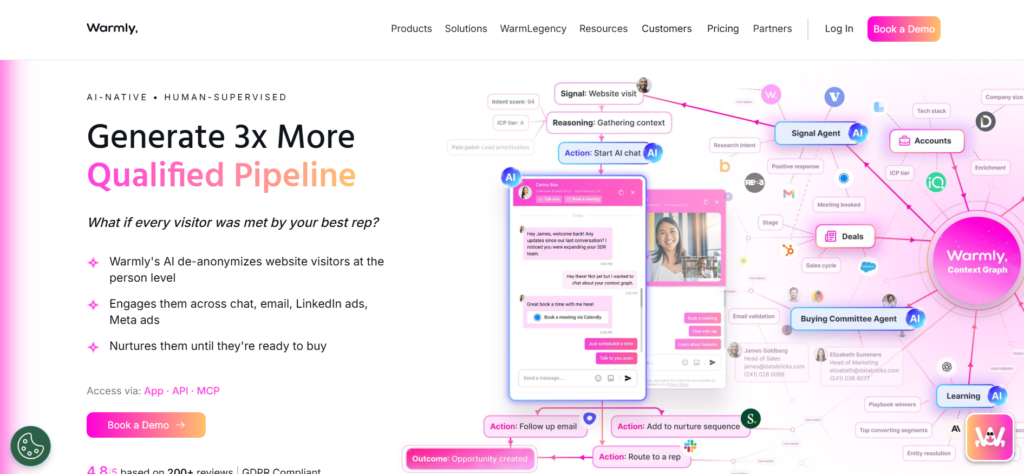
Warmly starts with identification. It matches website visits to companies and contacts, filters them against your ICP, and pushes alerts into Slack and your CRM so sales can act while the visitor is still on the site. Its Warm Experiences add-on then adapts page content in real time based on visitor identity and intent signals.
That combination makes it a strong fit for teams who want one system to see the visit, personalize the page and start the conversation. If your inbound process leaks good accounts, our piece on why more MQLs can still mean less pipeline explains why identifying the right visitors beats generating more forms.
Skip it if: Your traffic is too low to justify a five-figure annual contract, or you only need simple rules like “show this headline to visitors from this ad.”
Step 2: Personalize for target accounts
Account-based marketing needs pages built for specific accounts, not just a swapped headline. These website personalization tools build dedicated experiences for your highest-value targets.
2. Mutiny
Best for: ABM and sales teams who want a personalized page for every target account without waiting on design.
Price: Free with 5 daily credits per seat, Business at $50/mo with 50 credits, and Enterprise from $40,000/yr (Mutiny pricing).
What you give it: Your target account list, your brand assets and the play you want to run.
Free option: Yes, a free plan for individuals and small teams.
Mutiny built its name on B2B website personalization and now positions itself as a sales assistant for customer-facing work. The personalization piece lives on as 1:1 ABM: it gives every target account a personalized page, plus landing pages, deal rooms and event invites, according to Mutiny.
For SaaS teams, that means a rep can send a prospect a page with their logo, their industry’s proof points and a clear next step, without a designer in the loop. Pair those pages with strong proof. Our guide to anonymous case studies helps when your best customers will not let you name them.
Skip it if: You want site-wide personalization for anonymous traffic. Mutiny’s current product is built around named accounts and sales workflows.
3. Userled
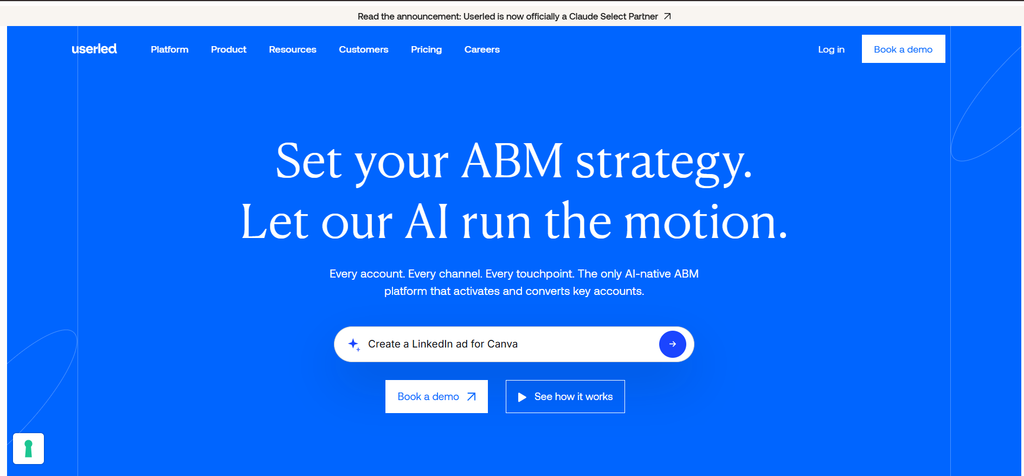
Best for: Enterprise ABM teams running personalized microsites and LinkedIn ads for many target accounts at once.
Price: Microsites from $2,000/mo billed yearly, LinkedIn Ads from $2,000/mo billed yearly, and a Sales Plugin from $599/mo for 10 seats (Userled pricing).
What you give it: Your account list, funnel-stage templates and your CRM and ABM platform connections.
Free option: No. Demo only.
Userled builds personalized landing pages and microsites for priority accounts using funnel-stage templates and a no-code builder. Its AI generates brand-matched copy and images on the fly, and the same plays can run as LinkedIn ABM ads, so the ad and the page tell one story.
It integrates with HubSpot, Salesforce, Demandbase, 6sense, LinkedIn Campaign Manager and Marketo, according to Userled. That makes it a fit for teams that already have an ABM platform choosing the accounts, and need a faster way to give each one a tailored experience. Strong microsites still need sharp copy. Our landing page copywriting services roundup helps if you are short on writers.
Skip it if: You target fewer than 50 accounts. A few hand-built pages will do the job for less.
Step 3: Personalize by segment, site-wide
Not every visitor is a named account. These website personalization tools change your existing pages for whole segments, such as every fintech visitor or every enterprise-size company.
4. Markettailor
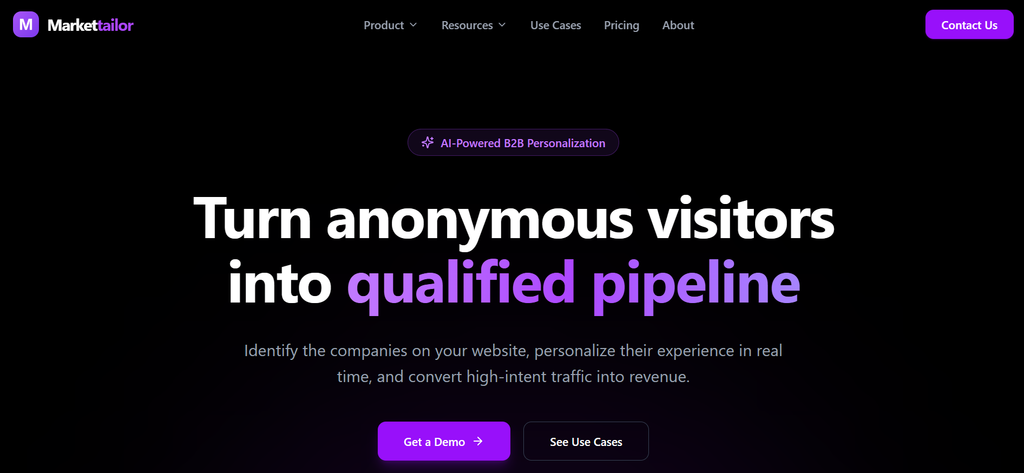
Best for: SaaS marketers who want their existing site to adapt by industry, company size or ICP fit without building new pages.
Price: Custom, based on monthly traffic, number of segments and integrations (Markettailor pricing).
What you give it: A script on your site, your target segments and the content you want swapped.
Free option: No free plan is listed.
Markettailor identifies the company behind each visit using firmographic data, IP intelligence and behavioral signals, then groups visitors by industry, company size, intent and ICP fit, according to Markettailor. It then swaps headlines, CTAs, case studies, pricing and page sections to match, without changes to your codebase.
This is the classic B2B personalization play: one homepage that reads differently to a bank, a hospital and a SaaS startup. It works best when you already have proof for each segment. If you do not, start by building segment pages and comparison pages that give personalization something worth showing.
Skip it if: You serve one industry. There is nothing to segment.
5. Fibr AI
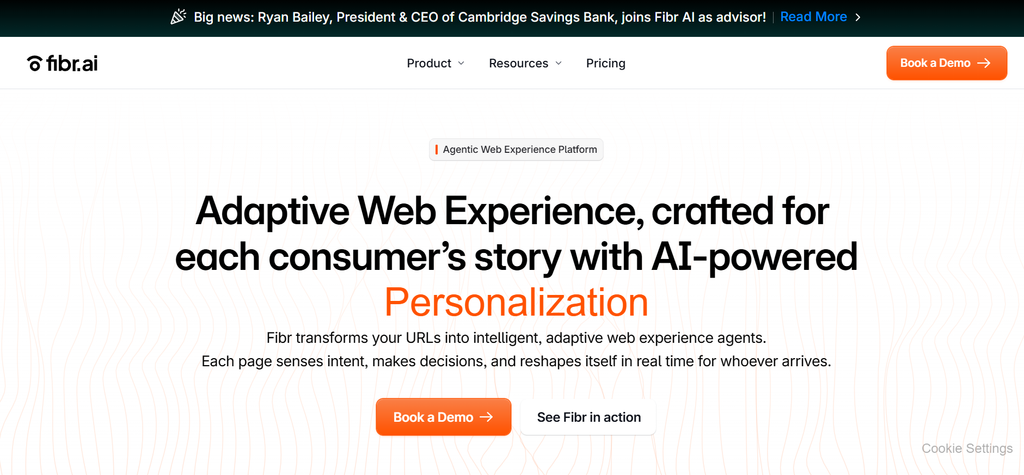
Best for: Growth teams who want AI to generate and test headline, image and CTA variants for different visitor signals.
Price: Starter $239/mo for one website and up to 50K sessions, Pro $479/mo for up to five websites and 200K sessions, and Enterprise from $999/mo, all billed annually (Fibr AI pricing).
What you give it: Your page URLs and the audiences or campaigns you want to target.
Free option: No free plan or trial is listed.
Fibr AI describes itself as a web experience layer that turns static pages into adaptive ones. It adjusts headlines, hero images and CTAs in real time based on visitor signals, and it builds AI-driven A/B testing into the same workflow, according to Fibr AI.
The practical use for SaaS is ad-to-page matching. Every LinkedIn or Google campaign gets a page that repeats the promise in the ad, without your team building a new landing page for each one. That message match is one of the cheapest conversion wins available. Our list of the best landing page builders for B2B SaaS covers the alternative of building separate pages instead.
Skip it if: You run fewer than five active campaigns. Manual landing pages are simpler at that scale.
Step 4: Personalize inside your CMS
If your website platform already has personalization built in, start there. These website personalization tools add no new vendor, no new script and no new contract.
6. HubSpot Content Hub
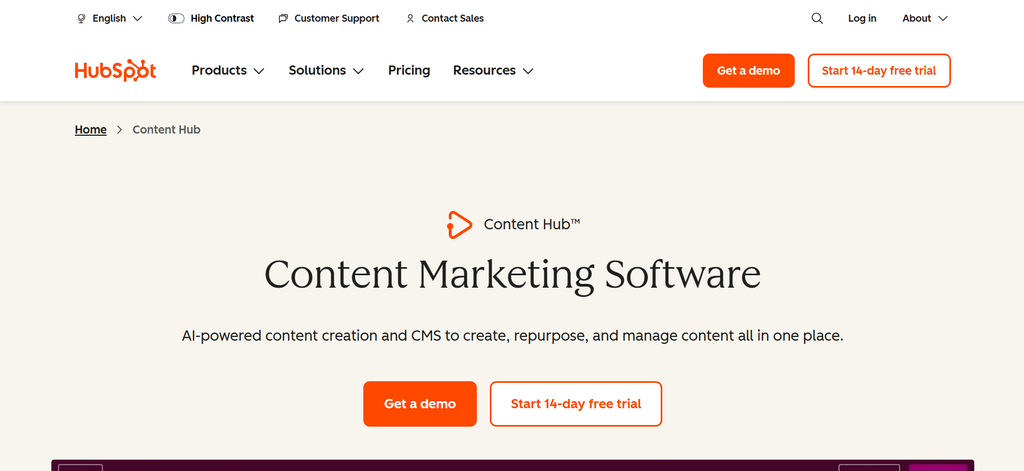
Best for: SaaS teams whose website runs on HubSpot and who want rules-based smart content tied to CRM data.
Price: Content Hub Professional is $450/mo billed annually with 3 core seats, and Enterprise starts at $1,500/mo (HubSpot’s Content Hub pricing guide).
What you give it: Your HubSpot site, your CRM properties and lists, and the content variants you want.
Free option: Free CMS tools exist, but HubSpot’s comparison table lists smart content rules on Professional and Enterprise.
HubSpot Content Hub lets you set smart content rules on pages, CTAs and forms. A rule can show different text or modules based on country, device type, referral source, list membership or lifecycle stage. Because it reads straight from your CRM, a known lead in the evaluation stage can see different proof than a first-time visitor.
Paired with HubSpot’s built-in CRM data, it covers a lot of what standalone website personalization tools charge for, inside a platform many SaaS teams already pay for. Our guide to the SaaS content funnel from BOFU to demos shows which stage-based content to personalize first.
Skip it if: Your site is not on HubSpot. Smart content only works on HubSpot-hosted pages.
7. Webflow Optimize
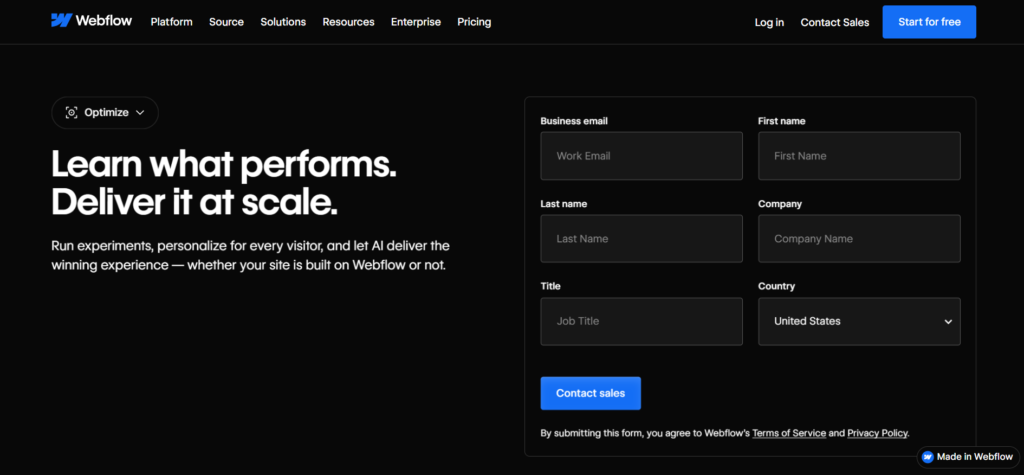
Best for: Webflow teams who want A/B testing, rules-based personalization and AI optimization in one place.
Price: $299/mo for Site plans, based on page views, with Enterprise and non-Webflow pricing quoted by sales (Webflow pricing).
What you give it: Your Webflow site, or a JavaScript snippet on any other CMS.
Free option: No.
Webflow Optimize runs experiments, rules-based personalization and AI optimization. Segments can use device, location, traffic source, UTM parameters and new or returning visitors, and Webflow says this works without collecting personally identifiable information or using cookies. The AI mode tests multiple elements at once and decides in real time which content each audience sees.
Integrations with Salesforce, Marketo, HubSpot, 6sense and Demandbase require a Webflow Enterprise plan, according to Webflow. That is the upgrade path when you want firmographic personalization on top of campaign-based rules. Our roundup of the best AI website builders covers Webflow alongside its competitors.
Skip it if: You need account-level personalization on a Site plan. The CRM and ABM integrations sit on Enterprise.
Step 5: Test before you trust it
Personalization without testing is guesswork. These website personalization tools prove whether a change lifted conversion before you roll it out to everyone.
8. Optimizely
Best for: Enterprise teams with steady traffic that want experimentation and personalization on one statistically rigorous platform.
Price: Custom. Optimizely says every plan is individually packaged (Optimizely pricing).
What you give it: A snippet on your site, your audience definitions and a testing roadmap.
Free option: No.
Optimizely pairs personalization with its experimentation engine. Its AI agents analyze your site, suggest hypotheses and generate variations, and every personalized experience can be tested against a control before full rollout, according to Optimizely.
This is the tool for teams that want to answer “did personalization actually work?” with statistics, not screenshots. It suits companies with enough traffic to reach significance on segment-level tests. If your traffic is smaller, focus first on fixing the page itself. Our Recurly case study shows how much a rewrite alone can move landing page conversion.
Skip it if: You have low traffic or no one to run a testing program. You will pay enterprise prices for tests that never reach significance.
9. Wingify (VWO)
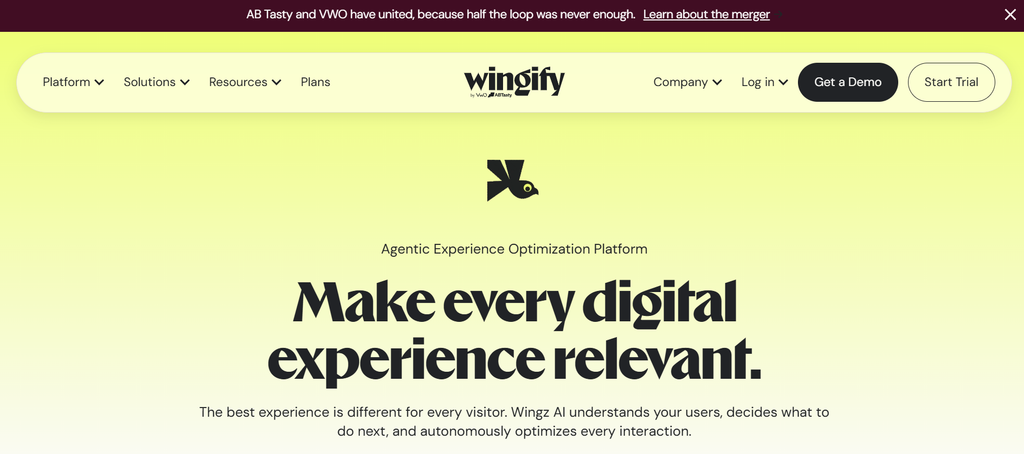
Best for: Mid-market teams who want rules-based personalization and testing in one suite.
Price: Custom, with Growth, Pro and Enterprise personalization plans offering 3, 5 and unlimited concurrent campaigns (Wingify pricing).
What you give it: A snippet on your site, your audience rules and your campaign ideas.
Free option: A 30-day free trial with no credit card.
Wingify is the new home of VWO, and its personalization product now carries the Wingify Personalize name. It builds rule-based segments from browser properties, uploaded lists and third-party data, and triggers experiences on events such as scroll depth or time on page, according to Wingify.
For SaaS teams, the appeal is having testing and personalization under one roof at a lower entry point than enterprise suites. Run a personalized headline for one segment, measure it against the default, then expand what works. Pair it with the stage-based thinking in our guide to the B2B buying journey.
Skip it if: You need firmographic identification built in. You will still need a data source from step 1.
10. Convert
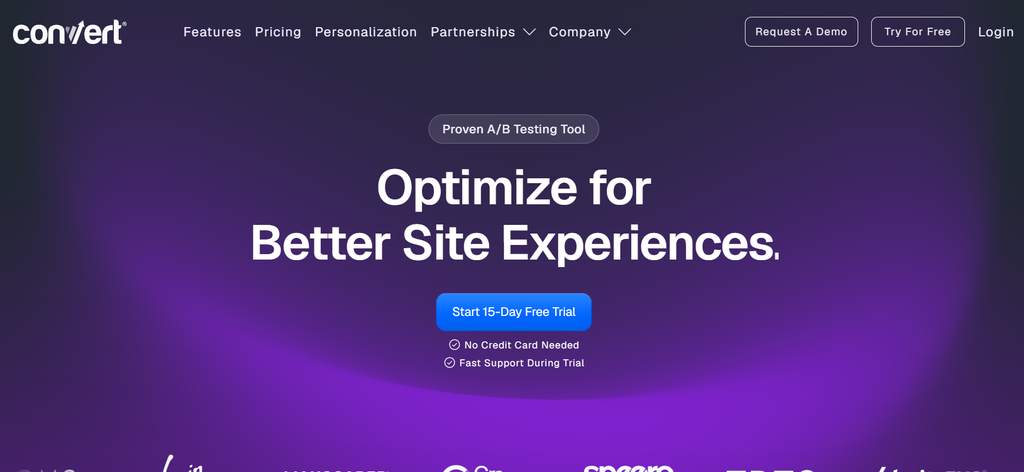
Best for: Privacy-conscious teams who want straightforward A/B testing with strong targeting at a published price.
Price: Growth $399/mo or $299/mo billed annually, and Pro $599/mo or $420/mo billed annually, each with 100K tested users a month (Convert pricing).
What you give it: A snippet on your site and your test and targeting rules.
Free option: A 15-day free trial with no credit card.
Convert is an experimentation platform with a 40+ filter targeting engine on every plan, according to its pricing page. You can target tests by traffic source, location, device and on-page behavior, which covers most campaign-based personalization. Some behavior-based targeting is an add-on on the Growth and Pro plans.
The published pricing is the selling point. You know what you will pay before a sales call, which is rare in this category. For SaaS teams that want to prove personalization works before buying a dedicated platform, it is a sensible first step.
Skip it if: You want AI-generated variants or account-level personalization. Convert is a testing tool first.
Step 6: Personalize the conversation
The last step is the conversation itself. Instead of a static page, the visitor gets a response shaped by who they are.
11. Qualified
Best for: Sales-led SaaS companies that want an AI SDR to engage, qualify and book meetings with website visitors.
Price: Custom. Premier, Enterprise and Ultimate plans are all “contact us” (Qualified pricing).
What you give it: Your Salesforce instance, your website and your qualification rules.
Free option: No.
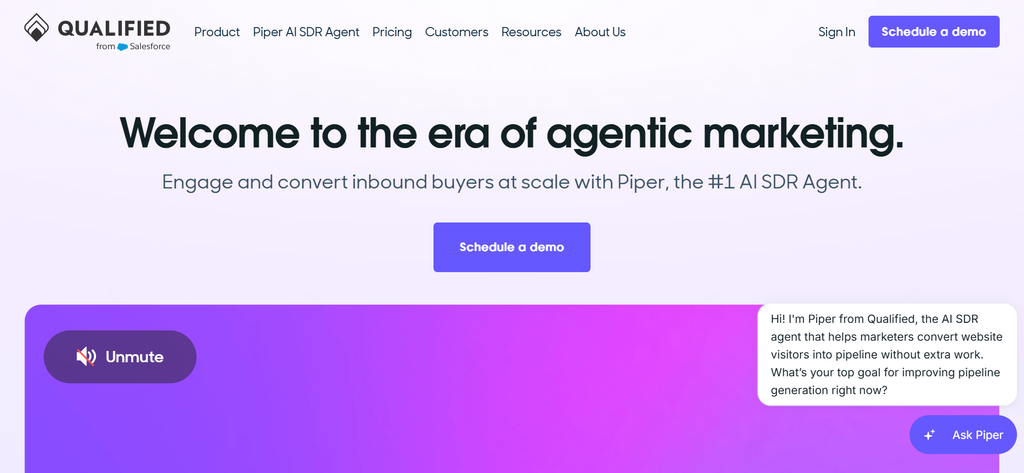
Qualified runs Piper, an AI SDR agent that meets buyers in real time on your website. Piper holds text, voice and video conversations, books meetings and handles email follow-up, according to Qualified. The Premier plan covers 250K monthly web sessions.
This is personalization at its most direct. The agent knows which account is on the page and can answer questions about their use case instead of pointing them to a generic form. As we covered in AI has entered the buying committee, buyers increasingly expect that kind of instant, specific answer.
Skip it if: Your sales motion is self-serve, or you do not run Salesforce.
The free tier reality
Website personalization is mostly a paid category. Here is what you can actually do for free.
Actually usable free: Mutiny’s free plan for target account pages.
Free enough to evaluate: Wingify’s 30-day trial and Convert’s 15-day trial let you run real tests before you pay.
Included in what you may already pay for: Smart content on HubSpot Content Hub Professional.
Sales-led only: Warmly, Userled, Markettailor, Optimizely and Qualified.
The cheapest serious setup for a HubSpot shop is Content Hub Professional. For a Webflow shop, it is Webflow Optimize. Everyone else should start with Convert to prove personalization works before committing to a five-figure platform.
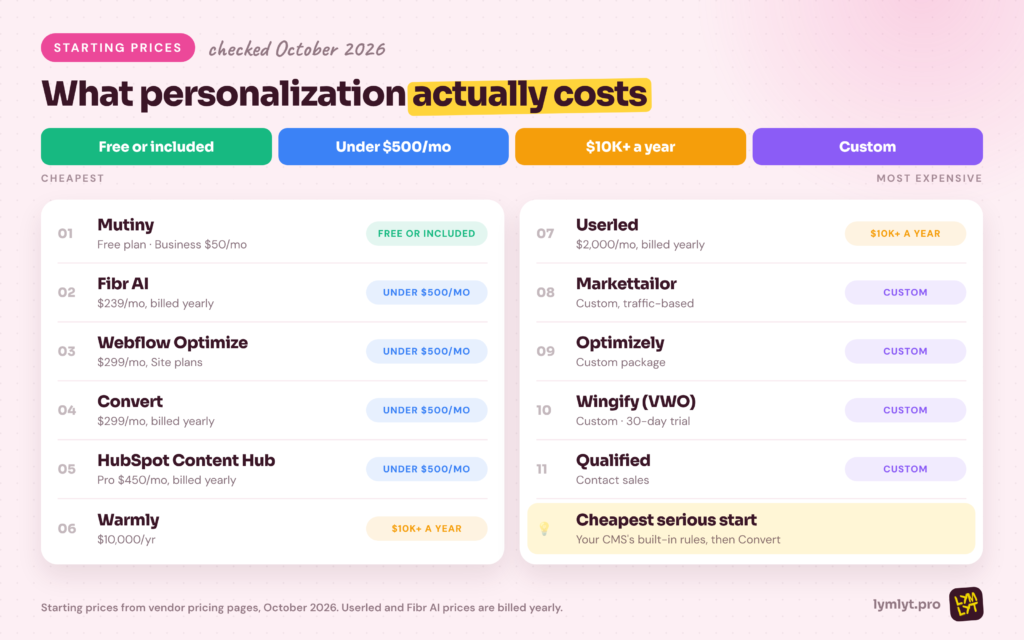
A 30-day personalization rollout
You do not need to personalize everything at once. Here is a rollout a small team can run in a month.
Week 1: Identify. Turn on visitor identification with Warmly, or use the company data already in your CRM. List your top three segments by traffic and pipeline value.
Week 2: Pick one page. Choose your homepage or highest-traffic landing page. Write one headline, one proof block and one CTA per segment.
Week 3: Launch with a control. Ship the personalized versions with a holdout group in Convert, Wingify, Optimizely or your CMS.
Week 4: Read and expand. Keep what beat the control, kill what did not, and add the next segment or your target account pages.
If the results are flat, the issue is usually the message, not the tool. Our B2B SaaS landing page writing service exists for exactly that problem.
How to choose
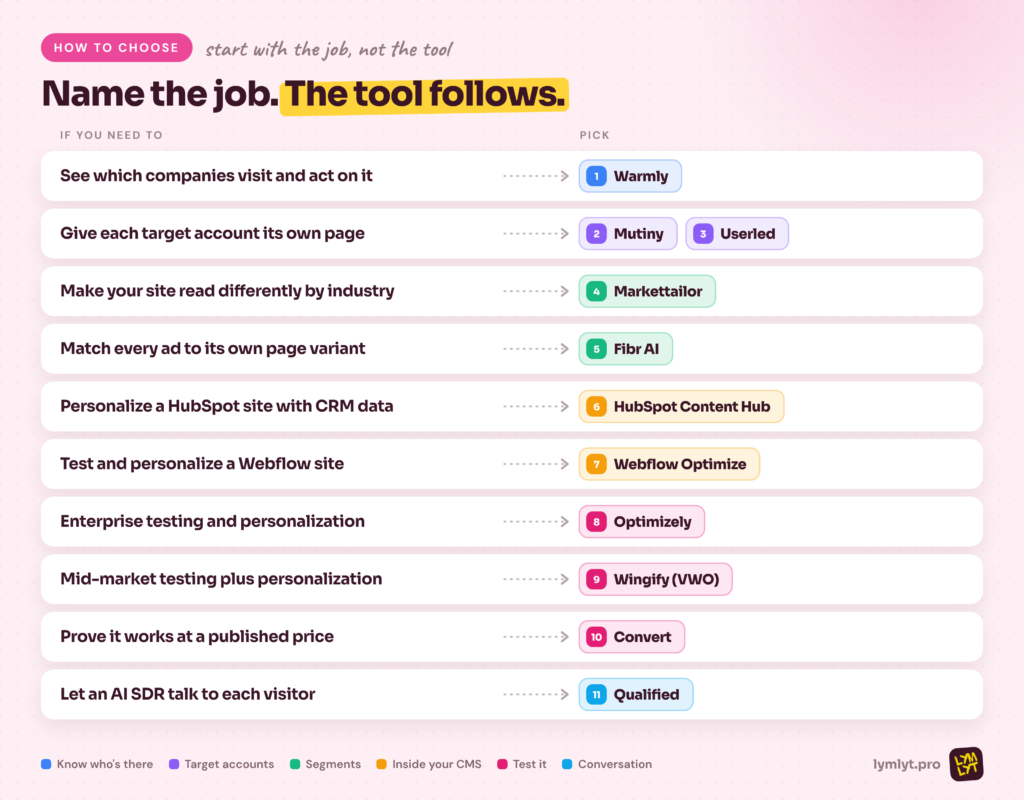
- See which companies visit and act on it: Warmly
- Give each target account its own page: Mutiny, Userled
- Make your site read differently by industry or size: Markettailor
- Match every ad to its own page variant: Fibr AI
- Personalize a HubSpot site with CRM data: HubSpot Content Hub
- Test and personalize a Webflow site: Webflow Optimize
- Run enterprise-grade testing and personalization: Optimizely
- Mid-market testing plus rules-based personalization: Wingify (VWO)
- Prove personalization works at a published price: Convert
- Let an AI SDR talk to each visitor: Qualified
The bottom line
The best website personalization tools do not start with technology. They start with a clear answer to “who are we personalizing for, and what should they see?” Get that right on one page, prove it beats the control, then expand.
For most SaaS teams, the right first move is boring: identify visitors, pick your top segment and personalize one high-traffic page with a holdout. Buy the bigger platform only once that works. Before you do any of it, make sure you know your segments well. Our breakdown of the buyer persona is a good place to start.
If you want help writing the segment-specific pages and proof that make personalization worth it.

Jay is the co-founder of LymLyt and an AI partnership consultant helping B2B SaaS companies grow through content strategy, SEO, and AI integration. He writes about content marketing, what makes B2B content convert, and how SaaS teams can build content systems that drive real pipeline.