10 Best Landing Page Builders for B2B SaaS in 2026
Landing page builders for B2B SaaS get sold on speed and templates. The number that actually decides your bill is almost never on the homepage: a visitor cap you’ll blow through the moment a campaign works, an A/B testing feature locked two tiers above the entry price, or a per-seat fee that only shows up once your team grows past one person.
This guide covers ten landing page builders worth evaluating in 2026, what each one actually costs once a campaign is running at real volume, and which team it genuinely fits. We’ve already covered full site builders and white-label options elsewhere; this guide is specifically about dedicated, campaign-focused landing page tools, not your whole site.
What to check before you pick one
Every tool on this list makes a real tradeoff. Get clear on three things before you connect a paid campaign to any of them.
- Visitor caps versus unlimited traffic. Several tools here meter monthly visitors and charge overage or force an upgrade once you cross the line. A campaign that suddenly works is exactly when you don’t want a traffic ceiling.
- A/B testing tier, not just the entry price. On more than one tool in this category, the headline price doesn’t include split testing. Price out the tier where you can actually run an experiment, not the cheapest number on the page.
- Page builder versus full conversion platform. A few tools here only build pages. Others bundle popups, quizzes, and personalization into the same platform. Paying for a full conversion suite when you only need pages is wasted spend, and the reverse is worse: hitting a wall mid-campaign because the tool never did more than pages.
The 10 best landing page builders for B2B SaaS
1. Unbounce
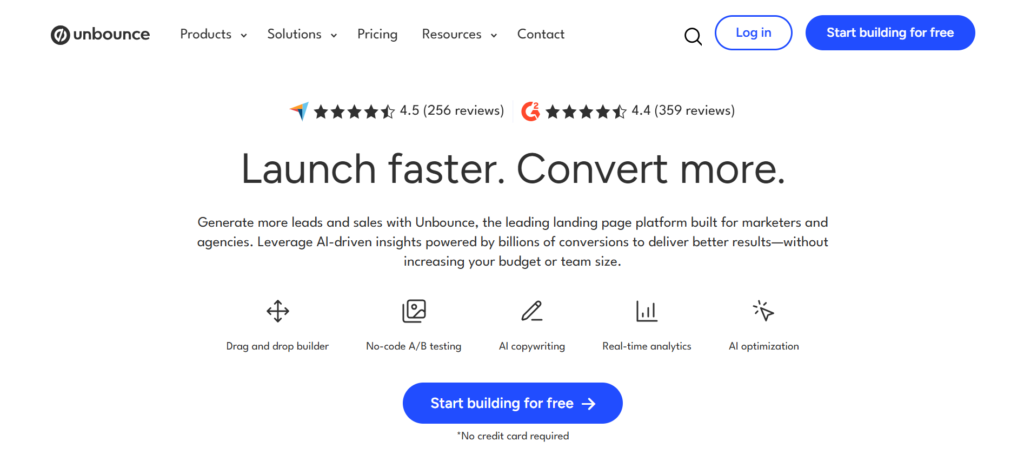
Unbounce built its reputation on Smart Traffic, AI that routes each visitor to the page variant most likely to convert them, trained on conversion data across its customer base. That’s a genuinely strong feature for high-volume paid teams. The pricing is built around getting you to it, which trips up smaller teams: A/B testing doesn’t ship on the entry tier, and every plan caps monthly visitors.
- Smart Traffic AI automatically routes visitors to the best-converting page variant, a real differentiator at volume
- Unlimited landing pages, popups, and sticky bars even on the entry tier
- A/B testing sits behind the second tier, not the entry price most people quote
- Every plan meters monthly visitors, with overage charges once you exceed the cap
Price: Confirmed on Unbounce’s official pricing page, billed annually: Starter runs $22 a month ($29 billed monthly), capped around 500 visitors. Build runs $74 a month ($99 monthly), with unlimited pages but no A/B testing. Experiment runs $112 a month ($149 monthly) and unlocks A/B testing. Optimize, which adds Smart Traffic AI, runs $187 a month ($249 monthly). All plans include unlimited conversions, unlimited subdomains, and 100+ templates. Agency pricing is custom.
Best for: High-volume paid teams that want proven AI traffic routing and are willing to pay for it.
Skip it if: You need A/B testing at the entry price point, or your traffic is unpredictable enough that a visitor cap is a real risk.
2. Instapage
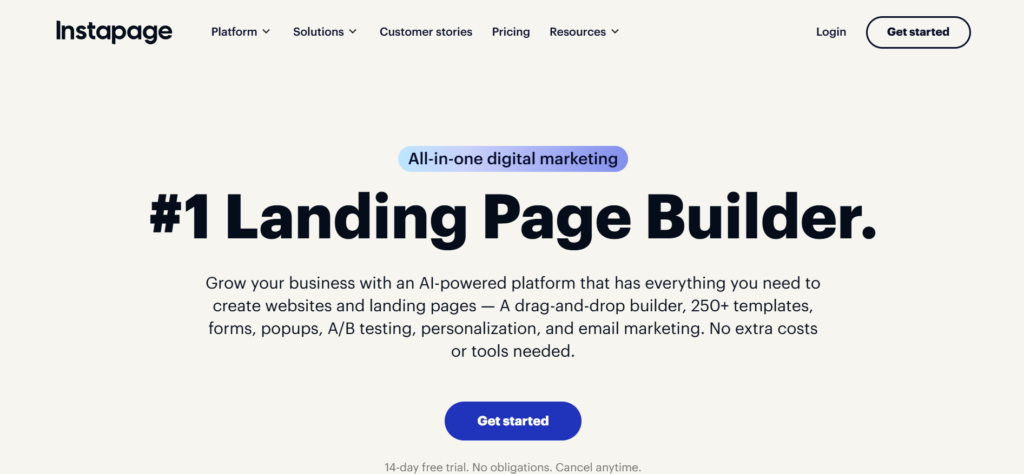
Instapage is the enterprise-positioned option in this category, built for large-scale ad personalization: matching specific ad campaigns to specific page variants at a 1:1 level most competitors don’t attempt. Pricing sits at the premium end, and moving past the entry tier for advanced personalization or global blocks typically requires a sales conversation rather than a self-serve upgrade.
- 1:1 ad-to-page personalization at a depth most competitors don’t offer
- AdMap and heatmap tooling built specifically for paid campaign optimization
- Both entry tiers (Create and Optimize) are self-serve; only the top Convert tier requires a demo
- All plans include unlimited pages, conversions, and contacts, so pricing scales by visitor volume, not feature access
Price: Confirmed on Instapage’s official pricing page, billed annually: Create runs $79 a month for 15,000 unique monthly visitors. Optimize runs $159 a month, with a visitor allowance selectable from 30,000 up to 50,000 or custom. Convert is custom priced and requires a demo. All plans include unlimited pages, conversions, and contacts.
Best for: Larger paid-media teams running personalized ad-to-page campaigns at real scale, where the personalization depth justifies the price and the sales process.
Skip it if: You’re a small team without a dedicated paid media function. The personalization depth here is wasted on a handful of static campaigns.
3. Leadpages
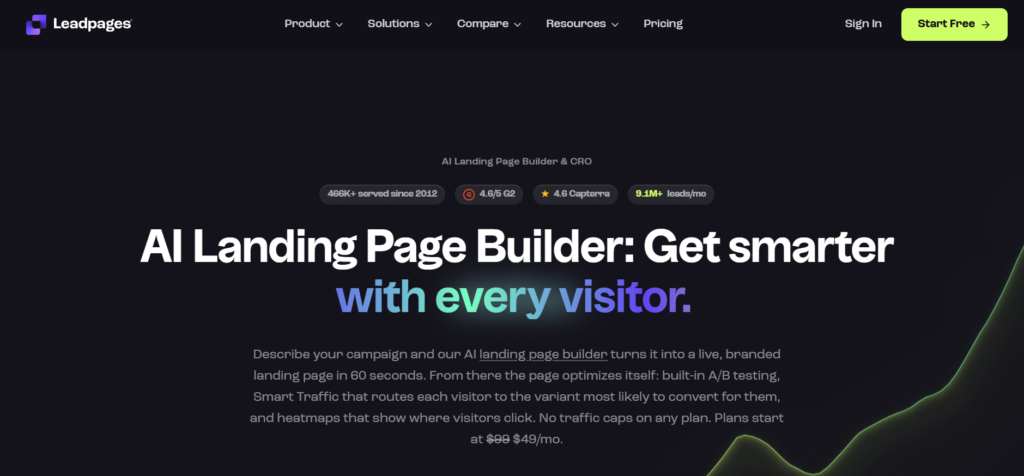
Leadpages now runs two distinct product lines under one roof, worth understanding before you price it out. “Publish” is the simpler HTML page builder (Pro and Business tiers), while “Optimize” is the CRO-focused product with A/B testing, heatmaps, and Smart Traffic-style AI routing. Both remove visitor caps entirely, still the boldest pricing move in this category, and a genuine differentiator against Unbounce and Instapage.
- No visitor caps on any plan across either product line, still the standout differentiator here
- Publish (Pro/Business) is the simpler, cheaper option if you just need pages live fast without CRO tooling
- Optimize (Grow/Optimize) adds A/B testing, heatmaps, and AI traffic routing, at a meaningfully higher price
- Heavy first-month promotional pricing is standard on the Optimize line; the regular renewal rate is roughly double the promo price shown at checkout
Price: Publish: Pro runs $29 a month, Business runs $49 a month, billed monthly. Optimize: Grow runs $88 a month regular price (commonly promoted at $49 for the first month), Optimize runs $199 a month regular price (commonly promoted at $99 for the first month). Confirm which product line and which renewal rate applies before committing, since the promotional price is not the ongoing cost.
Best for: Teams running enough paid volume that a visitor cap is a real risk, and who know upfront whether they need Publish’s simplicity or Optimize’s CRO tooling.
Skip it if: You need deep ad-to-page personalization or enterprise-grade CRM attribution. Leadpages optimizes for simplicity over depth, on either product line.
4. Landingi
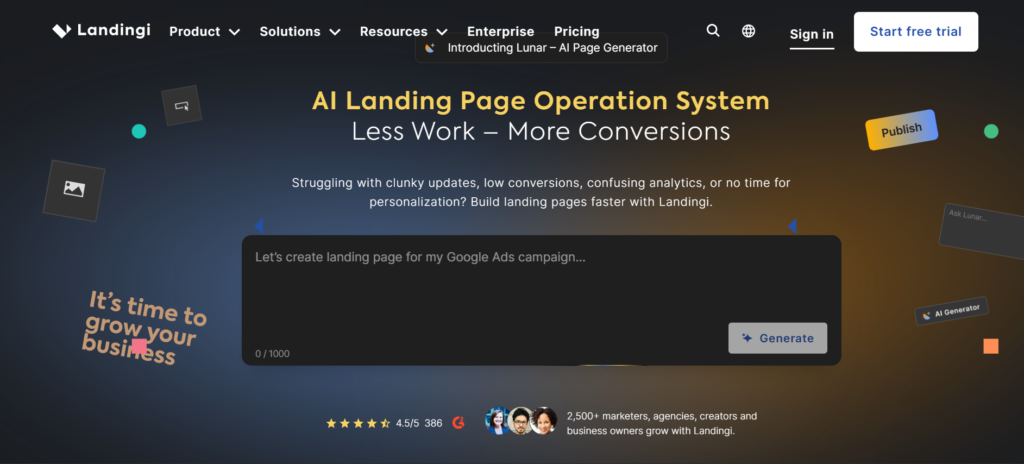
Landingi positions itself as the value play against Unbounce, with a lower entry price and features like EventTracker and Smart Sections aimed specifically at agencies running many client campaigns at once. It’s a frequent pick in head-to-head comparisons specifically because it matches most of what Unbounce and Instapage offer at a noticeably lower price point.
- Consistently the lowest entry price among the established players, without feeling like a stripped-down product
- Smart Sections and subaccount structure built for agencies managing multiple client campaigns
- AI page generation (Composer AI) bundled into the platform, not sold as an add-on
- Visitor caps still apply on lower tiers, the same tradeoff as Unbounce and Instapage
Price: Confirmed on Landingi’s official pricing page, billed annually: Build runs $24 a month (10 active pages, 2,000 visits). Optimize runs $119 a month (100 pages, 30,000 visits). Scale runs $229 a month (unlimited pages, 100,000 visits). Enterprise starts from $1,199 a month (unlimited pages, 1M+ visits). A 14-day free trial is available; there’s no permanent free plan.
Best for: Agencies and budget-conscious teams that want Unbounce-level features without Unbounce-level pricing.
Skip it if: You need Unbounce’s specific Smart Traffic AI or Instapage’s ad personalization depth. Landingi’s AI focuses on page generation, not traffic routing.
5. Swipe Pages
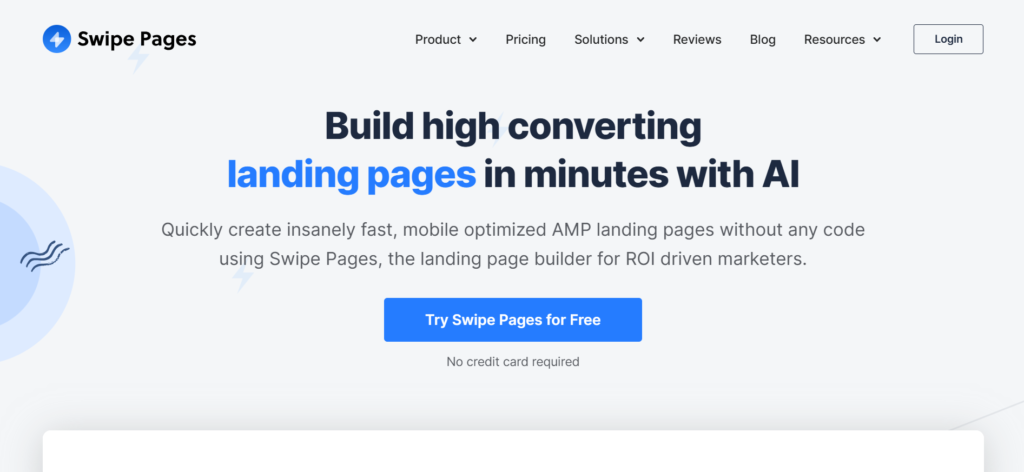
Swipe Pages specializes in mobile-first landing pages with AMP (Accelerated Mobile Pages) support, which measurably speeds up load times on mobile devices, a real factor in paid ad Quality Scores and conversion rates. It’s a narrower tool than Unbounce or Landingi, and that focus is the whole point.
- AMP support delivers near-instant mobile load times, a genuine edge for mobile-heavy paid campaigns
- Swipe Genie AI page generation bundled into the platform
- A/B testing sits on the middle tier, not the entry plan
- Narrower feature set than full conversion platforms like ConvertFlow; this tool builds pages, not funnels
Price: Confirmed on Swipe Pages’ official pricing page, billed annually: Startup runs $29 a month. Marketer, which adds A/B testing and is the most popular tier, runs $69 a month. Agency, with client management features, runs $149 a month.
Best for: Teams running mobile-heavy paid campaigns where page speed measurably affects Quality Score and conversion rate.
Skip it if: Your traffic is primarily desktop, or you need deeper personalization than a fast-loading page provides on its own.
6. HubSpot Landing Pages
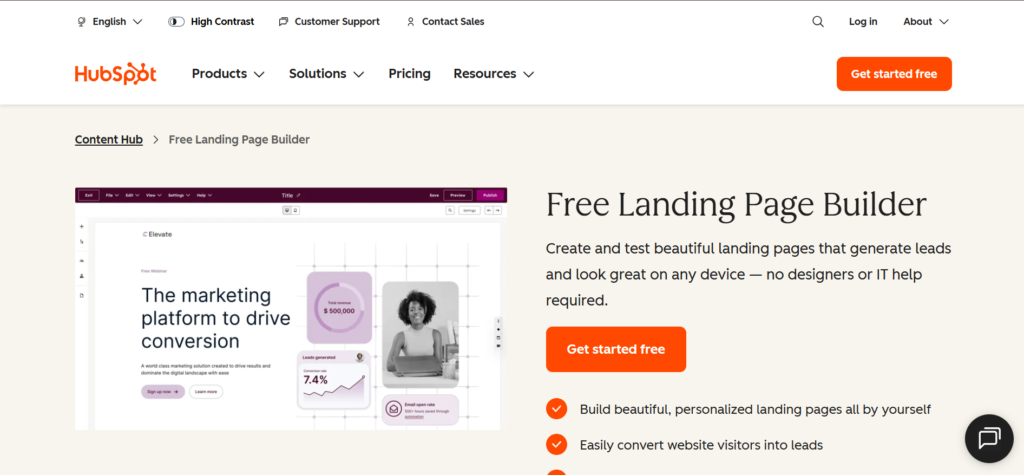
HubSpot’s landing page builder isn’t sold as a standalone product. It ships inside Marketing Hub, which matters specifically if you’re already running HubSpot CRM, since landing page data flows directly into the same contact records and pipeline reporting without a separate integration.
- Landing page submissions flow directly into HubSpot CRM records, no Zapier or webhook required
- Free tier exists but carries HubSpot branding and caps at a small number of pages
- Full landing page features, including A/B testing and advanced personalization, require the Professional tier
- Not worth adopting for the landing page builder alone; the value is entirely in the CRM integration
Price: Free tier available with branding and limited pages. Content Hub Starter runs around $9 a user a month for basic use without branding. Marketing Hub Starter runs around $15 to $20 a month. Full landing page features require Professional, which runs from roughly $450 to $890 a month depending on the source and current promotions, confirm directly before budgeting.
Best for: Teams already running HubSpot CRM who want landing page data flowing into the same system without a separate integration.
Skip it if: You’re not already on HubSpot. Adopting Marketing Hub Professional just for its landing page builder is a large commitment for one feature.
7. ConvertFlow
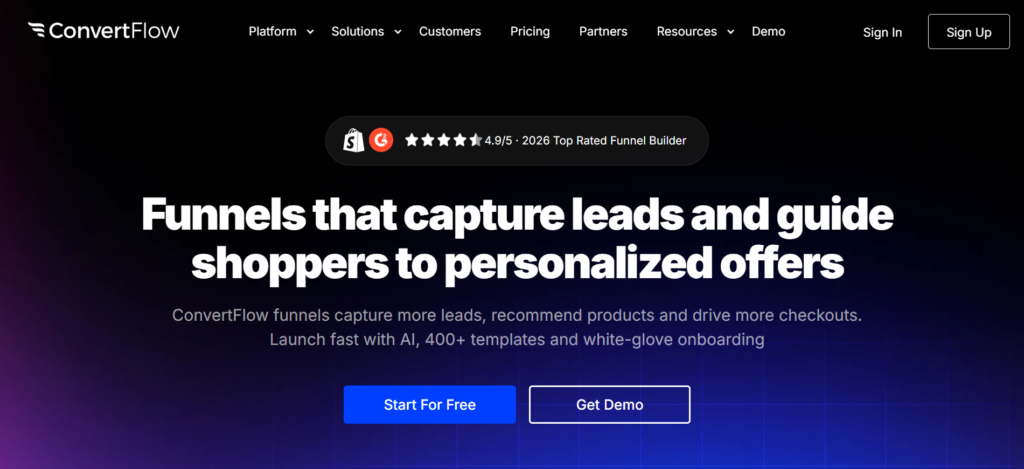
ConvertFlow goes further than a pure landing page builder, bundling popups, quizzes, and multi-step funnels with conditional logic into the same platform. That makes it a genuinely different tool from Unbounce or Leadpages: the pitch is replacing three or four separate point tools with one, not just building faster pages. Pricing here is driven by monthly funnel views rather than a flat seat or page count, confirmed directly on ConvertFlow’s official pricing page.
- Popups, quizzes, and multi-step funnels with conditional logic, not just static landing pages
- Personalization and progressive profiling built in, useful for qualifying leads before they reach sales
- Pricing scales by monthly funnel views (10k on the entry tier up to 1M on the top tier), not by seats or pages
- AI-powered A/B testing and conditional logic are gated to the Pro tier and above, a real jump from the entry price
Price: Confirmed on ConvertFlow’s official pricing page: Personal runs $25 a month and up (AI funnel playbooks, up to 10,000 monthly funnel views). Prime runs $83 a month and up (400+ templates, no “powered by” branding, up to 30,000 views). Pro runs $250 a month and up, the recommended tier (AI-powered A/B testing, conditional logic and integrations, up to 100,000 views). Plus runs $833 a month and up (full-funnel experimentation managed by ConvertFlow’s team, up to 1M views).
Best for: Teams that want landing pages, popups, and qualification funnels in one platform instead of stitching together three separate tools.
Skip it if: You only need static landing pages, or your traffic volume would push you into the $250-plus Pro tier just to get A/B testing. Simpler, cheaper tools on this list do that one job without the added complexity.
8. Carrd
Carrd is the simplest and cheapest tool on this list by a wide margin: single-page sites, built fast, with pricing measured in dollars per year rather than per month. It’s not built for conversion optimization, and it doesn’t pretend to be.
- The cheapest real option in this category, with paid tiers priced annually rather than monthly
- Fast to build and fast to load, genuinely useful for MVP validation or a simple lead capture page
- No A/B testing, no personalization, and no CRM-native integrations; this is a page builder, not a conversion platform
- Free tier supports up to 3 sites, enough to test the workflow before paying anything
Price: Free for up to 3 sites with Carrd branding. Pro Lite runs about $9 a year, Pro Standard about $19 a year (custom domains, forms), and Pro Plus about $49 a year.
Best for: Solo founders and early-stage teams that need a fast, cheap page to validate an idea or capture leads, not run an optimization program.
Skip it if: Conversion optimization, A/B testing, or CRM integration matter to your campaign. Carrd is intentionally minimal.
9. Umso (formerly Landen)
Umso rebranded from Landen but kept the same positioning: a website and landing page builder purpose-built for startups, sitting between Carrd’s simplicity and Webflow’s complexity. Pricing is per-site rather than a flat account fee, confirmed on Umso’s own pricing page, which matters if you’re planning to run more than one site under the account.
- Free tier covers a homepage, blog, and Umso branding, genuinely usable to test the product, not a crippled trial
- Basic tier removes branding and adds a custom domain, still a meaningfully lower price than Webflow’s Basic
- Pro tier adds unlimited pages, custom forms, advanced analytics, and password protection
- Pricing is per site per month, so running multiple sites multiplies the bill rather than sharing one flat account fee
Price: Confirmed on Umso’s official pricing page, billed monthly: Free runs $0 (homepage only, blog, Umso branding). Basic runs $7 a site per month (10 pages, no branding, custom domain). Pro runs $20 a site per month (unlimited pages, custom forms, advanced analytics, passwords).
Best for: Startup founders who want more than a single static page but don’t need Webflow’s design complexity or price, and are running one or two sites rather than many.
Skip it if: You need deep design customization, an established template ecosystem, or plan to run several sites under one account. Per-site pricing adds up fast past two or three properties.
10. Webflow
Webflow is primarily a full website builder, already covered in more depth in our AI website builders roundup, but it’s worth a mention here specifically because many B2B SaaS teams use it for landing pages within a larger site rather than adopting a separate dedicated tool. The tradeoff is real design control at the cost of a steeper learning curve than anything else on this list.
- Full design control at the CSS level, unmatched by any purpose-built landing page tool here
- CMS-backed pages support dynamic content that static landing page builders can’t replicate
- No landing-page-specific features like Smart Traffic or built-in A/B testing without a third-party integration
- Steepest learning curve on this list; this is a design tool first, a conversion tool second
Price: Confirmed on Webflow’s official pricing page, billed yearly (save up to 40%): Starter is free (2 static pages, limited CMS, 1GB bandwidth). Basic runs $15 a month (custom domain, 300 static pages, 10GB bandwidth). Premium runs $25 a month (adds Webflow CMS, 50GB bandwidth, code components). A separate Team platform plan exists at $2,500 a month for larger organizations needing workspace-level controls, requiring an annual contract.
Best for: Teams that already run their marketing site on Webflow and want landing pages living in the same system with full design control.
Skip it if: You want a dedicated conversion tool with built-in A/B testing and traffic optimization. Webflow requires third-party tools to match what Unbounce or Leadpages do natively.
How the 10 tools compare
| Tool | Traffic model | Best for | Starting price |
| Unbounce | Visitor-capped | AI-driven traffic optimization at volume | $22/mo (annual, Starter) |
| Instapage | Metered by visitors, self-serve to $159 | Ad-to-page personalization at scale | $79/mo (annual, Create) |
| Leadpages | Unlimited traffic | Real paid volume without a traffic ceiling | $29/mo (Publish) or $88/mo (Optimize) |
| Landingi | Visitor-capped | Agencies wanting Unbounce features for less | $24/mo (annual, Build) |
| Swipe Pages | Visitor-capped | Mobile-first, AMP-powered campaigns | $29/mo (annual, Startup) |
| HubSpot Landing Pages | Tied to Marketing Hub tier | Teams already on HubSpot CRM | Free (limited), Pro tier pricing varies by region |
| ConvertFlow | Monthly funnel views | Pages, popups, and funnels in one platform | $25/mo (Personal) |
| Carrd | N/A, static pages | Fast, cheap single-page validation | Free, paid from $9/yr |
| Umso | Per site per month | Startups wanting more than a single page | Free, Basic $7/site/mo |
| Webflow | N/A, hosting-based | Full design control within a larger site | Free, Basic $15/mo (annual) |
Which one should you actually pick
Start with your traffic pattern, not the homepage price. If you’re running paid campaigns at real, growing volume, a visitor cap is the single biggest risk on this list, which makes Leadpages’ uncapped model worth a look even at a higher headline price than Unbounce’s cheapest tier. If your volume is modest and predictable, Unbounce, Landingi, or Swipe Pages all work fine within their caps, and the choice comes down to whether Smart Traffic, agency features, or mobile speed matters most to you specifically.
If you’re validating an idea before a real campaign exists, Carrd or Umso cost next to nothing and get a page live in an afternoon. If you’re already inside HubSpot or building your whole site in Webflow, the landing page tool that lives inside that system usually beats adding a fourth vendor, even if it’s not the most feature-rich option on this list in isolation. And if popups, quizzes, and lead qualification logic matter as much as the page itself, ConvertFlow is solving a different, broader problem than the rest of this list.
Whatever you land on, the page is only half the job. Our elements of a high-converting landing page guide and landing page versus homepage breakdown cover what actually needs to be on the page once you’ve picked the tool to build it in.
The tool doesn’t write the page for you
Every builder on this list makes it fast to ship a page. None of them decide what the page should say, or whether it’s actually solving the reader’s problem instead of just looking polished. Our best AI writing tools for B2B SaaS roundup covers what can help draft the copy, our content brief process keeps that copy aligned with what the campaign actually needs before anyone opens a builder, and SaaS content marketing metrics that actually matter covers how to tell whether the page is actually converting once it’s live.
Want a second opinion on your current landing page stack before you commit to a new tool? Book a call with us and we will walk through what is actually worth fixing first.

Jay is the co-founder of LymLyt and an AI partnership consultant helping B2B SaaS companies grow through content strategy, SEO, and AI integration. He writes about content marketing, what makes B2B content convert, and how SaaS teams can build content systems that drive real pipeline.