
Best AI Content Repurposing Tools for B2B SaaS in 2026
Your best webinar is sitting on your website as one gated recording, watched by a handful of registrants. Inside it there is a short video, a dozen quotable insights and a month of social captions that nobody ever pulls out. AI content repurposing tools exist to pull them out.
The gap is real. HubSpot’s 2026 State of Marketing report names short-form video as both the most-used format and the one with the highest reported ROI, yet most SaaS teams still pour their production effort into long-form assets and leave distribution as an afterthought.
The tooling is now mature enough to be a real buying decision. This guide maps each repurposing job to the tool built for it. Pricing was checked against each vendor’s pricing page in October 2026.
What B2B SaaS marketers should look for
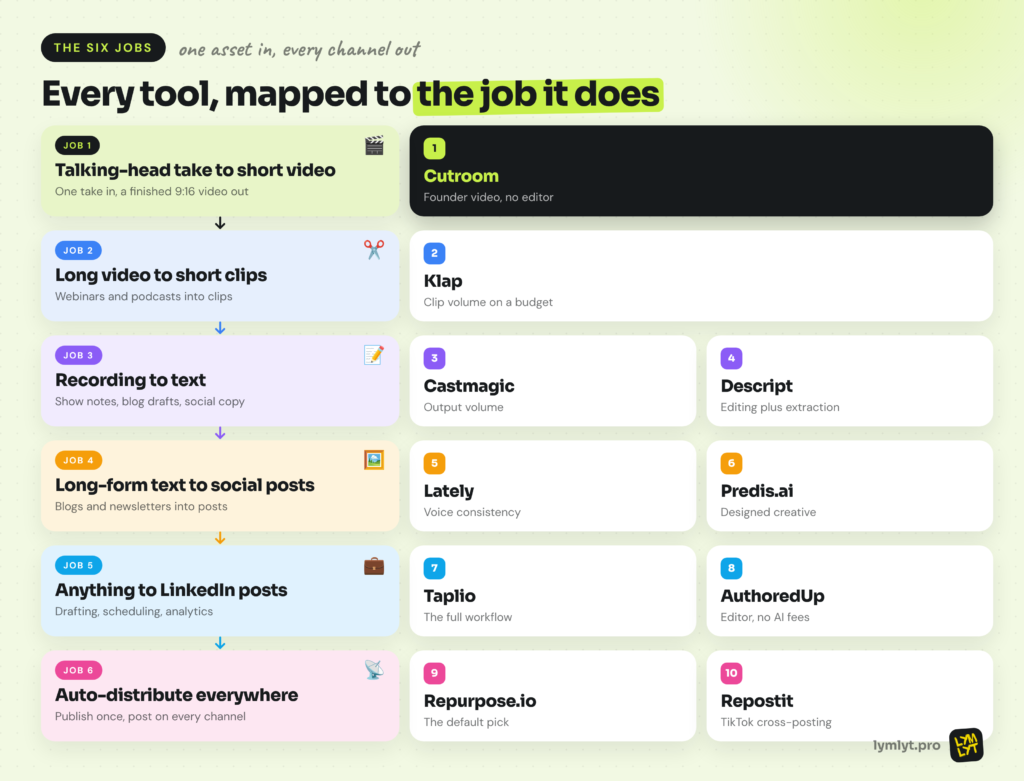
Start with the job, not the tool. Most teams fall into one of these:
- Founder or exec video without an editor. You want to record a two-minute take on your latest post and get a finished short-form video back.
- A webinar or podcast into a month of content. You need clips, show notes, a blog draft and social posts from one recording.
- A consistent founder LinkedIn presence. You need drafting, scheduling and analytics in one place, ideally planned against a social media calendar.
- One blog post into a week of social content. Captions alone are not enough. You want designed posts too.
- One clip on every channel, automatically. You want to publish once and let the system cross-post.
Whatever the job, check that the tool plugs into your stack. Integrations, webhooks and APIs matter if you already run n8n or one of its alternatives, Make or one of the bigger marketing automation platforms.
Disclosure: LymLyt earns a commission if you sign up for Cutroom through our link.
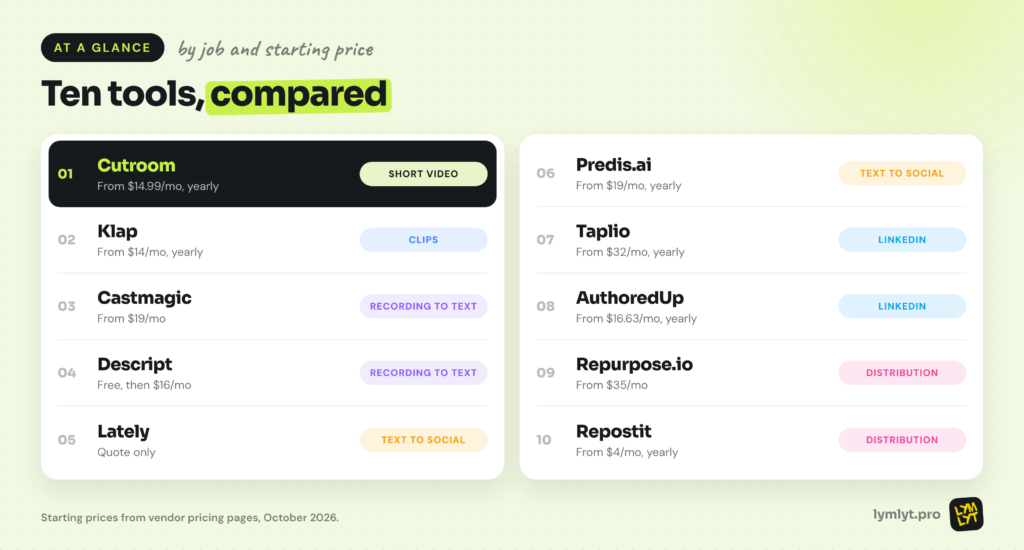
The 10 tools at a glance
| Tool | Job | Best for | Price | Free option |
|---|---|---|---|---|
| Cutroom | Talking-head take into finished short video | Founder video without an editor | From $19.99/mo, or $14.99/mo billed yearly | First video free, no card, watermarked |
| Klap | Long video or audio into short clips | Clip volume on a budget | Basic $14, Pro $39, Pro+ $94 (annual billing) | No |
| Castmagic | Recording into text outputs | Show notes and social copy from one recording | Hobby $19, Starter $48, Team $139, Business $699+ | No permanent free tier |
| Descript | Recording into text, with editing | Teams that also edit the source video | Hobbyist $16, Creator $24, Business $50 (annual) | Yes, 60 min/mo, watermarked |
| Lately | Long-form text into multi-platform posts | Blog and newsletter repurposing at volume | Not publicly listed, demo only | Trial only |
| Predis.ai | Long-form text into visual posts | Blog URL to designed creative | Core $19, Rise $40, Enterprise+ $212 (annual) | Free trial only |
| Taplio | Anything into LinkedIn posts | Drafting, scheduling and analytics for LinkedIn | Starter $32, Growth $49, Pro $149 (annual) | 7-day trial, full Pro access |
| AuthoredUp | Anything into LinkedIn posts | A LinkedIn editor without AI pricing | Individual $19.95/mo; Business $14.95/profile (3+ profiles) | Free trial, no card |
| Repurpose.io | Auto-distribute one asset | Set-and-forget cross-posting | Starter $35, Pro $79, Agency $179 | 14-day trial, 10 videos, no card |
| Repostit | Auto-distribute finished short-form video | Mirroring TikTok uploads to Reels, Shorts and Facebook Reels | Basic $4, Starter $10, Influencer $20, Agency $99 (annual) | 14-day trial, no card |
Job 1: Turn one talking-head take into a finished short video
The fastest repurposing move for most B2B SaaS teams is not clipping a webinar. It is getting a founder or subject-matter expert to record a two-minute take on a blog post, a customer insight or a hot take, then turning that into a polished vertical video. If you need video generated from scratch instead, our AI video generators roundup covers that job.
Cutroom: Best for founder and exec video
Best for: Founders, execs and marketing teams who want a finished short-form video from one spoken take, without opening an editor
Price: Lite $19.99/mo (1,250 credits, about 10 one-minute videos), Basic $39.99/mo (2,500 credits, about 20 videos, adds AI avatars and music), Premium $79.99/mo (5,000 credits, about 41 videos, adds animation and product shots), Enterprise custom. Annual billing gives three months free, which brings Lite to $14.99/mo (Cutroom)
What you give it: One talking-head take of up to three minutes, plus your own footage library if you have one
Learning curve: Under an hour
Free option: Your first video is free, with no card and seven days to make it. It carries a Cutroom mark.
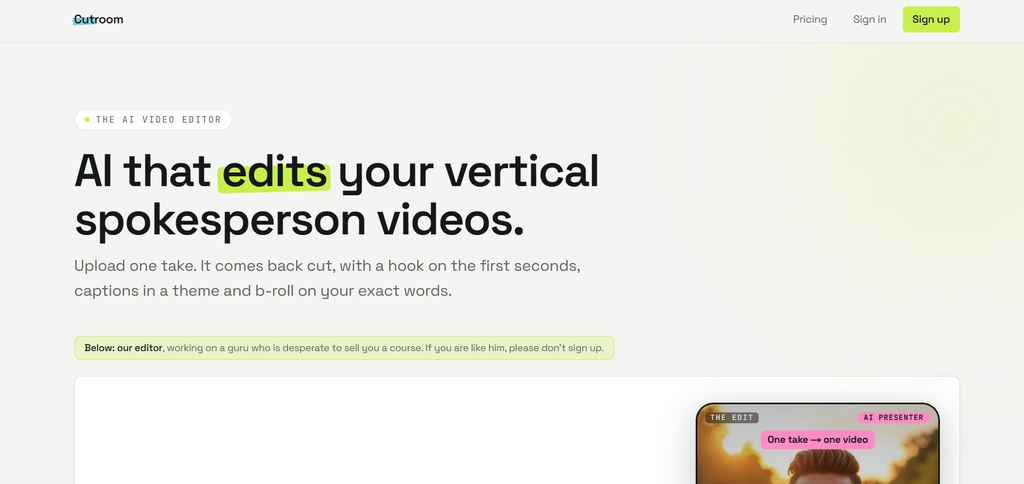
Cutroom describes its job in five words: one take in, a finished video out. You upload a single spoken take and get back a 9:16 MP4 in a few minutes. It writes a hook card for the opening seconds, times captions to every word, places b-roll on the exact words it illustrates and adds optional music and emoji. You pick one of four edit styles: Punch and Native tighten the pauses and cut the ums, while Straight cut and Flow keep the take exactly as you said it.
What makes it a repurposing tool rather than just an editor is the workflow. Publish a blog post, record a two-minute take on its main argument, and you have a LinkedIn and Shorts video the same afternoon. Edits happen in the transcript: delete a word or swap a clip and the cut rebuilds, with no timeline to learn. Your own footage library gets first pick for b-roll, with free stock filling the gaps.
Skip it if: You want to cut clips out of long webinars, podcasts or streams. Cutroom caps the source at three minutes, so pair it with Klap for that job.
Job 2: Turn long video or audio into short clips
Clipping is the most crowded category in repurposing. The tool reads a long recording, finds the strongest moments and cuts them into vertical clips.
Klap: Best for clip volume
Best for: Teams that want predictable clip volume without managing credits
Price: Basic $14/mo, Pro $39/mo and Pro+ $94/mo, billed annually. Monthly billing costs roughly double, and the exact figure is not published (Klap)
What you give it: A video or audio file, or a link
Learning curve: About an afternoon
Free option: None published
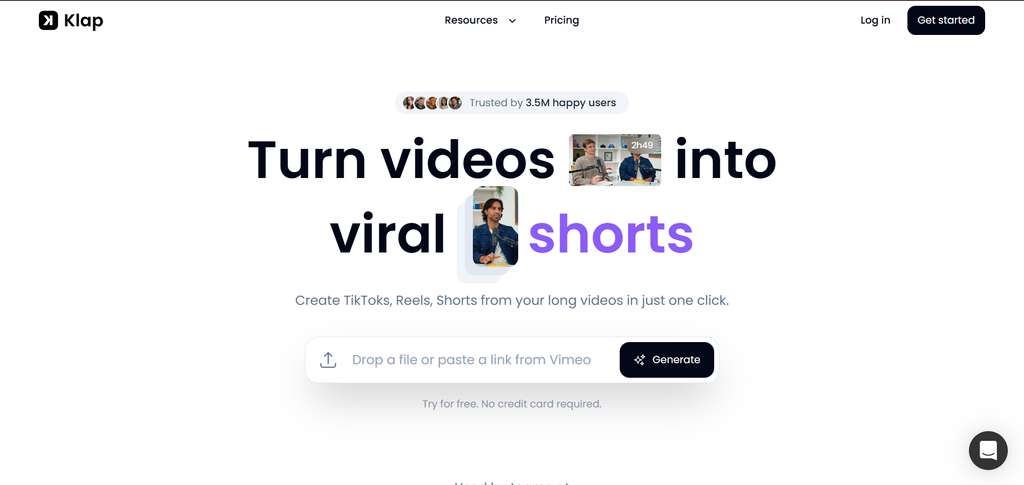
Klap keeps pricing simple. Every tier has the same features and differs only in how many clips you get each month, which is far easier to budget than a credit system. Social connections to TikTok, Instagram and LinkedIn are included at every tier, so clips can go straight out.
For a SaaS team with a weekly webinar or podcast, that predictability is the point. You know what a month of clips costs before you start. Third-party reports of a free trial are inconsistent, so plan on paying from day one.
Skip it if: You need AI b-roll, multi-seat collaboration or a native scheduler. None of these appear at any tier.
Job 3: Turn a recording into text
A single recording can become a blog draft, show notes, social copy and an email. These tools handle the transcription and the writing.
Castmagic – Best for output volume
Best for: Turning every recording into a full set of written assets
Price: Hobby $19/mo, Starter $48/mo, Team $139/mo and Business from $699/mo, at annual rates. Monthly billing costs more, and the monthly figure is not clearly published (Castmagic)
What you give it: Audio or video, a Zoom recording or an RSS feed
Learning curve: About a day
Free option: No permanent free tier, trial available
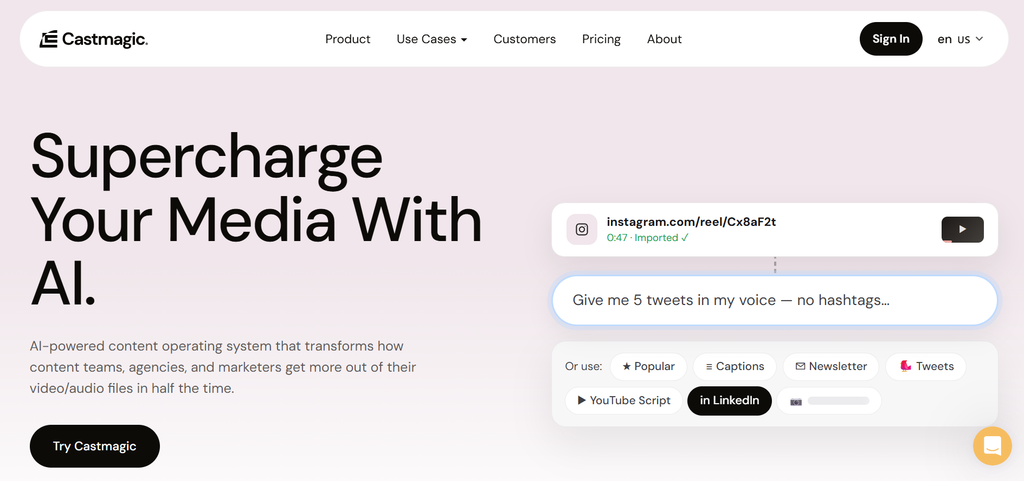
Castmagic includes unlimited AI generation and regeneration on every tier, so you pay for transcription hours, not per output. It supports 60+ languages, generates audiograms, and opens API access from the Starter plan.
That makes it the engine for a webinar-to-content workflow. One recording becomes show notes, a blog outline, LinkedIn posts and an email in one pass, and you can regenerate any of them until the angle is right. The headline prices are annual rates, so budget for more if you pay monthly.
Skip it if: You need to edit the source video. Castmagic never touches the original media.
Descript – Best for editing plus extraction
Best for: Teams that also need to cut and polish the source recording
Price: Free with 60 minutes a month; Hobbyist $16/mo, Creator $24/mo and Business $50/mo billed annually, roughly 30 to 35% more monthly; Enterprise custom (Descript)
What you give it: An audio or video file
Learning curve: Two to three days, since it is a full editor
Free option: Yes, 60 minutes a month with watermarked export
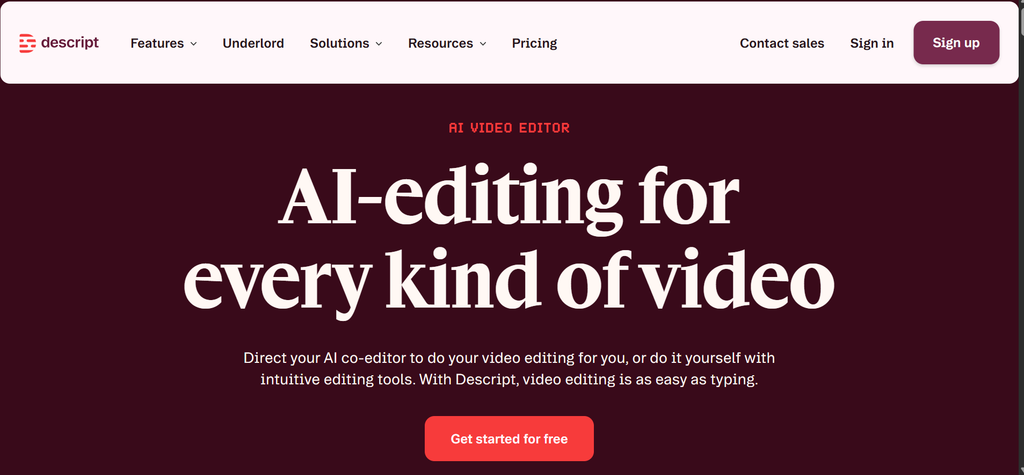
Descript is a text-based video editor. You edit the recording by editing its transcript, clean up the audio, and generate written outputs from the same project. That means one tool handles both the polish and the extraction.
The free tier is genuinely usable for testing the workflow. The trade-off is that you pay for editing power you may not need, and the lower tiers have tight limits on media hours.
Skip it if: You only need text output. Castmagic does that job without the editor.
Job 4: Turn long-form text into multi-platform social posts
Your blog posts and newsletter issues already contain weeks of social content. These tools turn written assets into posts and creative.
Lately.ai – Best for volume and voice consistency
Lately.ai: Best for volume and voice consistency
Best for: Repurposing blog and newsletter content into a steady social cadence
Price: Not publicly listed. There is no self-serve pricing table, and pricing requires a demo (Lately)
What you give it: A blog post, podcast transcript, video or newsletter
Learning curve: A few days to train the voice model
Free option: No permanent free tier, trial available
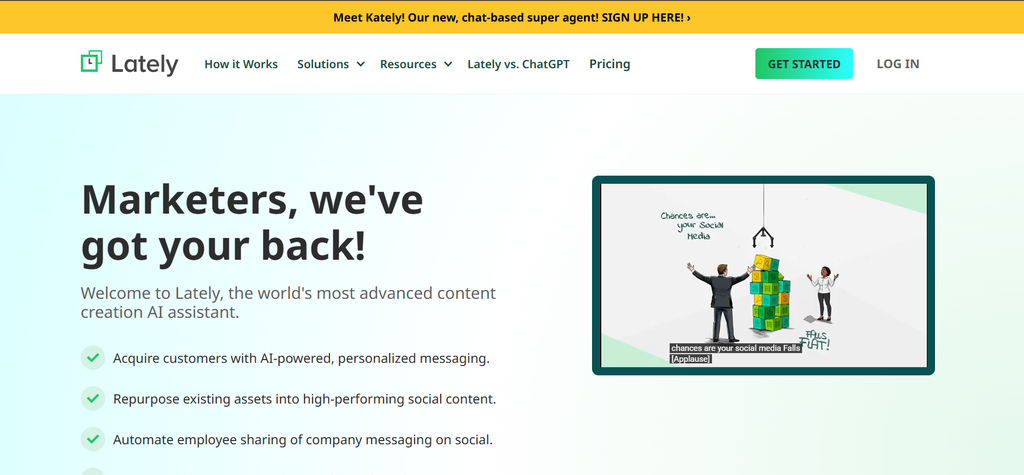
Lately trains a voice model on your existing content so its output sounds like your brand rather than generic AI copy. Feed it a blog post and it pulls out dozens of social posts in that voice, ready to schedule.
It used to list self-serve tiers, but those were removed by late August 2026, so it is now a demo-gated purchase. That suits teams with steady volume who want consistency more than a quick start.
Skip it if: You want a price today without booking a call.
Predis.ai – Best budget
Best for: Turning a blog URL into designed social creative, not just captions
Price: Core $19/mo ($230/yr), Rise $40/mo ($474/yr) and Enterprise+ $212/mo ($2,540/yr) billed annually, discounted from monthly prices of $32, $79 and $249 (Predis.ai)
What you give it: A blog URL, product URL or topic
Learning curve: About an afternoon
Free option: No permanent free tier, free trial available
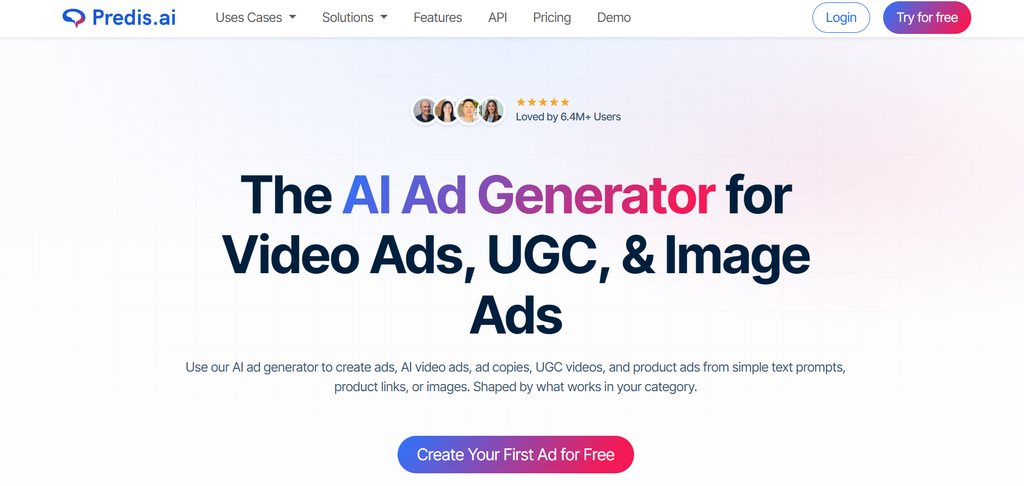
Predis.ai goes beyond text. Give it a page and it generates carousels, graphics and short videos, with competitor analysis included on every tier. If you also need standalone images, our AI image generators roundup covers that job.
Core’s credits cover roughly 86 images or 9 videos a month, so video-heavy teams will likely need Rise.
Skip it if: You want a trained brand voice. Predis is more of a design generator than a writer.
Job 5: Turn anything into LinkedIn posts
LinkedIn is one of the channels most B2B teams under-invest in, and it is where founder content earns the most. These tools focus on it.
Taplio – Best for the full workflow
Best for: Drafting, scheduling, engagement and analytics for LinkedIn in one place
Price: Starter $39/mo or $32/mo annual ($384/yr), Growth $69/mo or $49/mo annual ($588/yr), Pro $199/mo or $149/mo annual ($1,788/yr) (Taplio)
What you give it: Source content, competitor profiles or a topic
Learning curve: A few days
Free option: A 7-day trial with full Pro access and a 30-day money-back guarantee
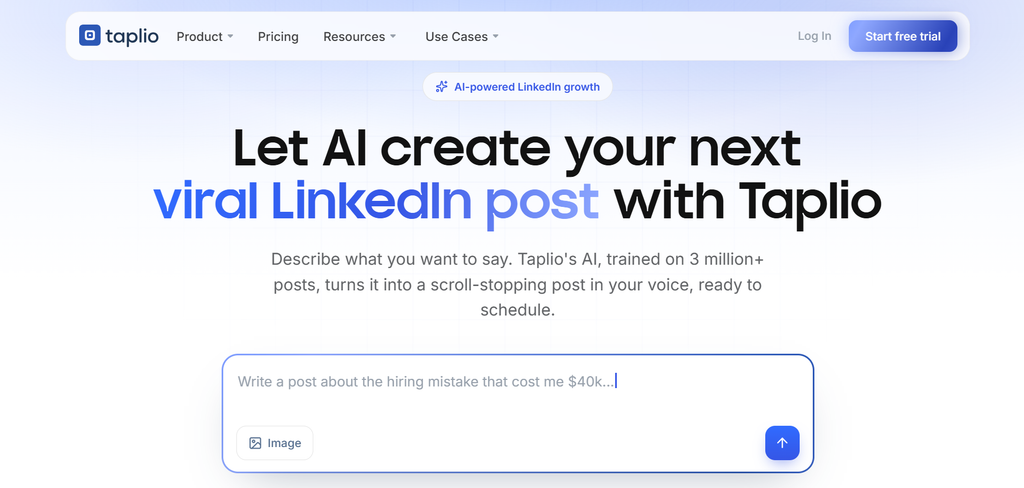
Taplio draws on benchmark data from tens of thousands of LinkedIn posts a month, so you can draft against what is performing now. Growth includes AI drafting, and Pro adds unlimited writing and automated outreach.
Note that Starter has no AI writing, so the real entry point for AI drafting is Growth. Pair it with a Cutroom video of the same idea and one insight becomes both a text post and a video post.
Skip it if: You only post occasionally.
AuthoredUp – Best budget
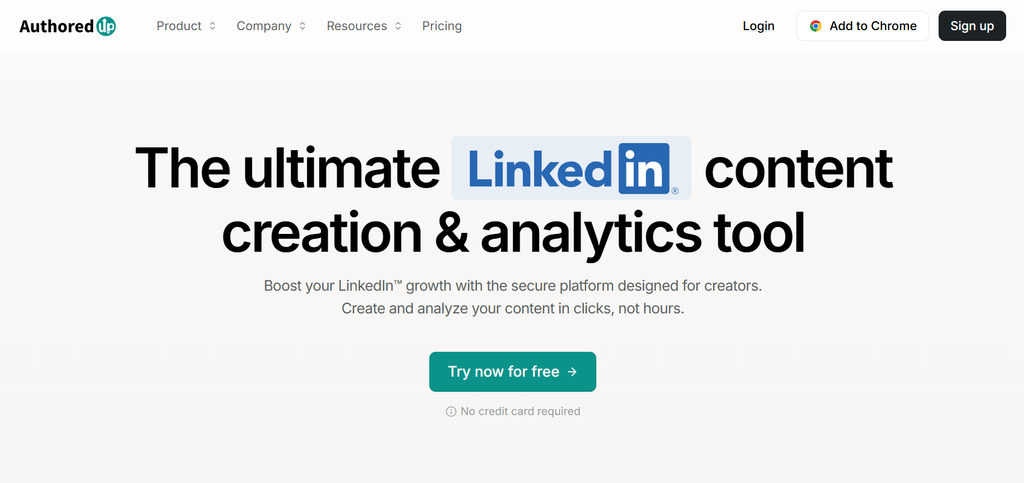
Best for: Founders and small teams who want a LinkedIn editor without paying for AI generation
Price: Individual $19.95/mo or $16.63/mo annual ($199.50/yr); Business $14.95 per profile a month for 3+ profiles, or $12.46 annual (AuthoredUp)
What you give it: Your draft, or one of 300+ built-in hooks and CTAs
Learning curve: About an afternoon
Free option: Free trial, no card required
AuthoredUp is a formatting, scheduling and analytics tool first. Its library of hooks and CTAs helps you start a draft, and its preview shows exactly how a post will look before you publish.
It does not generate posts from source material, which is what keeps it cheap. For a founder who writes their own posts and just wants them to land better, that is enough.
Skip it if: You need AI to generate posts from your source content.
Job 6: Auto-distribute one asset everywhere, on a schedule
Creating the content is only half the job. These tools republish it everywhere so nothing sits on one channel. If you would rather schedule each post by hand, see our social media scheduling tools roundup.
Repurpose.io – The default pick
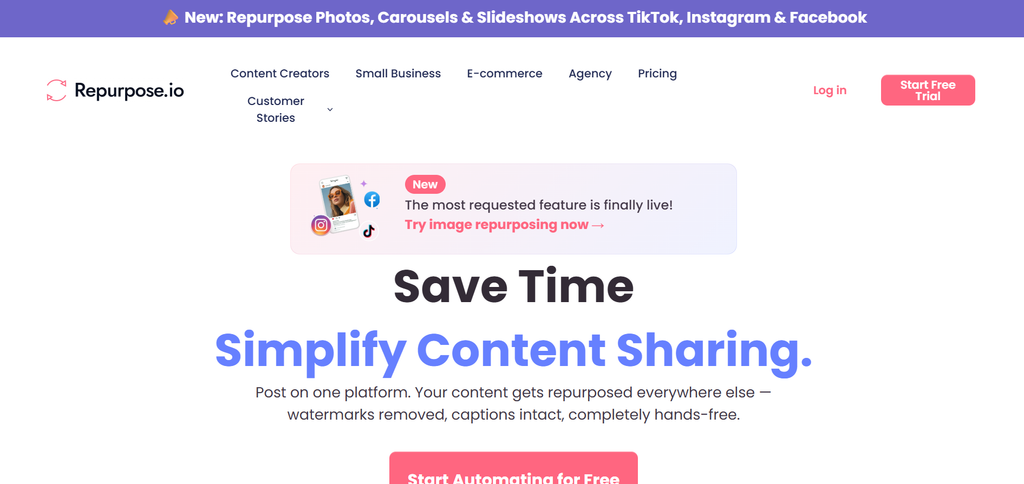
Best for: Automatically republishing videos or podcast episodes across channels once set up
Price: Starter $35/mo or $349/yr, Pro $79/mo or $790/yr, Agency $179/mo or $1,790/yr (Repurpose.io)
What you give it: An RSS feed, YouTube channel or watched folder, plus target platforms
Learning curve: A few hours for the first workflow
Free option: 14-day trial, 10 videos, no card
Repurpose.io is a distribution pipeline, not a generator, and it pairs naturally with Cutroom or Klap. Starter’s video cap is effectively unlimited for most teams. The real driver for upgrading is connected accounts per network: three on Starter, ten on Pro.
If you want more control, the same job can be built with n8n alternatives, Make or other broader workflow automation tools.
Skip it if: You need content generated, not just distributed.
Repostit – Finished-video distribution and cross-posting
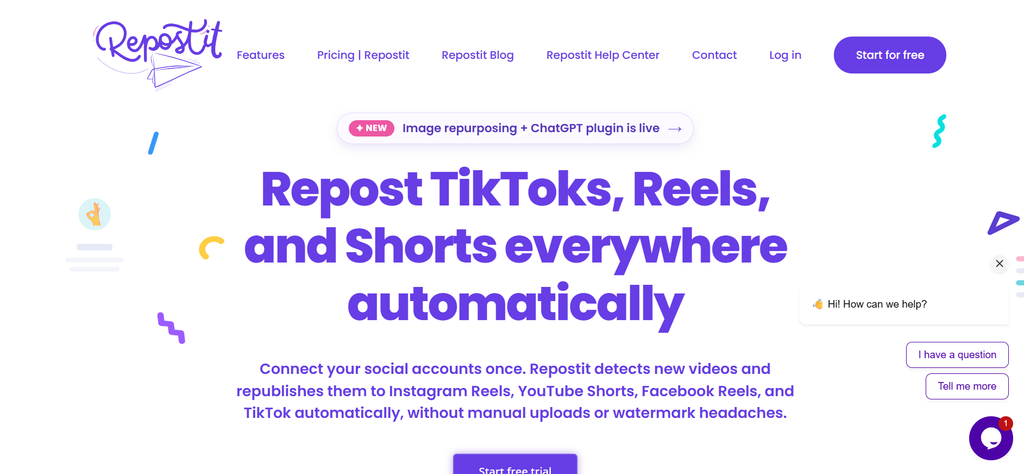
Best for: Creators and small teams cross-posting finished short-form video from TikTok
Price: Basic $5/mo or $4/mo annual, Starter $14/mo or $10/mo annual, Influencer $29/mo or $20/mo annual, Agency $149/mo or $99/mo annual (Repostit)
What you give it: A source account and destination accounts
Learning curve: About an hour
Free option: 14-day trial, no card
Repostit watches a source account for new videos and republishes them to Reels, Shorts and Facebook Reels. It does not generate, clip or edit anything.
Basic caps you at 10 posts, while higher tiers are unlimited. Upgrades are driven by account count: one per platform on Basic and Starter, five on Influencer and 30 on Agency. It is unrelated to a product called Repostify.
Skip it if: LinkedIn is your main channel, or your source is not short-form video.
Free tier reality
Actually usable free: Descript, with 60 minutes a month.
Free enough to evaluate with: Cutroom (first video free, no card), Repurpose.io, Repostit, Taplio and AuthoredUp.
No meaningful free option: Klap, Castmagic, Lately and Predis.ai.
The B2B SaaS marketer’s playbook
Founder video from every blog post. Publish the post, have the author record a two-minute take on its main argument, and run it through Cutroom. Post the video on LinkedIn and Shorts the same week, and plan the cadence against your social media calendar.
Webinar repurposing. Clip the recording with Klap, run it through Castmagic for show notes, a blog draft and social copy, then schedule everything across two weeks.
A consistent LinkedIn presence. Draft in Taplio or AuthoredUp, and alternate text posts with short founder videos so the feed does not feel repetitive.
Blog to social. Feed each post to Lately for captions or Predis.ai for designed creative.
Auto-distribution. Point Repurpose.io or Repostit at your source channel so every finished video reaches every platform without manual uploads.
Wiring it together. If you already run n8n or Make, connect these tools through their APIs and webhooks instead of paying for overlapping features.
Building this in-house at all. The tools only speed up a workflow you already have. Map the workflow first, using our SaaS content distribution playbook, then buy the tools that fill the gaps.
Building this in-house at all. If the volume math doesn’t work for a solo marketer even with the right tools, that’s a resourcing question before a tooling one. Our SaaS content distribution playbook covers the broader strategy this sits inside.
How to choose
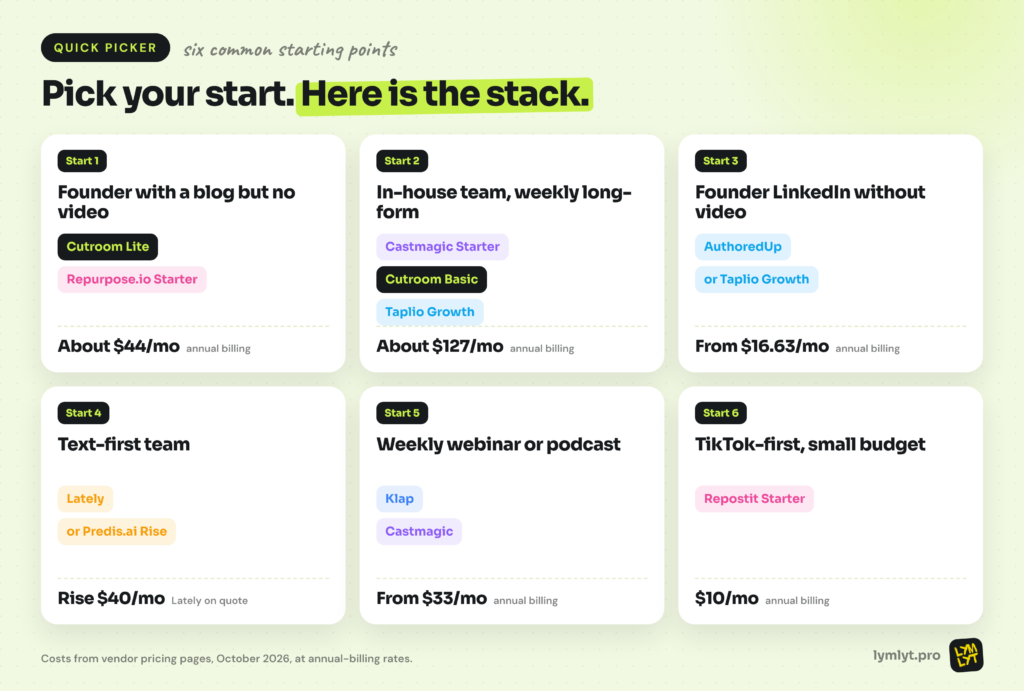
Six common starting points:
- Founder with a blog but no video: Cutroom Lite plus Repurpose.io Starter, about $44/mo on annual billing.
- In-house team with weekly long-form content: Castmagic Starter, Cutroom Basic and Taplio Growth, about $127/mo on annual billing.
- Founder LinkedIn without video: AuthoredUp, or Taplio Growth if you want AI drafting.
- Text-first team: Lately for voice, or Predis.ai Rise for designed creative.
- Team with a weekly webinar or podcast: Klap for clips plus Castmagic for the written assets.
- Short-form on TikTok with a small budget: Repostit Starter at $10/mo on annual billing.
The watermark problem nobody puts in a comparison chart
AI provenance used to be a theoretical concern. In 2026 it is practical, because your repurposed content may now carry signals that it was made with AI.
Text: what is embedded when a tool rewrites your copy
Text watermarking from frontier AI providers is now tied to the EU AI Act, as InfoQ reports. Claude now watermarks all text it writes, and that watermark survives light edits but not full rewrites. None of the tools in this list disclose which underlying models they use, so the safest approach is to decide deliberately how and when you disclose AI involvement.
Visuals: SynthID, the sparkle icon and the badge now on LinkedIn
Visual provenance is further along. Google’s SynthID embeds an invisible watermark that survives editing, Gemini can add an optional sparkle icon, and LinkedIn now displays C2PA Content Credentials badges on images that carry them. Metadata can still be stripped, and adoption across tools is inconsistent.
The em dash myth, and what actually gives AI writing away in 2026
The em dash is not a reliable tell. As Fast Company reports on the Economist’s analysis, better signals include underused commas and semicolons, sentences chained with “and”, uniform paragraph lengths and “not X, it’s Y” constructions. Edit for those, not for punctuation.
The bottom line
AI content repurposing tools speed up the work, but they cannot fix a weak source asset. A forgettable webinar becomes forgettable clips. Repurposing is a workflow decision, not a resourcing one: pick the job that matters most, buy the tool built for it, and track the outputs against the content marketing metrics that actually matter.
For most B2B SaaS teams, the highest-leverage start is the simplest one: turn every blog post into a short founder video with Cutroom, and let a distribution tool put it everywhere.
If you want source assets worth repurposing in the first place, LymLyt handles blog writing and SEO content writing for B2B SaaS teams, or compare us with other B2B SaaS content marketing agencies

Jay is the co-founder of LymLyt and an AI partnership consultant helping B2B SaaS companies grow through content strategy, SEO, and AI integration. He writes about content marketing, what makes B2B content convert, and how SaaS teams can build content systems that drive real pipeline.