The best Make alternatives (without the four everyone else recommends)
Every “best Make alternatives” article ranking today opens with Zapier, then n8n, then Pabbly Connect and Integrately. Same four names, same three complaints: cost climbs at volume, the canvas gets crowded, regulated teams need to self-host. None of it is wrong. It’s also not why you’re still reading past the first result.
This piece skips those four on purpose. What’s left is 12 platforms worth your actual attention, including two most roundups miss because they didn’t exist in their current form eighteen months ago.
Most people looking for a “Make alternative” don’t have a Make problem. They have a workflow someone built badly two years ago, or a plan they outgrew and never revisited. Keep that in mind before you migrate anything.
Classic workflow automation, at a glance
| Tool | Best for | Starting price | Free option | Open source |
|---|---|---|---|---|
| Activepieces | Open source automation with built-in AI agents | $16/mo (Plus) | Yes, free forever (100 credits/day) | Yes |
| Pipedream | Developers who want real code in workflow steps | $29/mo (Basic) | Yes, hard-capped at 100 credits/day | No |
| Microsoft Power Automate | Microsoft 365-native organizations | $15/user/mo | 30-day trial only | No |
| IFTTT | Simple personal or single-step automations | $2.99/mo (Pro) | Yes, capped at 2 applets | No |
| Workato | Enterprise cross-department integration | Custom | No | No |
| Parabola | Ops and finance teams doing data reconciliation | Free/pay-as-you-go | Yes, credit-based | No |
AI-native automation, at a glance
| Tool | Best for | Starting price | Free option | Approach |
|---|---|---|---|---|
| Relay.app | Workflows that need human approval steps | $9/mo (Professional) | Yes, 200 steps/mo | Approval-gated automation |
| Lindy | Personal AI assistant for inbox and scheduling | $29.99/user/mo | No, 7-day trial only | AI assistant |
| Gumloop | Document and data-heavy AI workflows | $37/mo (Pro) | No permanent free tier, 14-day trial | Visual AI workflow builder |
| Relevance AI | Building custom AI agent teams | $349/mo (Team) | Yes, 200 actions/mo | Agent-building platform |
| Bardeen | Browser-based sales and research automation | $10-20/user/mo | Yes, 100 credits/mo | Browser extension |
| Sim.ai | Self-hosted, open source AI agent workflows | $25/user/mo (Pro) | Yes, 1,000 one-time credits | Open source agent workspace |
What Make actually does, and why people go looking for something else
Make (the tool formerly called Integromat) is a visual, no-code automation platform. You drag “modules,” which are individual app connections and logic steps, onto a canvas and wire them together into a “scenario.” A scenario runs when its trigger fires: a new form submission, a new row in a spreadsheet, a webhook from another app.
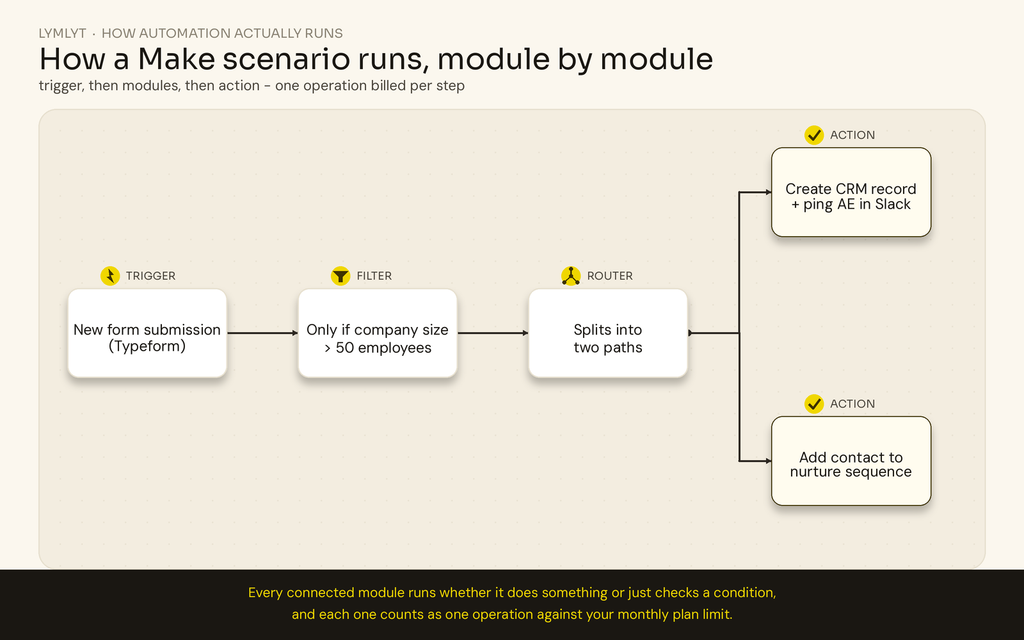
The diagram at the top of this page shows the mechanic in miniature. A trigger starts things off, a filter decides whether to continue, a router can split the path in two, and each branch ends in an action. Every one of those boxes is a module, and every module that runs, whether it moves data or just checks a condition, counts as one operation against your monthly plan. That single fact explains most of why people go looking for alternatives.
Four reasons show up again and again:
- Cost at volume. Operations add up fast once routers, iterators, and AI modules are all running inside one scenario. A workflow that looked cheap in testing can blow through a plan’s limit in production.
- Visual clutter at scale. A scenario with a dozen branches and error handlers stops being readable, even to the person who built it.
- Data control requirements. Regulated industries and larger agencies often need to self-host or prove exactly where data lives, which Make’s cloud-only model doesn’t offer.
- AI judgment, not just app-to-app plumbing. Modern automation increasingly means deciding, not just moving data: qualifying a lead, summarizing a call, drafting a first pass at a reply. Make added AI modules on top of its existing engine rather than building around AI from the start, and it shows.
If your content operations are part of what’s breaking down alongside the automation, that’s usually a writing and strategy problem wearing a tooling costume; our SEO content writing service is built for exactly that overlap.
What marketers and ops teams should actually look for
- Time to a real first workflow. Not a demo. Can someone on your team, without an engineering background, ship something that runs in production this week?
- Marketing stack integrations that actually exist. HubSpot, GA4, Calendly, Mailchimp, Slack. Generic “webhook support” isn’t the same as a native connector that handles auth and rate limits for you.
- Approval steps for anything client-facing. If a workflow touches a message a customer or client will see, you want a checkpoint, not blind faith in an LLM’s first draft.
- A pricing model you can predict. Per-task, per-execution, and credit-based systems all behave differently under load. Ask what happens the month you 3x your volume, not what the sticker price says today.
- Judgment quality on the specific task you need, not a general reputation for being “smart.” A tool that’s excellent at summarizing calls can still be mediocre at qualifying leads.
- Where your data goes, especially if you’re an agency running workflows that touch client data. Some platforms train on usage data by default; check before you assume otherwise.
- What happens when something fails. Does it retry, alert someone, or fail silently at 2am and you find out three days later from an angry client?
- Whether the workflow survives the person who built it leaving. Documentation, naming conventions, and how much tribal knowledge lives only in one person’s head.
Classic workflow automation: the rule-based tools
These are for automations that should never need a judgment call: move a lead from a form into your CRM, sync a spreadsheet, route a ticket by department. Boring is the point.
Activepieces
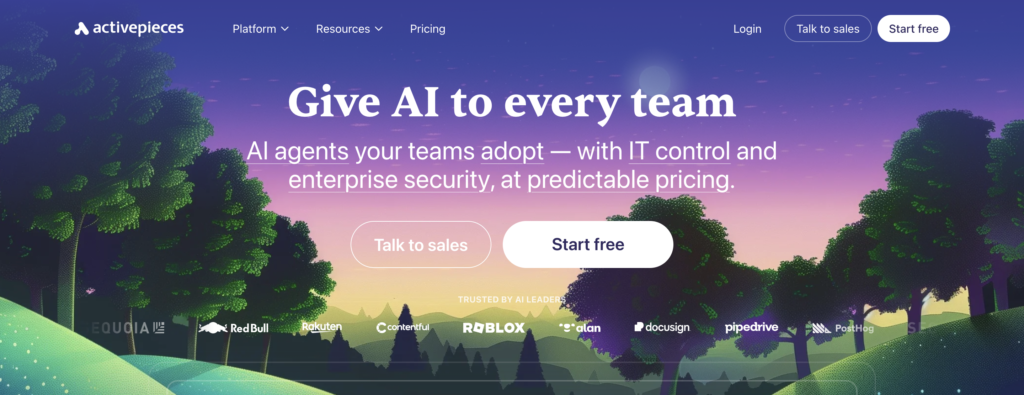
- Best for: teams that want an open source foundation without running their own servers forever.
- Price: Free forever (100 credits/day, 1 user); Plus $16/month billed yearly (10,000 credits, up to 5 users); Team $166/month billed yearly (50,000 credits, 25 users then $25/user); Ultimate custom. Full breakdown on the pricing page.
- What you give it: connected apps and a trigger, or a plain-language description in its chat-to-automation builder.
- Time to first result: fast. Templates cover common cases, and the chat builder cuts real build time.
- Free option: yes, genuinely free forever, but 100 credits a day disappears quickly once an AI step is involved.
Good:
- Open source, so you can read the actual code running your automations, which matters if a regulated client ever asks how a workflow works.
- Built-in AI agents and a chat interface that turns a sentence into a working flow.
- Self-hosting option if you outgrow the cloud plan’s limits.
Complaints:
- Credit system means a flow run costs 1 credit, a “fast” AI model costs 2, a “smart” model costs 10, and a frontier model costs 20, so cost now depends on which AI model you point a step at.
- One more variable non-technical teams have to track compared to flat pricing.
Skip it if: you want flat, unlimited pricing without watching a credit meter creep up.
Pipedream
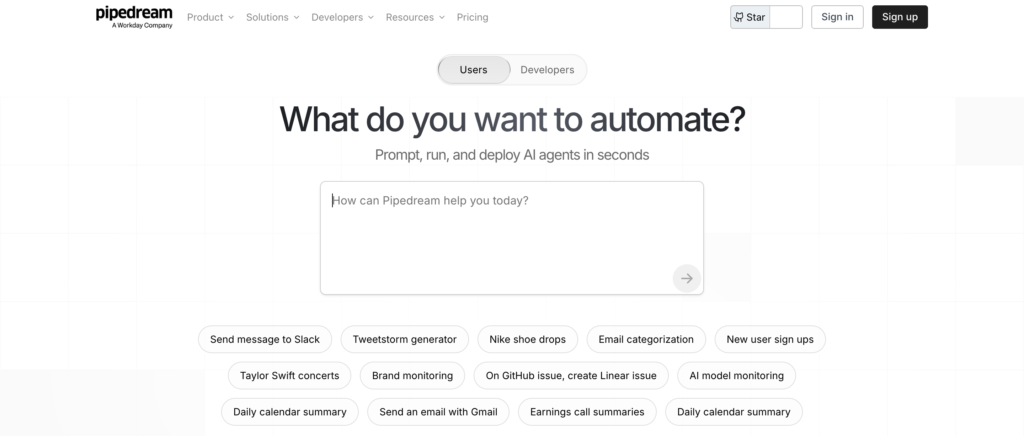
- Best for: developer-heavy teams that want to write actual code, not just configure nodes.
- Price: Free ($0, 100 credits/day hard cap); Basic $29/month (~2,000 credits/day); Advanced $79/month (~10,000/day); Business custom. See pricing details.
- What you give it: Node.js, Python, Go, or Bash snippets alongside event triggers.
- Time to first result: fast for developers, a real climb for anyone who doesn’t write code.
- Free option: yes, but hard-capped. Workflows stop running once the daily limit hits, they don’t throttle.
Good:
- Drops into real code exactly where a visual builder’s nodes fall short.
- Generous execution model for API-heavy workflows once you’re on a paid tier.
Complaints:
- Purely compute-based billing: one credit equals 30 seconds of execution at 256MB of memory, and heavier memory tiers burn credits two to four times faster.
- A step waiting on a slow third-party API burns credits the entire time it’s blocked, so a sluggish vendor costs you money just for waiting on it.
Skip it if: nobody on your team writes code. This isn’t the tool that makes that unnecessary.
Microsoft Power Automate
- Best for: organizations already paying for Microsoft 365 that want automation inside that ecosystem.
- Price: Premium $15/user/month (yearly); Process (unattended bots) $150/bot/month; Hosted Process $215/bot/month. Full tiers on the pricing page.
- What you give it: Microsoft connectors, and for RPA use cases, a recording of clicks in a desktop app.
- Time to first result: moderate. Figuring out the licensing model takes longer than building the first flow.
- Free option: a 30-day trial, no permanent free tier.
Good:
- Deep, native integration with Teams, SharePoint, and Outlook.
- Desktop RPA handles legacy apps with no API at all, something nothing else on this list touches.
Complaints:
- Licensing is genuinely confusing: premium versus per-flow versus attended-bot versus unattended-bot pricing, confusing enough that Microsoft’s own partners write entire guides just to explain it.
- Costs scale fast once you need attended or unattended bots.
Skip it if: your company isn’t already deep in Microsoft 365, or your only IT resource is “whoever’s free.”
IFTTT
- Best for: simple, single-trigger automations, not core marketing operations.
- Price: Free (2 applets); Pro $2.99/month (20 applets); Pro+ $8.99/month (unlimited applets, AI services). See plans.
- What you give it: one trigger, one action. That’s the entire architecture.
- Time to first result: immediate, minutes to set up.
- Free option: yes, but 2 applets is a toy, not a workflow.
Good:
- Dead simple, nothing beats it for connecting a smart device or a social trigger to one action.
- Huge consumer app library.
Complaints:
- Architecture caps out at one trigger and one action, no branching, no multi-step logic.
- AI features locked behind the top tier only.
Skip it if: you need multi-step logic, branching, or an approval checkpoint. This wasn’t built for B2B work.
Workato
- Best for: enterprises running integration across dozens of departments with compliance requirements.
- Price: custom, sales-led, no public number.
- What you give it: pre-built recipes across 500+ connectors, typically owned and maintained by IT.
- Time to first result: slow. This is an implementation project measured in weeks, not an afternoon build.
- Free option: no.
Good:
- SOC 2 and HIPAA certified.
- Genuinely handles cross-department logic that would collapse a Make scenario into an unreadable mess of routers and iterators.
Complaints:
- Opaque pricing means negotiating blind.
- Overkill for anything under enterprise scale.
Skip it if: you’re a team under 50 people. You’ll pay enterprise rates for a compliance and scale story you don’t need yet.
Parabola
- Best for: ops and finance teams buried in spreadsheet-shaped work: reconciling reports, matching purchase orders, pulling data together from a dozen disconnected sources.
- Price: free/self-serve tier (1 user, 1,000 credits, pay-as-you-go beyond that); Business plans with custom scaled credit volumes. See pricing.
- What you give it: spreadsheets, CSVs, API pulls. You build a pipeline that cleans, joins, and routes them.
- Time to first result: fast if you’re comfortable in a spreadsheet, faster than rebuilding the same logic across forty Make modules.
- Free option: yes, credit-based, enough to test a real workflow before paying anything.
Good:
- Built specifically for connecting and reconciling messy data without the visual canvas turning into spaghetti.
- Recently rebuilt around AI agents for tasks like invoice auditing and inventory reconciliation.
Complaints:
- Business tier pricing isn’t public, so you’re negotiating without a reference point.
Skip it if: your automation is app-to-app rather than data-to-data. Moving a lead from a form into Slack is still Make or Activepieces territory.
AI-native automation: the judgment-based tools
These hand a decision to a language model instead of a rule. That’s the point, and also the risk. Every entry below earns its spot for doing one kind of judgment call well, not for being a general-purpose Make replacement.
Relay.app
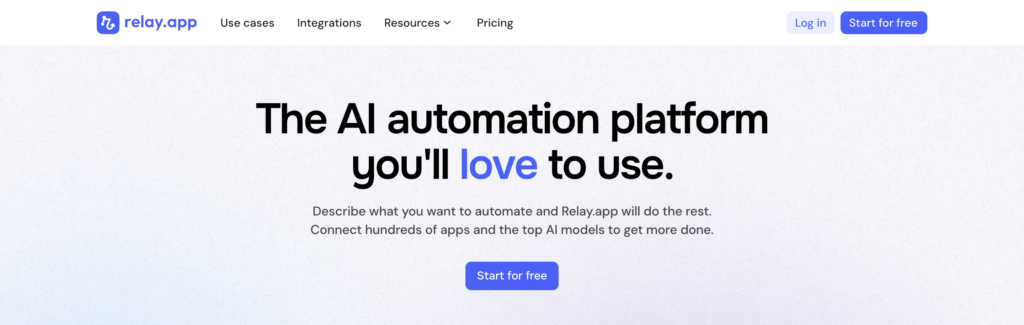
- Best for: workflows where a human needs to review or approve before anything ships.
- Price: Free ($0, 200 steps/month, 1 user); Professional from $9/month (1,500 steps); Team from roughly $59/month (5,000 steps, unlimited users). See pricing.
- What you give it: the task, plus who needs to sign off before it goes out.
- Time to first result: fast, with templates for common approval chains.
- Free option: yes, 200 steps is enough to test, not enough to run in production.
Good:
- Approval checkpoints are a core feature, not a workaround.
- Used by teams like Ramp and Cursor specifically for that reason.
Complaints:
- Step-based pricing adds up once approval chains get long.
Skip it if: you want fully autonomous automation with no human in the loop. That’s the opposite of what this platform is for.
Lindy
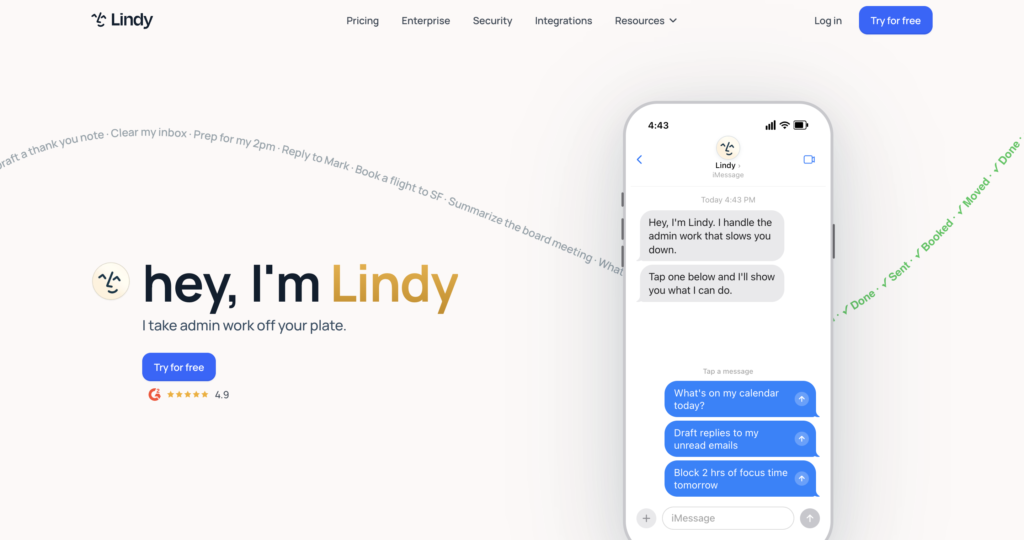
- Best for: a personal AI assistant for inbox, scheduling, and meeting prep. Not a general workflow builder.
- Price: Plus $29.99/user/month (3,000 credits); Pro $99.99/user/month (15,000 credits); Max $199.99/user/month (35,000 credits); Enterprise custom. Full tiers on the pricing page.
- What you give it: access to your inbox, calendar, and meeting recordings.
- Time to first result: fast for the built-in use cases, slower for anything custom.
- Free option: no permanent free plan, only a 7-day trial if you sign up through Slack.
Good:
- Genuinely good at the assistant use case: triaging an inbox, prepping for meetings, handling scheduling.
Complaints:
- Has narrowed its focus since launch, so it’s no longer a flexible, build-anything workflow platform.
- Pricing has crept up as the focus narrowed.
Skip it if: you need a general-purpose automation builder. Lindy picked a lane, and it isn’t this one.
Gumloop
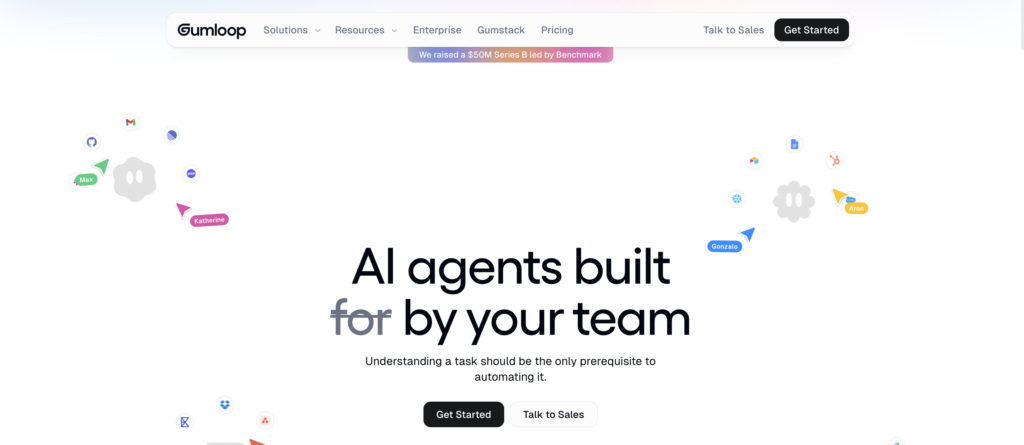
- Best for: visual AI workflows built around document and data-heavy tasks.
- Price: Pro from $37/month (20,000 credits, 14-day trial); Enterprise custom. See pricing.
- What you give it: documents, data sources, and a prompt describing the judgment call to make.
- Time to first result: moderate. The node-based builder has more of a learning curve than a chat-based tool.
- Free option: gone as of 2026. There’s a 14-day trial and no permanent free tier, worth knowing before you build something you can’t keep past two weeks.
Good:
- Treats AI nodes as core building blocks rather than an add-on.
- Handles messy document work (contracts, intake forms, unstructured PDFs) genuinely well.
Complaints:
- Dropped free tier, a real change worth flagging since most comparisons still list one.
- An 8% orchestration fee sits on top of the subscription price.
Skip it if: your automations are simple and rule-based. You’d be paying for AI judgment you don’t need.
Relevance AI
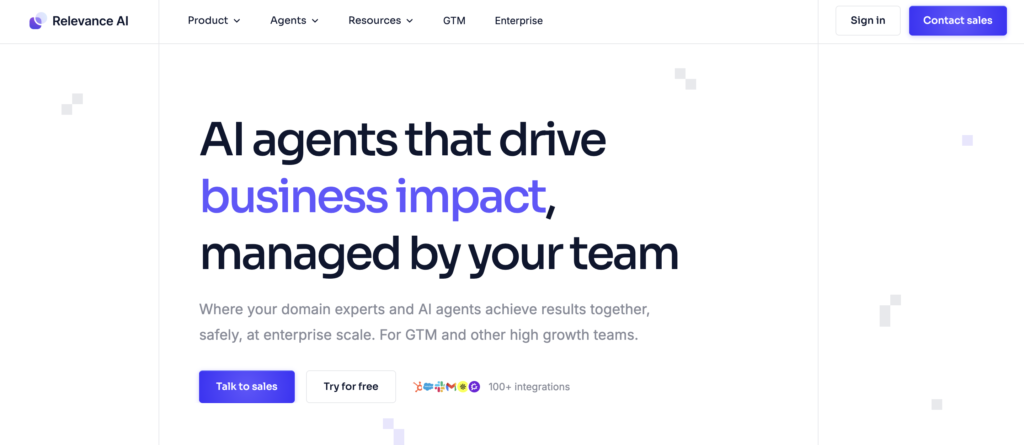
- Best for: building a team of custom AI agents across departments rather than one workflow at a time.
- Price: Free ($0, 200 actions/month); Team $349/month (7,000 actions/month); Enterprise custom. Details on the pricing restructure.
- What you give it: a brief describing the agent’s job, the tools it can call, and what it’s allowed to do.
- Time to first result: slower than a template-based tool. This is agent design, not workflow assembly.
- Free option: yes, enough to prototype, not to run production volume.
Good:
- Real flexibility for building a fleet of agents that hand off work between departments.
Complaints:
- Pricing restructured in late 2025 around “actions” and “vendor credits,” which confused existing customers.
- Jump from free to $349/month, nothing in between.
Skip it if: you want something plug-and-play. This assumes you’re willing to design the agent, not just fill in a template.
Bardeen
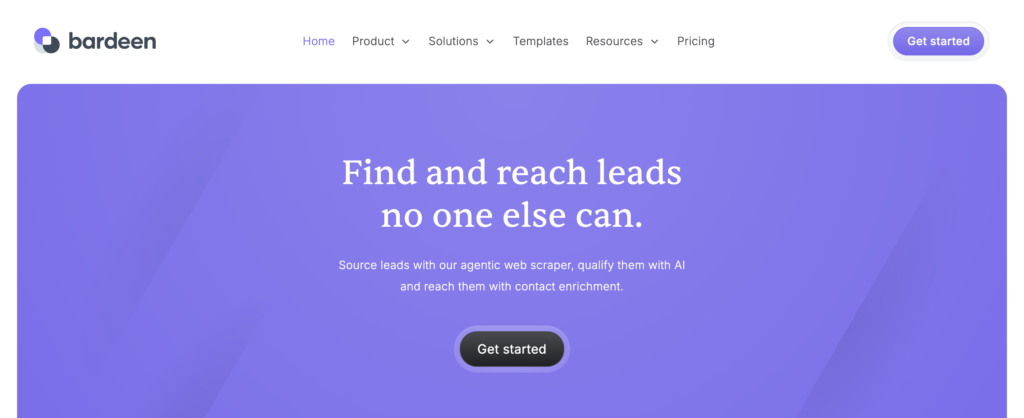
- Best for: sales and research work that happens inside a browser tab.
- Price: Free (100 credits/month); Pro $10-20/user/month depending on seats and billing term.
- What you give it: a webpage plus a plain-language instruction, like “pull this list and add it to my CRM.”
- Time to first result: fast. It’s a Chrome extension, so there’s no separate app to learn.
- Free option: yes, 100 credits covers light, occasional use.
Good:
- Natural-language playbooks, genuinely useful for prospecting and research without leaving the browser.
- Learning curve close to zero.
Complaints:
- Tied to the browser, so anything needing to run with nobody watching needs a different tool.
Skip it if: you need something that runs on a schedule with nobody’s browser open.
Sim.ai
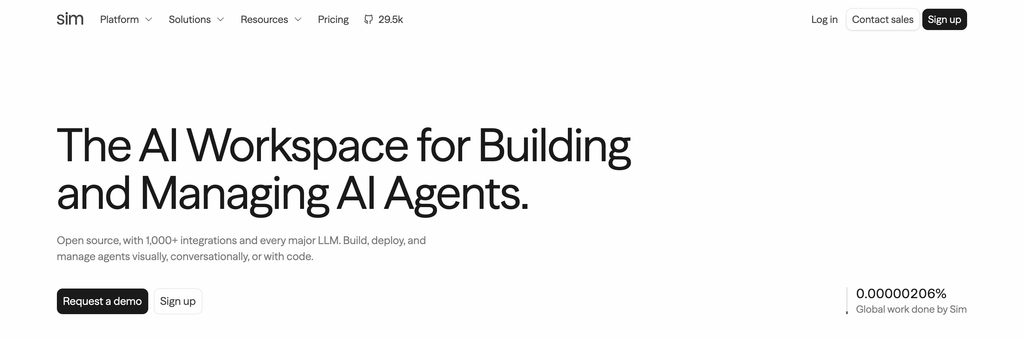
- Best for: technical teams that want to build and self-host AI agent workflows without vendor lock-in.
- Price: Free ($0, 1,000 one-time credits, 1 workspace); Pro $25/user/month (6,000 monthly credits plus weekly refresh); Max $100/user/month (25,000 monthly credits); Enterprise custom with self-hosting included. See pricing.
- What you give it: a plain-language description of the task. Sim builds a working agent workflow you review, test, and edit.
- Time to first result: fast for the first draft, longer if you want to customize the underlying logic.
- Free option: yes, but it’s a one-time credit allotment, not a monthly refresh, so it runs out and doesn’t come back.
Good:
- Open source with close to 30,000 GitHub stars, SOC 2 compliant.
- Self-hosting option that neither Relevance AI nor Gumloop provide.
- Built specifically for agentic workflows with semantic memory (knowledge bases, structured tables), not AI steps bolted onto a classic engine.
Complaints:
- Young platform: less community template library and fewer battle-tested integrations than tools that have been around for years.
- Free tier’s credits don’t renew monthly, which catches people off guard.
Skip it if: you want a mature ecosystem with years of community templates behind it. This is closer to n8n’s philosophy than n8n’s maturity.
The free tier reality
Nobody on this list is running real production volume for free in 2026, and the gap between marketing copy and actual limits is wide enough to matter.
- Activepieces is free forever, but 100 credits a day disappears fast once an AI step is involved.
- Pipedream’s free tier hard-stops workflows at 100 credits a day rather than throttling them.
- IFTTT caps free users at 2 applets, never enough for real work.
- Gumloop dropped its permanent free tier and now offers only a 14-day trial, worth double-checking against any older comparison that still lists one.
- Lindy has no free plan at all outside a 7-day Slack trial.
- Relay’s 200 free steps and Relevance AI’s 200 free actions both work for a proof of concept, not for running something live.
Budget for a paid plan from week one of a real workflow, and treat any free tier as a test drive, not a business plan.
The audience playbook
Pick by the job, not by which tool has the most integrations.
- Outbound, prospecting, and lead enrichment: Bardeen for pulling and enriching lists straight from the browser; Relevance AI if you want an agent that qualifies leads against your own criteria rather than a fixed scoring rule.
- Client-facing or brand-facing content: Relay.app. The approval checkpoint isn’t optional here, it’s the entire reason to pick this over a tool that fires automatically.
- Inbox and calendar triage: Lindy. Don’t try to make it do general workflow automation; it’s not built for that anymore.
- Data reconciliation and reporting rollups: Parabola, especially when the “workflow” is really five spreadsheets and a shared drive that need to become one clean report.
- Cross-department integration at real scale: Workato, if you’re big enough that compliance sign-off matters more than monthly cost.
- Microsoft-heavy organizations: Power Automate. The native Teams and SharePoint integration is the actual reason to choose it, not the automation logic itself.
- Budget-conscious teams that want an open-source option without full self-hosting: Activepieces.
- Teams with developers on staff who want code-level control: Pipedream, with eyes open about the compute-based billing.
- Document-heavy AI workflows: contracts, intake forms, unstructured PDFs: Gumloop.
- Teams that want to self-host AI agents and avoid vendor lock-in: Sim.ai, accepting that it’s a younger platform than the alternative.
Three rules that hold regardless of which tool you land on. Pick based on one real workflow, not a tool tour across five platforms in a week; you learn more from shipping one automation badly than demoing five well.
Fix what’s actually broken about your current setup before you migrate it somewhere new, because a badly designed workflow ports its problems with it, new tool or not. And budget for the AI cost curve separately from the base subscription: credit-based and action-based pricing means your bill moves with usage in a way flat per-seat software never did, so the number on the pricing page is a floor, not the actual cost.
How to brief an AI-native tool (so it does what you mean)
The chat-based builders in this list (Sim.ai, Activepieces’ chat-to-automation, Bardeen’s playbooks, Relevance AI’s agent briefs) all work better with a specific brief than a vague one. A usable prompt names the trigger, the decision the AI needs to make, the exact output format, and where it should stop and ask a human.
- For lead qualification (Relevance AI, Relay.app): “When a form submission comes in from the pricing page, check if the company has more than 50 employees using the domain. If yes, create a task in our CRM tagged ‘enterprise lead’ and notify the AE in Slack. If no, add them to the standard nurture sequence. Don’t send anything externally without approval.”
- For document processing (Gumloop): “Take the uploaded contract PDF, pull out the renewal date, the auto-renewal clause if one exists, and the termination notice period. Put it in a table with one row per contract. Flag anything with less than 60 days’ notice required in red. Don’t summarize the rest of the document, just those four fields.”
- For browser research (Bardeen): “On this list of company websites, find the name and title of whoever runs marketing or growth, using the About or Team page. If you can’t find a name with confidence, leave the row blank instead of guessing. Add results to the CRM as new contacts, tagged ‘research batch.'”
Each of those names the trigger, the exact fields or output shape, and a specific instruction for the uncertain case, which is the part most first drafts leave out entirely.
How to choose, in one paragraph
If the task is deterministic (app A always does the same thing when app B fires), pick a classic tool: Activepieces for open source and budget, Power Automate if you’re Microsoft-native, Workato if you’re enterprise-scale, Parabola if the real problem is data, not apps.
If the task needs judgment (deciding, qualifying, drafting, summarizing), pick an AI-native tool matched to the specific job: Relay for anything needing approval, Lindy for personal assistant work, Gumloop for documents, Relevance AI for a team of agents, Bardeen for browser-based research, Sim.ai if you want to self-host and avoid lock-in.
Learning resources
- Activepieces documentation for self-hosting guides and piece development
- Microsoft Learn for Power Automate certification paths
- Pipedream docs for the code-step reference
- Sim.ai’s open-source repo and docs for self-hosting instructions
- Make Academy if you’re staying on Make and just want to use it better before you leave
Prefer the official docs over third-party tutorial roundups. Half of what ranks for “how to use [tool]” is AI-generated filler written by people who never opened the product.
FAQs
What’s the best Make alternative in 2026? There isn’t one universal answer, because “alternative” means different things depending on whether your automations are rule-based or judgment-based. For classic automation, Activepieces and Parabola cover most of what teams actually need. For AI-native work, the right pick depends entirely on the specific job.
Is n8n still worth considering? Yes, plenty of teams are happy with it, which is exactly why it’s not on this list: every other roundup already covers it in detail, and if you’re reading this, you likely already know whether n8n fits your team.
What’s the cheapest Make alternative with real functionality? Activepieces’ free forever tier and Parabola’s free/pay-as-you-go tier are the two with usable free plans that aren’t just trials. Everything AI-native charges from day one or gives you a short trial window.
What’s the best AI-native alternative to Make? Depends on the job: Relay.app for approval-gated workflows, Gumloop for document-heavy tasks, Relevance AI for building multiple custom agents, Sim.ai if self-hosting and open source matter to you.
Are there open-source Make alternatives besides n8n? Yes. Activepieces and Sim.ai are both open source, with self-hosting options that avoid vendor lock-in entirely.
Do I need a classic tool and an AI-native tool, or just one? Most teams end up running both once automation matures: a classic tool for deterministic, high-volume plumbing, and an AI-native tool for the handful of workflows that genuinely need judgment. Trying to force one platform to do both usually means overpaying for AI capability you don’t use, or underpowering the one workflow that actually needed it.
How much does switching away from Make actually cost, beyond the new subscription? The subscription is the smallest part. The real cost is rebuilding and testing every scenario in a new tool’s logic, which is exactly why fixing a badly designed workflow before migrating it is worth the extra week.
The bottom line
None of these tools write the email, qualify the lead well, or catch a bad decision before it reaches a client. They save the doing, not the thinking. A workflow built on the best AI-native platform in this list still ships a bad first draft if the prompt behind it is lazy, and a perfectly automated pipeline still moves garbage data faster if nobody checked the source. That’s the same problem we’ve written about before: AI didn’t cause content blindness, marketers did. Automation just makes it move at a different speed.
If your team is automating the parts you can delegate but still needs someone thinking about the strategy, the writing, and the judgment calls behind all of it, that’s what we do, including blog writing built for B2B SaaS. Book a call if you want to talk through where the two overlap. For the wider AI tool landscape beyond automation, our Top 100 AI Tools list is a good next stop.

Rashmita is content marketer with 8 years of experience building and growing SaaS brands. Now she tests various AI tools for marketers and shares her feedback on this blog, LinkedIn, Instagram, and YouTube.