The Best n8n Alternatives in 2026
n8n is one of the best automation tools you can run. It is also the one people most often pick wrong.
Here is the honest framing most articles skip. n8n is a developer tool. It is open source in spirit, you can self-host it for almost nothing, it bills by workflow execution instead of per step, and it gives you real code when you want it. For an engineer, that combination is hard to beat. But a lot of teams adopt n8n because they read it was “free and powerful,” then discover the free part costs them a server to maintain and the powerful part assumes someone is comfortable with webhooks and JSON.
So most people searching for an n8n alternative are not leaving because n8n is bad. They are leaving because n8n was never built for them.
That changes what a good alternative even is. If you are not technical, you do not need a better n8n. You need a tool built for non-developers. If you are technical and you like n8n’s approach, you only need an alternative for specific reasons, a different license, a different hosting model, or a code-first style n8n does not quite give you.
This guide covers all of it. Fourteen alternatives, sorted by the actual reason you might be looking, with current pricing checked in May 2026 and a plain “skip it if” line for every one. If your search started with a different tool, we also have a companion guide to the best Make alternatives and a broader Top 100 AI Tools list.
Why people actually look for an n8n alternative
The real reasons, not the marketing ones.
It is too technical. This is the big one. n8n’s builder looks visual, but it expects you to understand APIs, data structures, and expressions. A non-technical marketer or ops person inherits an n8n instance and hits a wall fast. They do not want a workaround. They want a tool that does not need one.
Self-hosting is real work. The free, self-hosted version is genuinely free of license cost. It is not free of effort. Someone has to run the server, update it, and fix it when it breaks. For a small team with no engineer to spare, that “free” tool has a quiet ongoing cost.
The integration library is smaller. n8n has around 500 integrations. Zapier has roughly 8,000. If your stack includes a less common app, n8n may not support it out of the box, and building a custom node is a developer task.
Support is thin. Self-hosted n8n leans on community forums. A business that needs guaranteed, fast support has to pay up or look elsewhere.
The license. n8n is often called open source, but it uses a fair-code license, the Sustainable Use License, not a standard open-source license. For most users this never matters. For some businesses, it does, and it pushes them toward genuinely open-source options.
The job changed. Increasingly, people do not want to wire app A to app B. They want a tool that can read something, decide what it means, and act. That is AI-native automation, and it is a different category.
Those reasons fork three ways, so this guide does too.
Three kinds of n8n alternative
People leaving n8n almost always want one of three things.
Some want something easier, a no-code tool a non-developer can actually use. Some want to stay open source and self-hostable but with a different tool, because they like n8n’s model and just want a change of license, interface, or code style. And some want AI-native automation, where a language model does the deciding instead of a fixed set of rules.
Pick the group that matches your reason for looking. Reading all three is fine, but the tools in them barely compete with each other, and treating them as one list is how people end up overspending on the wrong kind of software.
The 14 tools at a glance
| Tool | Type | Best for | Starting price | Free tier | Open source |
|---|---|---|---|---|---|
| Make | Easier, no-code | Visual workflows without code | ~$9/mo | Yes, 1,000 ops | No |
| Zapier | Easier, no-code | The widest app coverage | ~$19.99/mo (annual) | Yes, 100 tasks | No |
| Integrately | Easier, no-code | One-click setup on a budget | ~$19.99/mo | Yes, 100 tasks | No |
| Pabbly Connect | Easier, no-code | Flat-rate budget automation | ~$16/mo (annual only) | Limited | No |
| Relay.app | Easier, no-code | Workflows with human approval | ~$9/mo | Yes, 1,000 runs | No |
| Power Automate | Easier, no-code | Microsoft 365 teams | $15/user/mo | Limited | No |
| Workato | Easier, no-code | Enterprise integration | Custom | Trial only | No |
| Activepieces | Open source | Open source with a simpler interface | Free self-hosted | Yes | Yes |
| Pipedream | Developer-first | Code-first, serverless, managed | ~$29/mo | Yes, generous | No |
| Windmill | Open source | Code-first open-source automation | Free self-hosted | Yes, 1,000 execs | Yes |
| Gumloop | AI-native | Visual AI workflows for data tasks | Credit-based | Yes | No |
| Lindy | AI-native | An AI assistant for inbox and calendar | ~$49/mo | Free trial | No |
| Relevance AI | AI-native | Building a team of custom AI agents | Free, paid to ~$349/mo | Yes, 200 actions | No |
| Bardeen | AI-native | Browser-based automation | ~$10/user/mo | Yes, 100 credits | No |
Easier, no-code alternatives
This is the right group for most people leaving n8n. If the problem was that n8n is too technical, the fix is not a cleverer tool. It is a tool built so a non-developer can use it without help.
1. Make
Quick facts
- Best for: people who want a visual builder with real power but no code
- Price: Free, Core from about $9 to $10.59/month, Pro around $18.82/month, Teams around $34/month, Enterprise custom
- Free option: yes, 1,000 operations a month
- Open source: no
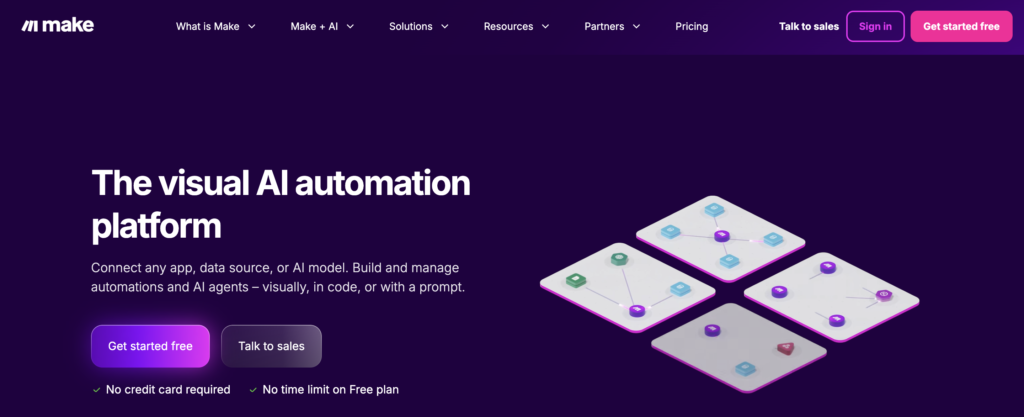
Make is the most natural step down from n8n. It keeps the visual, node-based approach n8n users already understand, so the mental model carries over, but the interface is friendlier and you do not need to write expressions or manage a server. It handles genuinely complex logic, branching, routing, error handling, and it is cheap to start.
Make bills per operation, and a busy scenario with routers and AI modules can consume credits quickly. It is a managed cloud tool, so self-hosting is off the table.
Skip it if: data control is the reason you were on self-hosted n8n in the first place. Make runs on someone else’s servers. For strict data residency, that is a dealbreaker, and you want the open-source group below.
2. Zapier
Quick facts
- Best for: non-technical teams that need the most app connections
- Price: Free, Professional from about $19.99/month on annual billing, Team around $69/month, Enterprise custom
- Free option: yes, 100 tasks a month
- Open source: no
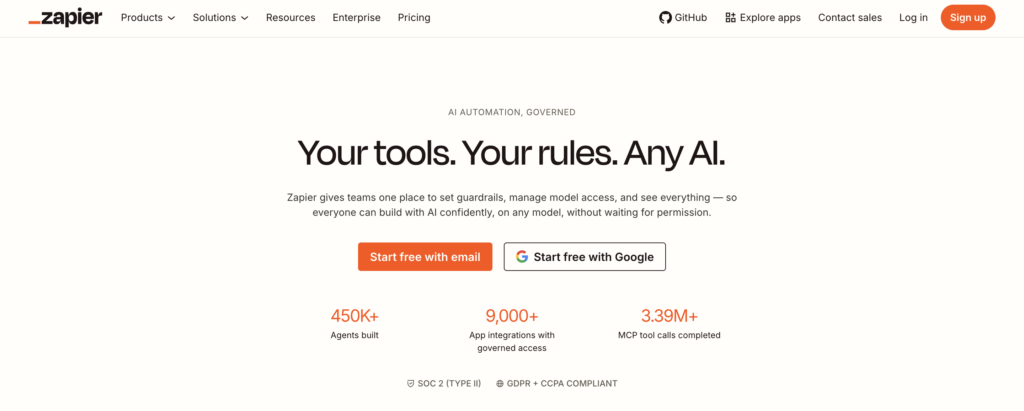
Zapier solves the integration-coverage problem directly. It connects to roughly 8,000 apps, far more than n8n, so the obscure tool in your stack is probably supported. Setup is the simplest here, and it almost never breaks.
You pay for that. Zapier charges per task, every action step counts, and the cost climbs steadily as volume grows. After running n8n’s execution-based billing, Zapier’s pricing will feel expensive at scale.
Skip it if: you run high-volume automation and cost matters. Zapier’s ease is real, but at volume it can cost several times what Make or a self-hosted tool costs for the same work.
3. Integrately
Quick facts
- Best for: small teams that want fast, cheap, simple automation
- Price: Free, then paid from about $19.99/month, up to a Business tier
- Free option: yes, 100 tasks a month
- Open source: no
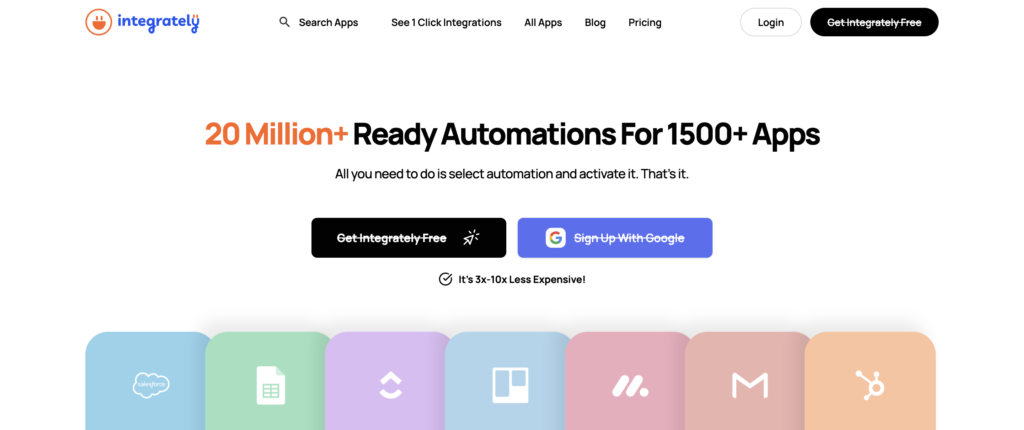
Integrately competes on speed of setup. It has a large library of one-click automations, ready-made workflows you activate instead of building. For common jobs, that gets you running in minutes, and the paid plans give you far more tasks per dollar than Zapier across more than 1,100 apps.
The trade is depth. Complex branching and detailed error handling are weaker here than on Make or n8n.
Skip it if: your workflows have real complexity. If you came to n8n because you needed advanced logic, Integrately will feel thin once you push past simple automations.
4. Pabbly Connect
Quick facts
- Best for: budget-conscious teams that want predictable flat pricing
- Price: annual only, cheapest plan around $16/month billed yearly for 10,000 tasks; a one-time lifetime deal is also sold
- Free option: limited
- Open source: no
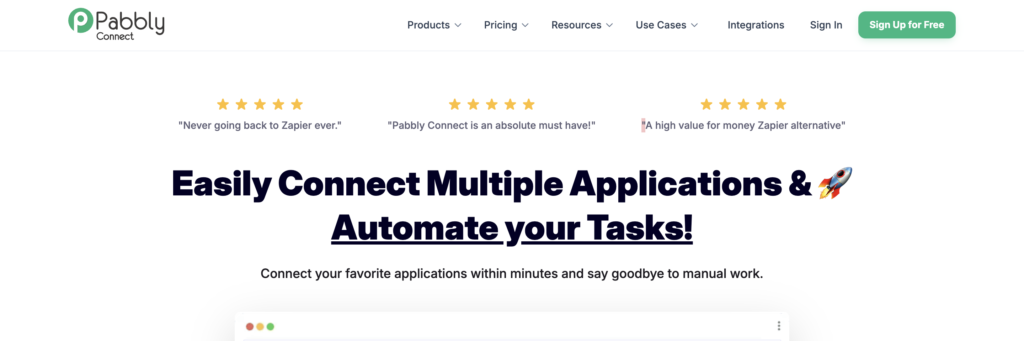
Pabbly Connect is the budget pick. It connects to more than 2,000 apps and gives you a large flat task allowance for a low yearly fee, with none of the per-step cost growth of Zapier. There is also a useful email parser for pulling lead data out of plain-text emails.
Two honest catches. There is no real AI capability, everything is fixed rules. And billing is annual only, so you commit for a year before you can properly test it.
Skip it if: you want to trial month to month, or you need any AI-driven steps. Pabbly is annual-commitment, rules-only automation.
5. Relay.app
Quick facts
- Best for: teams that want simple automation with a human approval step
- Price: Free, paid from about $9/month, up to a Business tier around $60/month
- Free option: yes, 1,000 runs a month
- Open source: no
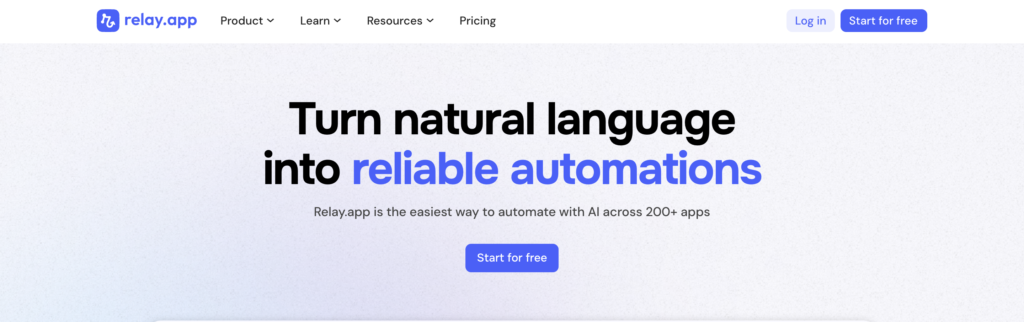
Relay.app builds review and approval steps into the workflow itself. An automation can draft something, pause for a person to check or edit it, then continue once approved. The interface is clean and genuinely usable by non-technical people, which makes it a real option for a team that found n8n too technical but still wants control over what goes out.
It is a younger platform, so the app library is smaller than the established names.
Skip it if: you need a wide integration library or fully hands-off automation. Relay’s strength is the human checkpoint and its simplicity, not breadth.
6. Microsoft Power Automate
Quick facts
- Best for: organizations already running on Microsoft 365
- Price: Premium at $15/user/month, Process at $150/bot/month, some basic flows included with Microsoft 365
- Free option: limited, tied to existing Microsoft licenses
- Open source: no
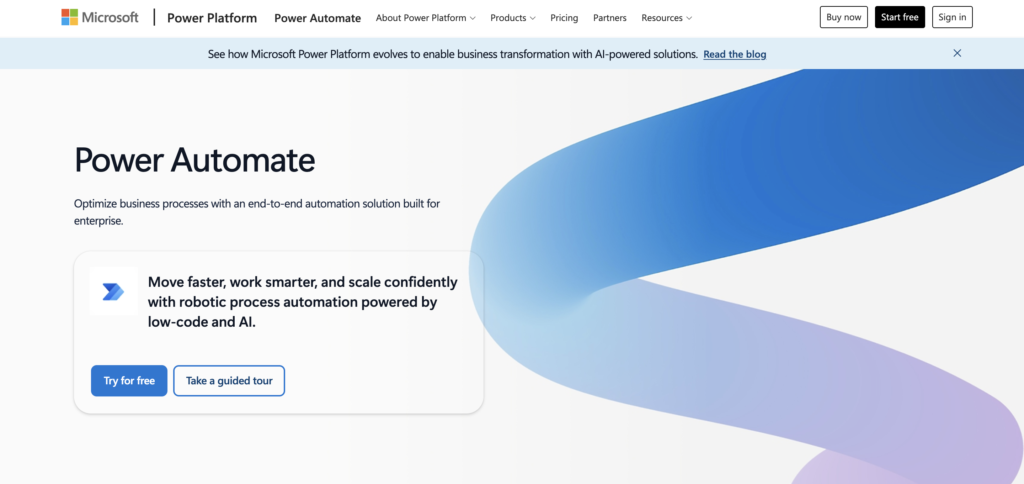
Power Automate makes sense if your company already lives in Microsoft. The connections to Office 365, Teams, SharePoint, and Azure are deep, the admin and security controls suit large organizations, and it includes desktop automation for repetitive on-screen tasks.
Outside the Microsoft world the appeal fades. Third-party app coverage is thinner than Zapier’s, and the licensing takes effort to work out.
Skip it if: you are not a Microsoft shop. The value is almost entirely in that integration depth.
7. Workato

Quick facts
- Best for: large enterprises with complex, cross-department integration
- Price: custom, sales-led, no public pricing
- Free option: trial with sales engagement only
- Open source: no
Workato is the enterprise option. It handles high-volume integration across departments, has strong governance and security, holds compliance certifications, and ships a large library of pre-built recipes. If you are connecting ERP, finance, and HR systems at scale, this is the tier.
The price matches. Workato does not publish pricing, expects annual contracts, and is far more platform than a small or mid-size team needs.
Skip it if: you are a small or mid-size business. Workato is built and priced for enterprise scale.
Open-source and developer-friendly alternatives
This group is for people who chose n8n on purpose, for the open-source model, the self-hosting, the code-level control, and want a change rather than an escape. If that is you, set expectations honestly: n8n is genuinely one of the best at this, so these are alternatives for specific reasons, not clear upgrades.
8. Activepieces
Quick facts
- Best for: teams that want open source with a gentler learning curve than n8n
- Price: free to self-host, plus a free cloud tier and paid cloud plans
- Free option: yes, both self-hosted and cloud
- Open source: yes
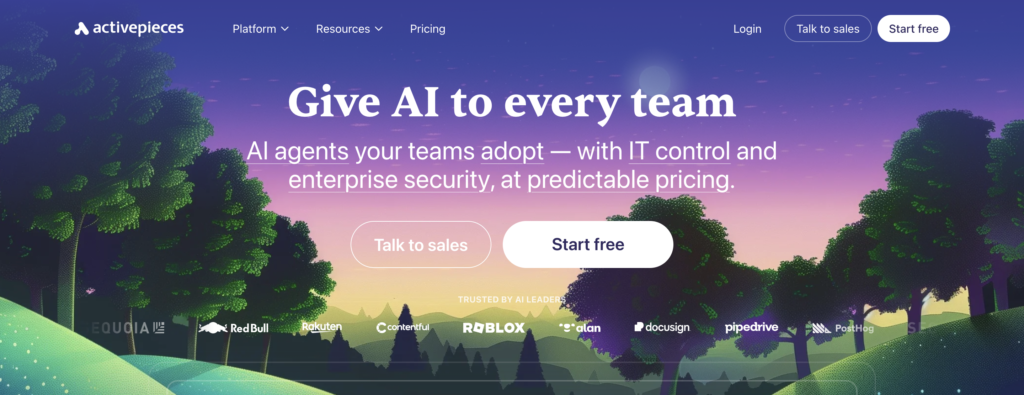
Activepieces is the closest like-for-like swap for self-hosted n8n, with two real differences. It uses a permissive MIT license, which is more business-friendly than n8n’s fair-code license, so if licensing was your concern, this answers it. And its interface is simpler, closer to Make’s clean drag-and-drop feel than n8n’s developer-first canvas. It has grown to more than 600 pre-built pieces and now has a proper hosted cloud version, so you can use it without self-hosting at all.
It is younger than n8n, so the integration library and community are smaller, and some advanced features are less mature.
Skip it if: you need the deepest possible integration library or the most battle-tested advanced features. n8n is the more mature platform. Activepieces wins on license and simplicity, not raw depth.
9. Pipedream
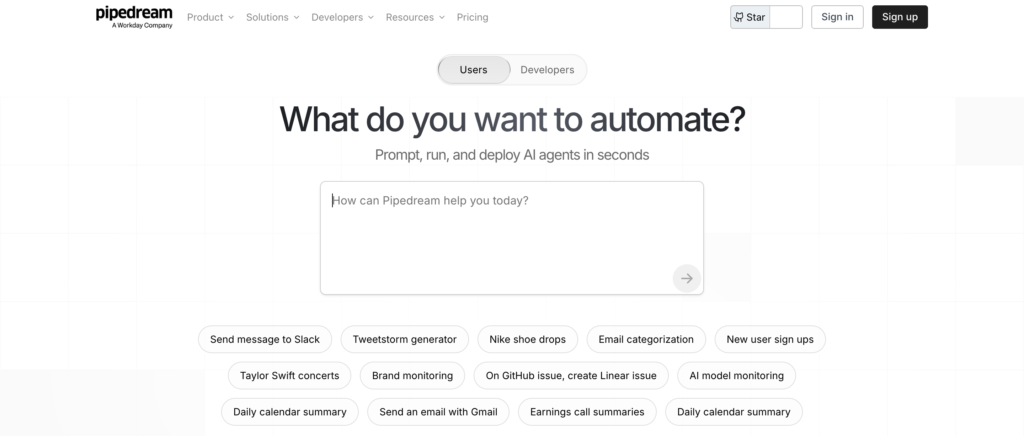
Quick facts
- Best for: developers who want code-first workflows without running a server
- Price: generous free tier, paid plans from around $29/month, higher developer tiers above that
- Free option: yes, and genuinely usable
- Open source: no
Pipedream is the answer for a developer who liked n8n’s code-level control but did not like maintaining infrastructure. It is cloud-hosted and serverless, so there is no server to manage, and you can write Node.js, Python, Go, or Bash at any step. The free tier is one of the most generous here. It was acquired by Workday in 2025, a sign of an enterprise tilt.
It is not open source and there is no self-hosting, so if you came to n8n specifically to keep data on your own servers, Pipedream does not give you that.
Skip it if: self-hosting or open source is non-negotiable. Pipedream trades that away for a fully managed, code-first experience. If you can live with cloud-only, it is excellent.
10. Windmill
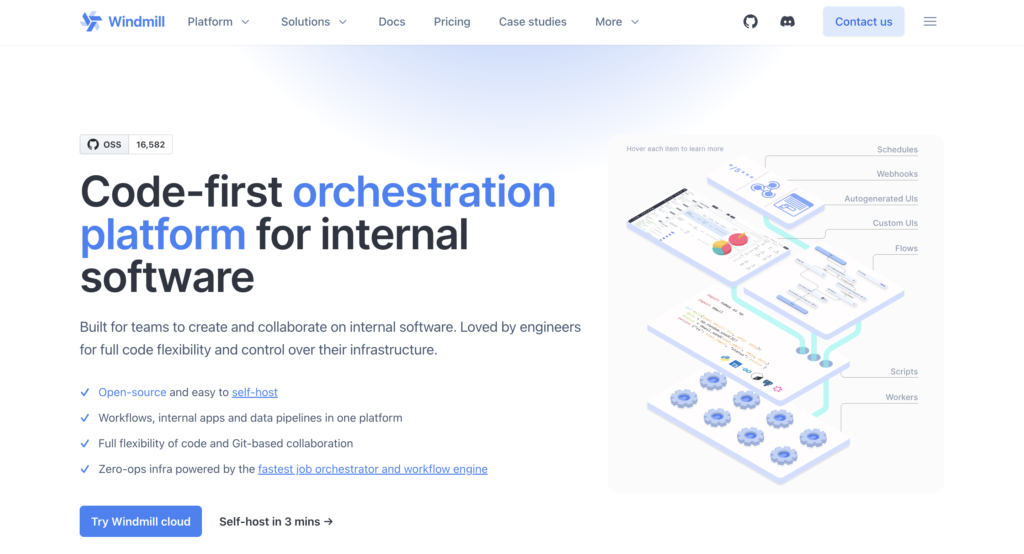
Quick facts
- Best for: developer teams that want code-first automation, fully open source
- Price: free to self-host, Cloud free tier with 1,000 executions a month, Team around $10/user/month, Enterprise custom
- Free option: yes, self-hosted and a free cloud tier
- Open source: yes
Windmill is the strongest pick for a developer who finds n8n’s visual canvas limiting. Instead of dragging nodes, you write scripts in Python, TypeScript, Go, Bash, or SQL, and Windmill turns them into flows and even auto-generates UIs from them. It is fully open source, self-hostable, and built for engineers who think in code rather than flowcharts. For data pipelines and internal tooling, that approach is often faster than a node editor.
The flip side is plain: it is not a visual builder, and the integration library is smaller than n8n’s.
Skip it if: anyone building automations is non-technical. Windmill is unapologetically a code tool. If you do not write code, it is the wrong direction entirely, go back to the no-code group.
AI-native automation tools
This group works differently. Instead of fixed rules, a language model sits in the middle and makes decisions, which lets these tools handle messy, judgment-based work. It also makes them less predictable and harder to budget. n8n already has AI nodes, so moving here is not about getting AI. It is about getting AI as the core of the tool rather than a step you wire up yourself.
11. Gumloop
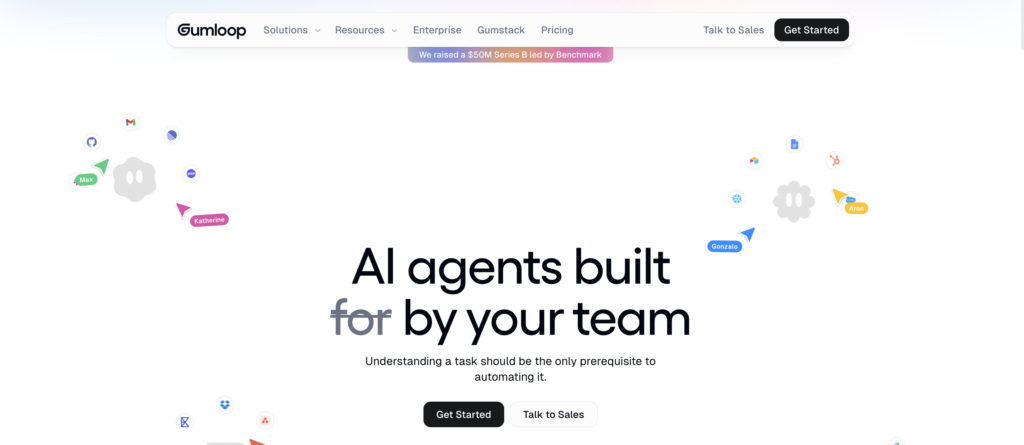
Quick facts
- Best for: visual AI workflows for data and document tasks
- Price: free tier, paid plans are credit-based, Enterprise custom
- Open source: no
Gumloop is a visual builder where AI is the core, not an add-on. You drag and drop nodes to build pipelines for data extraction, document processing, and research, with built-in guardrails to keep AI output reliable. For a team that wants AI-heavy automation but still wants to see the workflow laid out, it lands in a useful spot, and the visual style will feel familiar to an n8n user.
Because the AI does the deciding, costs are harder to predict, and very large multi-step workflows can get awkward to manage.
Skip it if: your automations are simple and rule-based. Gumloop’s AI focus is wasted on work a classic tool handles cheaper and more predictably.
12. Lindy
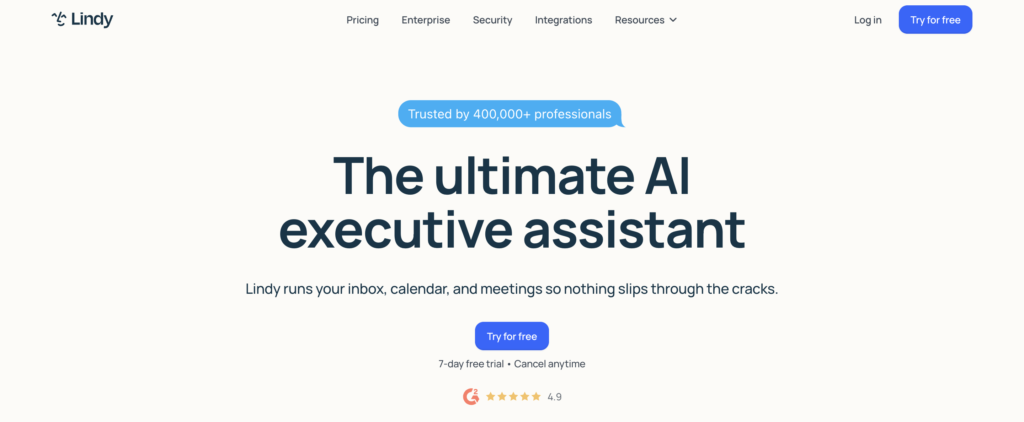
Quick facts
- Best for: delegating inbox, scheduling, and meeting prep to an AI assistant
- Price: free trial, paid plans roughly $49, $99, and $299 a month
- Open source: no
Lindy is no longer a general workflow builder. It now positions itself as an agentic personal assistant: you hand it tasks like email triage, scheduling, and meeting briefs, and it works in the background, even over text, learning your style as it goes.
That focus is both the strength and the limit. It is built for personal work admin, not flexible multi-step automation.
Skip it if: you want a build-your-own automation platform. Lindy is an assistant now. For team process automation, look at Relay or Gumloop instead.
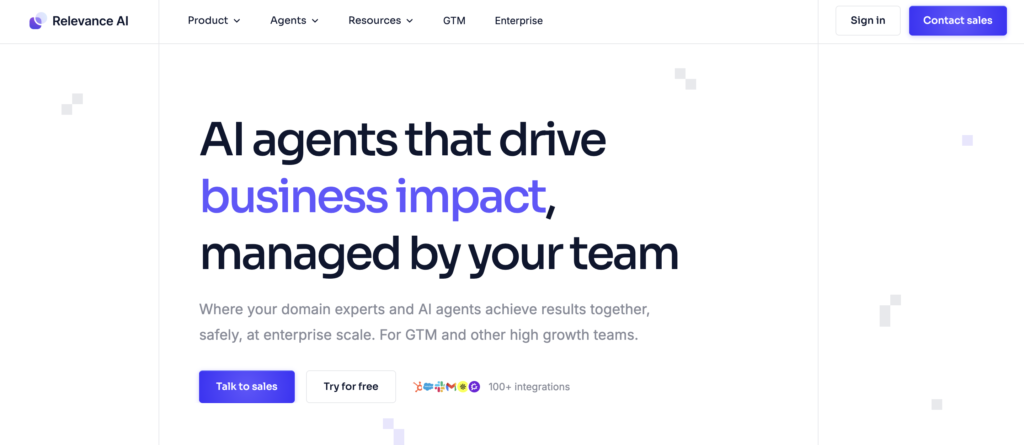
13. Relevance AI
Quick facts
- Best for: building a team of custom AI agents across sales, marketing, and support
- Price: free plan with 200 actions a month, paid up to around $349/month, Enterprise custom
- Free option: yes
- Open source: no
Relevance AI treats AI agents like staff. It is a low-code platform for building custom agents that handle work across sales, marketing, operations, and support: one that drafts emails, one that researches accounts, one that triages a support queue. For a technical team that liked building things in n8n, the build-it-yourself approach will feel familiar.
It does take real setup time, and the pricing has two meters that take a minute to understand.
Skip it if: you want plug-and-play. Relevance AI rewards teams willing to invest in building and tuning agents.
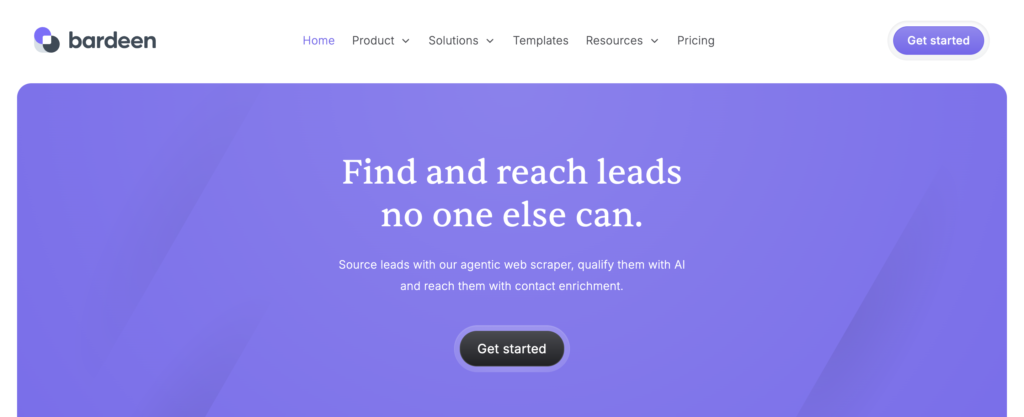
14. Bardeen
Quick facts
- Best for: browser-based automation for sales and research
- Price: Free, Pro around $10 to $20/user/month, Enterprise custom
- Free option: yes, 100 credits a month
- Open source: no
Bardeen runs as a Chrome extension, which sets it apart from everything else here. Its automations, called playbooks, run directly in the browser: scraping pages, filling forms, pulling data, working inside tools like LinkedIn, Notion, and Salesforce. A natural-language builder turns a plain-English description into a working playbook. For sales prospecting and research that happens in the browser anyway, it is fast and cheap.
That browser-based design is also the limit. It is narrower than a full automation platform.
Skip it if: you need server-side automation that runs without a browser open. Bardeen lives in the browser by design.
How to get started, with n8n and the alternatives
The fastest way to learn any of these is not reading. It is opening a free account, picking one real task you do every week, and building that single automation. Templates close the gap. Here are the official learning resources worth bookmarking.
n8n. If you are still deciding whether to leave, the n8n docs are thorough, and the n8n workflow templates library is large and community-driven. Working through a few templates is the honest test of whether n8n’s technical demands are a real problem for your team or a one-week learning curve.
Make. Start with Make Academy, which has free structured courses and a certification path, the Make Help Center for specific modules, and the Make templates gallery for pre-built scenarios to copy.
Zapier. Zapier Learn has free guided courses, and the Zapier templates library lets you start from a working Zap instead of a blank screen.
The open-source picks. Activepieces docs, Windmill docs, and Pipedream docs all cover self-hosting and setup. For the self-hostable ones, budget a little server reading before your first workflow runs.
Microsoft Power Automate. Microsoft’s own training on Microsoft Learn is free and structured, with a template gallery built into the product.
For the rest, Integrately, Pabbly Connect, Relay.app, Gumloop, Relevance AI, and Bardeen all have docs and template galleries on their own sites, and the AI-native tools lean on starter templates, since a blank agent is harder to design than a blank workflow.
One tip that applies everywhere: add a filter or condition early in the workflow, before the steps that cost money or credits. Most overspending comes from automations that run on events they should have ignored.
How to choose
Match the tool to the real reason you are looking, not to the longest feature list.
- n8n felt too technical and you want no-code: Make is the closest in feel, Zapier the easiest overall.
- You want simple automation cheaply: Integrately, or Pabbly Connect if you can commit annually.
- You want a human approval step: Relay.app.
- You live in Microsoft 365: Power Automate.
- You are a large enterprise: Workato.
- You want open source but simpler than n8n: Activepieces.
- You want code-first automation, fully open source: Windmill.
- You want code-first without running a server: Pipedream.
- You want AI to do the deciding: Gumloop for visual AI workflows, Relevance AI to build custom agents, Lindy for a personal assistant, Bardeen for browser tasks.
Then test before you commit. Almost everything here has a free tier or trial. Build the one workflow you actually need and see how it feels before paying for a year of anything.
The bottom line
n8n is a strong tool that a lot of people adopt for the wrong reasons. Before you switch, be honest about whether the problem is n8n or the fit. If you are technical and you need open-source, self-hosted automation, n8n is genuinely hard to beat, and “alternative” really means Activepieces or Windmill for a specific license or code-style reason. If you are not technical, the problem was never going to be solved by a smarter tool. It is solved by a tool built for you, and that is the whole first half of this list.
One closing note, since a content marketing agency is writing this. Automation is very good at producing more. More outreach, more posts, more sequences. But more was never the goal. We have written before about content blindness, the point where audiences stop noticing content because there is simply too much of it, and automating your way to higher volume can quietly make that worse. Use these tools to clear the repetitive work off your team’s plate so they have more time for the strategy and the writing a workflow cannot do. That is the part that still has to be good.
If you want help with that side of things, see what we do or book a call.

Rashmita is content marketer with 8 years of experience building and growing SaaS brands. Now she tests various AI tools for marketers and shares her feedback on this blog, LinkedIn, Instagram, and YouTube.