
Best AI Video Generators for Marketers in 2026
The best AI video generators in 2026 do things that would have needed a full production crew two years ago. The tool that topped this list a year ago, OpenAI’s Sora, no longer exists. OpenAI shut it down: the app closed in April, developer access was scheduled to end in September, and the company said it is winding down all of its video products.
So if a roundup tells you to commit your workflow to one AI video tool, ignore it. The category moves too fast for that. What follows is the current set worth knowing, with honest notes on what each tool does and who should skip it. Pricing and model versions were checked in May 2026, and Cutroom’s pricing in October 2026. For still images rather than video, see our best AI image generators guide. For the wider set of AI tools, see our Top 100 AI Tools list.
Four jobs, four kinds of tool
“AI video generator” covers four things that barely compete with each other:
- Short-form and social video makers turn a brief, a script or a single camera take into a finished social video. InVideo AI, Cutroom.
- Repurposing and editing tools get new video out of what you already have: a blog post or footage your team shot. Pictory, Capsule.
- AI avatar tools give you a presenter who reads your script. Synthesia. No camera, no actor.
- Generative video models make a cinematic clip from a text prompt or an image. Veo, Runway.
A marketer choosing between Veo and Synthesia is comparing a film camera to a teleprompter. So this guide is split by job, and the groups are ordered by how often a B2B marketing team reaches for them. Find the job you have, then read that section.
For most B2B marketers, the first three groups do more day-to-day work than the last. Cinematic clips look impressive in a feed, but a weekly short, an explainer or a repurposed blog post ships far more often. It is the same logic behind building a SaaS content engine around formats that compound, not formats that only impress.
The 15 tools at a glance
| # | Tool | Type | Best for | Price | Free tier |
|---|---|---|---|---|---|
| 1 | InVideo AI | Short-form maker | Quick marketing videos | Free, paid from about $20/mo | Yes |
| 2 | Fliki | Short-form maker | Fast social video and voiceover | Free, paid from about $21/mo | Yes |
| 3 | Cutroom | Short-form maker | Talking-head takes into short-form video | First video free, paid from $19.99/mo | First video only |
| 4 | Pictory | Repurposing tool | Turning written content into video | Paid from about $19/mo | Trial only |
| 5 | Capsule | Editing tool | Editing your own footage into branded video | Free, paid team plans | Yes |
| 6 | Synthesia | Avatar tool | Training and explainers | Free, paid from $29/mo | Yes |
| 7 | HeyGen | Avatar tool | Marketing and short-form | Free, paid from $29/mo | Yes |
| 8 | D-ID | Avatar tool | Cheap talking-head clips | From about $6/mo | Limited |
| 9 | Google Veo | Generative model | Realistic clips with sound | Google AI Pro from $19.99/mo | Yes, limited |
| 10 | Runway | Generative model | A full production workflow | Free, paid from about $12/mo | Yes |
| 11 | Kling | Generative model | Quality on a budget | Free, paid from about $7/mo | Yes |
| 12 | Luma Dream Machine | Generative model | Fast drafts | Free, paid from about $10/mo | Yes |
| 13 | Seedance | Generative model | Cinematic, multi-shot clips | Per clip, via platforms | Varies |
| 14 | Hailuo | Generative model | Fast, physics-heavy and stylized clips | Free credits, paid from about $10/mo | Yes |
| 15 | Higgsfield | Generative platform | Ad creatives, many models in one place | Free, paid from about $15/mo | Yes, limited |
Short-form and social video makers
B2B buyers now learn about companies across LinkedIn, YouTube and Instagram, not just on your website. That makes short vertical video the format most marketing teams need every week. These tools are built for that cadence: they turn a brief, a script or one camera take into a finished social video, without a production process.
1. InVideo AI: best for quick marketing videos
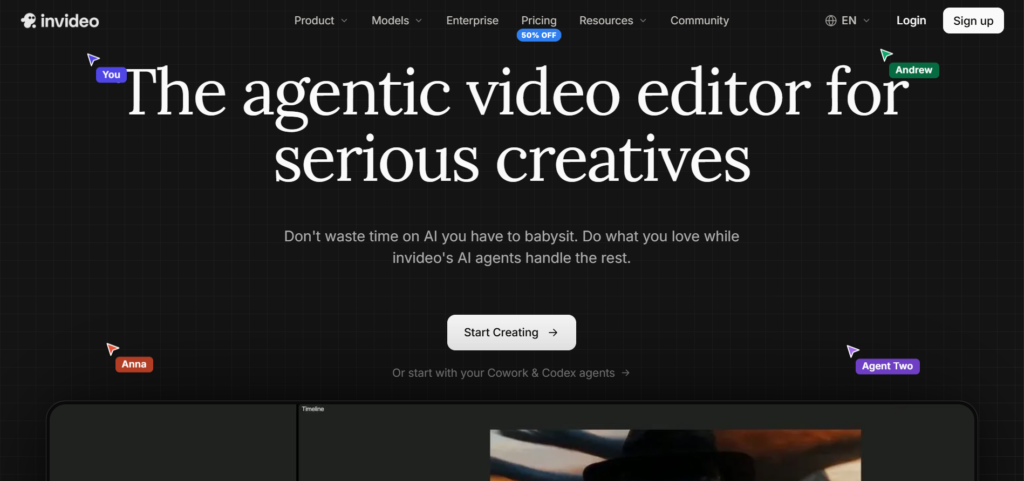
InVideo AI turns a text brief into a full marketing video: stock footage, captions, voiceover and music, assembled and editable by typing. It is good for social ads and promos when you need something watchable fast and do not have an editor. Quality is uneven, so expect to direct it.
Price: Free tier (watermarked), paid from ~$20/month.
Best for: Ad and promo videos from a prompt or a brief, produced fast.
Skip it if: You need a distinct, high-craft look. It works from templates and stock, and it shows.
2. Fliki: best for fast social video and voiceover
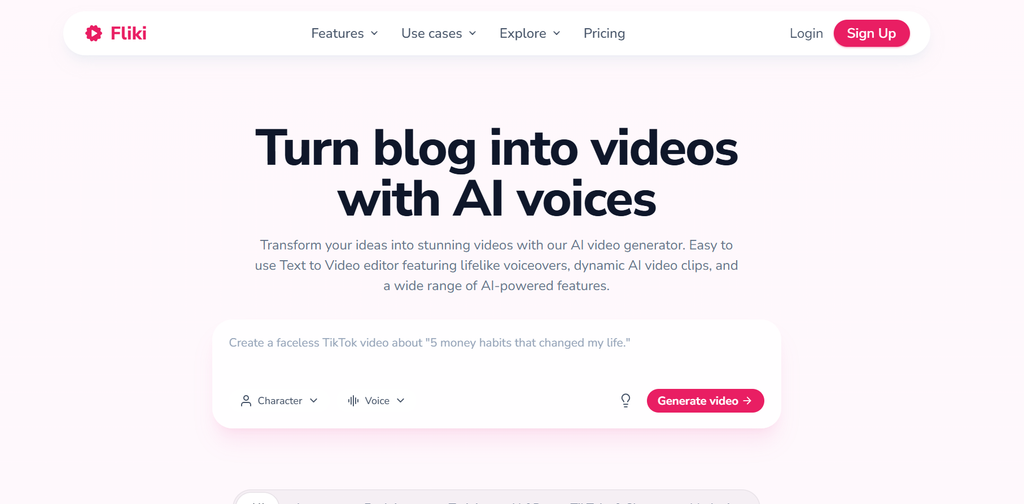
Fliki turns text into short social videos and has a deep set of natural AI voices in many languages. It is good for a regular drumbeat of social content, and for voiceover work on its own. Output leans templated. If you post on a schedule, pair it with a 2026 social media calendar so the ideas do not run dry.
Price: Free tier with a few minutes a month, paid from ~$21/month.
Best for: Text-to-video for social, with strong AI voices across multiple languages.
Skip it if: You want a custom look. It trades polish for speed.
3. Cutroom: best for talking-head short-form video
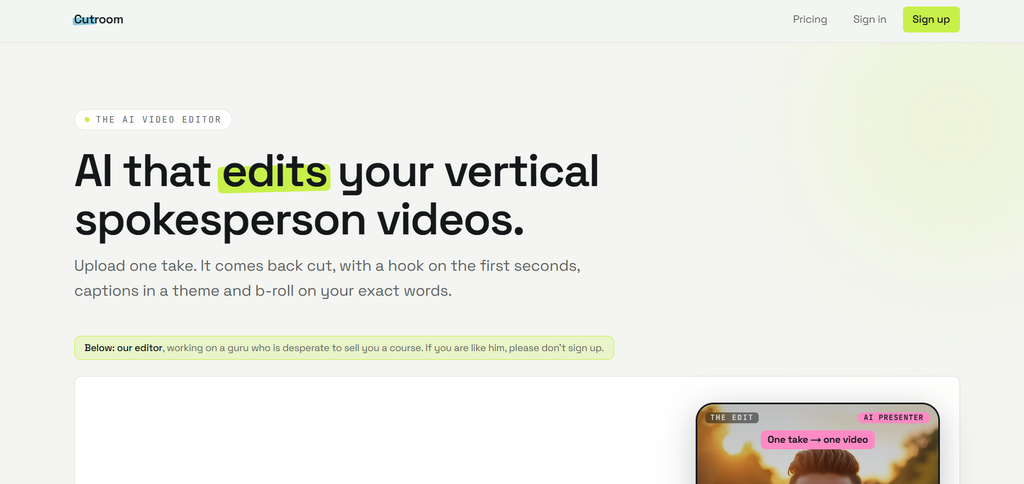
Cutroom is built for one person talking to camera. You record a single take of up to three minutes, upload it, and get back a finished vertical video with an AI-written hook card on top, captions, and b-roll placed on the words it illustrates. B-roll comes from your own library first, then free stock footage. You pick one of four edit styles: Punch and Native tighten the pauses and cut the ums, while Straight cut and Flow keep the take exactly as you said it.
Edits happen on the transcript, not a timeline. You can highlight a phrase, delete a line, swap a clip or fix a misheard word without opening an editor. There are 40 caption themes and 15 hook card themes, and the output is a 9:16 MP4 ready for Reels, Shorts and TikTok. Cutroom says an edit takes a few minutes from upload. For founders, consultants and agencies posting talking-head video every week, that replaces the editor they would otherwise pay per video.
Price: First video free with no card, made within 7 days and carrying a Cutroom mark. Paid plans start at $19.99/month ($14.99/month billed yearly) for about 10 finished one-minute videos, up to $79.99/month for Premium. Enterprise is custom.
Best for: Turning a single talking-head take into a captioned, b-roll-edited short-form video, fast.
Skip it if: You edit long-form YouTube, or want clips cut from podcasts and streams. For that, see our guide to AI content repurposing tools. Cutroom works from one spoken take of up to three minutes and outputs vertical video only.
Repurposing and editing tools
These tools do not generate footage from scratch. They get new video out of work you already did: a back catalog of blog posts, or demos and webinars your team recorded. Less impressive, more practical. For a marketer who needs a steady stream of decent video without a production process, this is often the right category. Pair these tools with a proper B2B SaaS content calendar and a SaaS content distribution playbook, and video becomes a format you ship consistently, not occasionally.
4. Pictory: best for repurposing written content
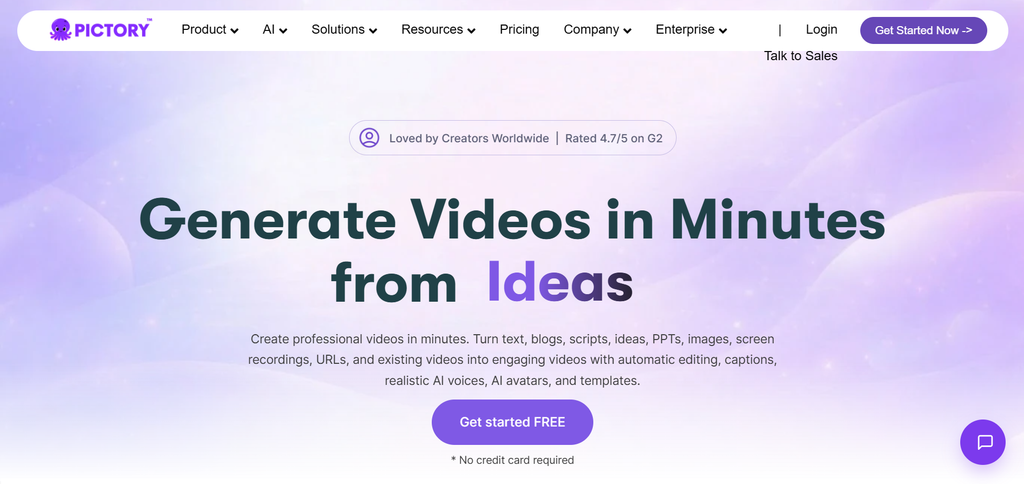
Pictory has one job: repurposing. Paste a blog post or a URL, and it pulls the key points, adds visuals and a voiceover, and gives you a short video. For a content team sitting on a back catalog of written posts, that is a fast way to get video out of work you already did. If you also want LinkedIn posts, clips and transcripts from the same material, our AI content repurposing tools roundup covers the rest of the job.
Price: Paid from ~$19/month. Trial only, no free plan.
Best for: Turning blog posts and long-form articles into short video without manual editing.
Skip it if: You want original video. Pictory needs existing content to work from.
5. Capsule: best for editing your own footage
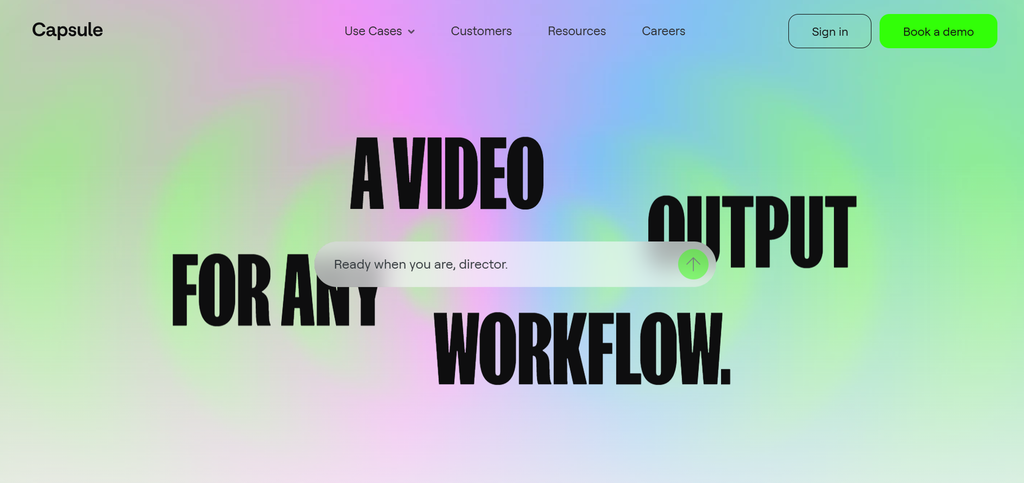
Where Pictory starts from writing, Capsule starts from footage. It is a browser-based editor for the video your team already has: product demos, webinar recordings, screen captures. You edit by working with the transcript, like editing text, and an AI co-producer trims filler words and tightens the cut. Cutroom handles a single talking-head take. Capsule handles the rest of a team’s footage.
The standout is its brand design system. You load your fonts, colors and logo once, and anyone on the team can make on-brand motion graphics without a designer. It is built for content and marketing teams that need a steady volume of consistent video, which describes a lot of B2B SaaS.
Price: Free plan available, paid team and enterprise plans available.
Best for: Turning footage your team already shot into on-brand video, fast.
Skip it if: You want AI to generate the video for you. Capsule edits real footage. You still have to shoot or record something first.
AI avatar and presenter tools
These do not generate scenes. They give you a realistic on-screen presenter who reads your script, in almost any language. For B2B marketing this is the workhorse: explainers, product walkthroughs, training, localized versions of one video. No camera, no studio, no reshoot when the script changes. If you are running content marketing for SaaS startups and need a steady output of educational video, this is the category to start with.
6. Synthesia: best for training and explainers
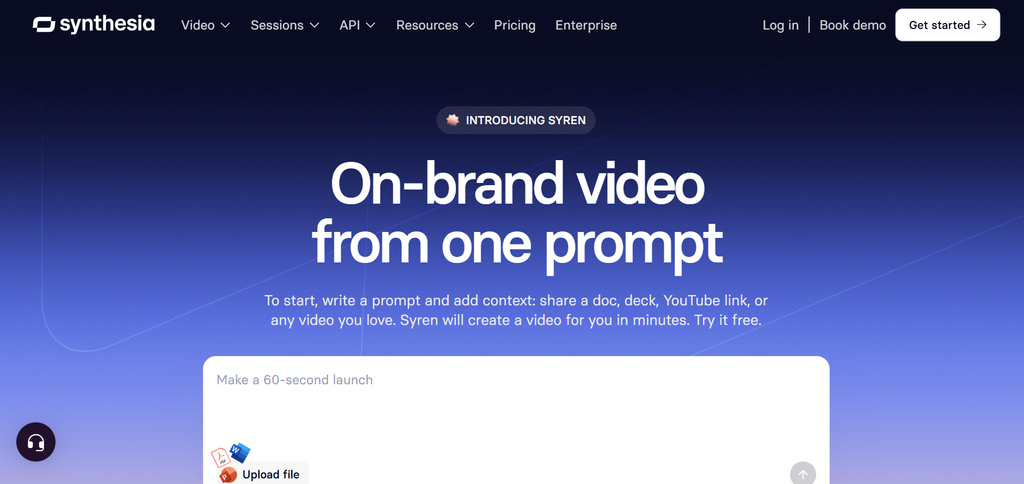
Synthesia is the category leader for presenter-style video. It has 240-plus avatars, 140-plus languages, and an editor built for structured content. You can drop in a PowerPoint and turn it into a narrated video, and if the deck does not exist yet, our best AI presentation tools guide covers that step. It is made for L&D, HR and product teams who need clear, repeatable, multi-language video, not cinematic flair.
Price: Free plan with ~10 minutes a month, paid from $29/month.
Best for: Corporate training, explainers, and localized video at scale.
Skip it if: You want creative or scene-based video. An avatar reading a script is exactly what this is, and all it is.
7. HeyGen: best for marketing and short-form
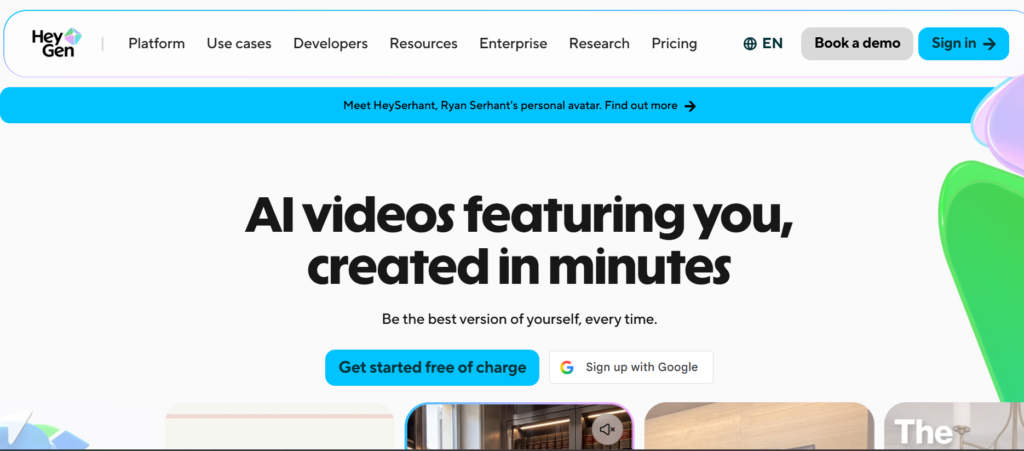
HeyGen covers similar ground to Synthesia but leans toward marketing and creators. Its avatars are among the most natural-looking, it does voice cloning, and it supports 175-plus languages. It is good for personalized video at scale and social clips with a presenter. Watch the credit system on premium features: the cost can jump.
Price: Free plan with 3 videos a month (watermarked), paid from $29/month.
Best for: Marketing videos, personalized outreach, and short-form social.
Skip it if: You are doing structured enterprise training. Synthesia’s editor and language setup fit that better.
8. D-ID: best cheap talking-head option

D-ID is the budget entry point. It animates a photo into a talking head and does the basics well. It is not trying to match Synthesia or HeyGen on polish or features. For a simple, cheap presenter clip, it works.
Price: From ~$6/month.
Best for: Simple talking-head clips on a tight budget.
Skip it if: You need range. The feature set is deliberately basic.
Generative video models
These turn a prompt or a still image into a short clip, usually 5 to 10 seconds. Quality is high now. The catch is consistency. You will run the same prompt several times before one is usable, so treat them like a slot machine with good odds, not a vending machine. The prompting habits in our AI image prompts for B2B marketers guide carry over well: be specific about subject, setting, light and camera.
9. Google Veo: best all-rounder
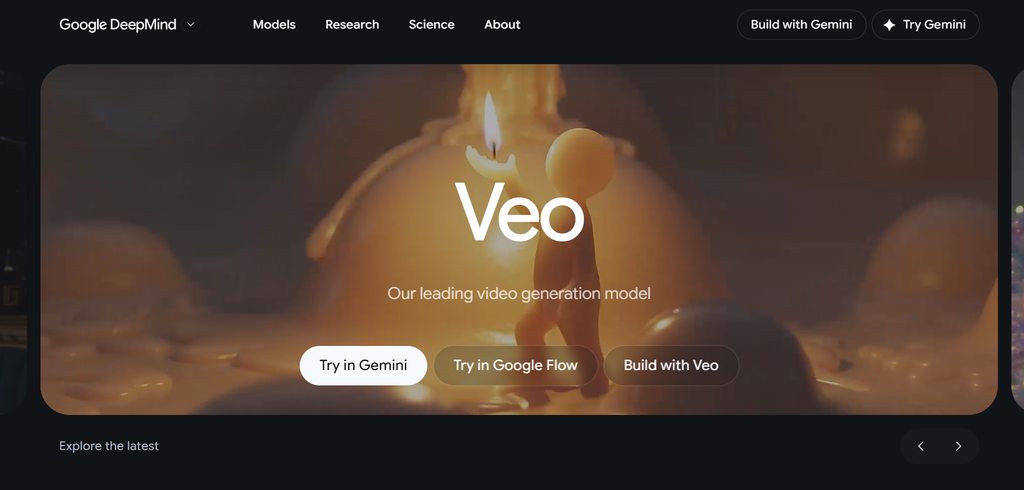
Google Veo, now on version 3.1, is the model most testers rank first. You reach it through the Gemini app and Google Flow, Google’s dedicated video workspace. What sets it apart is native audio. Veo generates dialogue, ambient sound and effects with the picture, while most rivals hand you a silent clip you score yourself. Its lip-sync is the best on the market, and it can output 4K.
Price: Google AI Pro ($19.99/month) and AI Ultra ($249.99/month), also via Google Flow. A free option is available through the Gemini app.
Best for: Realistic clips with sound. The strongest general pick in 2026.
Skip it if: You need long clips in one pass, or you are in a region where access is still restricted, which has included parts of Europe.
10. Runway: best for a real production workflow
Runway is less a single model and more a video studio. Its own models cover text-to-video (Gen-4.5), image-to-video (Gen-4), editing (Aleph) and performance capture (Act-Two). These sit alongside a UI built for people who actually edit: motion brush, director controls, frame work. It has also turned into a multi-model hub, so you can run Veo and Kling from inside it. If your work is a sequence of shots that need to hold together, this is the pick.
Price: Free tier, paid from ~$12/month, up to $95/month for Unlimited.
Best for: Creative teams that want editing tools alongside generation, not just a clip output.
Skip it if: You just want one quick clip. The depth is wasted on a single social post, and the credit system adds up.
11. Kling: best value
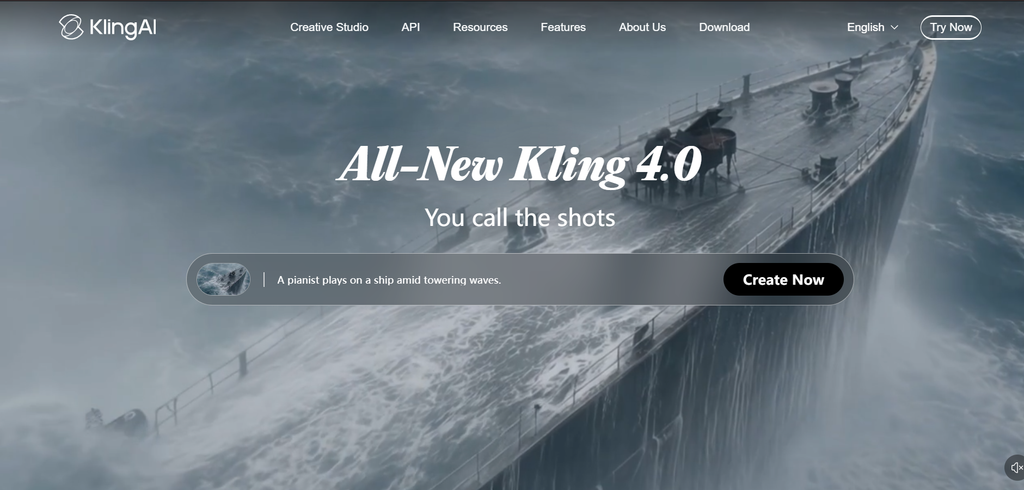
Kling, now on version 3.0, keeps winning on quality for the price. It is strong at realistic human motion and at character consistency: the same face holding up across shots. It can also produce longer clips than most, up to a couple of minutes. The free tier exists, but the queue is slow.
Price: Free tier, paid from ~$7/month.
Best for: High-quality clips on a budget, and longer clips where other tools cut out.
Skip it if: You need native audio or guaranteed fast turnaround. Paid tiers help with speed.
12. Luma Dream Machine: best for speed
Luma Dream Machine, running Luma’s Ray models, is built for speed. Generations come back fast, which makes it good for testing an idea before you spend time on a slower, higher-end model. Clips run short: five to nine seconds, extendable to about thirty.
Price: Free tier with watermarks, paid from ~$10/month.
Best for: Fast drafts and quick iteration before committing to a higher-end model.
Skip it if: You need top-tier final quality. Luma is a drafting tool more than a finishing one.
13. Seedance: best raw quality for the price
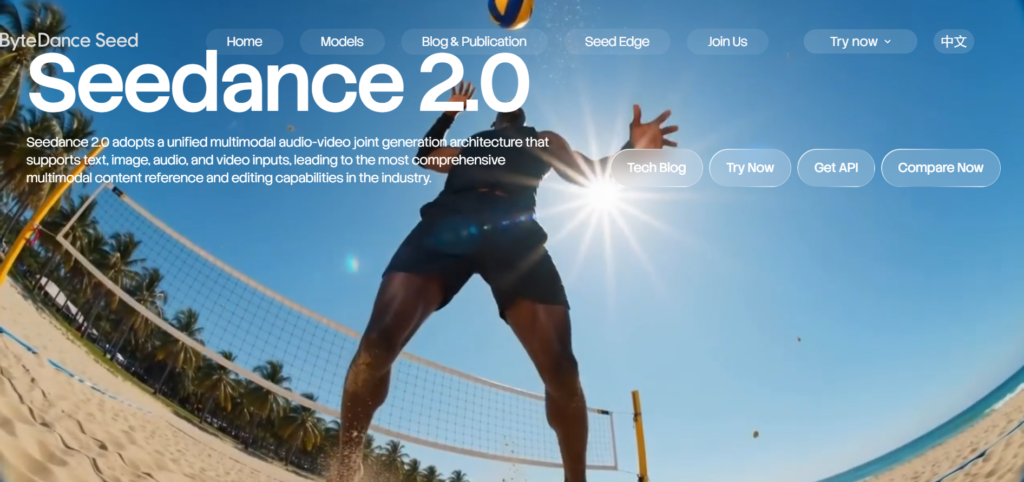
Seedance, a ByteDance model now on version 2.0, scores at or near the top of quality benchmarks while costing less per clip than the big names. Its trick is thinking in sequences. Prompt a scene, and it can return a wide shot, a cut to a medium, then a close-up, instead of one flat shot. It does not have its own polished app. You reach it through ByteDance’s Dreamina or third-party platforms that host it.
Price: No consumer app of its own. Reached through ByteDance’s Dreamina and third-party platforms, priced per clip.
Best for: Cinematic, multi-shot clips where quality per dollar matters most.
Skip it if: You want a simple, official, click-and-go app. Seedance is a model, not a finished product.
14. Hailuo: best for fast, physics-heavy clips
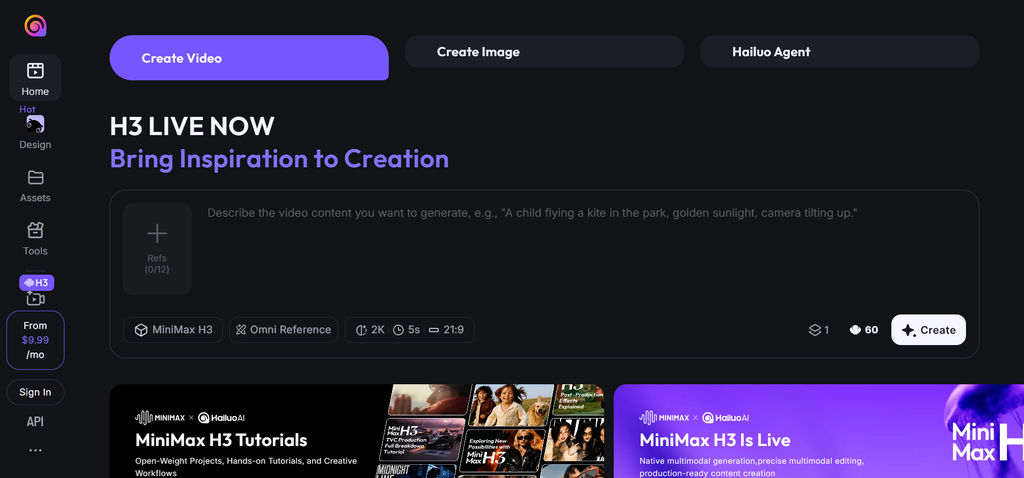
Hailuo, from MiniMax, is fast and notably good at physics: motion that follows real-world weight and momentum. It handles stylized and anime content well too, which makes it the pick for effects-driven social clips that are not trying to look like real footage. Clips cap at around 10 seconds.
Price: Free daily trial credits, paid from ~$10/month.
Best for: Quick clips with believable motion, and stylized or anime content.
Skip it if: You need long-form video or the absolute top tier of realism.
15. Higgsfield: best for many models in one place
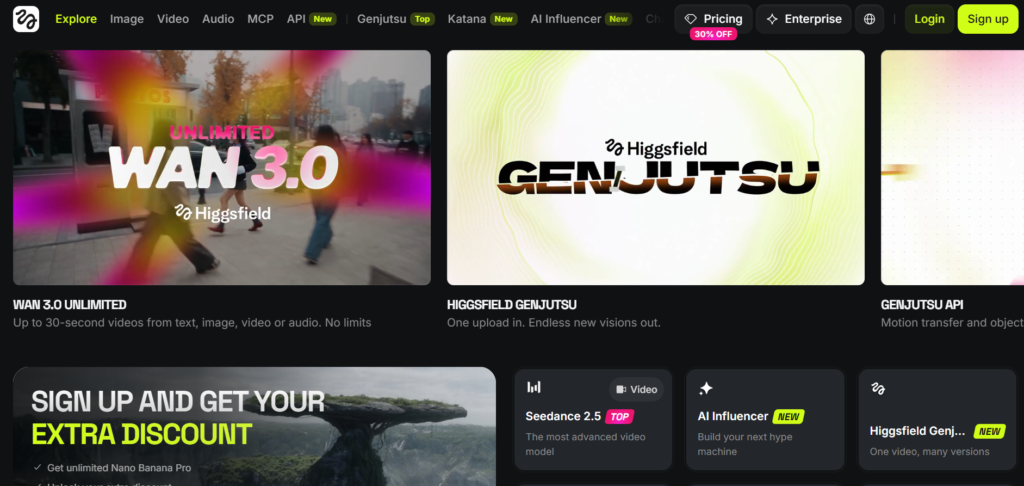
Higgsfield is not a single model. It is a hub that puts more than 15 video models under one subscription, including Veo, Kling, Seedance and Hailuo, alongside its own model and a large set of cinematic camera presets. The pitch is control. Instead of hoping for a good camera move, you pick one. It leans hard toward ad creative and short-form social. Pricing is credit-based, and Higgsfield has changed its plans several times, so check current rates before you commit.
Price: Free tier with limited daily credits, paid from ~$15/month.
Best for: Ad creatives and cinematic social clips, with model choice and camera control in one subscription.
Skip it if: You have settled on one model. Paying for an aggregator makes sense when you switch models often, not when you do not.
What to know before you use any of them
A few honest things, whichever tool you pick:
- Clips are still short. Most generative models give you 5 to 10 seconds per generation. A longer video means stitching clips together, which is editing work. Plan for it.
- It is a slot machine. You will not get the shot on the first try. Generate the same prompt several times, pick the best, move on. Budget time and credits for the misses.
- Audio is uneven. Only some models generate sound with the picture. For the rest, you add voiceover and music afterward. The avatar tools handle voice well. The generative models mostly do not.
- You still have to edit. AI hands you raw clips or a rough cut. Trimming, pacing and brand polish are still your job, though editors like Cutroom and Capsule take much of the grind out of it.
- The script is still yours. No tool here writes a video worth watching on its own. Start from a real content brief, and if you draft scripts with AI, our best AI writing tools for B2B SaaS roundup covers which ones hold a voice.
- Commercial safety varies. Most of these grant commercial use on paid plans but offer no legal indemnification. If a client needs ironclad licensing, Adobe’s Firefly Video model is trained only on licensed content. Read the terms before client work.
- Avatars need consent. If you clone a voice or a face, you need the person’s permission. For a real spokesperson, get it in writing.
How to choose
By the job in front of you:
- A quick ad or promo video from a brief: InVideo AI
- A steady stream of social videos with voiceover: Fliki
- A talking-head take turned into short-form video: Cutroom
- A blog post turned into video: Pictory
- Editing your team’s own footage into branded video: Capsule
- An explainer, training video or product walkthrough: Synthesia, or HeyGen for a marketing tone
- A cheap presenter clip: D-ID
- A cinematic clip or hero shot: Google Veo, or Kling if budget is tight
- A sequence of shots that hold together: Runway
- Fast, cheap drafts or stylized clips: Luma or Hailuo
- Many models and camera control in one subscription: Higgsfield
The rule that holds across all of them: do not commit your whole workflow to one tool. Sora was best in class a year ago, and it is gone. Pick what fits the job, and stay ready to switch.
The bottom line
AI video in 2026 is genuinely useful and genuinely unstable. The quality is real. So is the churn. The clearest proof is that last year’s top tool was discontinued mid-stride.
For most B2B marketing teams, the honest starting point is not the cinematic models everyone posts about. It is a short-form maker like Cutroom or InVideo AI for the weekly feed, a repurposing tool like Pictory or an editor like Capsule for content you already have, or an avatar tool like Synthesia or HeyGen for explainers. Reach for Veo or Runway when a project genuinely needs a generated scene.
And remember what the video is for. A slick clip that says nothing still says nothing, the same way AI slop does on a blog. The script and the idea carry a video the same way they carry a blog post. That part has not been automated, and it is the part we work on at LymLyt, from social content and video scripts to the content system behind them. If you want video to be one format in a compounding pipeline rather than a one-off output, book a call with Rashmita.
If this helped, our best AI newsletters roundup does the same honest sorting for staying current on the tools that matter.

Rashmita is content marketer with 8 years of experience building and growing SaaS brands. Now she tests various AI tools for marketers and shares her feedback on this blog, LinkedIn, Instagram, and YouTube.