10 Best Workflow Automation Tools for Technical Teams in 2026
Workflow automation tools get sorted by integration count or price in most roundups, and that misses the question technical teams actually ask first: who owns the infrastructure, and what happens if the vendor changes the pricing tomorrow. A tool with 9,000 integrations is worthless if your compliance team won’t let customer data leave your own servers.
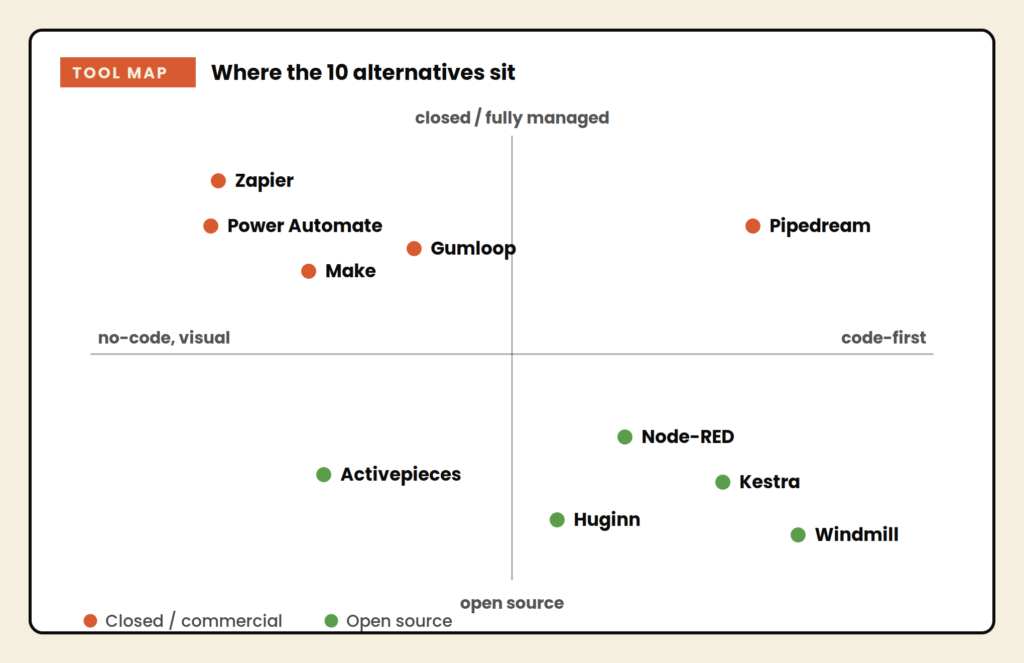
This guide covers ten workflow automation tools worth evaluating in 2026, split across genuinely open-source platforms you can self-host, fully managed no-code tools, and developer-first options that give you real code when you need it. The organizing question throughout is not which tool has the most features. It’s which tool matches how your team actually wants to build and where you want that automation to run.
What to check before you commit
Every tool on this list trades something for something else. Get clear on three things before you subscribe or self-host.
- License, not marketing copy. “Open source” gets used loosely in this category. Check whether the license is OSI-approved, like MIT or Apache 2.0, or a restricted fair-code license that limits resale and embedding. The difference matters the moment you want to build a product or offer services on top of the platform, not just run internal automations.
- Execution pricing versus task pricing. Some tools count a workflow run as a single execution regardless of step count. Others charge per task or per operation, where a ten-step workflow costs meaningfully more than a two-step one. Do the math on your actual usage, not the headline number on the pricing page.
- Who is actually building the workflow. A tool built for developers with code steps in JavaScript or Python will frustrate a marketer who wants a visual canvas. A pure no-code builder will frustrate an engineer who wants to write one regex instead of chaining twelve filter nodes. Match the tool to the person who will actually be in it every week.
The 10 best Workflow Automation Tools
1. Activepieces
Activepieces runs on MIT, a genuinely open license with no resale restriction, which puts it ahead of most fair-code competitors the moment you want to build a product or offer services on top of it. The visual builder uses a clean node-based canvas, and every integration doubles as an MCP server, which matters increasingly in 2026 as AI agents need a standardized way to reach business tools.
- MIT licensed core, fully self-hostable with unlimited flows and runs
- AI agents and MCP servers available on every plan, including the free cloud tier
- SOC 2 Type II certified, with EU and US hosting options for compliance-sensitive teams
- 600-plus integrations on a type-safe TypeScript pieces framework, still growing
- Complex, deeply nested conditional logic is where the integration library still shows its youth
Price: Self-hosted Community Edition is free with unlimited flows and runs. Cloud Standard is free for 10 active flows with unlimited runs, then scales per active flow, roughly $5 per active flow per month.
Best for: Teams that want a self-hosted, node-based builder with a license that does not restrict what they build on top of it.
Skip it if: You need the deepest possible integration library or the most mature conditional-logic handling. The gap is closing fast, but it is not closed.
2. Zapier
Zapier trades code-level control for the largest integration catalog in the category, connecting to more than 9,000 apps. There is no self-hosting and no server to patch, and the guided setup means a non-technical marketer can ship a working automation in twenty minutes. The honest complaint is the pricing: it charges per task, not per workflow run, and that adds up fast at real volume.
- 9,000-plus app integrations, still the widest catalog in the category by a wide margin
- Zapier Tables, Forms, and MCP now bundled into core plans, not sold as separate add-ons
- Multi-step Zaps with paths, filters, formatting, and scheduling on paid tiers
- Guided, no-documentation-required setup a first-time user can complete solo
- A five-action workflow run 1,000 times a month is 5,000 billed tasks, so cost climbs with usage, not with workflow count
Price: Free plan covers 100 tasks a month. Paid plans start at $19.99 a month billed annually for 750 tasks ($29.99 a month if billed monthly), and scale with task volume.
Best for: Non-technical teams that want the widest possible app coverage with zero infrastructure to manage.
Skip it if: Your workflows run at real volume. Per-task pricing punishes exactly the automations that save the most time, which is a strange trade to make.
3. Make
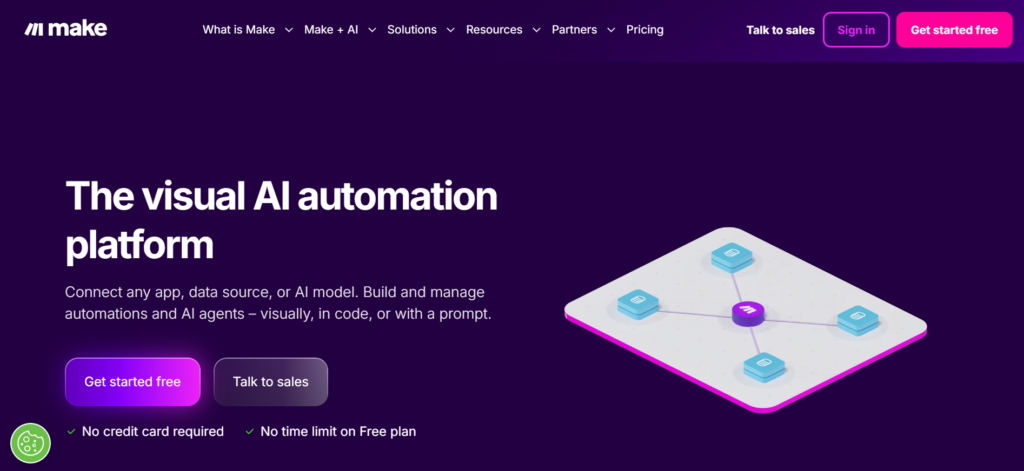
Make offers a visual, node-based canvas with deep branching, iterators, and data transforms, fully managed with no self-hosting required. That makes complex multi-branch workflows easier to read at a glance than a flatter, linear builder. Custom code is the tradeoff: Make’s scripting capability is real but thinner than a fully code-first tool, so workflows leaning heavily on custom logic will hit a ceiling here.
- Visual scenario builder with deep branching, iterators, and data transforms
- Credit-based pricing (Make renamed “operations” to “credits” in August 2025)
- Fully managed cloud product, nothing to host, patch, or back up
- Strong error handling and workflow versioning built into the core editor
- Workflows leaning heavily on custom logic will hit a ceiling a code-first tool would not impose
Price: Free plan includes 1,000 credits a month. Paid plans start at $9 a month billed annually for 5,000 credits, scaling up from there depending on volume (roughly $12 a month billed monthly for the same tier).
Best for: Teams that want visual complexity and branching logic without hosting anything themselves.
Skip it if: You rely on custom code nodes for logic a visual builder cannot express. Make’s scripting is real but shallower than a developer-first tool.
4. Pipedream
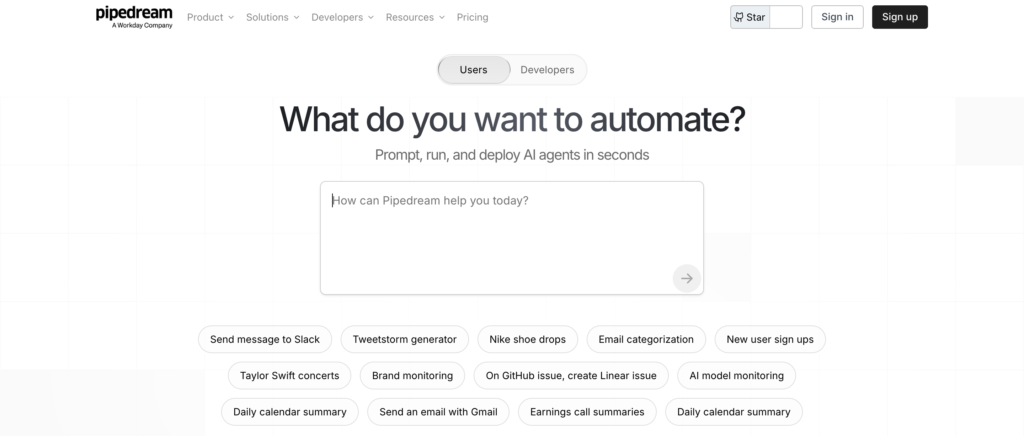
Pipedream is built for people who actually write code every day. Every step can be a full script in JavaScript, Python, Go, or Bash, and the built-in auth management handles OAuth flows and API key storage cleanly, normally the most tedious part of building custom integrations by hand. Usage counts by credit, and the trade-off is the same one every code-first tool makes: a non-technical teammate cannot pick this up solo.
- Code steps in JavaScript, Python, Go, and Bash on every workflow
- Built-in auth management for OAuth and API keys, removing the most tedious integration work
- Free tier is modest at 100 credits a month, enough for testing but not sustained use
- Fully managed, with no server, database, or Docker setup to maintain
Price: Free plan includes up to 100 credits a month. Paid plans start at $29 a month billed annually for 2,000 credits, with Advanced at $49 a month and Connect at $99 a month for higher volume and team features.
Best for: Developers who want code-first flexibility and depth without owning the infrastructure underneath it.
Skip it if: Your team is non-technical. Pipedream assumes real comfort writing and debugging code, not just configuring nodes.
5. Windmill
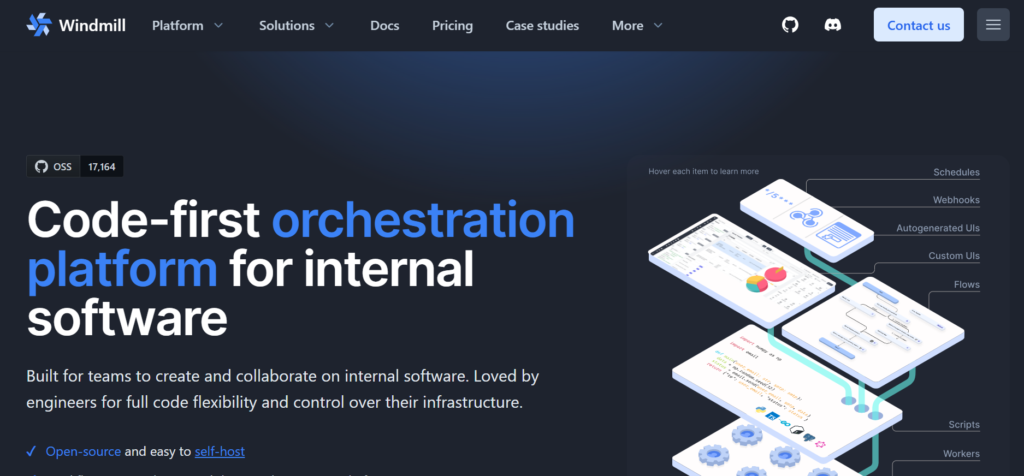
Windmill leans all the way into code. It is built for teams that want to write scripts in TypeScript, Python, Go, or SQL and turn them straight into scheduled jobs, internal tools, or approval-gated workflows, with an open-source core you can self-host. There is no node canvas at all, which is the point: for a team that finds dragging nodes around slower than writing the logic directly, code is the workflow.
- Native scripting in TypeScript, Python, Go, and SQL, no wrapper nodes required
- Built-in human approval steps, so a workflow can pause and wait for sign-off before continuing, which matters for anything client-facing or touching real money
- Open-source core, self-hostable with a genuinely permissive license
- Doubles as an internal tools builder, not just a workflow engine
Price: Self-hosted is free. Cloud Team plan starts around $10 a month per developer seat.
Best for: Engineering teams that want a code-centric automation tool with real approval gating for sensitive workflows.
Skip it if: Nobody on your team is comfortable writing scripts. Windmill is not a no-code tool wearing a code-tool costume, it is a code tool, full stop.
6. Microsoft Power Automate
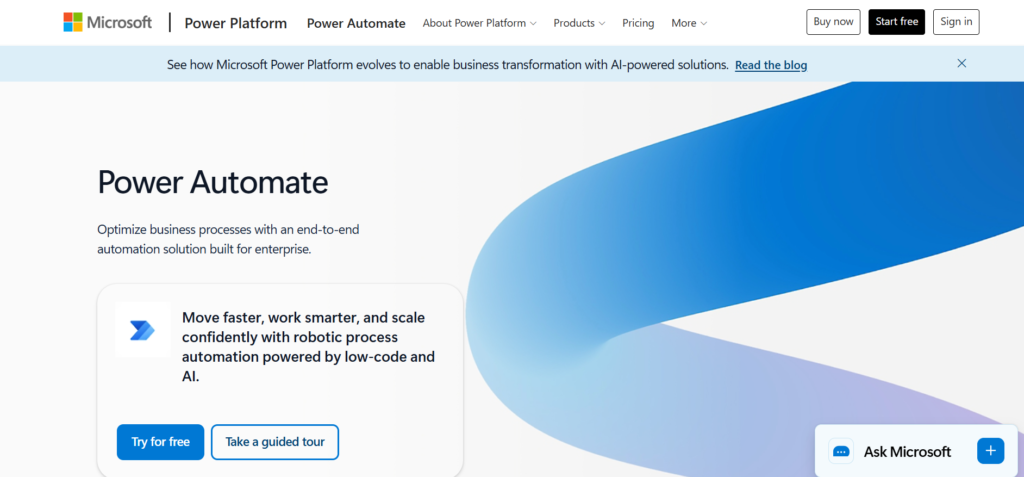
Power Automate is the default choice for any team already living inside Microsoft 365. Deep native integration with SharePoint, Teams, Outlook, and Dynamics means workflows that would require custom connectors elsewhere just work here, because the platform and the apps share the same login. AI Builder adds document processing, form extraction, and prediction steps without leaving the Microsoft ecosystem.
- Native, no-connector-required integration with SharePoint, Teams, Outlook, and Dynamics
- AI Builder adds document processing, form extraction, and prediction steps without leaving the Microsoft ecosystem
- Familiar to any team already trained on Microsoft 365 administration
- Separate Process ($150/bot/month) and Hosted Process ($215/bot/month) tiers exist for unattended RPA, billed per bot rather than per user
- Almost none of the value transfers if your stack is not built on Microsoft
Price: Free 30-day trial. Premium starts at $15 per user per month billed yearly. Unattended automation (Process and Hosted Process tiers) is priced per bot, from $150 to $215 a month.
Best for: Organizations standardized on Microsoft 365 that want automation to feel native to tools employees already log into daily.
Skip it if: Your stack is not built on Microsoft. The value here comes almost entirely from that ecosystem lock-in, and it evaporates without it.
7. Gumloop
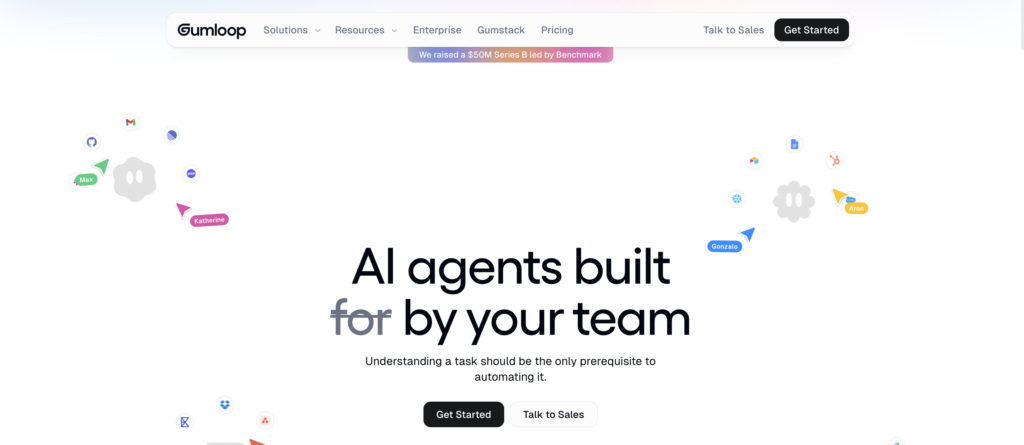
Gumloop is built for a fundamentally different job than the rest of this list. Instead of fixed rules that trigger fixed actions, it puts an AI model in the middle of the workflow to make judgment calls: extracting data from a messy PDF, researching a company from a name alone, or scoring a lead based on context a rules engine could never evaluate. The canvas looks similar to a classic node-based builder, but every node assumes the AI is doing real reasoning, not just routing data.
- AI reasoning built into every node, not bolted on as an optional step
- Backed by Benchmark’s Series B, used in production by Shopify, Instacart, and Ramp
- Strong fit for research, document extraction, and lead scoring workflows
- Free tier includes 5,000 credits a month on a single seat, generous enough to properly test the platform
- Genuine overkill for a plain trigger-then-action automation a $9 visual builder would handle for a fraction of the cost
Price: Free plan includes 5,000 credits a month. Pro starts at $37 a month for 20,000-plus credits with unlimited seats. Enterprise is custom priced.
Best for: Teams automating genuinely judgment-based work that a rules engine cannot handle, not simple data routing.
Skip it if: Your workflow is a plain trigger-then-action chain. Paying for AI reasoning on a job that does not need it is wasted spend.
8. Node-RED
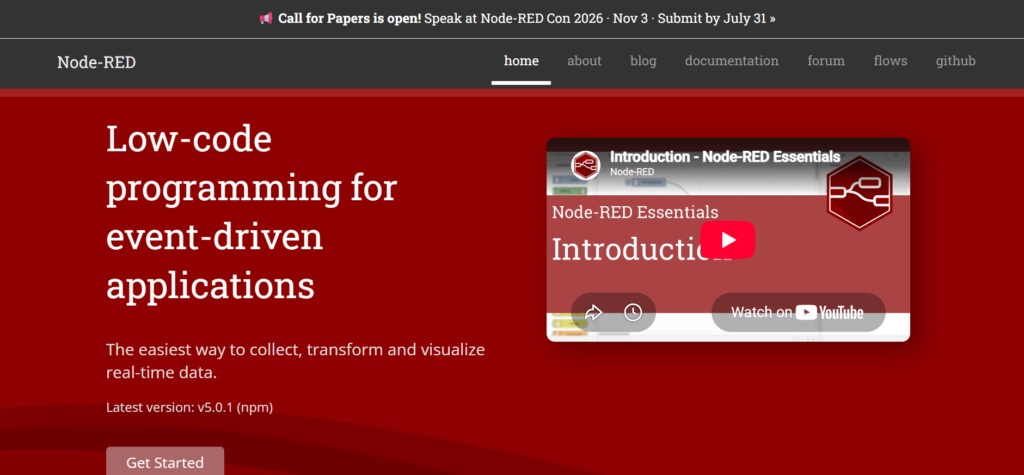
Node-RED is free, open source, and built for a developer audience that thinks in event-driven logic rather than SaaS-to-SaaS automation. It is built on Node.js and shines at hardware and IoT integration, connecting APIs, databases, and physical devices like Raspberry Pi or Arduino in ways most business automation tools do not directly support. Using it well requires genuine comfort with JavaScript and network logic.
- Free and fully open source, built on Node.js
- Native support for hardware integrations including Raspberry Pi and Arduino
- Strong for real-time, event-driven applications beyond typical SaaS-to-SaaS automation
- Long-standing, stable project with a mature developer community
- Smaller integration library than the mainstream no-code tools, and no meaningfully maintained managed cloud version
Price: Free and open source. Self-hosting is the only realistic option, so factor in your own server cost.
Best for: Developers building event-driven automation that touches physical hardware, not just SaaS apps and APIs.
Skip it if: You need a broad app integration library. Node-RED’s strength is real depth in a narrow lane, not breadth across business tools.
9. Kestra
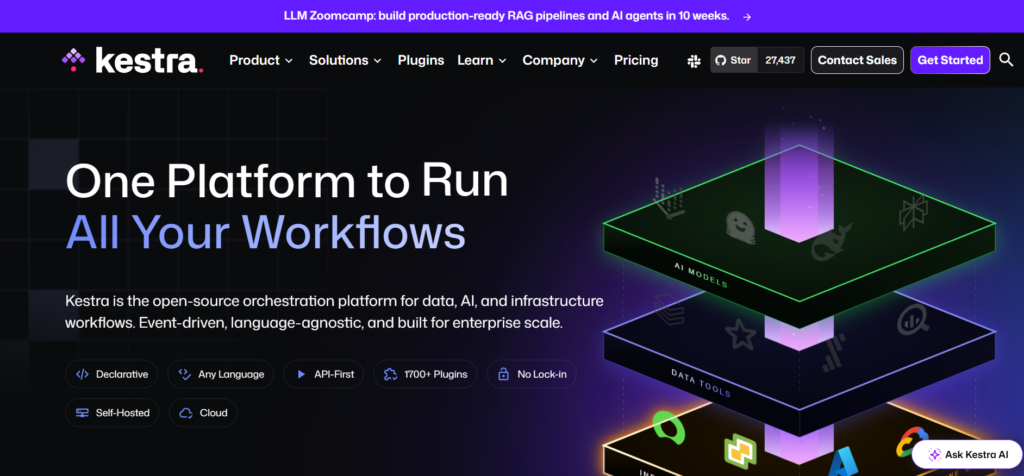
Kestra targets a different problem than most tools on this list: scheduled, data-heavy pipelines rather than app-to-app business automation. Workflows are defined in declarative YAML, easy to version control and drop into an existing CI/CD pipeline, and the platform handles millions of executions without falling over. It reads more like an orchestration engine in the spirit of Apache Airflow than a general-purpose automation tool.
- Declarative YAML workflows, version-controllable and CI/CD friendly
- Handles millions of executions at low latency, built for real production scale
- Visual UI layered on top of a configuration-driven backend, not instead of it
- Apache 2.0 licensed, genuinely open source with no resale restriction
Price: Open source under Apache 2.0. Self-hosted is free; managed cloud plans are available on request.
Best for: Data and platform teams running scheduled ETL and pipeline jobs that need version control and real production scale.
Skip it if: You need simple app-to-app integrations for marketing or sales workflows. Kestra is built for a more technical job than that.
10. Automatisch
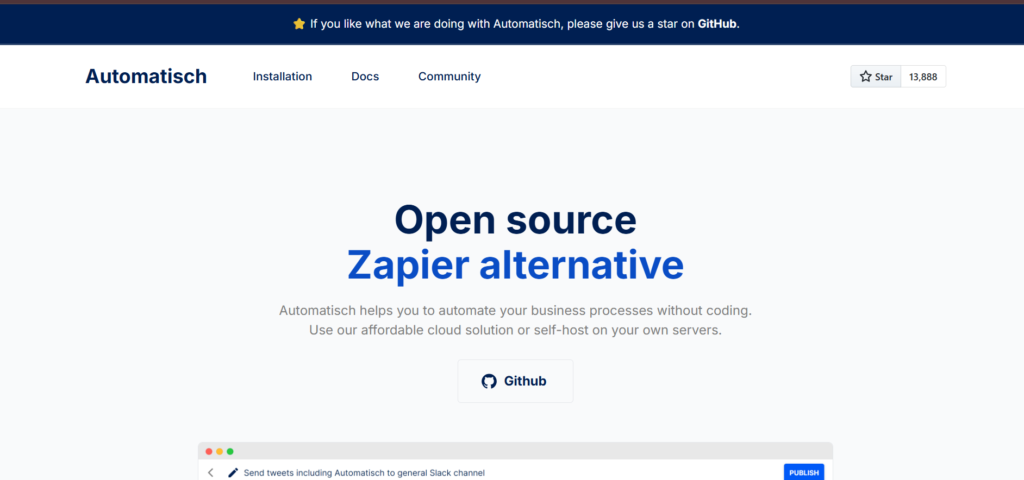
Automatisch is the most direct, least-configuration self-hosted option on this list for teams that just want simple trigger-action workflows running fast. It trades integration depth for a setup that takes an afternoon, not a week, positioning itself as the lightweight, genuinely open-source option in a category full of restricted licenses.
- AGPL-3.0 licensed Community Edition, self-hosted with a single docker-compose setup
- Around 40-plus integrations, smaller than the bigger platforms by design, not by accident
- Familiar trigger-and-action model with a genuinely low learning curve for switchers
- No usage limits once self-hosted, only your own server cost to plan for
- Not built for complex branching or code steps. If your workflow needs real logic, look at Windmill instead
Price: Free and open source under AGPL-3.0. Self-hosting requires a VPS, typically $5 to $50 a month depending on workload. There is no managed cloud option.
Best for: Small teams running a handful of simple automations who want a genuinely open-source, self-hosted option without adopting a heavier platform’s full complexity.
Skip it if: You need deep integration coverage or complex branching logic. Automatisch is intentionally narrow, not a general-purpose replacement.
How the 10 Workflow Automation tools compare
| Tool | License / hosting | Best for | Starting price |
|---|---|---|---|
| Activepieces | MIT, open source, self-host or cloud | Self-hosted node-based builder with an open license | Free self-hosted |
| Zapier | Closed, cloud-only | Widest integration catalog | Free, paid from $19.99/mo (annual) |
| Make | Closed, cloud-only | Visual complexity without self-hosting | Free, paid from $9/mo (annual) |
| Pipedream | Closed, cloud-only, code steps | Developer-first automation, fully managed | Free, paid from $29/mo (annual) |
| Windmill | Open source core, self-host or cloud | Code-centric internal tools and workflows | Free self-hosted |
| Power Automate | Closed, cloud | Microsoft 365 ecosystems | From $15/user/mo |
| Gumloop | Closed, cloud | AI-native, judgment-based workflows | From $37/mo |
| Node-RED | Open source (Apache 2.0), self-host only | Hardware and IoT automation | Free |
| Kestra | Open source (Apache 2.0), self-host or cloud | Scheduled data pipelines | Free self-hosted |
| Automatisch | Open source (AGPL-3.0), self-host only | Simple trigger-action workflows, fast setup | Free self-hosted |
Which one should you actually pick
Start with the license question, because it filters the list fast. If you need a genuinely open license, Activepieces, Windmill, Node-RED, Kestra, and Automatisch are your real options. Zapier, Make, Pipedream, Power Automate, and Gumloop are closed commercial products regardless of how good they are individually.
From there, match the builder to the person using it, not the tool to the job title on the org chart. Non-technical marketing teams get the fastest results from Zapier or Make. Developers who want to keep writing code get more out of Pipedream or Windmill than they will from a visual canvas fighting their instincts every step. Teams already automating with rules who now need actual judgment calls, not just conditions, are the specific case Gumloop and other workflow automation tools are built for.
If your search started somewhere more specific, our sibling roundups on Make alternatives and n8n alternatives cover the adjacent decisions from a different starting point, and Pabbly Connect alternatives covers the budget-first angle. For teams automating outbound and lifecycle email specifically, the best AI-native email automation tools roundup is a closer fit than a general workflow tool.
The part automation cannot fix for you
Every tool on this list is very good at moving data and triggering actions faster than a person can. None of them decide what your content should say, who it should reach, or why it should matter to that reader. That is still a strategy problem, not an automation problem, and it is the same reason a SaaS content engine needs a real system behind it, not just faster plumbing between tools.
If your automation stack is sorted but the content and distribution side still runs on guesswork, that is a different conversation. Our content distribution playbook and our breakdown of the best AI marketing agencies both cover what to fix once tooling stops being the bottleneck, and SaaS content marketing metrics that actually matter covers how to tell whether any of it is working.
Want a second opinion on your current automation and content stack before you commit to a new tool? Connect with us and we will walk through what is actually worth fixing first.
Think B2B is boring?
That's coz you are not subscribed to ours newsletter. We share a 100 bad days (of B2B marketing) made a 100 good stories. A 100 good stories make YOU interesting at parties.
Almost there. Check your inbox and click the confirmation link.

Jay is the co-founder of LymLyt and an AI partnership consultant helping B2B SaaS companies grow through content strategy, SEO, and AI integration. He writes about content marketing, what makes B2B content convert, and how SaaS teams can build content systems that drive real pipeline.