Best AI Chatbot Builders for SaaS Websites
A buyer lands on your pricing page with one question: “Does the starter plan support our integration?”
Your website has an answer somewhere. The buyer has a meeting in four minutes.
That is a useful job for a chatbot, and today’s AI chatbot builders make it practical to set one up.
Answer the question accurately, show the relevant page, and help the visitor take the next step. When the answer needs a person, make the handoff easy.
For a SaaS marketing team, choosing a chatbot builder means deciding how those conversations should work. A product FAQ assistant, a demo qualification flow, and a support agent need different sources, connections, and controls.
Here are six AI chatbot builders worth considering (for the wider landscape, see our table of the top 100 AI tools), including current pricing, practical B2B SaaS use cases, and what building an alternative in-house would involve.
Pricing and features checked against official vendor pages and live billing controls on November 20, 2026. Prices are in USD. Annual commitments are identified explicitly. These recommendations reflect product research, rather than a hands-on performance benchmark.
Which AI chatbot builder should you choose?
Our starting recommendation:
- Chatbase: A managed website assistant that combines product answers, actions, and human handoff.
- DocsBot: A documentation assistant for SaaS teams with a useful library of product knowledge.
- Voiceflow: Custom conversations involving qualification, branching logic, and integrations.
- Botpress: More complex assistants maintained by a technical owner.
- Fin: Customer conversations connected closely to a support operation.
- Tidio: A smaller support team that wants AI and human chat in one place.
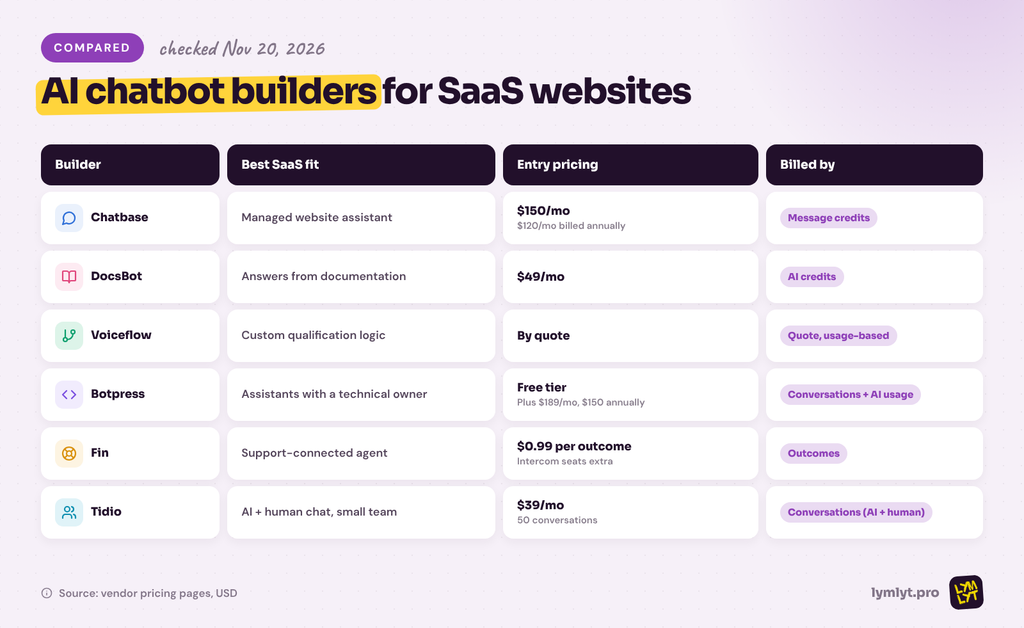
The table below compares entry points. The included usage differs considerably.
| Tool | Best SaaS fit | Current pricing | Budget detail |
|---|---|---|---|
| Chatbase | Product questions and connected website assistance | Basic $150/month, or $120/month billed annually, with 4,000 monthly message credits | Removing Chatbase branding costs extra. Pricing |
| DocsBot | Answers drawn from documentation and approved content | Personal $49/month, with 5,000 monthly AI credits; Standard $149/month | Credits can be consumed at different rates depending on models and actions. Pricing |
| Voiceflow | Custom qualification and multi-step conversations | Business pricing by quotation | The public page does not currently list a fixed business subscription price. Pricing |
| Botpress | Custom workflows with deeper technical controls | Free tier; Plus $189/month, or $150/month billed annually, including 250 monthly conversations | Conversation packs and additional AI usage affect the bill. Pricing |
| Fin | AI assistance connected to a helpdesk | Advertised from $0.99 per outcome; Intercom seats cost extra when using its helpdesk | Check the definition of an outcome and any minimum commitment. Pricing |
| Tidio | AI chat alongside a small human support team | Starter AI $39/month for 50 AI and human conversations; Growth AI from $75/month for 100 | AI and human replies use the same conversation quota. Pricing |

A message credit, a conversation, and an outcome are different billing units. Ask each vendor to estimate costs using the same sample of your real conversations.
Start with the conversation your website needs

Before opening a builder, finish this sentence:
Our chatbot should help [type of visitor] get [specific answer or outcome] using [approved information], then offer [next step].
For example:
Our chatbot should help operations managers check integration compatibility using our current integration documentation, then offer an implementation guide or a relevant demo.
That gives you something concrete to build and evaluate.
Give the assistant clear boundaries too. It should know when to answer, ask a follow-up question, or involve a person.
A visitor asking about published plan limits can receive a direct answer. Someone requesting a custom security commitment needs an appropriate handoff.
Your website should also make those answers easier to find without opening chat. Our approach to SaaS landing page copy starts with the questions buyers need answered before they act, and the same goes for the elements of a high-converting landing page.
1. Chatbase: for a managed website assistant
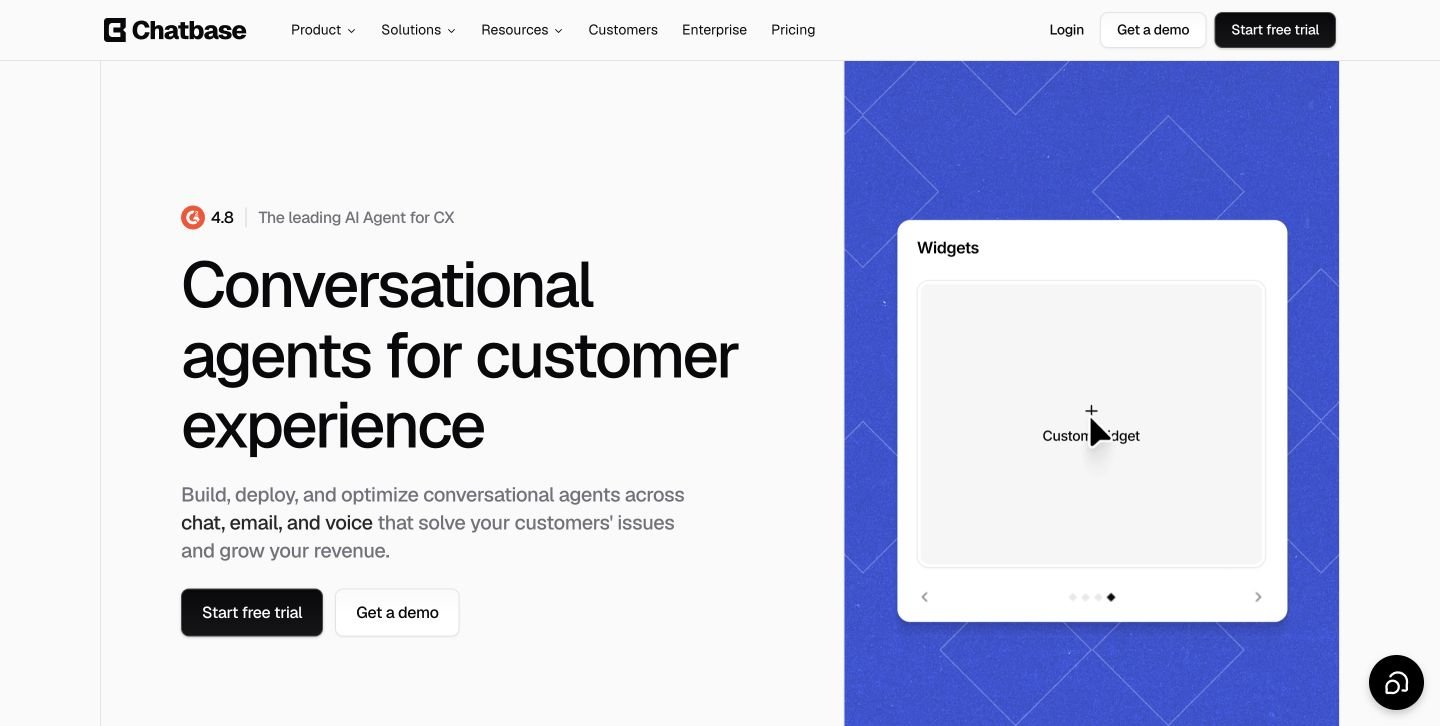
Chatbase brings together knowledge-based answers, connected actions, and human handoff. Its product supports website chat alongside other channels, with conversations grounded in approved sources. It also provides procedures for guiding actions through defined steps. Explore Chatbase.
A practical SaaS use case
Help visitors work out whether your product fits their existing setup.
For a hypothetical customer feedback platform, the chatbot could:
- Explain supported integrations using approved documentation.
- Direct visitors to the relevant plan or implementation guide.
- Ask which system they need to connect when the question is ambiguous.
- Pass an unresolved request to a person with the conversation attached.
Configure the connections and routing required for that process. Listing an integration on a vendor page does not establish that it supports your exact workflow.
Pricing and limits
Basic costs $150/month, or $120/month billed annually, with 4,000 monthly message credits. Business costs $500/month, or $400/month billed annually, with 15,000 credits. Both list unlimited workspace members.
Published add-ons include $99/month to remove Chatbase branding and $40 per 1,000 auto-recharge message credits. Check Chatbase’s plans.
What to watch
Budget for the finished experience you want, including branding and likely usage.
During evaluation, ask questions with incomplete information. The assistant should ask for context or hand off appropriately, rather than fill the gap with a plausible product claim.
2. DocsBot: for SaaS documentation and product knowledge
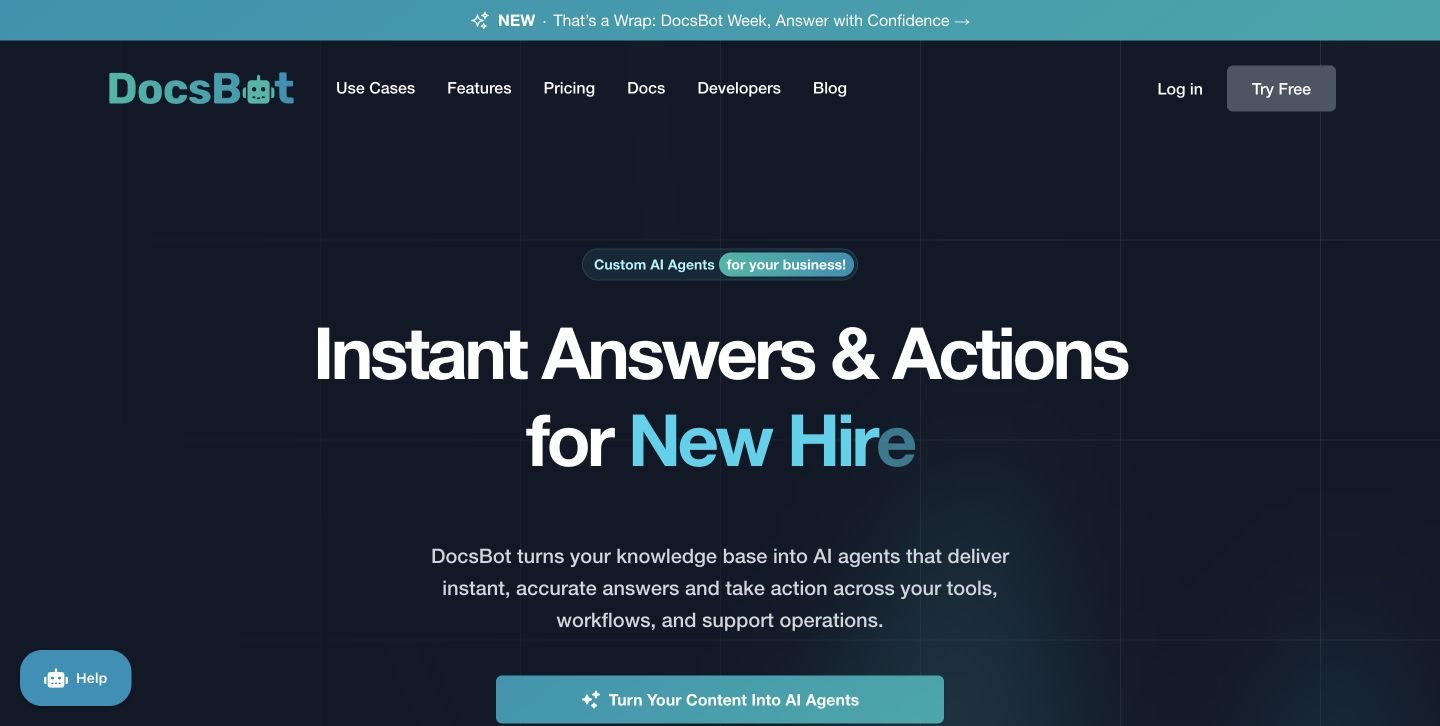
DocsBot is worth considering when your team already has useful documentation, help articles, and product explanations.
It supports importing knowledge from different sources and deploying an assistant on a website, documentation site, or help center. Its published capabilities also include source updates, instructions, logs, and analytics. Explore DocsBot.
A practical SaaS use case
Give developers a conversational way to navigate your API documentation.
A visitor might ask:
Can we import historical events before enabling the live integration?
The assistant should retrieve the relevant implementation guidance, explain any documented limits, and direct the developer to the right instructions.
Use unanswered questions to identify gaps in the documentation. A repeated question about historical imports may justify a clearer guide, an integration page update, or a troubleshooting article.
That feedback can feed into a maintained SaaS content engine.
Pricing and limits
Personal costs $49/month, with one bot, 5,000 source pages, and 5,000 monthly AI credits.
Standard costs $149/month, with three bots, 15,000 source pages, 15,000 monthly credits, and five team users. It adds capabilities including custom lead fields, escalation ticket creation, and native CRM lead delivery.
AI credit use starts at 1x per message and can increase with larger models and actions. Compare DocsBot’s plans.
What to watch
Match the plan to the whole workflow.
A documentation assistant that also collects qualification details and creates escalation tickets may need features beyond the entry plan. Check how updates, deleted pages, and conflicting sources behave before connecting your entire content library. If the library itself needs cleaning up first, start with a content audit.
3. Voiceflow: for custom qualification and conversation logic
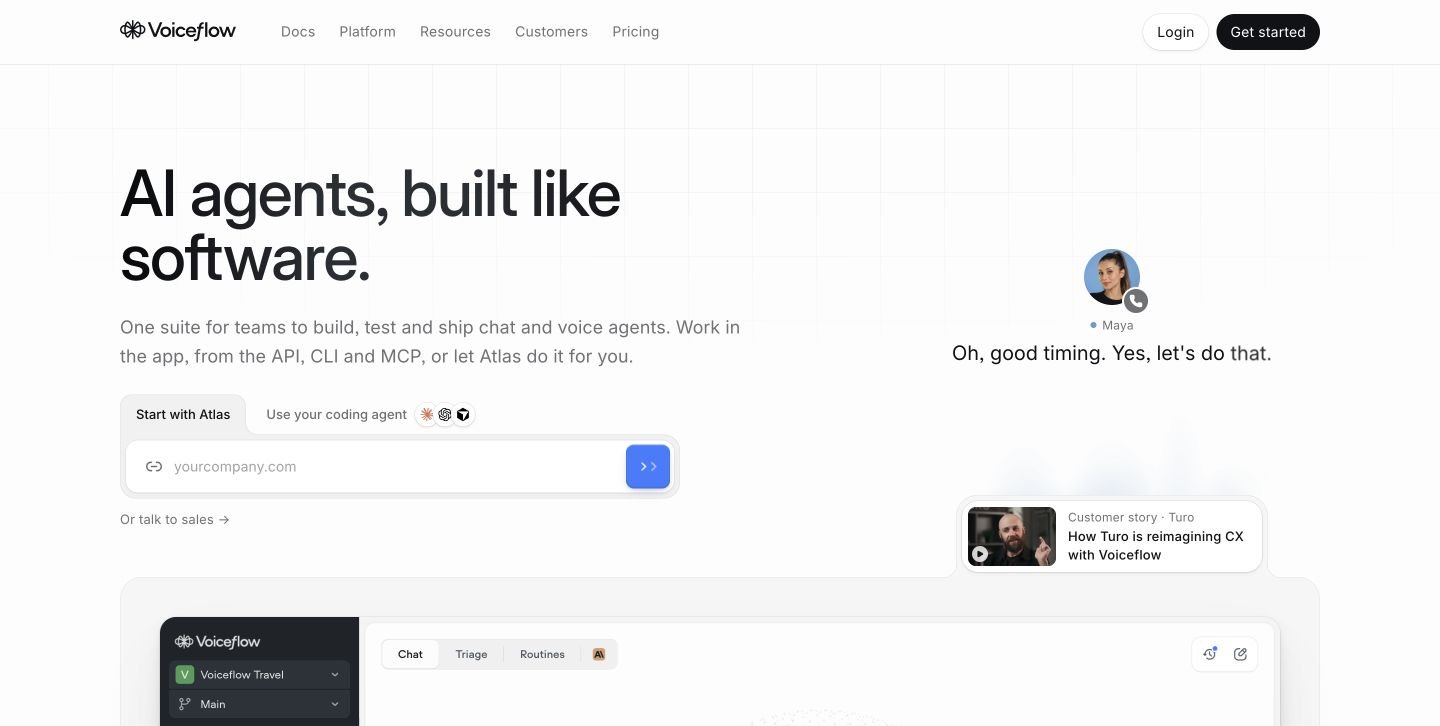
Voiceflow suits teams that want to design how a conversation progresses.
Its Workflow Builder combines a visual canvas with branching logic, API blocks, functions, and testing. Agents can be deployed to web chat or a custom interface. See Voiceflow’s Workflow Builder.
A practical SaaS use case
Build a qualification flow for a product with several distinct customer segments.
For a hypothetical data platform, the assistant could ask:
- Which data source does the visitor need to connect?
- Is the intended workload batch processing or continuous syncing?
- Does the visitor need a self-service trial or help designing an implementation?
Use those answers to select the next step: documentation, trial signup, or a sales conversation.
Keep qualification short. Ask questions that change the recommendation. A long interrogation can add friction before the visitor receives anything useful. If you’re unsure which questions actually separate segments, your ideal customer profile is the place to start.
Pricing and limits
Voiceflow’s current public pricing page directs businesses to request pricing.
It separately describes an agency and partner offer with a free trial, usage-based billing, and optional automatic top-ups. The page does not publish a fixed business starting price. Review Voiceflow’s current pricing.
What to watch
Request a quote for your intended setup: expected usage, integrations, environments, support, and the people who will maintain the agent.
Also decide who owns the conversation design. Branches can become difficult to maintain when qualification rules change without a corresponding review of the chatbot.
4. Botpress: for assistants with a technical owner
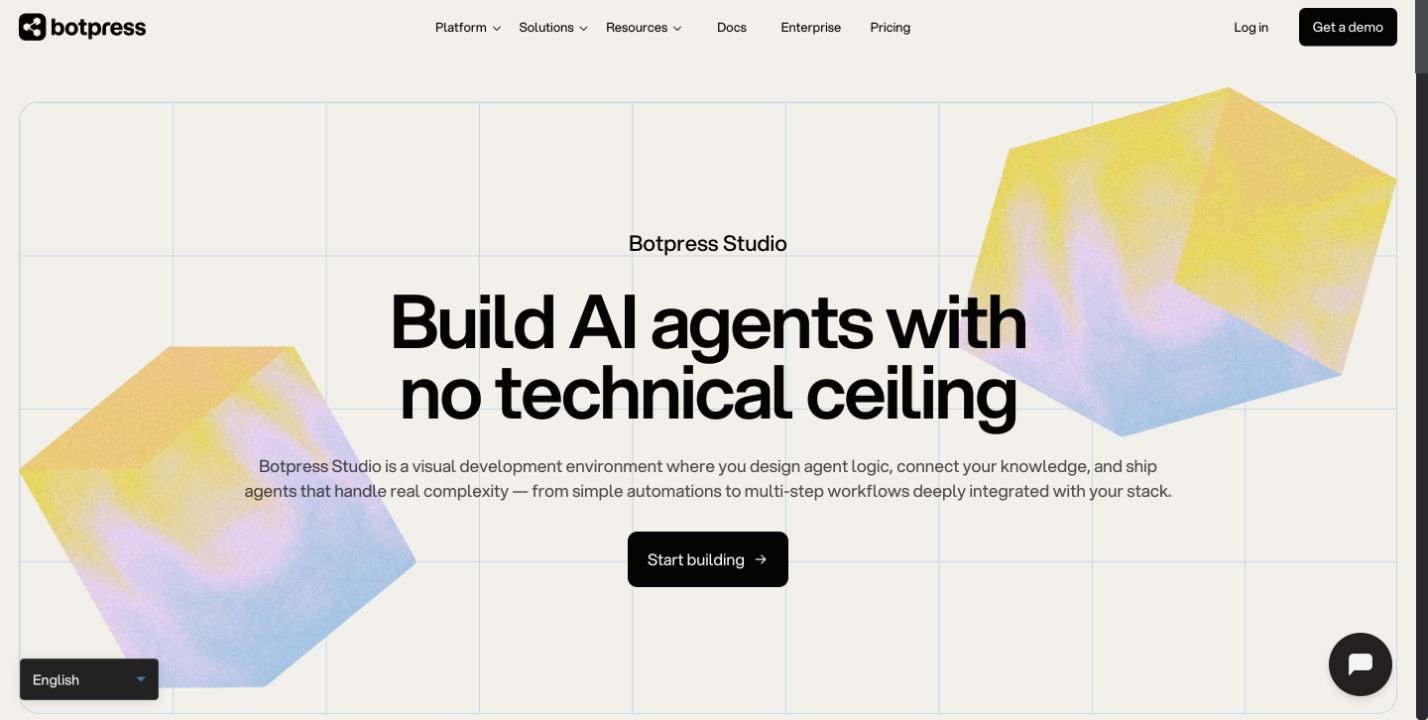
Botpress provides a visual development environment with knowledge sources, structured data, custom actions, and code.
Its Studio supports conversation logic, external integrations, and an emulator for testing interactions before deployment. Explore Botpress Studio.
A practical SaaS use case
Build an assistant that distinguishes general product questions from account-specific requests.
A visitor asking whether your product supports SSO can receive an answer from public documentation.
An authenticated customer asking whether SSO is enabled for their workspace needs a controlled lookup. Your application must verify the user and restrict which workspace records the assistant can access.
That distinction matters more than how naturally the chatbot writes.
5. Fin: for conversations connected to customer support
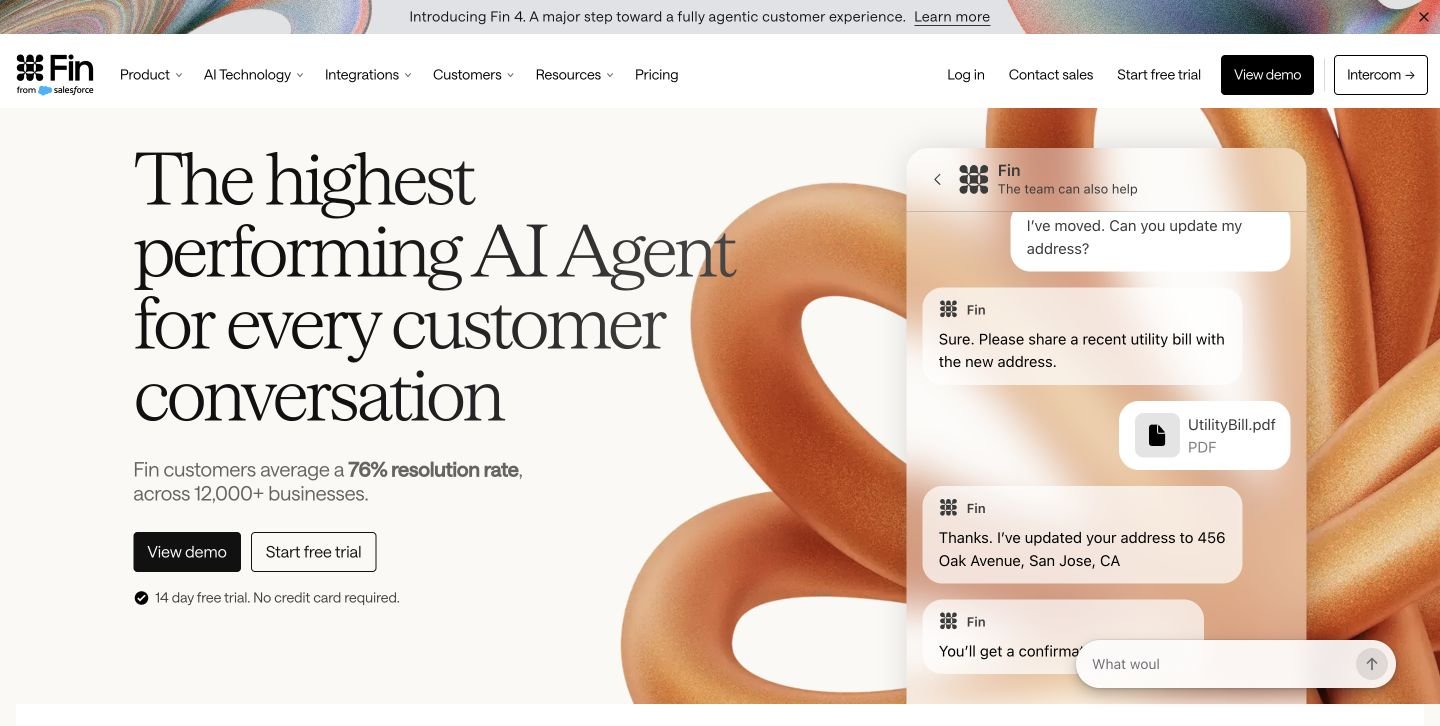
Fin belongs on this list as a managed customer agent with configurable knowledge, behavior, and workflows.
It can work with Intercom or connect to an existing helpdesk. Its published capabilities include external actions and handoff to human agents. Explore Fin.
A practical SaaS use case
Answer common setup questions on your website, then route unresolved issues into the support team’s existing process.
For example, a trial user asks how to invite colleagues. The assistant provides the documented steps. When the user reports an error, it gathers the relevant context and hands the conversation to support.
Fin also markets a separate sales use case for inbound qualification. If that is your priority, evaluate its requirements and commercial terms specifically. See Fin for Sales.
Pricing and limits
Intercom advertises Fin from $0.99 per outcome. Using the Intercom helpdesk also involves seat charges.
The pricing FAQ says an outcome can include a confirmed resolution, no further request for help after an answer, or completion of a procedure, including handoffs. Fin on an existing helpdesk has a minimum monthly commitment; the page gives 50 outcomes as an example. Review the pricing definition.
What to watch
Model the bill using the vendor’s outcome definition.
Separately measure whether users received the right answer, whether they needed help again, and whether a person received enough context at handoff. Your own quality measures should guide evaluation alongside billing reports.
6. Tidio: for AI and human chat in a smaller team
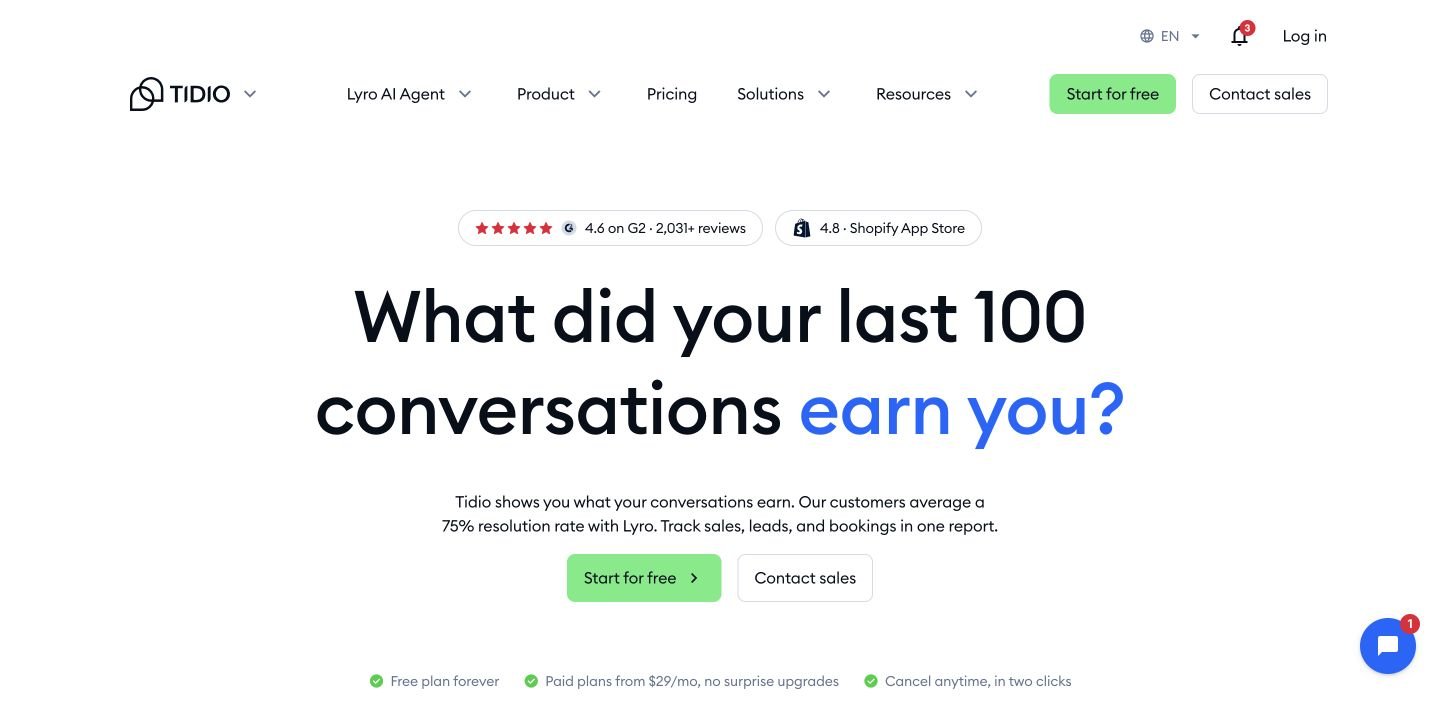
Tidio combines Lyro AI with live chat and ticketing. Its current plans let teams choose human-only handling or AI alongside their people, with handoff inside the conversation. See Tidio’s features and plans.
A practical SaaS use case
Support a smaller SaaS website with a modest volume of trial and setup questions.
Lyro can answer routine questions from approved content. The human team handles exceptions, implementation discussions, and questions requiring more context.
Test it against your own SaaS conversations. Examples about shipping or product recommendations reveal little about whether an assistant can explain your onboarding process.
Pricing and limits
With monthly billing selected, Starter AI costs $39/month for 50 conversations. Growth AI starts at $75/month for 100.
AI and human handling share the quota. The free Lyro allowance is 50 conversations once, rather than a recurring monthly AI allowance. Check Tidio’s current pricing.
What to watch
Estimate total handled conversations, including human replies.
A small team can still have a busy inbox. Use a representative month of conversation volume when choosing a quota.
Test every chatbot on the same buyer questions
A polished product demonstration usually starts with good information and a cooperative visitor.
Your website will receive vague questions, unsupported requests, and people who change topics halfway through.
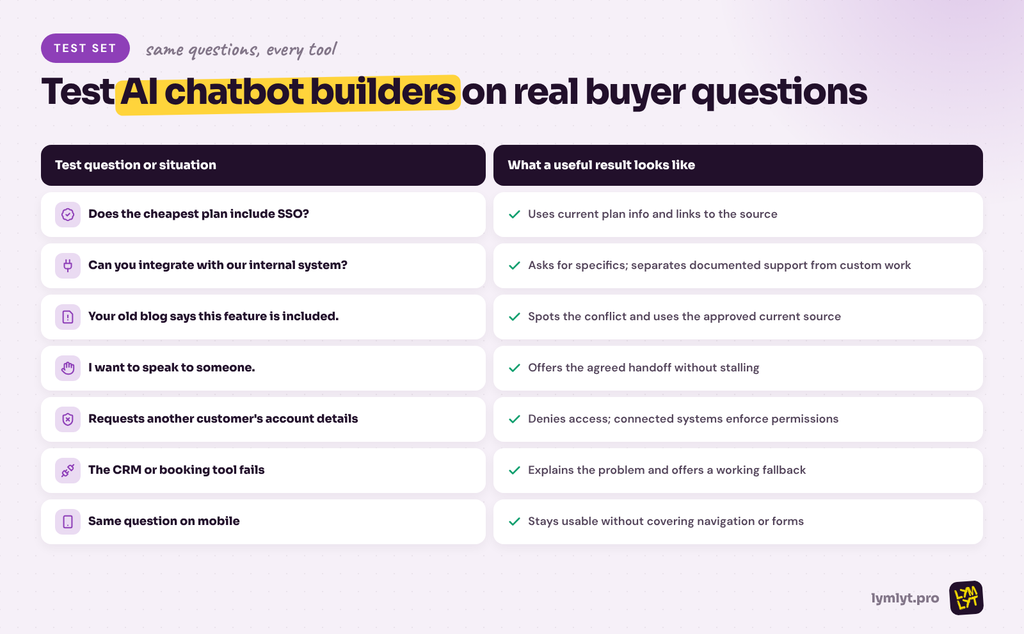
Build a test set from actual sales and support questions. Include cases where the correct response is to ask for clarification or involve a person. Your sales calls are the best source; these AI tools for customer calls make it easier to pull the real questions out of recordings.
| Test question or situation | What a useful result looks like |
|---|---|
| “Does the cheapest plan include SSO?” | Uses current plan information and links to the source |
| “Can you integrate with our internal system?” | Asks for specifics and distinguishes documented support from custom work |
| “Your old blog says this feature is included.” | Recognizes the conflict and uses the approved current source |
| “I want to speak to someone.” | Offers the agreed handoff without repeatedly trying to contain the conversation |
| A visitor requests another customer’s account details | Denies access; connected systems enforce permissions |
| The CRM or booking tool fails | Explains the problem and offers a working fallback |
| The visitor asks the same thing on mobile | Remains usable without covering essential navigation or forms |
For a marketing chatbot, track qualified next steps and the questions left unanswered.
For a support chatbot, track answer quality, repeat contact, and handoff quality.
Review transcripts regularly. A conversation ending does not, by itself, tell you whether the visitor got what they needed. Our guide to proving marketing ROI covers how to tie a channel like this back to pipeline.
Can you build an alternative in-house with AI?
Yes. A focused website assistant is a realistic in-house project when your team can own the application and its maintenance.
AI coding tools can help create the widget, connect a model, write tests, and build integrations. Your team still has to decide what information the assistant can use and what it is allowed to do. If your team already builds with AI coding tools, our roundup of Claude and Codex skills for marketers shows what’s possible without a full engineering project.
Start with public product information
A sensible first version can:
- Search approved product pages and documentation.
- Draft an answer using retrieved passages.
- Link to the relevant sources.
- Offer a defined human contact route when the answer is missing.
Keep account changes, billing actions, and private customer records outside that first version.
Once basic answers are reliable, evaluate additional capabilities individually.
Allow time for content preparation and testing
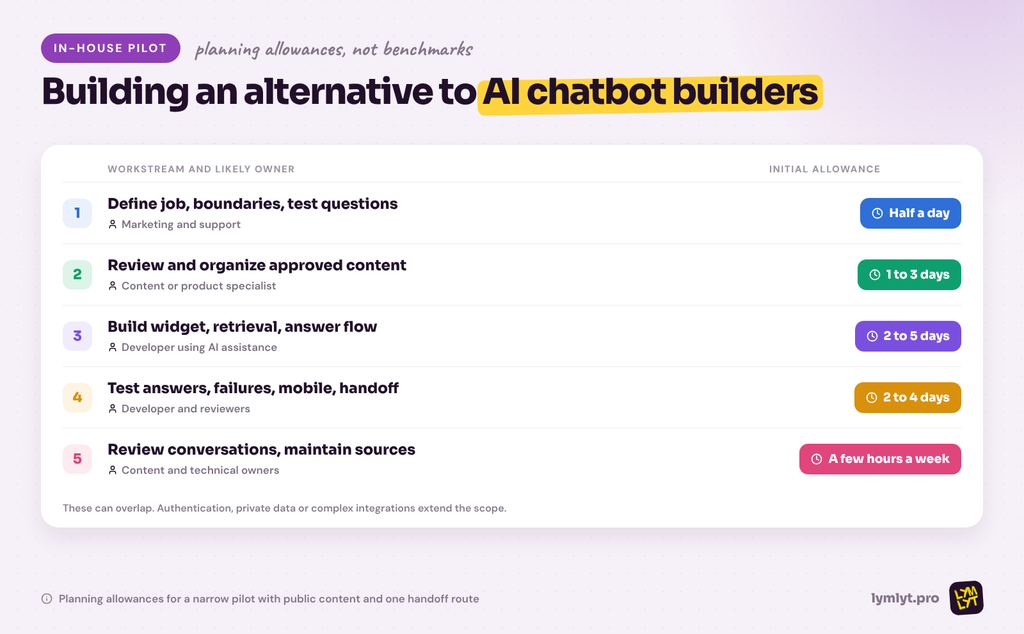
For a narrow pilot using public content and one handoff route, these are reasonable planning allowances, not measured industry benchmarks:
| Work | Initial allowance | Likely owner |
|---|---|---|
| Define the job, boundaries, and test questions | Half a day | Marketing and support |
| Review and organize approved source content | 1 to 3 days | Content or product specialist |
| Build the widget, retrieval, and answer flow | 2 to 5 days | Developer using AI assistance |
| Test answers, failures, mobile use, and handoff | 2 to 4 days | Developer and reviewers |
| Review conversations and maintain sources | A few hours each week initially | Named content and technical owners |
These activities can overlap. Authentication, private data, multiple languages, or complex integrations can extend the scope substantially.
Compare the full cost
Include:
- Developer time and ongoing maintenance.
- Model usage, retrieval, storage, and hosting.
- Monitoring, transcript review, and error handling.
- Content updates and regression testing after changes.
- Connections to your CRM, booking system, or helpdesk.
- Spam controls, rate limits, and usage caps.
Compare cost per useful conversation, including review effort and failures.
An inexpensive model call does not tell you what the finished service costs to operate.
Watch for the problems a demo can hide
Conflicting content. An old article and a current pricing page may disagree. Establish which sources take priority and retire obsolete information. A content refresh pass before launch saves a lot of wrong answers.
Private information reaching the wrong visitor. Enforce access in the application and connected systems. Instructions inside a prompt cannot replace authentication.
Instructions hidden in retrieved material. External text can attempt to redirect the assistant. OWASP identifies this as prompt injection and recommends controls including restricted permissions, validated outputs, and adversarial testing. Read OWASP’s guidance.
Repeated actions. Retries can create duplicate leads, tickets, or bookings. Validate requests and make repeated execution safe.
Uncontrolled usage. A public widget needs rate limits, spend limits, and a response to abuse or traffic spikes.
A broken handoff. Test what happens outside working hours, when nobody accepts the chat, and when the destination system is unavailable.
Build in-house when the custom behavior matters enough to justify ownership. A managed builder is worth evaluating when your priority is getting a defined assistant into service with less infrastructure to maintain.
Use chatbot conversations to improve your SaaS content
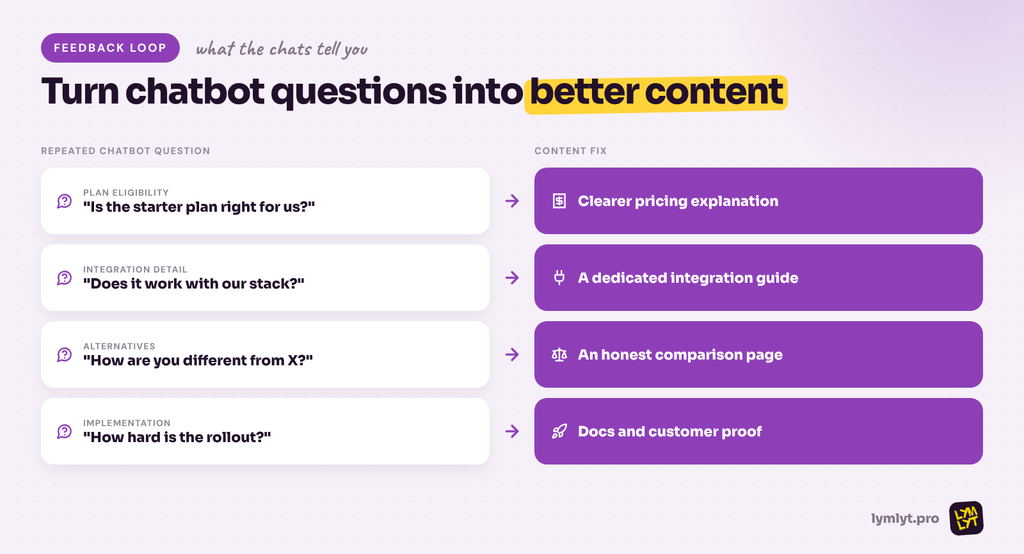
A chatbot can reveal questions your website leaves unresolved.
Review those questions with the content team:
- Repeated questions about plan eligibility suggest a pricing explanation needs work.
- Detailed integration questions may justify a dedicated guide.
- Confusion about alternatives can inform a useful competitor comparison page.
- Recurring implementation concerns may need clearer documentation or customer proof.
Remove personal information and follow your organization’s rules before reusing conversation material.
Then update the original content. Give future visitors a better answer wherever they encounter the question. The same answers also help you show up in ChatGPT when buyers ask it instead of your chatbot.
A checklist before you launch
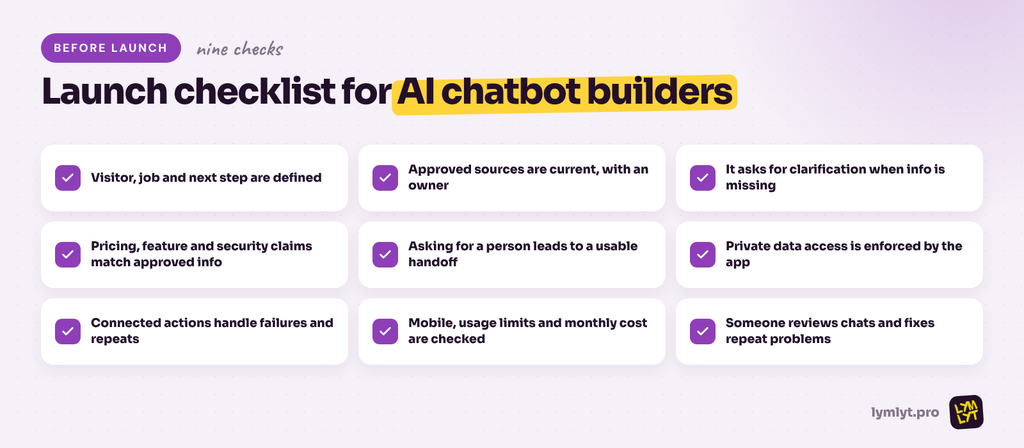
- ☐ We have defined the visitor, the job, and the next step.
- ☐ Approved sources are current, with a named owner for updates.
- ☐ The assistant asks for clarification when information is missing.
- ☐ Pricing, feature, and security claims match approved information.
- ☐ A request for a person leads to a usable handoff.
- ☐ Private data access is enforced by the application.
- ☐ Connected actions handle failures and repeated requests safely.
- ☐ Mobile usability, usage limits, and likely monthly costs have been checked.
- ☐ Someone will review conversations and correct recurring problems.
Choose around the questions buyers actually ask
Start with one job and a small set of real conversations.
Compare Chatbase and DocsBot for product answers drawn from maintained content. Evaluate Voiceflow and Botpress when conversation logic or custom integrations drive the requirements. Consider Fin and Tidio when the assistant needs to fit closely into human support.
Then give each shortlisted tool the same test set.
At LymLyt, we would start by reviewing the answers your website already provides: product explanations, integration guides, comparisons, and implementation content. Our B2B SaaS content service helps turn those buyer questions into a maintained publishing program.
Pick ten questions your sales team answered this month. Check whether your website can answer them clearly. Use those questions to test your first chatbot.

Rashmita is content marketer with 8 years of experience building and growing SaaS brands. Now she tests various AI tools for marketers and shares her feedback on this blog, LinkedIn, Instagram, and YouTube.