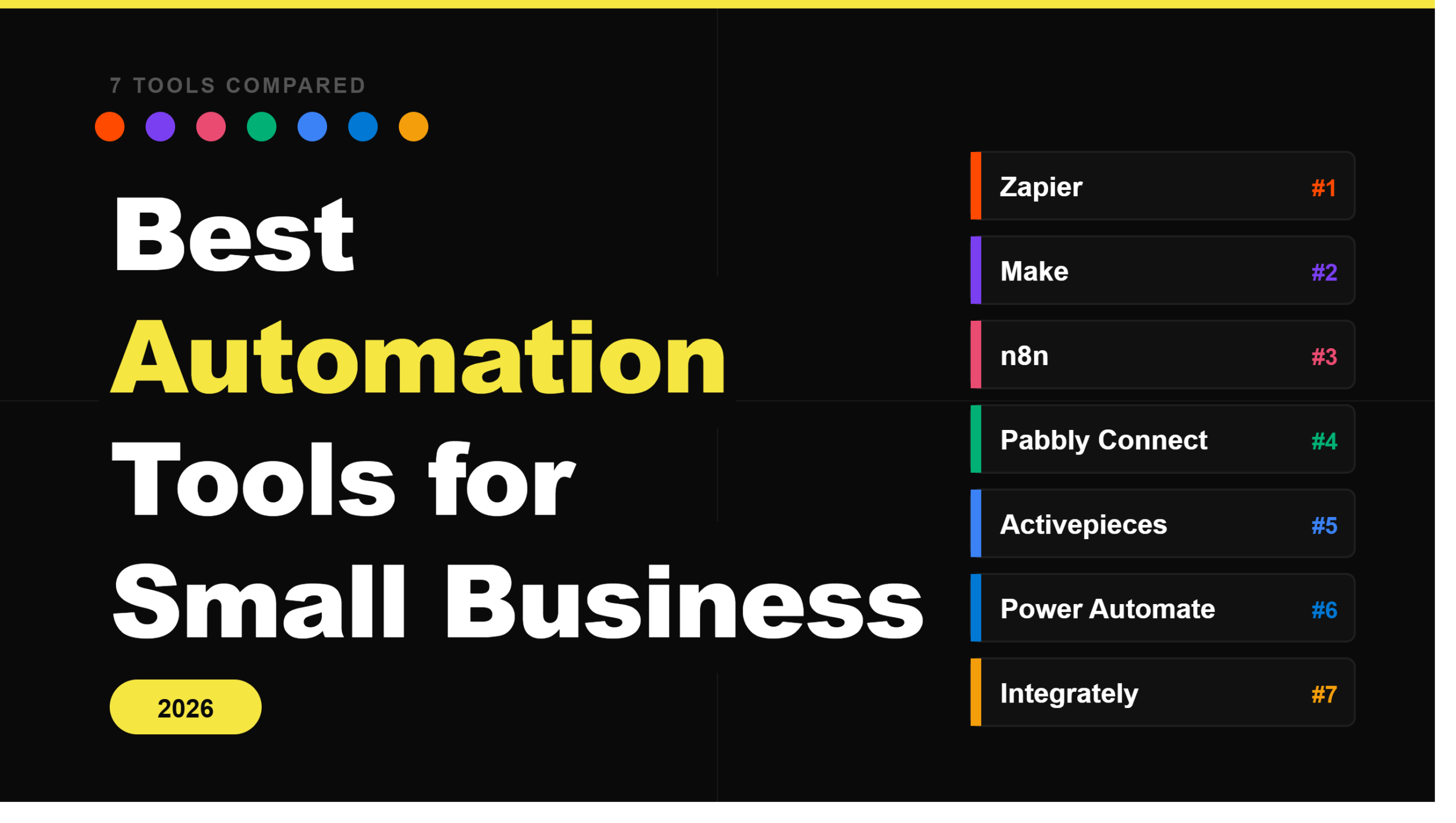
Best Automation Tools for Small Business in 2026
The best automation tools for small business in 2026 are not the ones with the most integrations. They are the ones your team will actually use, set up without bribing a developer, and not quietly abandon after the third workflow breaks at 11pm on a Tuesday.
Small businesses have a very specific problem. Nobody is choosing between a 50-person ops team and a no-code tool. The real choice is between doing the same repetitive thing manually every single day, or spending three hours setting up something that may or may not save 30 minutes a week. The math only works if the tool is easy, reliable, and does not send you a bill that makes you question your life choices.
This guide covers the tools worth considering in 2026, who each one is actually for, and which ones to avoid depending on your situation. If you landed here from a broader search, our AI workflow automation tools roundup covers enterprise and AI-native platforms. For Zapier specifically, see our Zapier alternatives guide.
What small businesses actually need from an automation tool
Before the list, here are the criteria that actually matter. Not the ones on the sales page.
Setup without code
If getting the first workflow running requires a developer, it will not get done. It will sit on the to-do list for six months next to “update the website” and “sort out the invoicing system.” The best automation tools for small business are ones your non-technical team member can figure out on a Thursday afternoon without filing a support ticket. If the onboarding flow starts with “first, deploy a Docker container,” close the tab.
Reliable triggers
A workflow that fires 80% of the time is somehow worse than no workflow at all. You stop trusting it, start checking manually anyway, and end up doing double the work you were doing before. Reliability is the non-negotiable. A boring automation that runs every single time beats a clever one that occasionally decides not to bother.
Integrations with the tools you already use
You do not need 7,000 integrations. You need the eight you actually use: your CRM, email platform, Google Sheets, Slack, your booking tool, your payment processor, and maybe two others. Before committing to any tool, check that your specific stack is covered, not just the headline apps. The niche tool your sales team has been using for three years is usually the one that is missing.
Pricing that scales sensibly
Per-task pricing sounds completely reasonable until your volume grows and you open an invoice that looks like a mortgage payment. The math is deceptive early on. A five-step workflow triggered 500 times a month is 2,500 tasks, not 500. Know what your ceiling looks like before you build your operations around a tool, not after.
Support that actually responds
When something breaks at a bad time, and it will, you need a real answer in hours, not a ticket number and a four-day wait from someone who has clearly not read your message. Small businesses cannot afford to have a critical workflow down for two days while a support queue works through the backlog. Check the support tier that comes with the plan you are actually buying, not the enterprise tier shown in the marketing.
The best automation tools for small business
1. Zapier
Zapier is where most small businesses start, and honestly, for good reason. It has the largest integration library of any tool on this list (7,000-plus apps), the interface is beginner-friendly enough that your least technical team member can figure it out, and there is so much documentation and community support that whatever problem you have, someone on the internet has already solved it and written a Medium post about it.
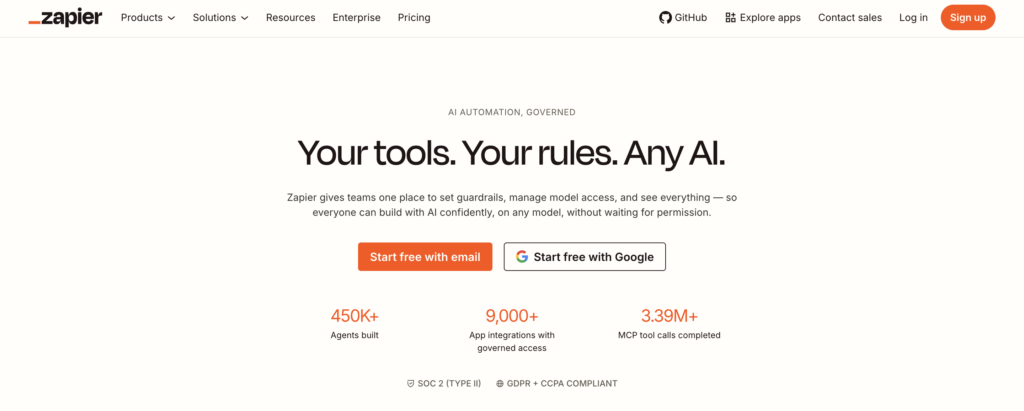
The catch is pricing, and it is a meaningful one. Zapier gets expensive surprisingly fast as task volume grows. The free plan caps at 100 tasks per month, which sounds like a lot until you realize a single busy day of form submissions blows through it. At higher volumes, the monthly cost can make you do a double-take.
Price: Free (100 tasks/month), Professional from $19.99/month (750 tasks), Team from $69/month.
Best for: Small businesses that want the fastest path to working automations and are willing to pay a bit more for the convenience of not having to think too hard about it.
Skip it if: Your workflows run thousands of times a month. The per-task model will quietly eat your budget. Make or n8n will treat you better.
2. Make
Make is what most small businesses graduate to after their first Zapier invoice gives them a small heart attack. The visual canvas, where you build workflows by connecting modules on a drag-and-drop board, is genuinely more powerful than Zapier’s linear builder and handles complex multi-step automations without breaking a sweat. The pricing is based on operations rather than tasks, and the free tier gives you 1,000 ops a month, which is actually usable.
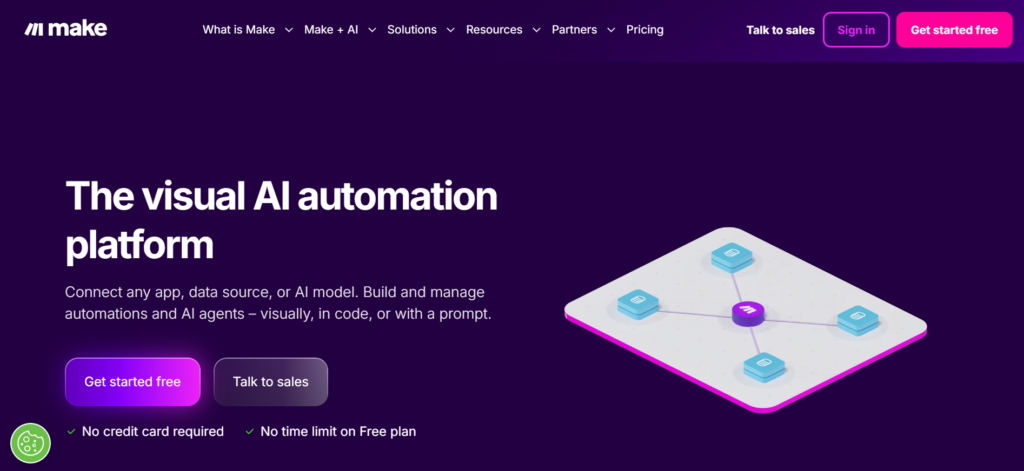
Fair warning though: Make has a learning curve. It is not steep, but it is real. Teams that approach it like Zapier and expect it to just work immediately tend to get frustrated. Teams that spend a week learning how it thinks consistently love it. Patience required. Coffee recommended. If you are already on Make and scouting alternatives, see our Make alternatives guide.
Price: Free (1,000 ops/month), Make Plan from $9/month, Enterprise (custom pricing).
Best for: Small businesses with moderately complex workflows who have hit Zapier’s pricing ceiling and want more control without touching code.
Skip it if: You need something live within the hour. Make rewards patience. Zapier is faster to get started.
3. n8n
n8n is the one for small businesses with a technical founder or that one ops person who genuinely enjoys building things. It is open-source, self-hostable, and if you run it on your own server, the only thing you pay for is hosting. The workflow builder is more complex than Make or Zapier, supports JavaScript inside workflows, and can handle edge cases that no-code tools simply cannot. It is powerful in the way that a professional kitchen is powerful: incredible results, but you need to know what you are doing.
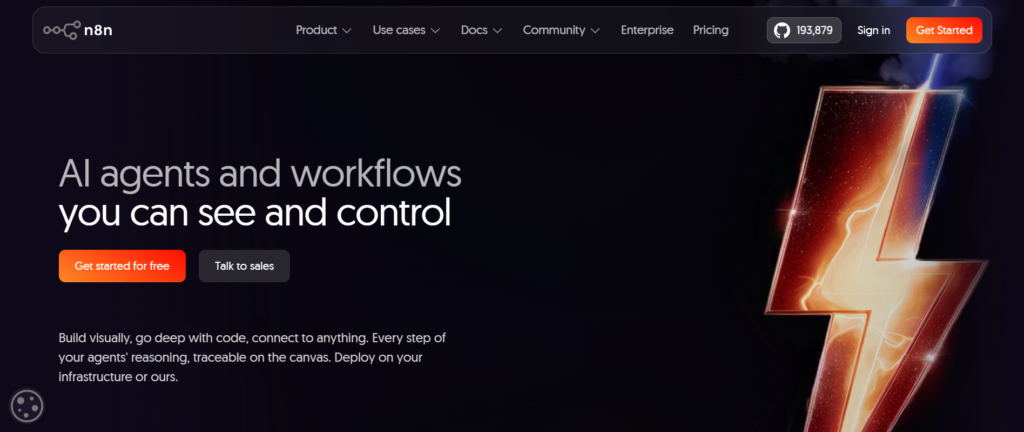
The self-hosted option is the real story here. If your business handles sensitive data or has compliance requirements, keeping your automation infrastructure on your own servers is not just a nice-to-have, it is necessary. Looking at what sits alongside n8n? See our n8n alternatives guide.
Price: Starter from €20/month, Pro from €50/month, Business from €667/month, Enterprise (contact sales). Self-hosted is free.
Best for: Technical founders, solo developers, and businesses that need self-hosting for data or compliance reasons. Also the right pick if you want maximum flexibility and are not afraid of a workflow builder that looks slightly intimidating at first.
Skip it if: Nobody on your team wants to go near a workflow builder. n8n is powerful but it will not hold your hand.
4. Pabbly Connect
Pabbly Connect is the quietly underrated one on this list. Most people have not heard of it. The ones who have tend to stick around. The reason is simple: it charges per workflow, not per task execution. Run the same workflow a thousand times a month or ten times, you pay the same. For small businesses with repetitive, high-volume automations, that pricing model is genuinely liberating compared to the per-task anxiety of Zapier.
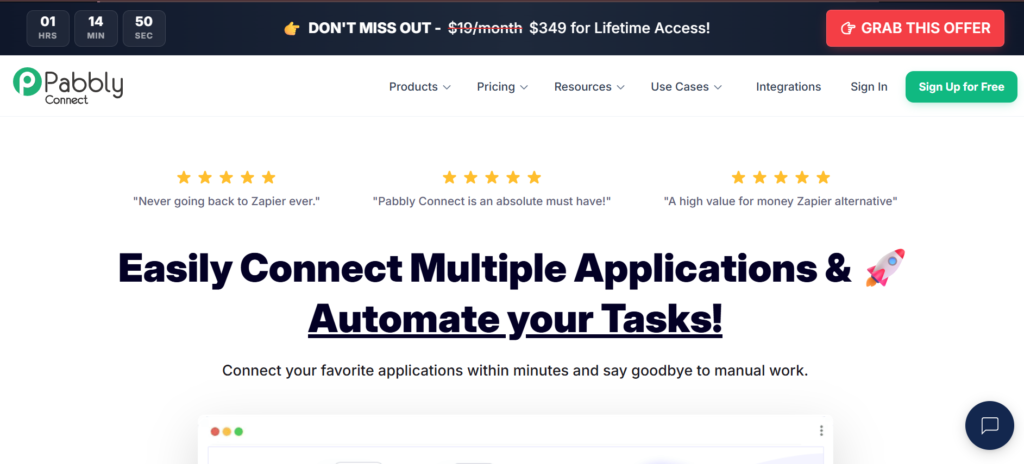
The integration library is smaller and the interface is not as slick. But if your main workflows involve tools Pabbly supports, the economics are hard to argue with, especially when the lifetime deal is sitting there.
Price: Standard (Free, then usage-based), Ultimate (custom, annual contract). Lifetime deal from $249 one-time.
Best for: E-commerce teams, service businesses, and anyone running high-frequency automations who wants costs that do not spike every time business picks up.
Skip it if: You need niche integrations. Pabbly covers the common stack well but has gaps for less popular tools.
5. Activepieces
Activepieces is the newest one here and the one most worth keeping an eye on. Open-source, self-hostable, clean interface, and a free tier that gives you 10 active flows, which is genuinely enough for a focused small business operation. The per-flow pricing ($5 per active flow) is unusual but works out well when you have a small number of high-volume workflows rather than dozens of light ones.
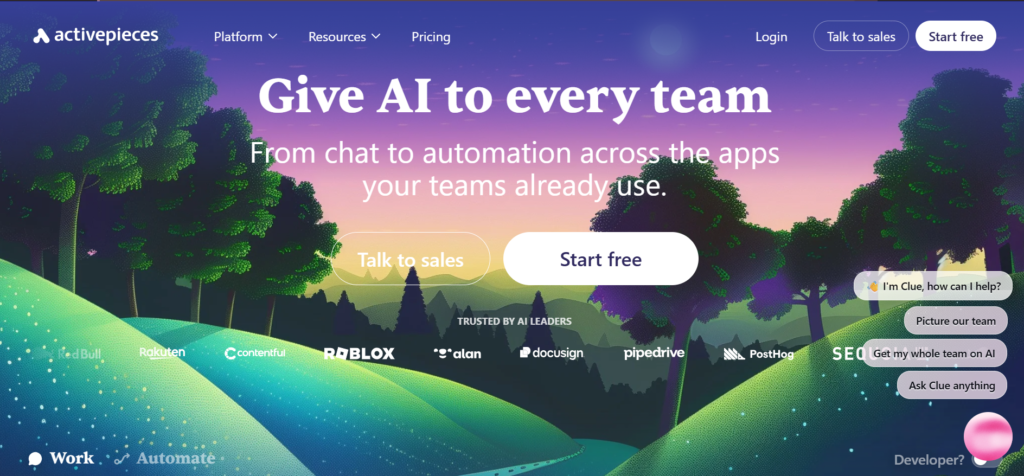
The integration library is not as comprehensive as Zapier or Make yet. But it is growing fast, and the product is already better than most people expect from a newer tool.
Price: Standard (Free, then $5 per active flow/month), Ultimate (custom, annual contract).
Best for: Teams that want open-source without the complexity of n8n, or anyone who wants self-hosting with a genuinely clean interface.
Skip it if: You need broad integration coverage today. Activepieces is excellent but still filling in the gaps.
6. Microsoft Power Automate
Microsoft Power Automate is the right call for exactly one type of small business: the one that already lives inside Microsoft 365. If your team spends their days in Outlook, Teams, SharePoint, and Excel, Power Automate connects all of it with a depth no third-party tool can match. It is also probably already included in your Microsoft 365 subscription, which makes the value calculation pretty straightforward.
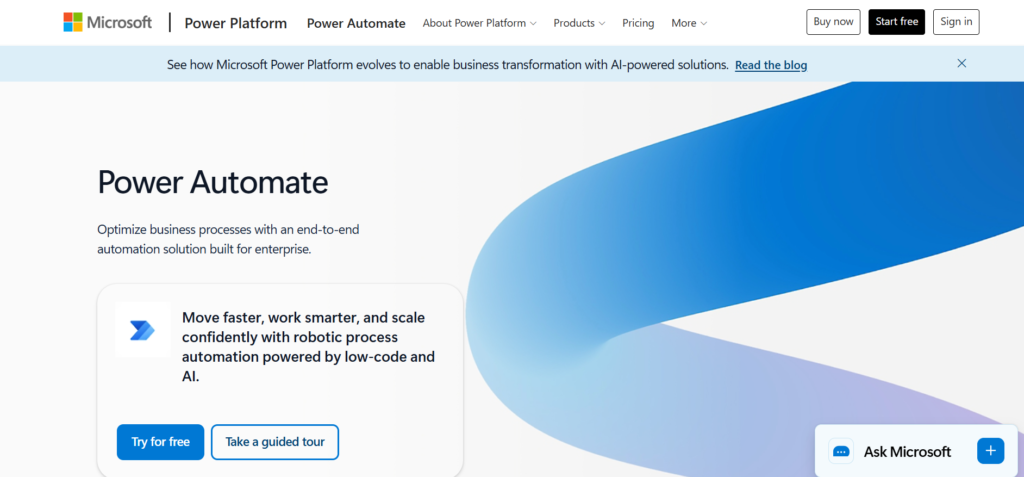
Outside the Microsoft ecosystem, it is much harder to recommend. The interface is clunkier than Zapier or Make, and the non-Microsoft integrations are inconsistent. It is a fantastic tool for the right team and a frustrating one for everyone else.
Price: Free trial (30 days), Power Automate Premium $15/user/month, Power Automate Process $150/bot/month (billed annually).
Best for: Small businesses already in the Microsoft 365 ecosystem who want to automate without adding yet another monthly subscription to the pile.
Skip it if: Your team does not live in Microsoft tools. You will spend more time fighting the interface than building workflows.
7. Integrately
Integrately wins the speed category, no contest. It has a library of one-click automations: pre-built connections between two apps that go live in a single click with zero configuration. No triggers to configure, no action mapping, no decisions. Click, done. For small businesses that want their first automation running before their coffee gets cold, nothing on this list comes close.
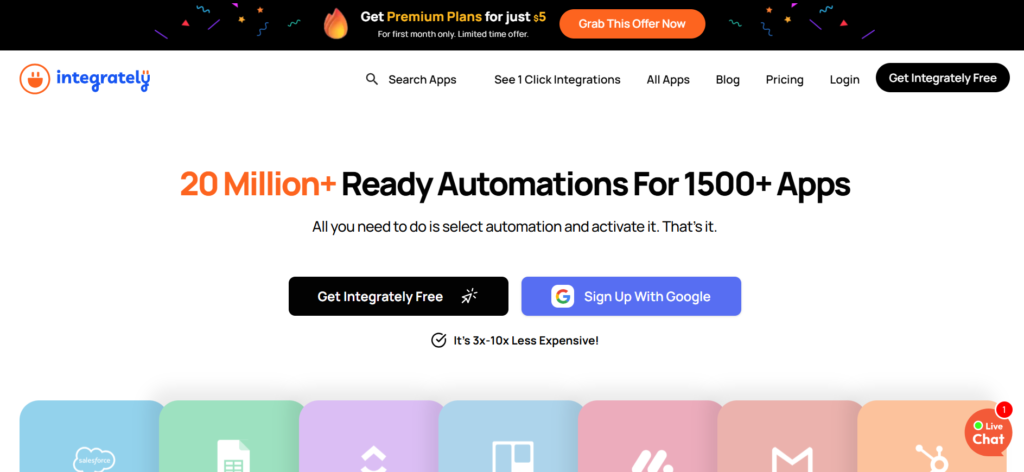
The trade-off is depth. One-click automations handle simple stuff well. The moment you need conditional logic, multiple steps, or any kind of custom data handling, you start running into limits. It is the right tool for standard connections and the wrong tool for anything complicated.
Price: Free (100 tasks), Starter $19.99/month, Professional $39/month, Growth $99/month, Business $239/month (billed annually).
Best for: Teams with zero automation experience who want something working immediately. A great first tool before you outgrow it and graduate to Zapier or Make.
Skip it if: Your workflows are more complex than “when X happens in app A, do Y in app B.” Integrately is built for simplicity, and it shows the moment you push past that.
How to pick
Most small businesses actually need one of three things. Everything else is a specific situation.
Simplest setup, broadest integrations: Zapier. Pay the premium and do not think about it.
More power, better pricing: Make. Give it a week and it will pay back for years.
High volume, flat cost: Pabbly Connect. The per-workflow pricing model is the most sane thing in this category for businesses with repetitive automations.
The specific situations: n8n if you have technical people and want self-hosting, Power Automate if you live in Microsoft 365, Integrately if you want the fastest first workflow, Activepieces if open-source with a clean UI matters to you.
Common automations small businesses actually run
To make this concrete, the workflows that genuinely save time and are not just impressive in demos:
- Lead capture to CRM: Form submission fires straight into HubSpot, Pipedrive, or whatever CRM you use, with a follow-up email triggered immediately before anyone has a chance to forget about it.
- Invoice and payment notifications: Stripe payment triggers a Slack message, a receipt email, and a row added to a Google Sheet, all at once, without you touching anything.
- Appointment reminders: Calendly booking triggers a confirmation email immediately, a reminder 24 hours before, and a follow-up the day after. Your no-show rate drops. You do not have to remember to send any of it.
- Blog to newsletter: New post published triggers a draft newsletter in Mailchimp or Beehiiv. You still write the intro, but the scaffolding is already there.
- Support ticket routing: Inbound email or form submission creates a ticket in your helpdesk and pings the right person in Slack. Nothing falls through the cracks on a busy day.
None of these need a developer. All of them can be live in under an hour on Zapier or Integrately, and in an afternoon on Make.
If you are building a content operation alongside your automation stack, see our guide on building a SaaS content engine and the B2B SaaS content calendar that plugs into it. If you want to understand why some content compounds and some does not, our topical authority guide explains the mechanics. Automation and content compound together when the systems actually talk to each other.
The bottom line
The best automation tool for your small business is the one your team uses consistently, not the one with the most features or the flashiest demo. Start with Zapier if you want zero friction. Move to Make when the invoices start stinging. Consider Pabbly if volume is the main variable.
And please, do not over-engineer it. One reliable workflow that runs every day is worth more than five clever ones that break every week and make you question whether automation was ever a good idea.
If you want help building a content and marketing system that compounds over time alongside the automation stack keeping it running, book a call with Rashmita.

Jay is the co-founder of LymLyt and an AI partnership consultant helping B2B SaaS companies grow through content strategy, SEO, and AI integration. He writes about content marketing, what makes B2B content convert, and how SaaS teams can build content systems that drive real pipeline.