The Best Zapier Alternatives in 2026
Zapier built the automation category. For a lot of teams, it was the first tool that made connecting apps feel possible without a developer. That reputation still holds in 2026, but the pricing model is why so many teams are now looking for Zapier alternatives.
The core problem is per-task billing. Every action step in a multi-step workflow counts as a task. A five-step Zap triggered 200 times a month burns 1,000 tasks. Run a few of those in parallel, hit your monthly cap, and either your workflows pause or Zapier switches you to pay-per-task billing at 1.25x your plan rate. For growing teams, the bill scales faster than the value does.
That is why more B2B SaaS and marketing teams are looking at Zapier alternatives: not because Zapier is broken, but because the math stops working once automation is actually embedded in your operations.
This guide covers the best alternatives available in 2026, who each tool is built for, and where each one makes the Zapier trade-off worthwhile. If you are also evaluating the broader landscape of workflow automation tools, that guide covers where automation ends and AI agents begin.
Why Teams Switch Away From Zapier
Before getting into the alternatives, it helps to understand what people are actually running into.
Pricing that punishes scale. Zapier’s Professional plan starts at $19.99/month (annual) for 750 tasks. Move to 2,000 tasks and you are at $49/month. At 5,000 tasks, closer to $73/month. Each time your automation usage grows, so does the bill, even if the workflows themselves have not changed. Teams running high-volume marketing automation workflows often find themselves paying for tier upgrades just to keep existing automations running.
Multi-step workflows eat tasks fast. A four-step Zap running 200 times a month consumes 600 tasks on its own. Real business workflows are rarely two steps. Once you layer in data formatting, conditional logic, and multiple actions, task consumption multiplies quickly.
Limited error visibility. When a Zap fails, Zapier gives you limited context on what went wrong. For business-critical workflows, that gap in error handling becomes a real operational problem.
Enterprise governance gaps. Teams that need HIPAA compliance, SAML SSO, or granular permission controls often find Zapier’s enterprise tier either too expensive or underspecified for their needs.
None of this means Zapier is the wrong choice for everyone. For simple two-step automations at low volume, it remains one of the easiest tools to set up. The 9,000+ app integrations library is unmatched. But for teams whose automation needs have grown beyond the basics, the alternatives below cover the gaps.
The Best Zapier Alternatives in 2026
1. Make (formerly Integromat): Best for Complex Visual Workflows
Make is the most direct Zapier competitor and the alternative most teams reach for first. Where Zapier uses a linear trigger-action model, Make uses a visual canvas where workflows branch, loop, and handle conditional logic at a level Zapier simply does not support.
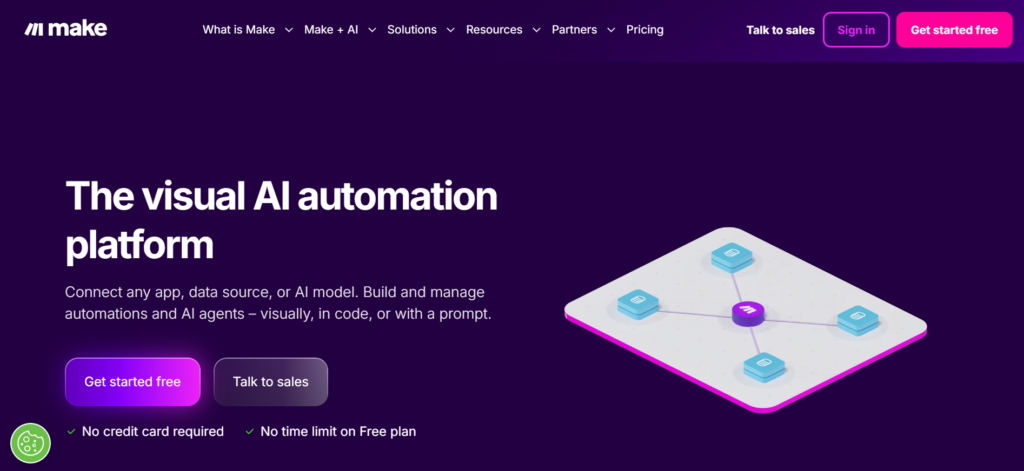
The pricing model is fundamentally different. Make charges per operation, and operations are counted differently than Zapier tasks. Internal processing steps like filters and routers do not consume your allowance. The Core plan starts at $9/month (annual billing) for 10,000 operations, which gives you roughly 13x the capacity of Zapier’s Professional tier at a third of the price for most workflow types.
What it does well: Multi-branch scenarios, data transformation, error handling with custom routes for failed operations, and real-time execution monitoring. The visual builder makes complex logic readable in a way that Zapier’s linear format cannot match.
Where it falls short: The learning curve is steeper than Zapier. New users often need a few hours to get comfortable with the canvas interface, especially for scenarios with many modules. Customer support at lower tiers is slower than Zapier’s.
Pricing: Free (1,000 ops/month), Make Plan from $9/month, Enterprise (custom pricing)
Best for: Marketing teams and ops professionals who have outgrown Zapier’s linear model and need visual control over complex multi-step workflows. If you are evaluating whether Make itself fits, the best Make alternatives guide covers what sits on either side of it in terms of complexity and cost.
2. n8n: Best for Technical Teams and Self-Hosting
n8n is the open-source alternative built for teams that want complete control over their automation infrastructure. The self-hosted version is free with no task limits, no per-operation charges, and no ceiling on the number of workflows you can run.
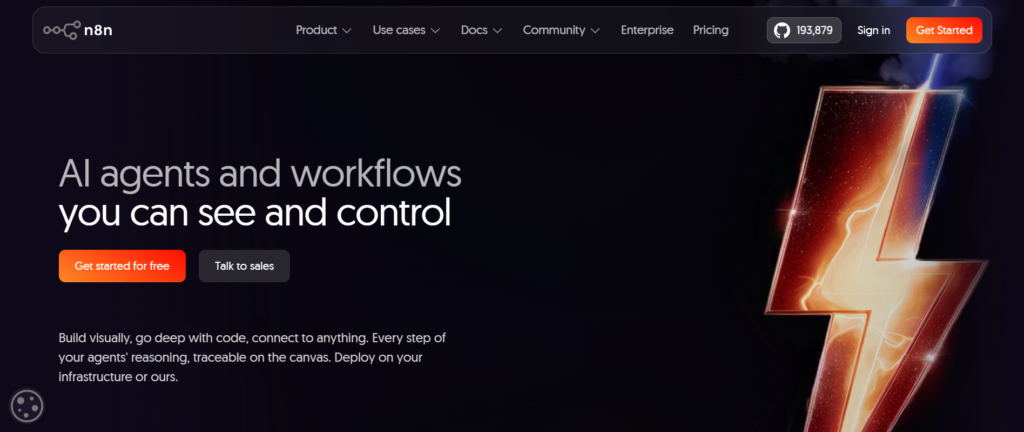
The trade-off is setup time. Running n8n on your own infrastructure means your engineering team handles installation, maintenance, and uptime. For a team with a developer who can spend a few hours on setup, the economics are compelling: a Hetzner VPS running n8n costs roughly $10 to $15 per month and handles the same workflows that would cost $300+ on Make or Zapier at high volumes.
The cloud version removes the infrastructure overhead with a managed environment, starting at $20/month for 2,500 workflow executions.
What it does well: Unlimited automations on self-hosted, native code execution in JavaScript and Python, AI agent workflows with LangChain integration, and a visual builder that handles conditional logic, loops, and data transformation. For B2B SaaS content marketing teams building AI-assisted pipelines, n8n’s agent capabilities have become particularly relevant.
Where it falls short: Self-hosting requires real technical investment. Non-technical users will struggle with the initial setup and maintenance. The integration library (400+) is smaller than Zapier’s 9,000+, though it covers most common business tools.
Pricing: Starter from €20/month, Pro from €50/month, Business from €667/month, Enterprise (contact sales)
Best for: Technical teams with developer resources who run high-volume automations and want to eliminate per-task costs entirely. Also a strong fit for compliance-heavy industries where data cannot pass through third-party infrastructure. If n8n’s technical requirements feel like a barrier, the best n8n alternatives covers tools that occupy the middle ground between n8n’s flexibility and Zapier’s simplicity.
3. Pabbly Connect: Best for Budget-Conscious Teams
Pabbly Connect takes a different approach to pricing that makes it genuinely interesting for small and mid-sized teams: flat-rate billing with no per-task charges per step. Where Zapier charges for every action step, Pabbly counts each workflow run as a single execution regardless of how many steps it contains. A ten-step workflow triggered 500 times uses 500 executions, not 5,000.
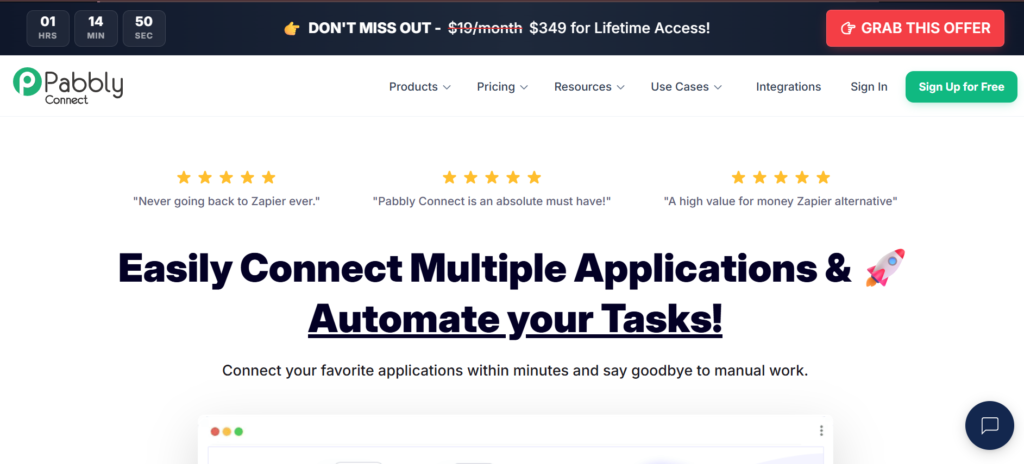
The integration library covers 2,000+ apps and the builder supports multi-step flows, conditional routing, formatters, email parsing, and webhooks. The interface is not as polished as Zapier or Make, and some users report a steeper learning curve than expected, but the economics at higher volumes are hard to argue with.
The Standard plan at $19/month (annual) includes 12,000 task executions per month. Compare that to Zapier’s 750 tasks on the Professional plan at a similar price range.
What it does well: Flat-rate pricing that stops penalising you for running complex workflows, 2,000+ integrations, internal steps that do not count against your limit, and lifetime deal options that make long-term cost planning predictable.
Where it falls short: The interface lags behind Make and Zapier in polish. Error handling and debugging tools are less developed. Customer support response times vary.
Pricing: Free (100 executions/month), Standard from $19/month (annual, 12,000 executions), Pro from $37/month.Current offers provide a $349 for lifetime access.
Best for: Growing businesses running high-volume, multi-step workflows who want predictable costs without the infrastructure overhead of self-hosting n8n. For teams building the broader content and SEO content writing side of their operations, predictable automation costs remove one unpredictable budget variable.
4. Activepieces: Best Open-Source Zapier Replacement
Activepieces is the open-source alternative that most closely mirrors Zapier’s interface and feel. The builder is clean, the setup is fast, and the core interaction model of trigger-then-actions will feel immediately familiar to anyone who has used Zapier.
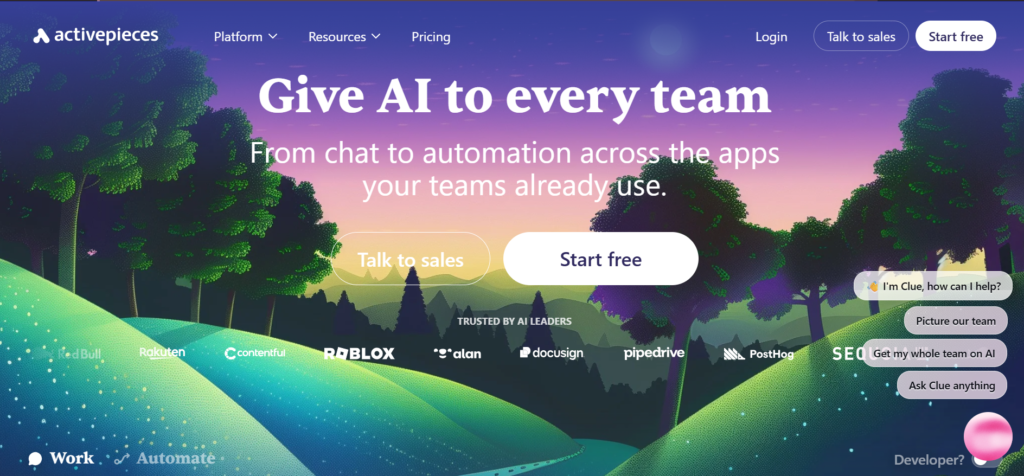
What sets it apart is the MIT open-source licence and the community-driven integration library, which currently sits at 400+ integrations and grows quickly. The self-hosted version is completely free with no limits. The cloud plan starts at a flat rate with no per-task charges, which removes the scaling anxiety that drives most teams away from Zapier.
What it does well: Zapier-like simplicity with no per-task pricing, a clean interface that non-technical users can navigate, an active open-source community, a TypeScript framework for developers who want to build custom integrations, and a self-hosted option for data-sensitive organisations.
Where it falls short: The integration library is smaller than Zapier or Make. Advanced features like complex branching and sub-workflows are still maturing compared to Make’s canvas.
Pricing: Standard (Free, then $5 per active flow/month), Ultimate (custom, annual contract)
Best for: Teams looking for a Zapier replacement that feels familiar but removes the task-based pricing model. Particularly strong for organisations considering open-source for compliance or customisation reasons. Works well alongside a B2B SaaS content calendar workflow where predictable, repeatable automations run at moderate volume.
5. Microsoft Power Automate: Best for Microsoft 365 Environments
Power Automate is the automation layer built into the Microsoft 365 ecosystem. If your team runs on Outlook, Teams, SharePoint, Dynamics 365, or Azure, Power Automate connects those tools with a depth that no third-party alternative can match.
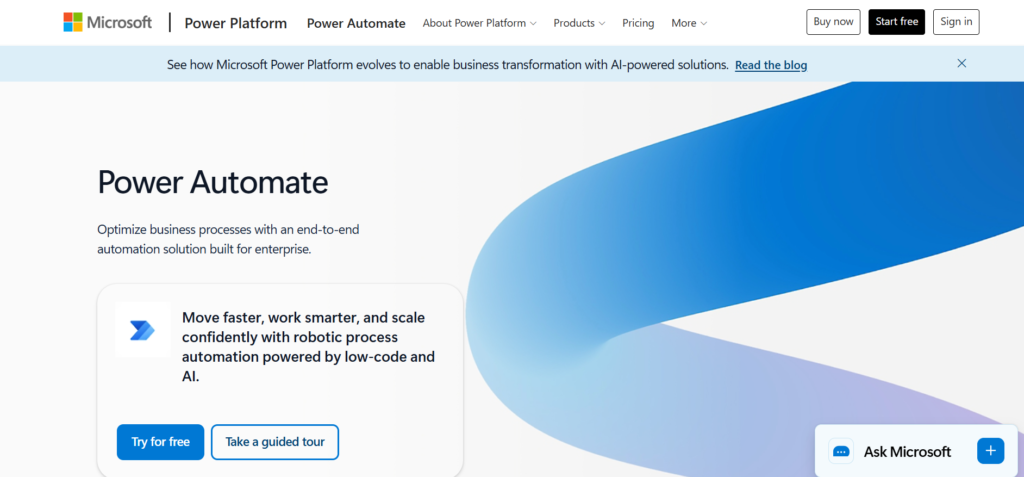
The licensing model reflects this positioning. Power Automate is included at a basic level in most Microsoft 365 plans, which means teams already paying for Microsoft licensing may have access without an additional subscription. Premium connectors and RPA (Robotic Process Automation) capabilities are available as paid add-ons.
What it does well: Native Microsoft integration that goes deeper than any connector-based alternative, desktop automation through RPA for legacy applications that lack APIs, AI Builder capabilities for document processing and prediction, and enterprise compliance that satisfies most IT procurement requirements.
Where it falls short: The interface is less intuitive than Zapier or Make. Non-Microsoft integrations require premium connectors at additional cost. The learning curve for users outside the Microsoft ecosystem is significant.
Pricing: Free trial (30 days), Power Automate Premium $15/user/month, Power Automate Process $150/bot/month (both billed annually)
Best for: Organisations deeply invested in the Microsoft stack where native integration depth matters more than breadth of third-party connectors.
6. Workato: Best Enterprise Automation Platform
Workato sits at the enterprise end of the automation market. It is not a cheaper version of Zapier; it is a more sophisticated platform for organisations that have outgrown what Zapier’s architecture can support.
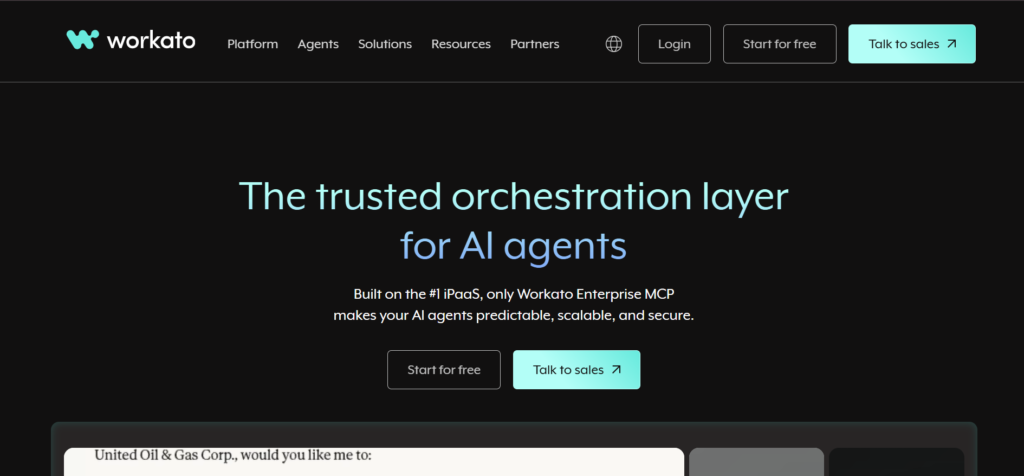
The platform combines iPaaS (integration Platform as a Service), API management, and intelligent automation in a single environment. It supports complex multi-step workflows with enterprise-grade governance, SAML SSO, advanced error handling, and a role-based access model built for IT and operations teams managing automation at scale.
G2 rates Workato at 4.7/5 from 750+ reviewers, with consistent praise for its enterprise integration depth and reliability at high transaction volumes.
What it does well: Handling complex, cross-department workflows at enterprise scale, governance and compliance features that satisfy enterprise IT requirements, 1,200+ pre-built connectors with deeper native integrations than Zapier’s community-managed library, and AI-assisted automation configuration.
Where it falls short: Custom enterprise pricing means you need to contact sales to understand costs. The platform is built for teams with dedicated automation engineers or operations staff, not for individual users or small teams.
Pricing: Custom (contact sales).
Best for: Mid-market and enterprise organisations running mission-critical automation across multiple departments where reliability, governance, and scale matter more than ease of setup. The kind of organisations that also invest in topical authority and content infrastructure tend to think in systems, and Workato fits that mindset at the automation layer.
7. Integrately: Best for Quick Setup at Lower Cost
Integrately positions itself as the fastest way to connect apps. The platform claims most automations go live in under a minute through pre-built one-click templates. With 2,000+ apps and 20 million+ pre-built automation combinations, it has the second-largest integration library after Zapier.
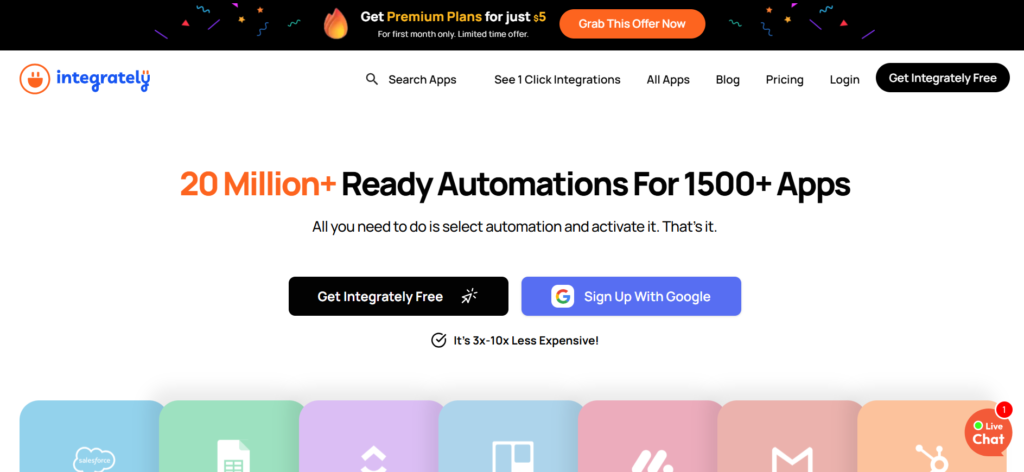
The value proposition against Zapier is straightforward: Integrately’s basic paid plan offers 2,000 tasks at $19.99/month, nearly three times the allocation of Zapier’s Professional tier at a similar price point. G2 rates it at 4.7/5 from 700+ reviewers with consistent praise for customer support response times.
What it does well: Fast setup through automation templates, competitive task allocation per dollar, strong customer support, and a clean interface that works well for non-technical users who want Zapier-like simplicity at lower cost.
Where it falls short: Less flexibility for complex conditional logic than Make. The template-first approach means custom workflows require more configuration effort. Error handling is less advanced than enterprise alternatives.
Pricing: Free (100 tasks), Starter $19.99/month, Professional $39/month, Growth $99/month, Business $239/month (billed annually)
Best for: Teams running moderate-volume automations who want Zapier’s ease of use at a lower task-per-dollar cost, without the complexity of Make or the infrastructure requirements of n8n.
8. Relay.app: Best for Human-in-the-Loop Automation
Relay takes a different angle from every other tool on this list: it is built specifically for workflows that need human review or approval at certain steps. Where most automation tools try to eliminate human involvement entirely, Relay treats people as a first-class participant in the workflow.
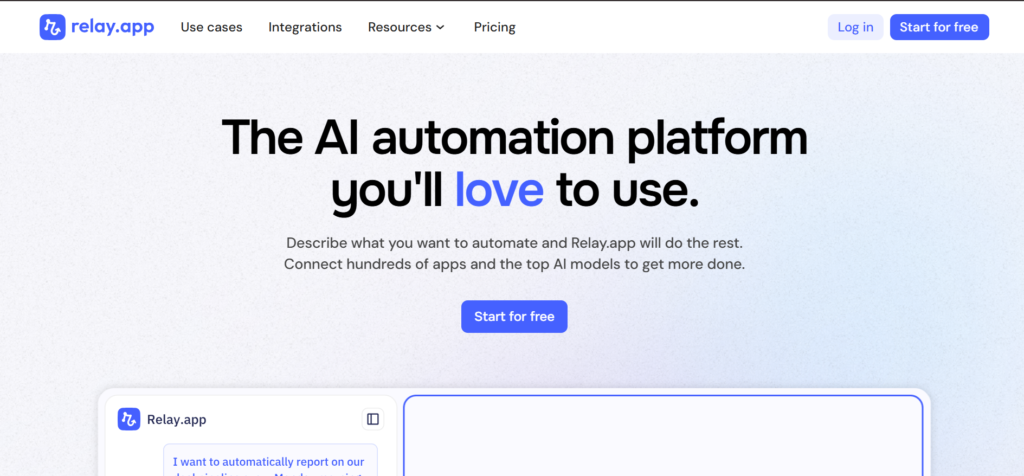
This makes it particularly useful for client-facing work, content approval processes, and any automation where autonomous action carries brand or compliance risk. An agent that sends client emails without review is a liability. Relay’s built-in approval and review steps let you keep the speed of automation without giving up oversight.
What it does well: Human-in-the-loop steps built into the core workflow model, team collaboration on shared automations, AI integration that works alongside people rather than replacing them, and an interface intuitive enough for non-technical users.
Where it falls short: Smaller integration library than Zapier. Less suited to fully automated high-volume workflows where human review would create a bottleneck.
Pricing: Free ($0), Professional $19/month, Team $59/month, Enterprise (custom) billed annually
Best for: Marketing agencies, content teams, and client-facing operations where automations need human checkpoints before executing. If you are building a B2B newsletter workflow or a content distribution pipeline with multiple stakeholders, Relay’s approval model fits naturally. It also pairs well with executive ghostwriting workflows where AI-drafted content needs a human review gate before it reaches a client.
9. Lindy: Best AI-Native Automation
Lindy represents the next evolution of automation: AI employees rather than rule-based workflows. Instead of building a trigger-action sequence, you describe what you want done and Lindy’s agents handle the reasoning and execution across your tools.
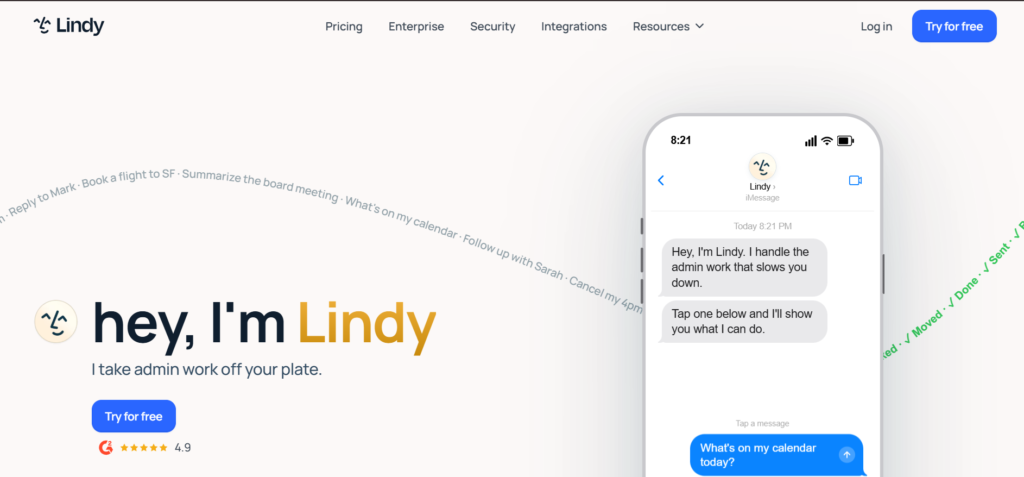
The practical applications for B2B SaaS marketing teams include sales prospecting (Lindy researches leads and drafts outreach), customer support (handling inbound queries autonomously), and meeting workflows (joining calls, summarising, and following up). These are tasks that traditional automation tools cannot handle because they require judgment, not just rule execution.
What it does well: AI agents that handle tasks requiring reasoning and decision-making, strong pre-built templates for sales and customer support workflows, no-code setup, and multi-agent collaboration for complex multi-step intelligent workflows.
Where it falls short: The AI-native model means less predictability than rule-based automation. For straightforward trigger-action workflows, it is more tool than you need. Pricing at scale can be significant.
Pricing: Plus $49.99/month, Pro $99.99/month, Max $199.99/month
Best for: Teams that have already automated their rule-based workflows and want to extend into tasks that require AI reasoning. Particularly relevant for sales and support-heavy B2B SaaS operations. For a broader view of where AI agents fit into a marketing stack, the AI workflow automation tools guide covers the full landscape.
Zapier vs. the Alternatives: How to Choose
The right tool depends on what specifically is driving you to look for alternatives.
If the issue is pricing at volume: Make or Pabbly Connect solve this most directly. Make’s operation pricing is significantly cheaper than Zapier at most volume levels. Pabbly’s flat-rate model removes per-step anxiety entirely.
If the issue is workflow complexity: Make’s visual canvas handles conditional logic, loops, and branching that Zapier’s linear model cannot. For teams building sophisticated multi-step workflows, Make is almost always the right move.
If the issue is data control and self-hosting: n8n is the answer. The self-hosted version is free, unlimited, and keeps your data on your own infrastructure.
If the issue is Microsoft integration: Power Automate goes deeper into the Microsoft ecosystem than any alternative.
If the issue is enterprise governance: Workato is built for exactly this: complex, cross-departmental automation with the compliance and permission controls enterprise IT requires.
If the issue is AI-native workflows: Lindy or the AI capabilities in n8n’s agent mode are the most developed options.
For teams building B2B SaaS content operations, the right tool is the one your team will actually maintain. A solid topic clusters strategy and a keyword research process both benefit from automation that runs reliably in the background without generating surprise invoices. Make or n8n tend to offer the best combination of capability and cost control at the volumes most marketing operations require.
Migrating From Zapier: What to Expect
Switching automation platforms is not a weekend project. A few things to plan for before you start.
Audit your existing Zaps first. List every active automation, what it does, and how many tasks it consumes monthly. Prioritise migrating your highest-volume workflows first. These are where you will see the biggest cost savings.
Rebuild, do not port. Most platforms do not have native Zapier importers that work cleanly. You will rebuild workflows in the new tool. Treat this as an opportunity to simplify: many Zapier workflows accumulate unnecessary steps over time.
Run parallel for two to four weeks. Keep existing Zaps running while you test the rebuilt workflows on the new platform. Only switch off Zapier once you have confirmed the new automations are executing correctly.
Credential recreation takes time. Reconnecting OAuth credentials, API keys, and webhook URLs to each integration is the most time-consuming part of any migration. Budget for it explicitly.
The marketing automation software landscape has matured enough that any of the tools in this list will handle what most B2B SaaS marketing operations require. The migration effort pays off quickly when you are no longer watching a task counter.

Jay is the co-founder of LymLyt and an AI partnership consultant helping B2B SaaS companies grow through content strategy, SEO, and AI integration. He writes about content marketing, what makes B2B content convert, and how SaaS teams can build content systems that drive real pipeline.