10 Best CRM Tools for B2B SaaS in 2026
CRM tools for B2B SaaS get sold on the headline number, and the headline number is almost never what a growing team actually pays. A $14 seat turns into a $39 seat the moment you need real automation. A free plan turns into a required upgrade the moment your third hire joins. The gap between the pricing page and the invoice is where most CRM decisions go wrong.
This guide covers ten CRM tools worth evaluating in 2026, what each one actually costs once you factor in the tier you’ll realistically need, and who each platform genuinely fits. Every price below was checked against current vendor pricing pages and independent cost breakdowns in July 2026, and it’s worth modeling the real number the same way you would any other line item in a content marketing budget, not just the sticker price.
What to check before you pick one
Every CRM on this list trades something for something else. Get clear on three things before you commit a sales team’s workflow to any of them.
- The advertised price versus the useful price. Entry tiers often lock out automation, reporting, or workflow features that make a CRM actually useful. Price out the tier where the product does its real job, not the cheapest number on the page.
- Per-seat cost versus implementation cost. A low per-seat price can hide a high setup cost. Salesforce and enterprise HubSpot tiers commonly need $2,000 to $25,000 in implementation work; simpler tools like Pipedrive or Freshsales rarely do.
- Structured pipeline versus relationship management. Some CRMs assume a defined sales process with stages and forecasting. Others, like Folk or Attio, are built around flexible relationship data for teams that don’t run a rigid pipeline. Match the tool to how your team actually sells, not to the category label.
The 10 best CRM tools for B2B SaaS
1. HubSpot CRM
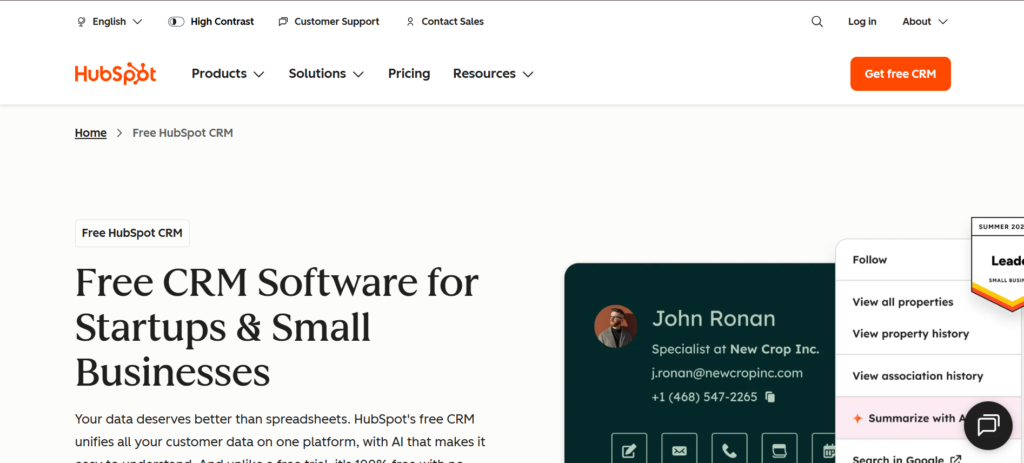
HubSpot CRM is the default recommendation for teams that want marketing, sales, and service data living in one system. The free Sales Hub tier is real but caps at two users, so it’s a genuine starting point, not a long-term plan for a growing team. The catch shows up the moment you need real automation, which is the same territory covered by dedicated marketing automation software if HubSpot’s Marketing Hub pricing doesn’t pencil out. Professional also carries a required one-time onboarding fee on top of the seat price, which most comparison pages leave out.
- Free Sales Hub tier is real functionality, not a crippled trial, but caps at two users
- One seat grants access to every purchased Hub, unlike Salesforce’s per-product licensing
- Professional tier unlocks real workflow automation, multi-touch attribution, and reporting
- Professional and Enterprise both carry a required one-time onboarding fee ($1,500 and $3,500) on top of the seat price
Price: Free for up to 2 users. Starter runs $20 a seat a month ($7 a seat under the current promotional annual rate). Sales Hub Professional runs $90 to $100 a seat a month plus a $1,500 one-time onboarding fee. Enterprise runs $150 a seat a month plus a $3,500 one-time onboarding fee. Marketing Hub Professional is priced separately, around $890 a month.
Best for: Teams that want marketing, sales, and service unified in one platform and are ready to pay for the Professional tier where HubSpot’s automation actually kicks in.
Skip it if: You only need sales pipeline management. Pipedrive delivers the same core job at a fraction of HubSpot Professional’s all-in cost.
2. Salesforce
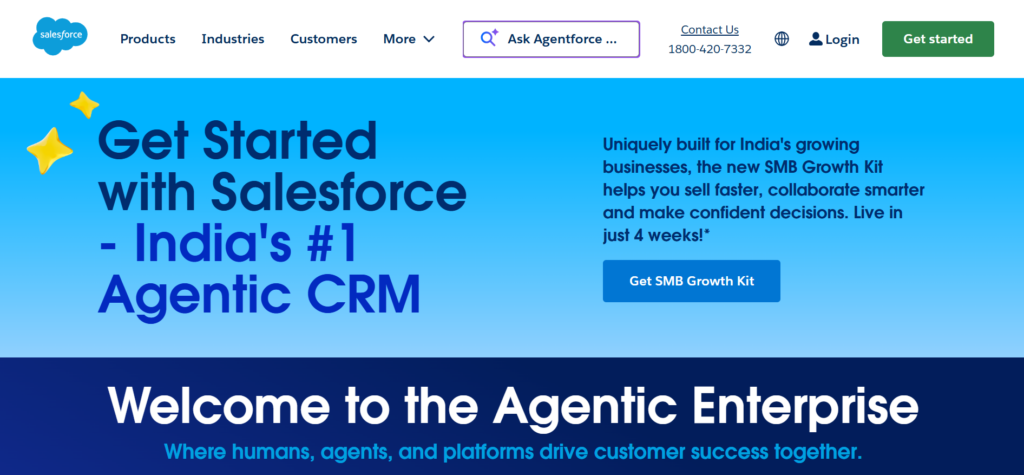
Salesforce remains the enterprise standard for a reason: nothing else matches its depth of customization, governance controls, and ecosystem of integrations at scale. Salesforce retired its old Essentials and Professional tier names; the current lineup is Starter Suite, Pro Suite, Enterprise, Unlimited, and a top AI-powered Agentforce 1 Sales tier. A permanent free plan exists too, capped at two users, separate from the 30-day trial. That depth comes with a real cost most pricing pages don’t show: the $25 Starter seat is genuinely cheap, but real Salesforce deployments typically run $2,000 to $25,000 in implementation fees and often require a certified Solutions Partner to configure properly.
- Free plan for up to 2 users, separate from the 30-day trial of paid editions
- Deepest customization and governance controls of any CRM on this list
- Massive ecosystem of integrations, consultants, and pre-built industry solutions
- Implementation and admin overhead routinely dwarf the license cost for real deployments
Price: Free for up to 2 users. Starter Suite runs $25 a user a month, Pro Suite $100, Enterprise $175, and Unlimited $350 a user a month, with Agentforce 1 Sales reaching up to $550 a user a month at the top. Budget separately for implementation, which commonly runs $2,000 to $25,000.
Best for: Larger organizations that need deep customization, complex approval workflows, or territory management that smaller CRMs can’t support.
Skip it if: You’re an SMB or early-stage SaaS team. The implementation tax makes Salesforce more expensive than HubSpot Professional for most companies under 50 seats.
3. Pipedrive
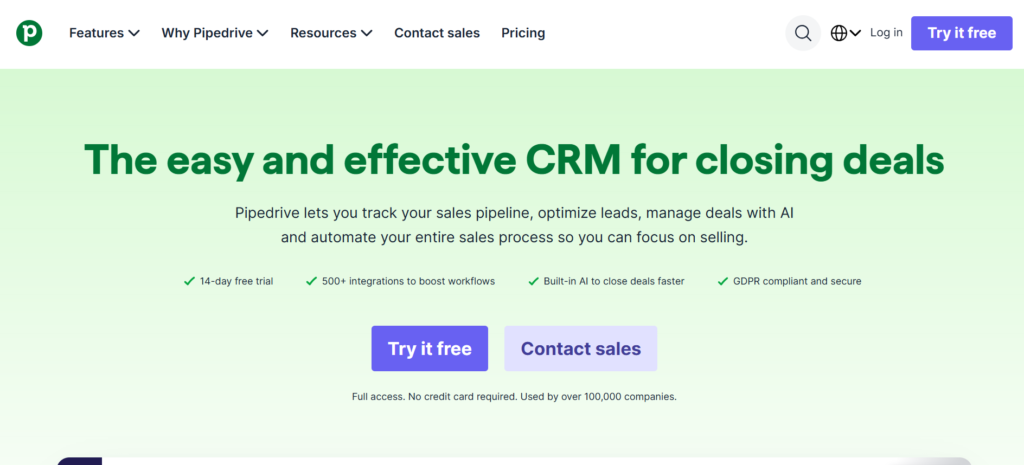
Pipedrive is built for one job: visual, sales-first pipeline management, without the marketing-suite bloat that inflates HubSpot’s price. Deals move through a clean kanban pipeline that stays out of reps’ way. Plan tiers were recently renamed to Lite, Growth, Premium, and Ultimate, so older comparison articles may still show the retired Essential/Advanced/Professional names.
- Visual pipeline management reps actually enjoy using
- Current plan names: Lite, Growth, Premium, Ultimate
- No marketing or service bloat you won’t use
- Campaigns add-on covers basic email blasts, not real marketing automation
Price: Lite starts around $14 a user a month billed annually (about $24 monthly). Growth and Premium sit in the $29 to $49 range depending on features. Ultimate runs around $79 a user a month billed annually (about $99 monthly). No free plan; a 14-day trial is available.
Best for: Sales-first teams of 5 to 50 that want visual pipeline management without paying for marketing features they won’t use.
Skip it if: Marketing automation needs to live inside the same platform. Pipedrive’s add-on doesn’t cover that job well.
4. Close
Close is built specifically for outbound-heavy sales teams: calling, email, and SMS live inside the CRM itself, with a Power Dialer built to maximize activity volume per rep. Close added a Solo plan for individual users and Chloe, an AI sales agent, since this category last got compared broadly. There’s no free plan, and call minutes, SMS, and dialer credits bill separately from the seat price.
- Power Dialer (Growth tier) and Predictive Dialer (Scale tier) built to maximize outbound activity volume per rep
- Calls, emails, and SMS logged automatically without manual data entry
- Solo plan is capped at one user and 10,000 leads, with workflows excluded, a real entry option for individual users
- No free plan, and usage credits for calling and AI enrichment bill on top of the seat price
Price: Solo runs $9 a seat a month billed annually (one user only). Essentials runs $35 a seat a month. Growth, which unlocks the Power Dialer and workflow automation, runs $99 a seat a month. Scale runs $139 a seat a month. All prices roughly 25 to 30 percent higher on monthly billing. No free plan.
Best for: Outbound-heavy sales teams where call and activity volume directly drives pipeline.
Skip it if: Your team runs 1 to 2 people doing light outbound. Pipedrive or Freshsales cover 80 percent of the need at a lower cost.
5. Attio
Attio is the modern, AI-native pick for startups that want a flexible data model instead of a rigid, pre-defined pipeline. Its relational database lets you build reports connecting data across objects, like which campaign generated leads that a specific rep eventually closed, in ways more rigid CRMs can’t easily replicate. The free plan is real, not a disguised trial, but it caps out at three seats, and most teams outgrow it within weeks of their first sales hire.
- Genuinely useful free plan for up to three seats, not a time-limited trial
- Flexible, relational data model built for custom workflows and reporting
- AI features handle unstructured data classification and lead qualification
- Limited native outbound tooling; sequences and dialing often require additional tools
Price: Free plan for up to three seats. Plus runs $29 a seat a month billed annually, Pro runs $69 a seat a month, and Enterprise is custom priced.
Best for: Early-stage startups, VCs, and agencies that want a flexible data model and don’t need built-in outbound execution tools.
Skip it if: Your reps need calling and sequencing built into the CRM itself. Attio’s execution layer is thinner than Close’s or HubSpot’s.
6. Copper
Copper is built specifically for teams that live inside Google Workspace, automatically capturing contacts, emails, and calendar activity from Gmail without manual entry. For a Gmail-heavy service business or agency, that zero-data-entry promise is the entire pitch, and it delivers. Outside the Google ecosystem, Copper loses most of its advantage and simply becomes a mid-priced CRM with a smaller feature set than Zoho or HubSpot at a similar price point.
- Automatic contact and activity capture from Gmail, Calendar, and Google Drive
- Genuinely reduces manual data entry for teams already living in Google Workspace
- Starter tier caps at 1,000 contacts, and features unlock progressively; Basic and Professional gate contact limits at 2,500 and 15,000
- No free plan, only a trial, and pricing sits above budget alternatives like Zoho or Freshsales at comparable tiers
Price: Starter runs $9 a seat a month billed annually ($12 monthly), capped at 1,000 contacts. Basic runs $23 a seat a month, Professional $59, and Business $99 a seat a month billed annually (up to $134 monthly). No free plan.
Best for: Teams deeply embedded in Google Workspace that want Gmail integration to eliminate manual CRM updates.
Skip it if: You’re not on Google Workspace. Copper’s core advantage disappears and Zoho CRM delivers more for less.
7. Zoho CRM
Zoho CRM is the budget-conscious pick that doesn’t feel budget: a real free plan for up to three users, and paid tiers that undercut nearly everything else on this list while still including workflow automation and AI features through Zoho’s Zia assistant. The tradeoff is a steeper learning curve than simpler tools like Pipedrive, and the platform rewards teams willing to invest setup time to unlock its full feature depth.
- Free plan supports 3 users with 5,000 daily API credits and 1GB of storage
- Paid tiers undercut HubSpot, Copper, and Salesforce at comparable feature levels
- Zia AI assistant and broader Zoho One ecosystem (45-plus apps) add value beyond the CRM alone
- Steeper learning curve than Pipedrive or Freshsales for teams that want to move fast on day one
Price: Free plan for up to 3 users. Standard runs $14 a user a month, Professional $23, Enterprise $40, and Ultimate $52 a user a month, all billed annually. Monthly billing runs roughly 20 to 40 percent higher per tier.
Best for: Cost-conscious teams that want broad functionality and are willing to invest setup time rather than pay a premium for out-of-the-box simplicity.
Skip it if: You want to be productive on day one with minimal configuration. Pipedrive or Freshsales get a team running faster.
8. Freshsales
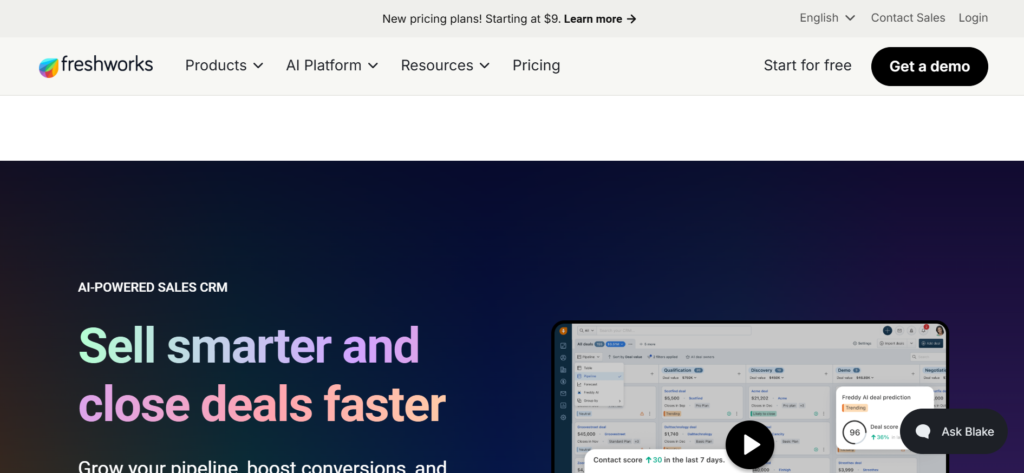
Freshsales is the affordable, AI-forward alternative to HubSpot and Salesforce. Naming note: Freshworks is the parent company, and “Freshsales,” “Freshworks CRM,” and “Freshsales Suite” all get used interchangeably in 2026 marketing, so don’t be thrown if you see multiple names on one pricing page. Freddy AI handles deal scoring and next-best-action suggestions, and the free plan is real, capped at three users.
- Free plan for up to 3 users with contact and deal management, not just a trial
- Freddy AI adds deal scoring and suggested next actions without a separate add-on cost
- Transparent, publicly listed pricing across all four tiers
- The jump from Growth ($9) to Pro ($39) is over 4x, and Pro is where sequences and real reporting live
Price: Free plan for up to 3 users. Growth runs $9 a user a month, Pro $39 a user a month, and Enterprise $59 a user a month, all billed annually.
Best for: Small to mid-sized B2B SaaS teams that want AI-assisted selling without Salesforce or HubSpot pricing.
Skip it if: You need the free or Growth tier to last long-term. Real automation and reporting don’t show up until Pro.
9. Folk
Folk is a relationship-first CRM built for founders, agencies, and business development teams who manage warm networks across LinkedIn, email, and personal relationships rather than running a rigid, staged pipeline. It syncs natively with LinkedIn and Gmail, which makes it a strong fit for BD-heavy teams that source deals through relationships rather than cold outbound. Pipeline reporting and forecasting depth are real tradeoffs against more structured tools like Pipedrive or Close.
- Native LinkedIn and Gmail sync built specifically for relationship-led sourcing
- Fast implementation, typically one to three days versus one to two weeks for Attio
- Strong fit for founders, agencies, and BD teams managing warm networks over structured pipelines
- Deal management, sequences, and dashboards are gated behind Premium; Standard covers contacts and pipeline viewing only
Price: Standard runs $24 a seat a month, Premium $48 a seat, and Custom from $80 a seat, all billed annually (roughly 25 percent more on monthly billing). No permanent free plan; a 14-day trial defaults to Premium features.
Best for: Founders, agencies, and BD-focused teams managing relationships across LinkedIn and email rather than a formal sales pipeline.
Skip it if: You need real pipeline forecasting and reporting depth, or deal tracking on the entry tier. Folk trades those for relationship-management speed, and the price effectively doubles the moment you need them.
10. Salesflare
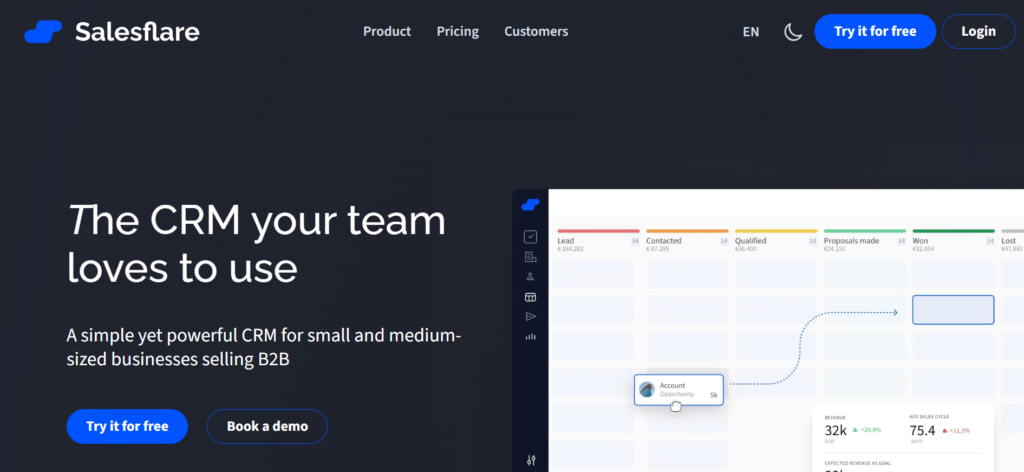
Salesflare markets itself as the CRM that fills itself in, pulling contact and activity data automatically from email, calendar, and social profiles so reps spend less time on manual entry. It’s built specifically for small B2B teams, and reviewers consistently flag it as strong value for solopreneurs, consultants, and small sales teams that want automation without Salesforce-level complexity. There’s no permanent free plan, only a trial, and some core features like workflows and permissions sit behind the higher Pro tier.
- Automated data entry pulls contact and activity data from email, calendar, and social profiles
- Growth tier at $29 a month is priced for solopreneurs and small teams specifically
- Workflows, permissions, and custom dashboards require the Pro tier at $49 a month
- No permanent free plan, only a trial period to evaluate before committing
Price: No free plan. Growth runs $29 a month with 5 lead credits, Pro runs $49 a month with 100 lead credits and workflow permissions, and Enterprise runs $99 a month with 250 lead credits and dedicated support.
Best for: Small B2B sales teams and solopreneurs who want automated data capture without a steep learning curve.
Skip it if: You need workflow automation and permissions from day one. Those sit behind the $49 Pro tier, not the $29 entry plan.
How the 10 tools compare
| Tool | Structure | Best for | Starting price |
| HubSpot CRM | Structured pipeline + marketing suite | All-in-one marketing, sales, and service | Free (2 users), Professional from $90/seat/mo + onboarding fee |
| Salesforce | Structured pipeline, deep customization | Large orgs needing governance and customization | Free (2 users), Starter Suite from $25/user/mo (plus implementation) |
| Pipedrive | Structured pipeline | Sales-first teams, no marketing bloat | From $14/user/mo (Lite, annual) |
| Close | Structured pipeline + built-in outbound | Calling and activity-heavy outbound teams | From $9/seat/mo (Solo, 1 user), Growth $99/seat/mo |
| Attio | Flexible relational data model | Startups wanting flexible data over rigid pipeline | Free, Plus from $29/seat/mo |
| Copper | Structured pipeline, Google-native | Teams fully embedded in Google Workspace | From $9/seat/mo (Starter, annual) |
| Zoho CRM | Structured pipeline | Budget-conscious teams wanting full features | Free, Standard $14/user/mo, up to $52/user/mo (Ultimate) |
| Freshsales | Structured pipeline + AI scoring | Affordable AI-assisted selling | Free, Pro from $39/user/mo |
| Folk | Relationship management | Founders, agencies, and BD teams | From $24/seat/mo (Standard, annual) |
| Salesflare | Structured pipeline, automated data entry | Small teams wanting less manual entry | From $29/mo, no free plan |
Which one should you actually pick
Start with how your team actually sells, not the category label. If deals move through defined stages with forecasting attached, Pipedrive, Freshsales, Zoho, or HubSpot fit that structure at very different price points. If your team sources deals through relationships, warm intros, or LinkedIn rather than a formal pipeline, Folk and Attio are built for that reality and will feel more natural than forcing a relationship-based motion into Pipedrive’s staged pipeline.
Budget draws a clear second line. Zoho CRM and Freshsales are the value benchmarks, delivering real automation well below HubSpot or Salesforce pricing. HubSpot and Salesforce earn their premium only at real scale, when unified marketing-sales data or deep governance actually matter, not as a default starting point for a five-person team. And two tools solve one very specific problem each: Close for outbound call volume, and Copper for teams that live entirely inside Gmail.
Whatever you land on, a CRM is only as good as the content and outreach feeding it. Our breakdown of AI-native email automation tools covers the outbound layer that usually sits on top of whichever CRM you choose, and best AI writing tools for B2B SaaS covers the content side of that same motion.
The part a CRM can’t fix for you
A CRM organizes your pipeline. It doesn’t create demand, and it won’t fix a content or SEO problem that’s leaving your pipeline thin in the first place. If the real issue is that not enough qualified leads are reaching the CRM to organize, that’s a content and distribution problem, not a tooling one. Our SaaS content engine breakdown and content distribution playbook cover what to fix upstream of the CRM, SaaS content marketing metrics that actually matter covers how to prove that fix is working in pipeline terms your sales team will recognize, and our roundup of best AI marketing agencies covers what to look for if that upstream work needs outside help.
Want a second opinion on your current content and pipeline stack before you commit to a new CRM? Book your meeting with us and we will walk through what is actually worth fixing first.

Jay is the co-founder of LymLyt and an AI partnership consultant helping B2B SaaS companies grow through content strategy, SEO, and AI integration. He writes about content marketing, what makes B2B content convert, and how SaaS teams can build content systems that drive real pipeline.