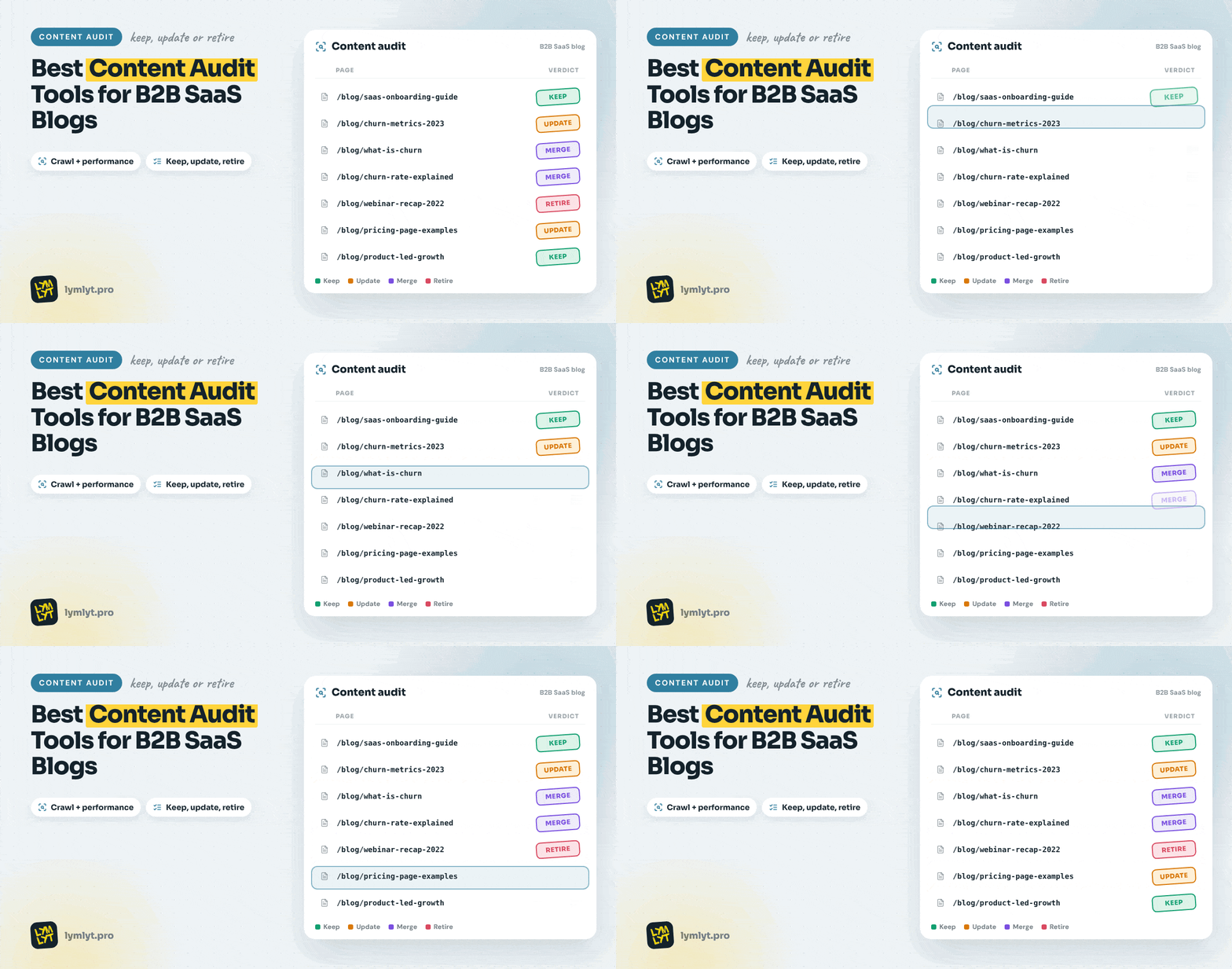
Best Content Audit Tools for B2B SaaS Blogs
Your blog has 200 articles. Some rank. Some mention features you stopped selling. Three answer almost the same question, and nobody remembers which one sales sends to prospects.
Next month’s calendar has eight new posts.
Before adding more, figure out what you already own.
The best content audit tools help you build that inventory, connect pages to performance, and find work worth doing. For a B2B SaaS blog, the useful output is a prioritized list of decisions: keep, update, consolidate, investigate, or retire.
A technical health score alone won’t give you that.
Below are six options, including a free starting stack and tools for technical diagnosis, search research, and editorial monitoring. There’s also a practical route for building an AI-assisted audit in-house.
What should a SaaS blog audit actually answer?
Start with three questions:
- Can people and search engines reach the page? Check status codes, indexability, internal links, redirects, and rendering.
- Is the content accurate and useful to your buyers? Review product details, evidence, search intent, examples, and the next step.
- Is it contributing enough to justify more work? Consider relevant search traffic, conversions, backlinks, and use in sales conversations.
These questions need different evidence. A crawler can find a broken link. Analytics can show a recorded conversion. Someone who understands your product still needs to decide whether the article explains it correctly.
Our guide to SaaS content marketing metrics covers the business measures worth bringing into that decision.
The tools at a glance
| Tool | Best fit | Current pricing snapshot | Main limitation |
|---|---|---|---|
| Screaming Frog SEO Spider | Detailed inventories and technical checks | Free crawl up to 500 URLs; paid license £199/user/year | Requires configuration and interpretation |
| Google Search Console + GA4 | First-party performance evidence | Free standard tools | Doesn’t replace a crawler or editorial review |
| Sitebulb | Visual technical audits and issue explanations | Desktop Lite $18/month; Pro $42/month, for one user | Desktop resources and plan limits matter |
| Ahrefs | Audits connected to backlink and search research | Free verified-site access; Starter $29/month; Lite $129/month | Lower plans have important reporting/export restrictions |
| Semrush | Teams combining audits with wider SEO work | SEO plan $139/month, or $117.33/month billed annually | Broader features and add-ons increase cost |
| Clearscope | Monitoring existing content and planning refreshes | Essentials $129/month; Business $399/month | Included page limits can matter more than user limits |
The links in each section explain the relevant features and pricing.
1. Screaming Frog: for building an inventory you can investigate
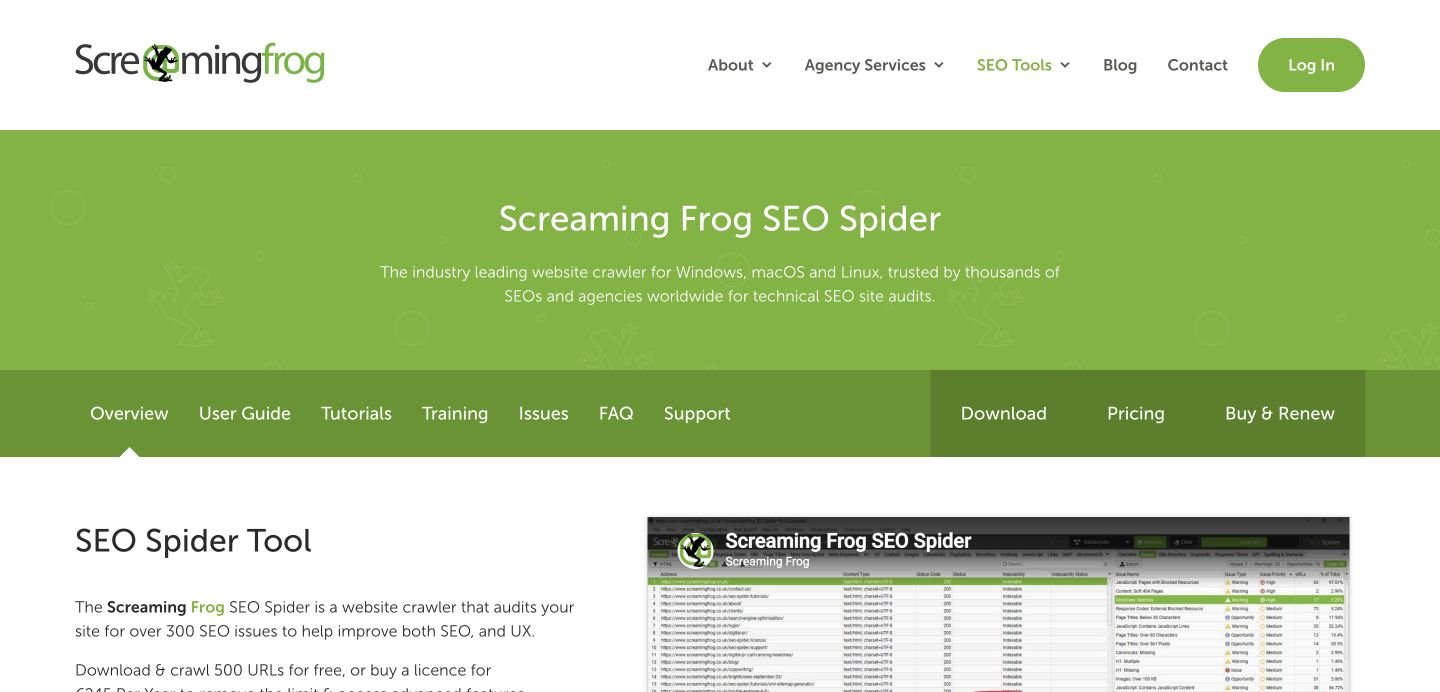
Screaming Frog is a strong starting point when you need to understand what exists across your blog.
It crawls pages and surfaces information such as response codes, titles, metadata, headings, and internal links. Paid capabilities include JavaScript rendering, near-duplicate analysis, custom extraction, and Google Analytics and Search Console integrations. See the feature comparison.
For a SaaS audit, custom extraction can help collect useful details—such as author names or publication dates—when the page structure supports it. Those fields become much more useful beside performance data.
Pricing: The free version crawls up to 500 URLs per crawl. A paid license costs £199 per user per year. Free users face restrictions on saving crawls, configuration, and advanced features. Pricing and restrictions.
Watch the scope. A website with 250 articles may expose many more URLs through categories, pagination, and other sections.
Choose it when: Someone on your team can configure the crawl and turn findings into decisions.
Watch for: A similarity flag is a reason to review two pages. It isn’t permission to merge them.
2. Google Search Console and GA4: for checking what your content does
Start here even if you buy another tool.
Google Search Console shows search queries, impressions, clicks, and average position. It helps identify pages losing visibility, pages earning impressions without many clicks, and articles appearing for unexpected searches.
Google Analytics adds on-site behavior. With appropriate implementation, you can examine landing pages and important actions, such as resource requests or demo enquiries.
Pricing: Search Console and standard Google Analytics are free. Implementation and analysis still take time.
For an audit, compare equivalent periods, check seasonality, and annotate major site or tracking changes. A drop after a URL migration needs a different investigation from a gradual decline in an unchanged article.
Choose them when: You need first-party evidence before deciding what to update.
Watch for: Missing conversion data may mean missing tracking. GA4’s event documentation distinguishes automatically collected events from events you must implement. Check the setup before judging the page.
3. Sitebulb: for explaining technical findings to the rest of the team
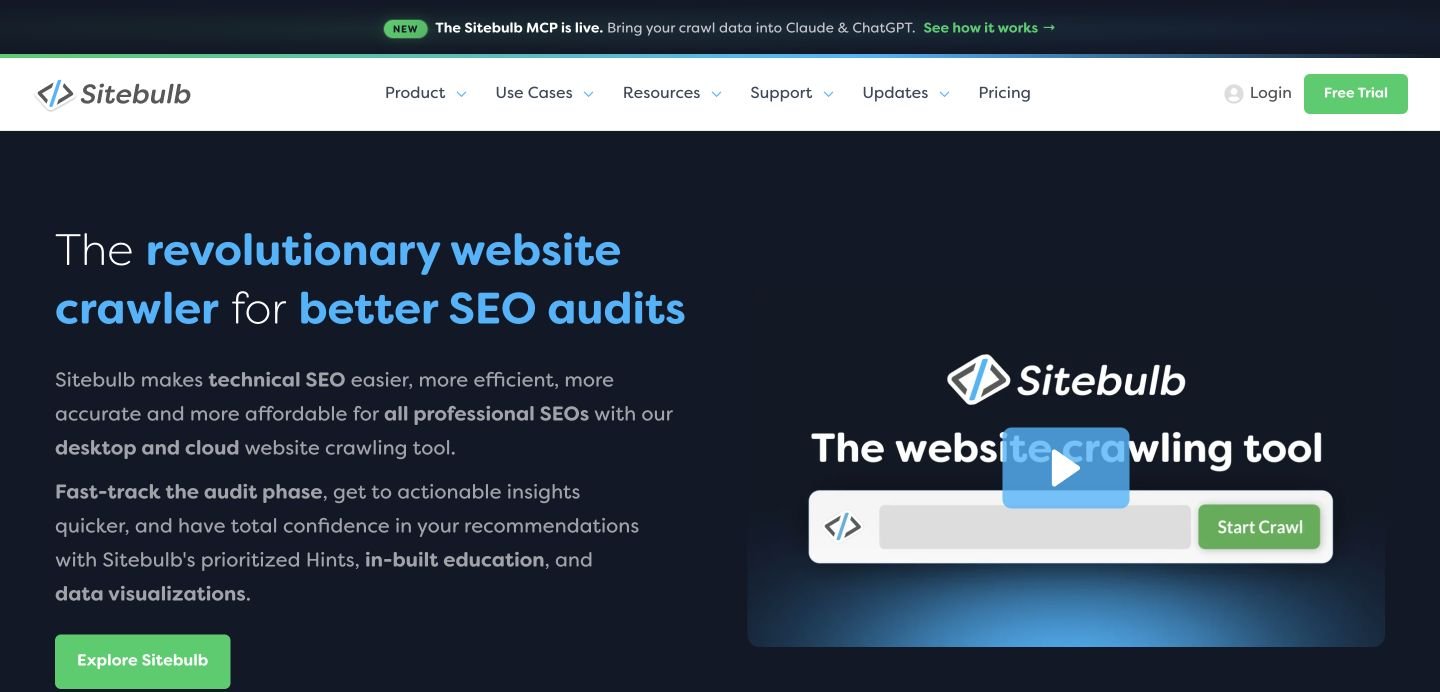
Sitebulb is worth considering when your audit needs to become a conversation with marketing, developers, or an outside partner.
Its desktop plans include prioritized hints, crawl maps, duplicate-content checks, JavaScript crawling, and integrations with Google Analytics and Search Console. Pro adds capabilities including audit comparisons, scheduled audits, and customized PDF reports. Features and plans.
That makes it useful when the problem is structural. For example, important articles may sit several clicks away from relevant commercial pages, or a template may create the same issue across the entire blog.
Pricing: On the live monthly USD selector, Desktop Lite was $18/month and Pro $42/month, for one user. Lite allows 10,000 URLs per audit; Pro lists 500,000. A 14-day desktop trial is available.
Choose it when: Clear explanations and visual reporting will help your team act.
Watch for: Desktop crawl capacity depends on your machine. The published URL allowance doesn’t guarantee your laptop can comfortably process every crawl configuration.
4. Ahrefs: for combining a content audit with search and backlink evidence
Ahrefs becomes useful when the question extends beyond technical health.
Its Site Audit identifies issues involving links, duplicates, indexability, and other technical and on-page elements. Its wider research tools help investigate search performance and backlinks before recommending changes.
That matters when an underperforming article still has valuable links. You should understand those links and the page’s purpose before changing its URL or consolidating it.
Pricing: Ahrefs Free provides limited access for verified websites. Paid plans include Starter at $29/month, Lite at $129/month, and Standard at $249/month. Current pricing.
The Starter documentation lists reporting limits and no report-row exports. Check the exact export route you need before choosing it for a spreadsheet-based audit.
Choose it when: You already use Ahrefs, or need backlink and competitor research alongside your inventory.
Watch for: Estimated traffic for other websites is different from your own measured visits. Keep the source of each metric visible.
5. Semrush: for teams already running a wider SEO program
Semrush makes sense when your team wants auditing, keyword research, competitor analysis, and rank tracking within the same subscription.
Its Site Audit supports recurring crawls and technical and on-page issue reporting. The wider platform can help investigate which queries and competing pages deserve attention.
Pricing: The current SEO plan is $139/month, or $117.33/month billed annually. The SEO + AI Search Starter plan is $199/month, or $165.17/month billed annually. Plan comparison.
Pay attention to the current packaging. For example, the pricing page lists content optimization and keyword cannibalization analysis under the higher Pro+ bundle. Don’t assume every feature mentioned in a review comes with the entry plan.
Choose it when: Your existing SEO workflow already lives in Semrush.
Watch for: Additional users, reporting, and other add-ons can change the total. If your only requirement is an occasional blog inventory, consider whether a smaller tool covers the job.
6. Clearscope: for turning content monitoring into a refresh queue

Clearscope is relevant when your main question is “which articles should our writers revisit?”
Its Monitor feature connects Search Console data with page grades and history. It offers views for content decay, technical issues, internal linking, and queries within reach of stronger rankings.
This is useful for ongoing editorial work: identify a page, investigate the problem, prepare the update, and record what changed.
Pricing: Essentials costs $129/month and includes 50 pages, 50 tracked queries, 20 monthly discoveries, and 20 monthly drafts. Business costs $399/month and includes 300 pages. Both list unlimited users; additional usage is available.
Choose it when: You have an existing library and people available to improve it regularly.
Watch for: A content grade doesn’t establish product accuracy or buyer relevance. Treat it as an input to editorial review. Also check how many pages you intend to monitor: a 200-article blog exceeds the Essentials allowance.
Which setup should you actually choose?
For a small SaaS blog, start with Search Console, GA4, and a crawler. Use the data to identify a manageable review queue before adding more subscriptions.
If you already pay for Ahrefs or Semrush, check whether the included audit capabilities cover the task. You may need a better process more urgently than another platform.
If the recurring problem is maintaining a large editorial library, consider Clearscope. If technical findings need clearer explanation and collaboration, consider Sitebulb.
Whatever you choose, give each reviewed URL a decision, supporting evidence, owner, and review date. Put approved work into your content calendar so the audit actually changes what gets done.
Can you build a content audit in-house using AI?
Yes. You can build an AI-assisted audit workflow, particularly for a modest blog with accessible content and reasonably clean analytics.
You can start with exports and a spreadsheet. A custom dashboard is optional.
The useful division of work is straightforward: software collects evidence, AI helps classify and investigate it, and your team approves the decisions.
Start with exports before building an application
Bring together:
- A content inventory: URLs, titles, article text, publication dates, and modification dates from your CMS or crawler.
- Technical evidence: Status codes, canonicals, indexability, redirects, and internal links.
- Search performance: Page-level clicks, impressions, CTR, and position for comparable periods.
- On-site results: Relevant landing-page behavior and correctly configured key events.
- Business context: Your ideal customer, product use cases, current capabilities, and priority topics.
- Additional evidence: Backlinks, customer feedback, and sales usage where available.
Keep missing fields marked as missing. Ask AI to recommend what needs investigating rather than inventing an answer.
For example, a page with few visits but known use in qualified sales conversations might deserve an update. Traffic alone would miss that reason to keep it.
This is where understanding your ideal customer profile matters more than producing another automated score.
What can AI reasonably help with?
With the right inputs, it can suggest topic groups, classify articles by audience or use case, flag potentially outdated claims, identify possible overlap, and draft refresh briefs.
It can also help write the scripts that combine your exports.
But a polished recommendation can still rest on bad extraction, incomplete data, or an incorrect assumption about your product. Require the evidence behind every suggested action.
A useful instruction is:
Review only the supplied content and data. For each URL, propose keep, update, investigate consolidation, or investigate retirement. State the evidence, missing information, and confidence. Do not infer revenue, backlinks, product capabilities, or search performance that the inputs do not establish. Flag pages that require product or sales review. Do not recommend automatic deletion or redirects.
Test that instruction against a small sample before processing the library.
How much time and resource should you allow?
For a 100–300 article blog, these are planning estimates—not measured benchmarks or promises:
| Approach | Illustrative effort | People needed |
|---|---|---|
| Export-based AI pilot on 20–30 articles | 6–12 person-hours, assuming access and reasonably clean files | Content lead comfortable with spreadsheets |
| Reusable workflow with data imports, validation, and reporting | 30–60 person-hours for an initial version | Content lead plus someone comfortable with scripts and integrations |
| Manual review of 50 shortlisted pages | About 4–8 hours at 5–10 minutes per page | Editor or strategist, with product input where necessary |
A technical article may take much longer to verify. Building a crawler, adding authentication, or repairing analytics can also push the work beyond those ranges.
Assign someone to maintain the workflow. Field names change, integrations fail, and your definition of a useful article changes with the business.
Budget for more than model usage
The calculation is:
Setup time + review time + maintenance + software + model usage + implementation.
If an internal reviewer spends 15 hours checking recommendations, that cost may matter more than the AI bill.
For API-based processing, estimate input and output tokens from a representative sample, then include retries and repeat runs. Check whether your chosen subscription covers the intended automation or whether separate usage charges apply.
Also budget for the work the audit creates. Rewriting ten articles, replacing screenshots, and implementing redirects remain separate tasks.
The issues people tend to underestimate
Incomplete inventories. A crawl can miss orphan pages. Start with the CMS, sitemap, crawl, and analytics URL lists, then reconcile them.
Broken URL joins. Tracking parameters, redirects, and trailing-slash differences can split one page into several rows. Don’t strip every parameter blindly; some identify genuinely different pages.
Misleading dates. A recent modification date may reflect a template change rather than an editorial update.
Missing performance data. Google’s Search Analytics API documentation says it doesn’t guarantee every data row. An absent row doesn’t prove a page had no value.
False consolidation recommendations. Two articles can share terminology while serving different audiences or decisions. Review the actual content and search intent.
Confidential information. CRM exports and customer notes need approved handling. Check access, retention, and provider settings before adding them to an AI workflow.
Unreviewed changes at scale. Begin with read-only analysis. Keep publishing, deletion, URL changes, and redirects behind explicit review.
A checklist before you trust the audit
☐ The inventory has been reconciled against more than one source.
☐ Every metric includes its source and date range.
☐ Missing data is distinguished from a measured zero.
☐ Technical findings have been checked on sample live pages.
☐ Product accuracy and buyer relevance have human reviewers.
☐ Proposed merges account for intent, links, and destination pages.
☐ Approved updates have owners and publishing dates.
☐ Changes will be logged and reviewed after implementation.
Start with the pages worth improving
You don’t need six subscriptions to audit one SaaS blog.
Choose enough tooling to collect reliable evidence. Review the pages closest to an important buyer question, a conversion opportunity, or a meaningful performance change. Expand once the workflow produces decisions your team trusts.
If you need help carrying those decisions through to researched updates, internal links, and published pages, compare content refresh services or see LymLyt’s plans.
Pick the first ten URLs. Give each one a clear job, an evidence-backed decision, and someone responsible for the next step.

Rashmita is content marketer with 8 years of experience building and growing SaaS brands. Now she tests various AI tools for marketers and shares her feedback on this blog, LinkedIn, Instagram, and YouTube.