Best Content Optimization Tools for Lean SaaS Marketing Teams
The editor says your article needs more keywords. Your product marketer says it describes the wrong use case.
You have time to fix one of those before Friday.
That’s the problem with buying content optimization software based on its scoring system. A higher score can reflect better topic coverage while the article still misses the buyer’s question, misrepresents your product, or sends readers nowhere useful.
For a lean SaaS marketing team, the right tool should make good editing decisions easier. It should help you research, brief, improve, and maintain content without creating another complicated process to manage.
Here are six options worth considering, their current prices, and the limits to check before subscribing. We’ll also cover building an AI-assisted alternative in-house.
What should a content optimization tool help you improve?
For SaaS content, optimization includes answering the right question, explaining relevant product workflows, supporting claims, and giving readers a useful next step.
Tools can help with parts of that work:
- Researching search results and related questions.
- Identifying gaps in a draft’s topic coverage.
- Preparing briefs and reviewing proposed edits.
- Sharing guidance with writers and reviewers.
- Monitoring published pages for changes worth investigating.
They still need direction. An article for a finance director evaluating consolidation software needs different evidence from a tutorial for someone already using it.
Set that direction in the content brief before opening the optimization editor.
The shortlist at a glance
| Tool | Best fit | Current pricing | Limit worth checking |
|---|---|---|---|
| Content Harmony | Research, briefs, and grading in one workflow | $50/month for 5 workflows; $99/month for 12 | Monthly credits remain valid for 90 days |
| Surfer | Live optimization guidance and assisted editing | Discovery $59/month; Standard $119/month | Monthly plans include 10 and 30 documents respectively |
| Frase | A solo marketer combining research, optimization, and publishing | Starter $49/month; Professional $129/month | Starter has one seat; Professional includes three |
| Clearscope | Shared editorial guidance and ongoing content monitoring | Essentials $129/month; Business $399/month | Essentials includes 50 pages and 20 monthly drafts |
| NEURONwriter | A lower-cost entry into content optimization | Bronze $23/month; Gold $69/month | Team access and integrations are listed on Gold |
| Dashword | Briefs and scoring connected to an AI-assisted workflow | Startup $99/month; Business from $349/month | Reports consume credits; scoring is free and unlimited |
A workflow, document, report, draft, and monitored page can represent different things. Check the unit you’ll consume during your actual editing process.
1. Content Harmony: for improving the brief before improving the draft
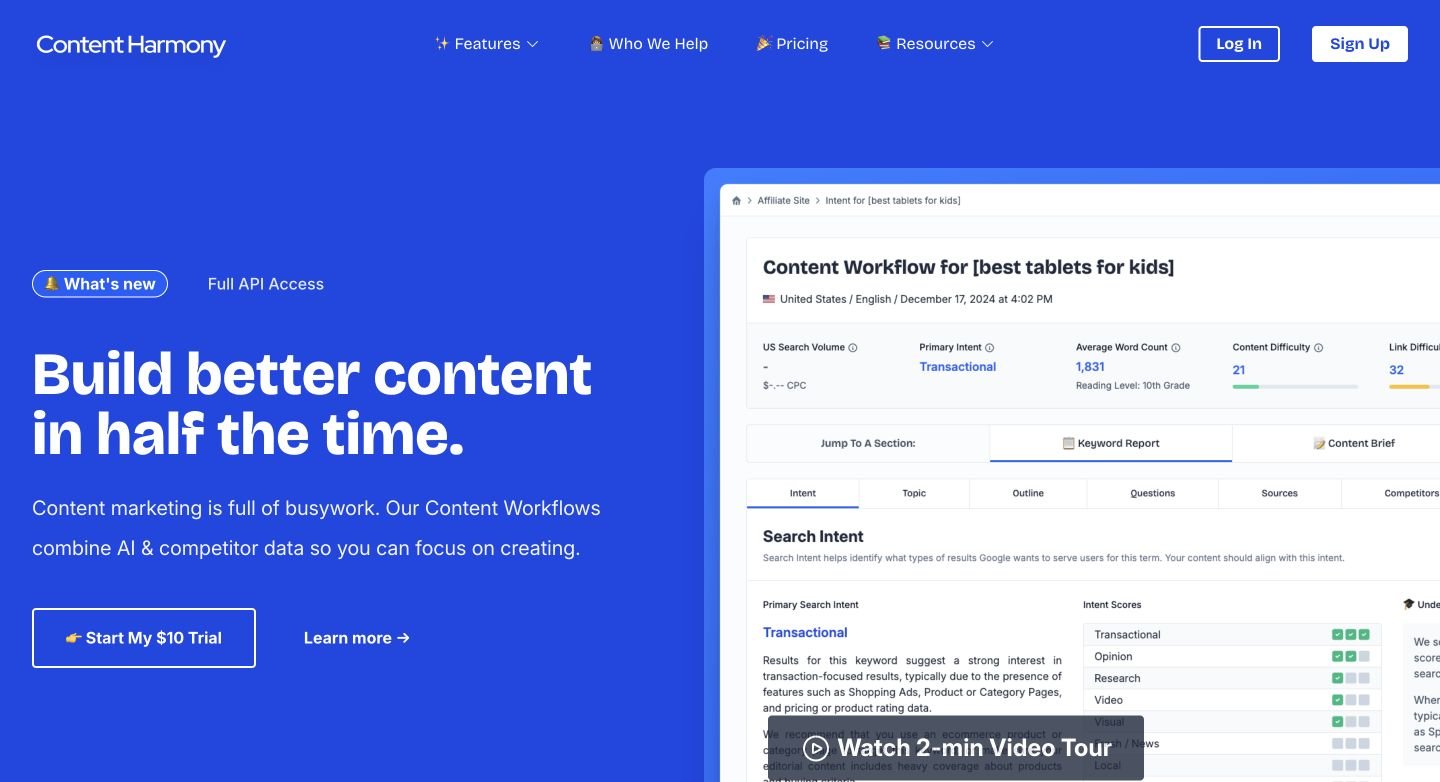
Content Harmony combines keyword research, search-intent analysis, briefs, and a content grader.
Each Content Workflow includes a keyword report, content brief, and grader. You can use the grader on existing content to investigate topics and phrases it hasn’t covered. It also supports sharing with writers, including controlled access for external contributors. Product details.
Pricing: Five workflows cost $50/month, 12 cost $99/month, and 25 cost $199/month. Plans include unlimited users and projects. Monthly credits remain valid for 90 days; an existing workflow remains available for editing. A $10 trial includes 10 workflow credits. Current pricing.
Why it suits a lean team: The same research can support the brief, writer handoff, and review.
Watch for: Its grader evaluates topic coverage. Content Harmony explicitly explains that a grade doesn’t establish brand fit or overall writing quality. Your editor still needs to make those decisions.
2. Surfer: for writers who want guidance while editing
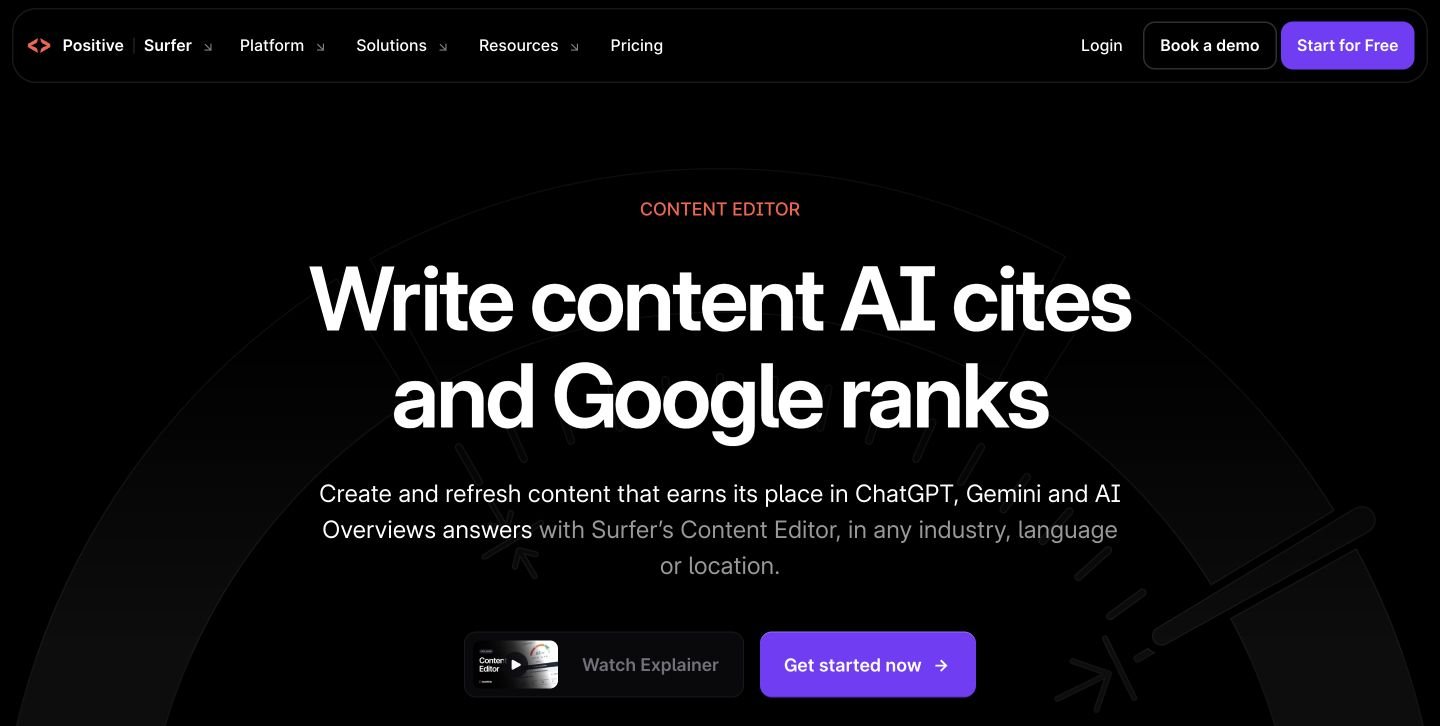
Surfer’s content editor provides optimization guidance and assisted editing. Its current plans also bundle different levels of monitoring, collaboration, and AI visibility features.
Pricing: Discovery costs $59/month and includes 10 documents. Standard costs $119/month and includes 30 documents, with features including brand knowledge, one-click content optimization, and collaboration.
On annual billing, Discovery is advertised at $49/month and Standard at $99/month. The displayed document allowances become 120 and 360 on those annual plans. Don’t mistake those annual allowances for monthly quantities. Current plans.
Why it suits a lean team: A writer can review guidance and revise within the same environment, reducing handoffs between research and drafting.
Watch for: Higher-tier capabilities can influence the buying decision. For example, internal linking and the cannibalization report appear in Pro’s feature list. Price the plan covering your actual workflow.
Review assisted edits for product accuracy and unnecessary additions before accepting them.
3. Frase: for a solo marketer who needs several jobs in one place
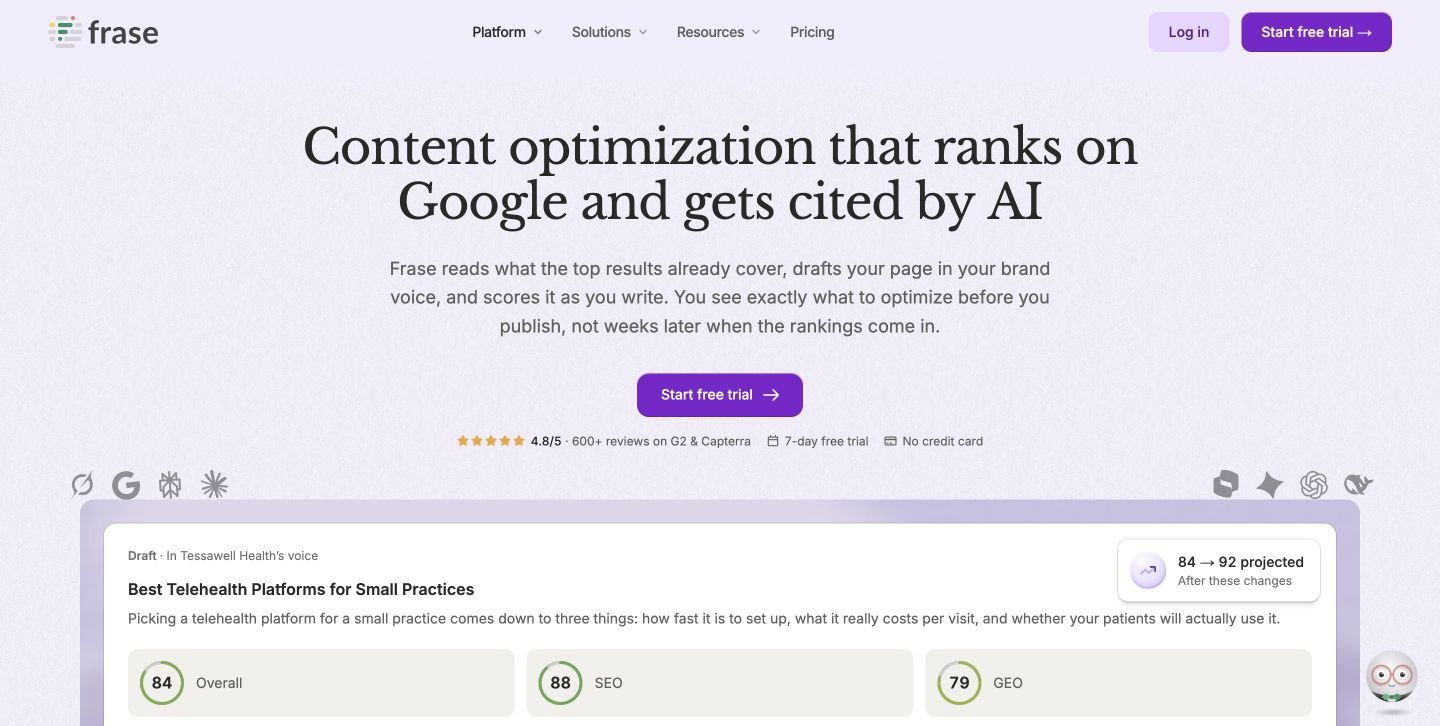
Frase combines search research, content optimization, AI-assisted writing, and publishing integrations. Its optimization workflow analyzes coverage in search results and scores content as you work. Optimization features.
Pricing: Starter costs $49/month for one seat and one site, with 10 articles and 50 audit pages each month. Professional costs $129/month, with three seats, five sites, 40 articles, and 250 audit pages.
Annual billing is advertised at $39/month for Starter and $103/month for Professional, paid yearly. A seven-day trial is available without a credit card. Pricing and limits.
Why it suits a lean team: It can bring research, editing, and CMS handoff into one workflow.
Watch for: Article allowances, audit pages, monitored pages, and AI generations have separate limits. Also review publishing permissions during setup: Frase offers autonomous publishing when enabled, so establish who approves changes.
4. Clearscope: for shared editorial guidance and a regular refresh program
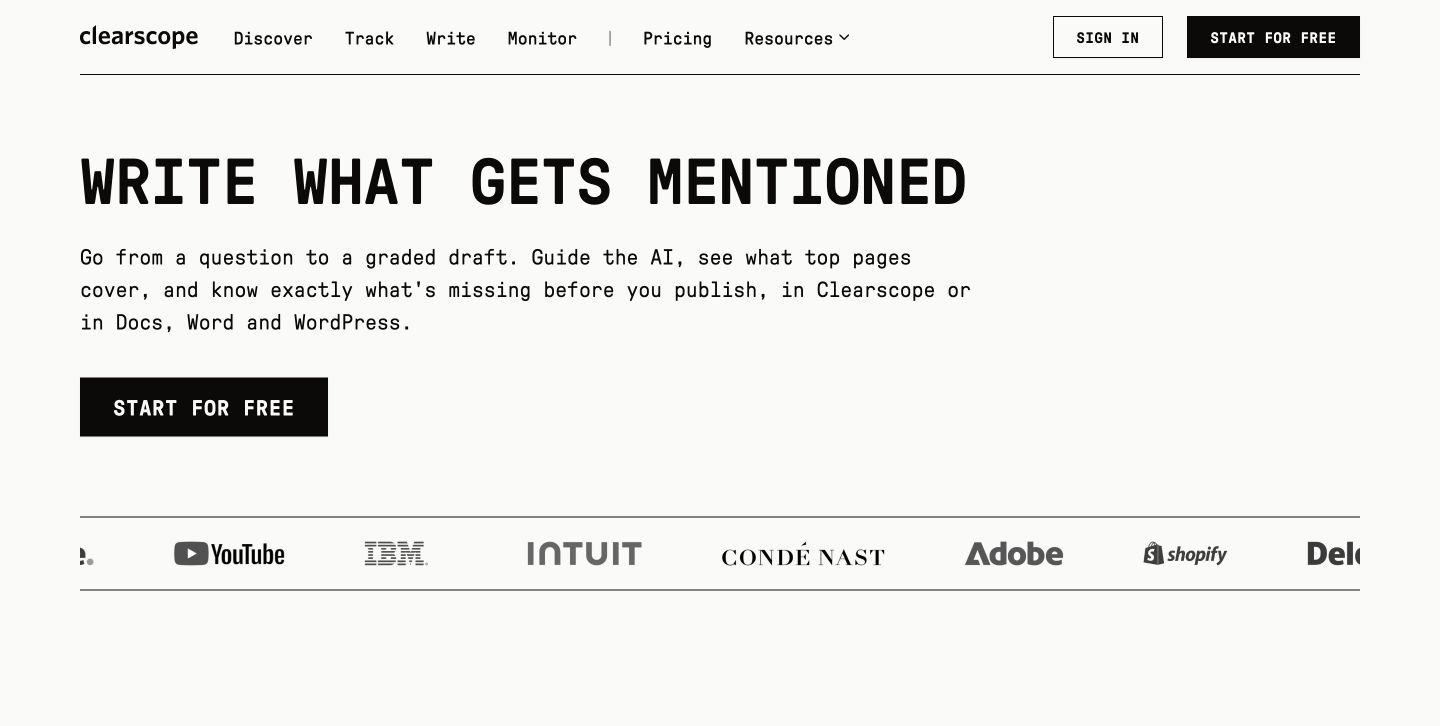
Clearscope provides draft grading, term guidance, brief templates, brand guidelines, and integrations with Google Docs, Microsoft Word, and WordPress. Its Write feature compares draft coverage with pages currently ranking.
Monitor connects Search Console data with page grades and history, helping teams identify content to investigate and improve.
Pricing: Essentials costs $129/month, including 50 pages, 20 monthly discoveries, and 20 monthly drafts. Business costs $399/month, including 300 pages, 50 monthly discoveries, and 20 monthly drafts. Both list unlimited users and projects. Current pricing.
Why it suits a lean team: Unlimited users can be useful when writers, an editor, and a product reviewer all participate.
Watch for: Business increases the page and discovery allowances, but the listed monthly draft allowance remains 20. Check which limit your team would reach first.
A strong grade still needs a product review and a clear reason for the reader to continue.
5. NEURONwriter: for starting with a smaller software budget
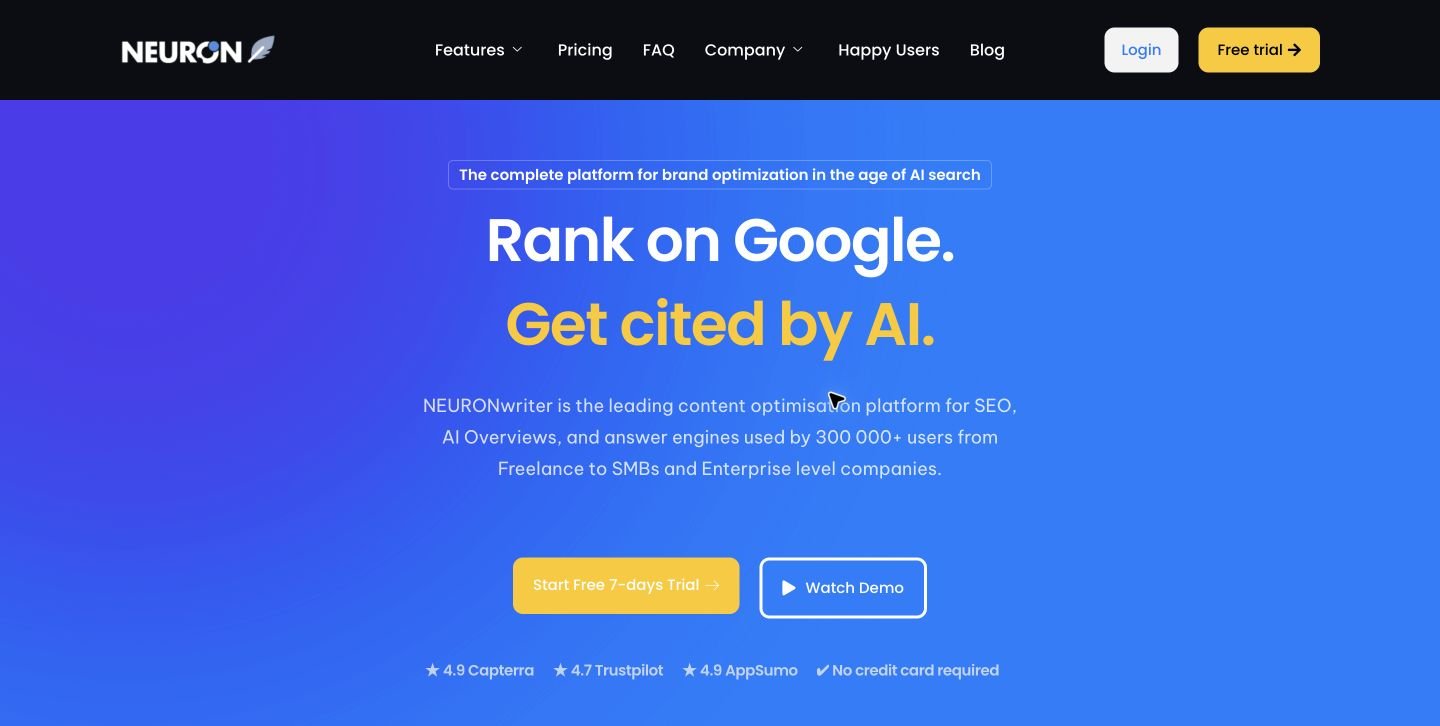
NEURONwriter offers competitor analysis, content scoring, term suggestions, planning, and AI-assisted content features. Feature overview.
Pricing: Bronze costs $23/month and lists two projects, 25 documents, and 15,000 AI credits, with read-only sharing. Silver costs $45/month.
Gold costs $69/month and lists 75 documents, unlimited team members, advanced and custom AI templates, and integrations with Google Search Console, WordPress, and Shopify. The pricing page also lists API and MCP access on Gold. Plan comparison.
Why it suits a lean team: Bronze offers a relatively low monthly entry price for a marketer evaluating whether optimization guidance helps.
Watch for: A low entry price doesn’t mean every collaboration or integration feature is included. If several people need to work in the system, evaluate Gold.
Check how document allowances and AI credits apply to repeated research and revisions during the trial.
6. Dashword: for combining a research tool with your own AI workflow
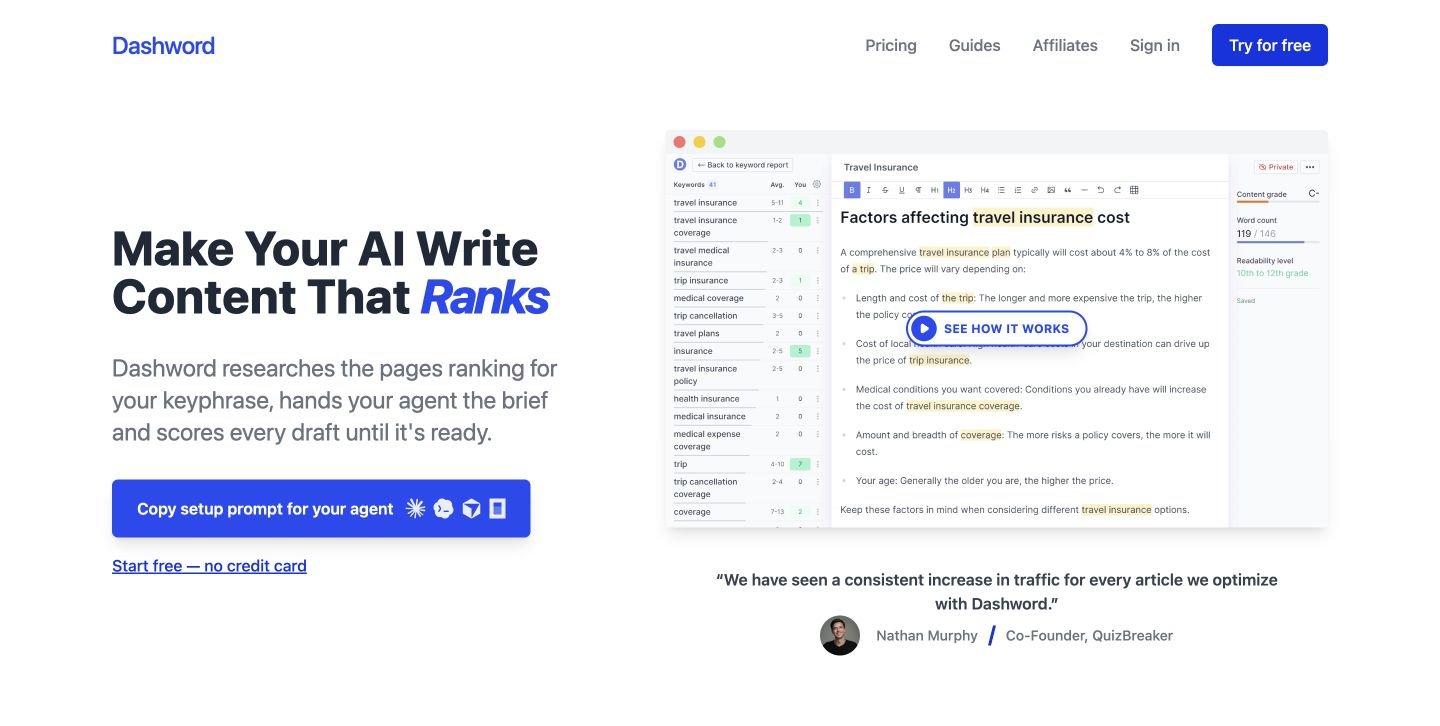
Dashword provides competitor research, briefs, topic suggestions, and content scoring. Its current positioning also emphasizes connecting those capabilities to an AI assistant through its API or MCP server. Product overview.
Pricing: Startup costs $99/month, including 30 content reports and five user seats. Business starts at $349/month, with 100 reports and 10 seats. The first report is free.
API and MCP access are included across plans. Dashword states that scoring is free and unlimited; reports consume credits. Pricing and access details.
Why it suits a lean team: You can use a specialized research and scoring service while keeping your own instructions, product context, and editing workflow.
Watch for: Unlimited scoring doesn’t mean unlimited new research reports. Confirm what requires a fresh report when changing keywords, markets, or research inputs.
A workflow that repeatedly asks AI to improve its score still needs an editorial stopping point.
How to choose without buying another underused subscription
Trial a small shortlist against the same three pieces:
- An existing article losing relevant search traffic.
- A new draft built from a proper brief.
- A product-specific article where accuracy and buyer context matter more than broad coverage.
Record whether each tool identifies useful gaps, how many recommendations you reject, and how long the writer and reviewer spend reaching an approved version.
Then check the handoff. Can your freelancer use the guidance? Can the product reviewer contribute without an expensive seat? Does the workflow fit where your team already writes?
Our starting recommendations would be:
- Research and briefing are inconsistent: Start with Content Harmony.
- Writers need guidance while editing: Compare Surfer and NEURONwriter.
- One marketer needs research through publishing: Evaluate Frase.
- The priority is maintaining an existing library: Evaluate Clearscope.
- You want vendor research inside an AI workflow: Evaluate Dashword.
The cheapest useful tool is the one your team can apply consistently. Include research, review, and publishing time when comparing the cost of your content program.
Can you build an alternative in-house with AI?
Yes. You can build an AI-assisted optimization workflow around your own content, product knowledge, and editorial standards.
Start by defining the job. An internal tool might review an article against its brief, identify unsupported claims, suggest internal links, and propose specific improvements.
Replicating a commercial platform’s search data, scoring model, integrations, and monitoring is a much larger project.
Give the workflow evidence to work with
A useful starting package includes:
- The article and its intended audience.
- The buyer question and approved brief.
- Current product documentation, limitations, and terminology.
- Approved customer examples and other supporting evidence.
- Relevant search-performance data.
- A dated set of search results and reference pages, selected for the target market.
An ordinary model prompt doesn’t establish what currently ranks. Supply current research or connect a suitable data source. Record when and where that research was collected.
For SaaS content, add the ideal customer profile and the intended next step. Otherwise, the model can recommend broad additions that make an article longer without making it more useful to a prospective customer.
Build a review rubric your editor can defend
A single score can hide several different problems. Start with separate checks:
| Check | What the workflow should return |
|---|---|
| Buyer fit | Which parts answer the intended reader’s question, and which drift away |
| Product accuracy | Claims supported by approved documentation, plus claims needing review |
| Coverage | Relevant questions left unanswered, with reasons to include them |
| Evidence | Unsupported assertions, outdated sources, and missing examples |
| Structure | Proposed moves, cuts, tables, or explanations tied to reader needs |
| Next step | A relevant CTA and internal links that help the reader continue |
Keep each recommendation attached to a passage and a reason.
For example, “add a section on integrations” is vague. “The brief targets finance teams moving from spreadsheets; explain how data enters the product, using the approved integration documentation” gives the writer something to work with.
Use AI to propose edits, then review the differences
Ask for recommendations before requesting a full rewrite.
A useful instruction is:
Review this article against the supplied brief, product documentation, and dated research. Identify the highest-priority improvements. For each, quote the relevant passage, explain the reader problem, cite supporting evidence, and propose a replacement or addition. Preserve accurate product details and customer quotes. Mark missing evidence rather than inventing it. Explain which search-result recommendations are irrelevant to our audience.
Once the editor approves the changes, generate a revised version and a change log.
This makes it easier to catch a rewritten product claim, a removed limitation, or an invented example before it reaches the CMS.
What time and resources should you allow?
For a team improving roughly four to eight articles a month, these are illustrative planning allowances:
| Work | Initial planning allowance | Owner |
|---|---|---|
| Prepare product references, examples, and an editorial rubric | 4–8 person-hours | Content lead with product input |
| Build and calibrate a prompt-based workflow on three articles | 8–16 person-hours | Editor or content marketer |
| Add repeatable imports, research connections, validation, and exports | A further 20–40 person-hours | Someone comfortable with scripts and integrations |
| Review each article’s recommendations and factual changes | 30–90 minutes per article, depending on complexity | Editor and relevant product reviewer |
These are estimates, not benchmark results. A simple document workflow can be faster; a reliable multi-user application can take substantially longer.
Give maintenance an owner. Product references change, sources disappear, and model behavior can shift. Keep your test articles and rerun them when changing prompts, models, or data sources.
Budget for research and review as well as AI usage
Your cost includes model access, research data, content extraction, integration work, and human review.
A useful calculation is:
Monthly software and data costs + setup cost spread over its useful life + review and maintenance time.
For illustration, 12 hours of setup valued at $60/hour represents $720 before ongoing usage or editing. That doesn’t make an internal workflow a bad investment. It gives you a fairer comparison with a subscription.
A hybrid can be practical: use a vendor’s research and scoring through an API, then apply your own editorial rules and product knowledge. You still pay for that vendor capability, but avoid rebuilding everything around it.
Problems to watch for
The model recommends what competitors repeat. Common coverage can reveal useful questions, but it can also spread the same weak explanations. Require a reason each addition matters to your buyer.
It “improves” accurate product language. Maintain an approved reference and require review of changed feature claims.
It invents citations or customer examples. Verify sources and keep original quotes traceable.
Your score becomes the target. Google’s content guidance emphasizes useful, original information and reliable expertise. Treat your rubric as editorial support.
The workflow removes useful differences. Preserve evidence, limitations, and a point of view that make your article worth reading.
You automate changes before validating recommendations. Begin with suggested edits and manual approval. Keep a revision history and a way to restore the previous version.
Measure whether the work helped
A better tool score is an early process signal. Record what changed, when it went live, and why.
Then review relevant search performance, reader actions, and sales feedback over an appropriate period. Consider seasonality, tracking changes, and other site updates before attributing movement to the rewrite.
Our guide to SaaS content marketing metrics can help define that review.
If your team has recommendations but no time to implement them, the missing resource may be editorial capacity. LymLyt helps SaaS teams research, improve, and publish existing content; you can compare refresh services or see our plans.
Start with one article. Identify the buyer question, approve the evidence, and make the changes you can explain.

Rashmita is content marketer with 8 years of experience building and growing SaaS brands. Now she tests various AI tools for marketers and shares her feedback on this blog, LinkedIn, Instagram, and YouTube.