10 Best Social Media Scheduling Tools for B2B SaaS in 2026
Social media scheduling tools all promise the same thing on their homepage: plan once, publish everywhere. The pricing pages tell a messier story. LinkedIn access sits behind a paid add-on on some platforms. Approval workflows get gated to a $150-plus tier on others. A handful charge per social account on top of the base plan, so the number on the homepage is rarely the number on your invoice.
This guide skips the two or three tools every roundup leads with and covers ten scheduling platforms worth evaluating on their own merits: what each one actually charges once you factor in the add-ons, and which team it genuinely fits. Every price below was checked against current vendor pricing pages and independent cost breakdowns in July 2026.
What to check before you pick one
Every tool on this list makes a real tradeoff. Get clear on three things before you commit a content calendar to any of them.
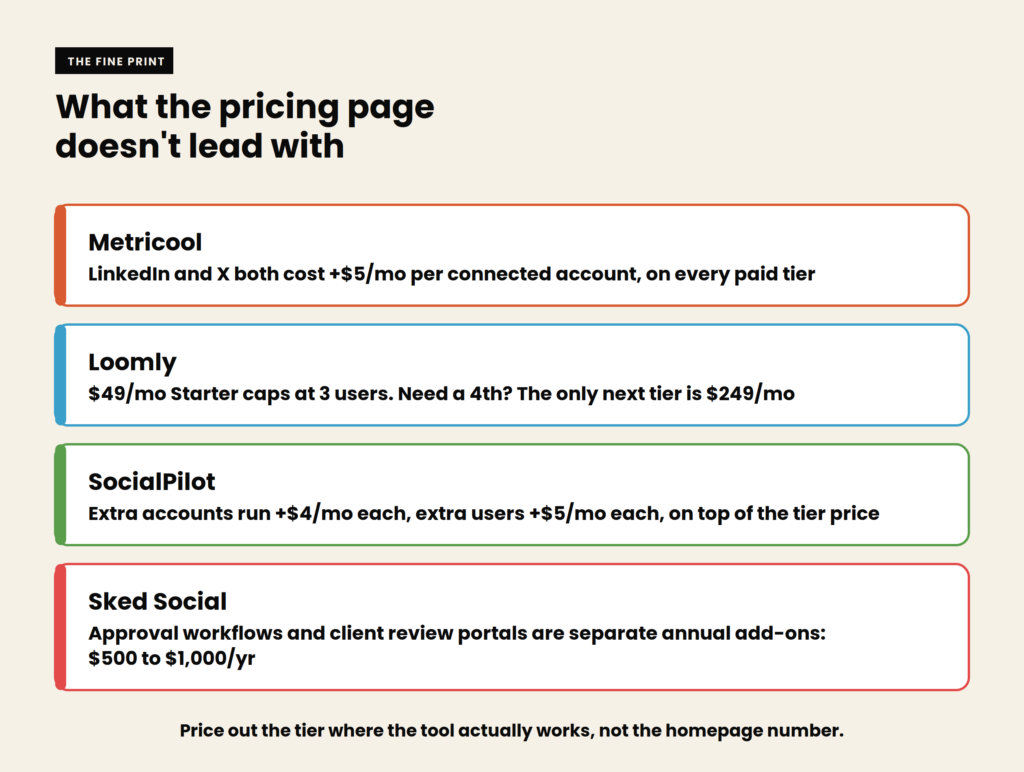
- Base price versus real price. Several tools here charge extra for LinkedIn or X access, extra per social account beyond a base allowance, or gate approval workflows to a higher tier entirely. Price out the plan where the tool does its actual job, not the cheapest number on the page.
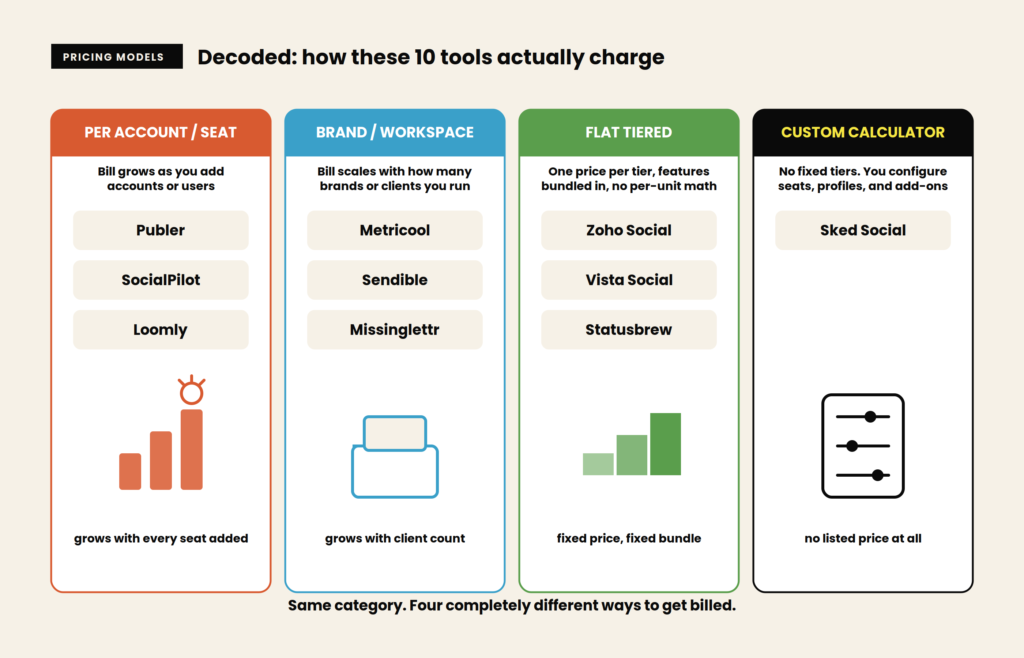
- Per-brand versus per-account pricing. Some platforms price by how many brands or workspaces you manage, others by individual connected accounts, and a few by user seats. These models produce very different bills for the same team size, so map the pricing structure to your actual setup before comparing sticker prices.
- Scheduling versus full management. A pure scheduler and a platform with social listening, a unified inbox, and approval chains solve different problems. Paying for inbox and listening features you’ll never open is as wasteful as being stuck without them when you need them.
The 10 best social media scheduling tools for B2B SaaS
1. Publer
Publer is the budget anchor of this category: a genuinely usable free plan and paid tiers that undercut most competitors by a wide margin. It publishes to nine platforms including LinkedIn, Google Business, and Telegram, and its pricing scales per social account with a distinctive discount, every tenth account or team member is free. The catch shows up specifically on X: Publer’s own blog notes it paid $42,000 a month for X’s Enterprise API access, so X support is excluded from the free plan entirely.
- Free forever plan covers 3 accounts, 10 scheduled posts per account, and 25 saved drafts, with no time limit
- Every 10th connected account or team member is free, a real discount pattern rather than a marketing line
- Publishes to nine platforms including LinkedIn, Telegram, and WordPress
- No social inbox, so comments and DMs still need to be managed on each platform directly
Price: Free plan for 3 accounts (no X support, 10 scheduled posts per account). Professional starts around $4 a month for a single connected account and scales up per account and per team member added, so the real bill depends on how many accounts you connect. Business and Enterprise scale further with unlimited AI prompts and analytics.
Best for: Budget-conscious teams and solo marketers who want a real free tier, not a disguised trial.
Skip it if: You need a unified social inbox or plan to lean heavily on X. Neither is a strength here.
2. SocialPilot
SocialPilot is built for agencies and lean marketing teams managing several brands at once, with bulk scheduling and white-label client reports as the core pitch. There’s no free plan, only a 14-day trial, and the four tiers scale cleanly by account and user count rather than hiding the structure behind custom pricing.
- Bulk scheduling handles large content batches in one upload, a genuine time-saver for busy calendars
- White-label client reports and account management built for agency use, not bolted on
- AI credits scale from 500 on Essentials to unlimited on Ultimate
- Extra accounts cost $4 a month each and extra users $5 a month each, worth factoring in before you commit to a tier
Price: No free plan. Billed annually (15% off), Essentials runs $25.50 a month for 7 accounts and 1 user, Standard $42.50 a month for 15 accounts and 3 users, Premium $85 a month for 25 accounts and 6 users, and Ultimate $170 a month for 50 accounts with unlimited users. Monthly billing runs $30/$50/$100/$200 respectively.
Best for: Agencies and lean teams managing multiple client accounts who want predictable, transparent per-tier pricing.
Skip it if: You only manage one or two brands. The tier structure is built for volume you may not need yet.
3. Sendible
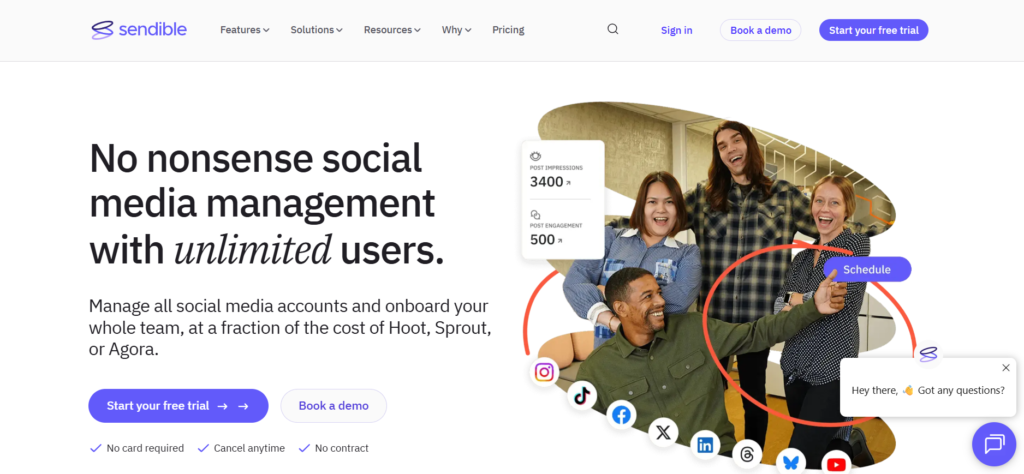
Sendible targets agencies specifically, with a real-time Priority Inbox pulling comments and messages from every connected platform into one place, and unlimited AI credits included on every tier rather than metered like most competitors. The five-tier structure runs from a genuinely affordable entry point to a steep enterprise ceiling, and the jump to unlock content libraries and automated reporting is more significant than the entry price suggests.
- Real-time Priority Inbox unifies comments and DMs across platforms, a genuine agency differentiator
- Unlimited AI credits on every plan, not rationed by tier like SocialPilot or Metricool
- Unlimited users on every plan, from Core through Enterprise
- Content and hashtag libraries plus automated reports require Premium+ tiers starting around $199 a month
Price: Core runs $35 a month (1 workspace, 6 profiles). Plus runs $99 a month (3 workspaces, 18 profiles). Premium runs $199 a month (7 workspaces, 42 profiles). Elite runs $299 a month (15 workspaces, 90 profiles). Enterprise runs $750 a month (50 workspaces, 300 profiles).
Best for: Agencies that want a real unified inbox and unlimited AI generation without a per-credit meter running.
Skip it if: You’re a small in-house team. The agency-grade features you’re paying for may go unused.
4. Loomly
Loomly is built around guided content creation: post ideas, optimization tips, and structured approval workflows that help less experienced teams stay consistent without a dedicated social strategist. It removed its permanent free plan, and the tier structure now has a real gap worth knowing about before you commit.
- Post ideas and built-in optimization tips guide less experienced marketers through what to publish
- Structured approval workflows suit teams that need sign-off before anything goes live
- No AI content generation. Loomly suggests ideas but won’t draft the post for you
- A steep pricing cliff: Starter tops out at 3 users, and the only next tier is over 5x the price
Price: No free plan, 15-day trial only. Billed annually, Starter runs $49 a month for 3 users and 12 accounts (about $65 a month billed monthly). The next tier, Beyond, jumps to $249 a month billed annually (about $332 monthly) for unlimited users and 60 accounts, with no mid-tier option between them.
Best for: Small teams that want structured approval workflows and content guidance, and won’t outgrow 3 users soon.
Skip it if: You expect to add a 4th user or need more than 12 accounts. That pricing cliff is real and arrives fast.
5. Zoho Social
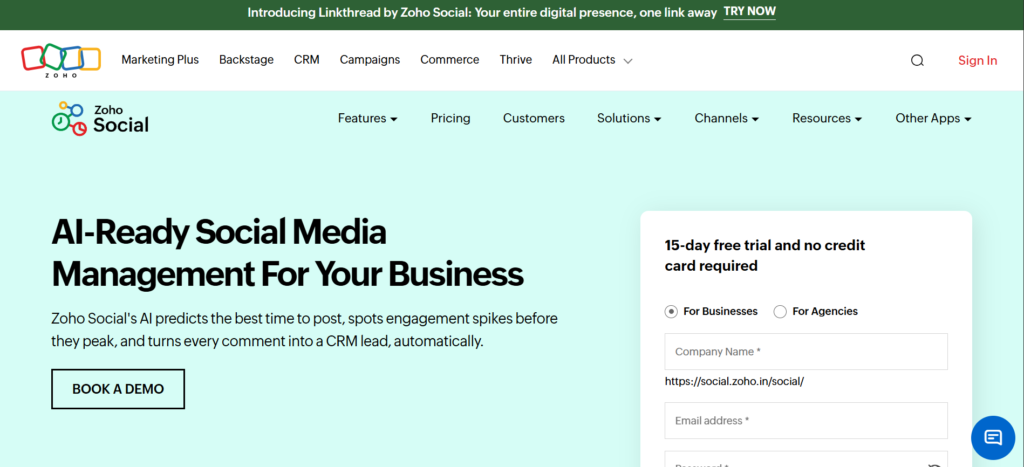
Zoho Social is the natural fit if you’re already inside the Zoho ecosystem, particularly for teams already running Zoho CRM, since the same login and billing relationship covers both. Pricing runs as a flat per-tier price rather than multiplying by brand and user count, with each tier bundling a set number of channels, team members, and AI credits.
- Free plan covers 1 brand, 6 channels, 1 team member, and 5 AI credits, genuinely usable for a solo operator testing the platform
- Standard and Professional both allow 1 team member but expand channel count and AI credits (40 on each)
- Premium adds 3 team members and 80 AI credits, and carries the “Most Popular” badge on Zoho’s own pricing page
- Deep integration with Zoho CRM and the wider Zoho One suite for teams already in that ecosystem
Price: Free for 1 brand (6 channels, 1 team member, 5 AI credits). Standard runs $10 a month billed annually (1 brand, 12 channels, 1 team member, 40 AI credits). Professional runs $30 a month billed annually (1 brand, 12 channels, 1 team member, 40 AI credits). Premium runs $40 a month billed annually (1 brand, 14 channels, 3 team members, 80 AI credits).
Best for: Teams already using Zoho CRM or Zoho One who want social scheduling under the same billing relationship.
Skip it if: You’re not in the Zoho ecosystem already, or you need more than 3 team members without jumping to a custom plan. Standalone competitors may fit a larger team better.
6. Metricool
Metricool leads with analytics and competitor tracking rather than content creation, and its free plan is genuinely usable for a single creator testing the platform. Pricing runs by brand count rather than by user or account, which keeps the model simple, but LinkedIn and X both sit behind a per-account add-on fee that isn’t obvious from the headline price.
- Free plan supports 1 brand with real scheduling, though LinkedIn and X are excluded entirely
- Pricing scales by brand count, not user seats, which suits agencies managing several clients
- Deep competitor analysis and downloadable PDF/PPT reports built into paid tiers
- LinkedIn and X both cost an extra $5 a month per connected account, on every paid tier
Price: Free plan for 1 brand (no LinkedIn or X, 20 posts a month). Starter runs from $20 a month. Advanced runs from $53 a month. Both scale up with brand count, and LinkedIn and X each add roughly $5 a month per account.
Best for: Analytics-focused teams and agencies that want competitor tracking bundled with scheduling at a low base price.
Skip it if: LinkedIn is central to your strategy. The per-account add-on adds up fast for a B2B team posting there daily.
7. Vista Social
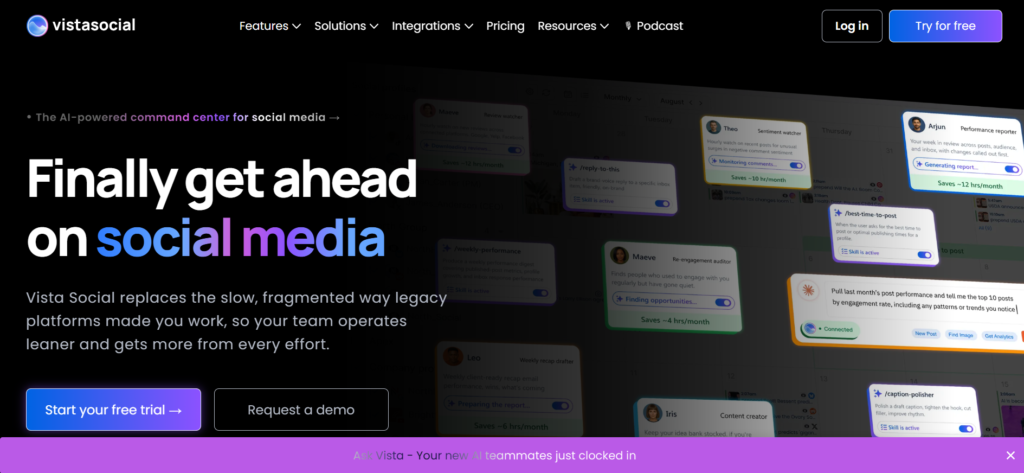
Vista Social positions itself as a fuller management platform than a pure scheduler, bundling social listening into its plans at a price point where competitors usually charge separately for it. Four tiers scale from Professional through Enterprise, and the platform consistently gets called out in reviews for a smoother setup experience than older, more established competitors.
- Social listening included at lower price points than platforms that sell it as a separate add-on
- Visual content calendar and collaboration tools built for team review before publishing
- Reviews consistently cite a shorter learning curve and cleaner onboarding than legacy competitors
- Entry pricing sits above the budget tier of this list, so it’s not the cheapest way in
Price: Billed annually (20% off), Professional runs $64 a month for 3 users and 15 profiles, Advanced runs $120 a month for 6 users and 30 profiles, Scale runs $304 a month for 10 users and 70 profiles, and Enterprise is custom with unlimited users and profiles. 14-day free trial, no credit card required.
Best for: Teams that want listening and reputation features bundled in from the start rather than added on later.
Skip it if: Budget is the primary constraint. Publer or Zoho Social’s free tiers cover more ground for less.
8. Statusbrew
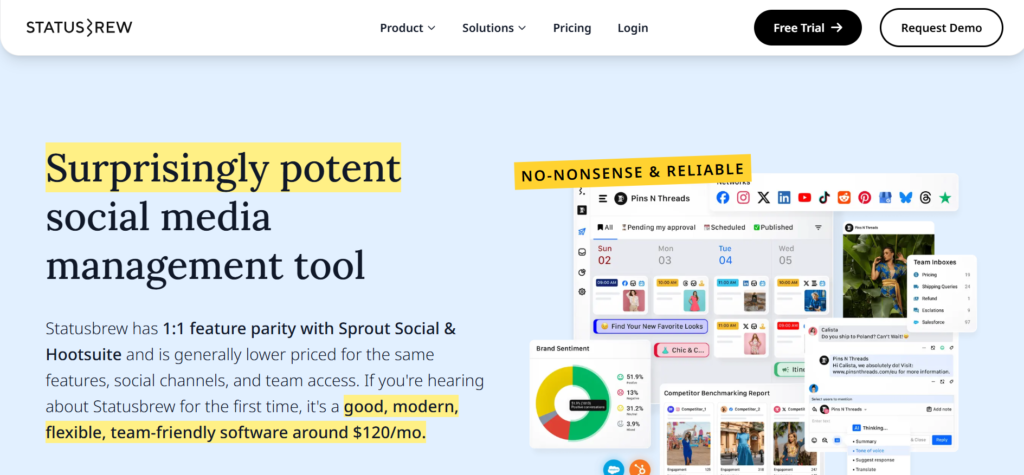
Statusbrew is built for SMBs and agencies that want enterprise-style features, approval workflows, unified inbox, team collaboration, without enterprise per-seat pricing. Every paid tier includes unlimited team members, which is a real differentiator against per-seat tools like Hootsuite, though approval workflows specifically are reserved for the Premium tier and above.
- Unlimited team members on every paid tier, so adding people doesn’t scale the bill
- Unified inbox and collaboration tools aimed at teams managing engagement, not just publishing
- Approval workflows, the feature many teams actually need, sit behind the Premium tier specifically
- Positioned consistently as a cost-effective alternative to per-seat enterprise platforms
Price: Billed annually, Lite runs $69 a month, Standard $129 a month, Premium $229 a month (approval workflows and deeper automation live here), and Enterprise is custom priced.
Best for: Teams that need real approval workflows and unlimited collaborators without paying per seat.
Skip it if: You just need to schedule posts. The collaboration depth here is wasted on a single-person operation.
9. Sked Social
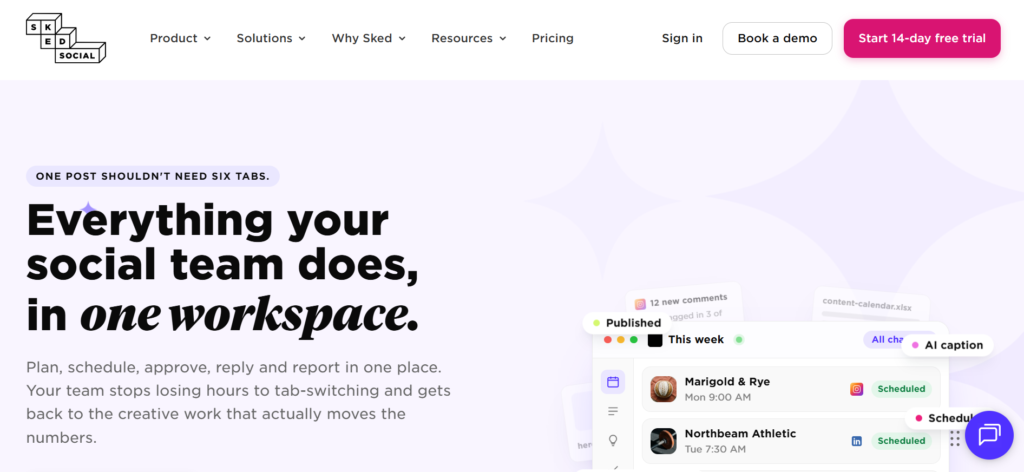
Sked Social built its reputation on Instagram-first visual planning, a drag-and-drop content grid that auto-posts on schedule, and has since expanded to cover nine platforms with genuine auto-publishing rather than just reminders. Sked’s pricing page has moved away from fixed tiers entirely: it’s now an interactive calculator built around team size, profile count, and which approval features you need, so there’s no simple sticker price to quote.
- True auto-publishing across nine platforms, not just push notifications reminding you to post manually
- Unlimited team members baked into every configuration, not sold as an upgrade
- Visual, Instagram-native grid planning that’s still the platform’s strongest feature
- Internal approval workflows and an external client review portal are priced as separate annual add-ons, not bundled into a higher tier
Price: No free plan, 14-day trial. Pricing is now a build-your-own calculator rather than fixed tiers. A representative example: a 3-user, 6-profile “Grow” configuration runs about $58 a month billed annually ($690/year). Extra profiles beyond the included amount cost $80 a year each, internal approvals add $500 a year, and an external client review portal adds $1,000 a year. A smaller single-seat “Basic” option exists below Grow for solo users.
Best for: Visually-driven brands that want genuine auto-publishing and unlimited collaborators, and don’t mind configuring pricing rather than picking a fixed plan.
Skip it if: You want a plan you can quote in one sentence. Sked’s calculator pricing takes real time to configure and compare against fixed-tier competitors.
10. Missinglettr
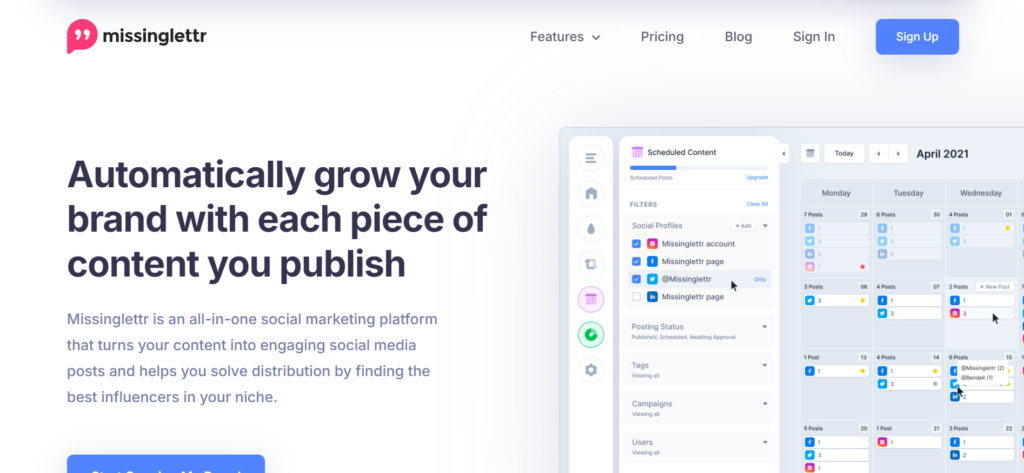
Missinglettr solves a specific problem none of the other nine tools address directly: turning a blog post you already published into a run of social content automatically. Its content generation features pull quotes, stats, and images from a URL and generate AI-assisted posts, articles, and images spread over weeks, which makes it a natural fit for content-heavy B2B teams who write more than they distribute. Pricing has shifted toward AI generation credits rather than flat post counts since this category was last compared broadly.
- AI-assisted content generation pulls from a source URL to build a multi-post social campaign
- Solo and Pro tiers both include AI post, article, and image generation credits (100 and 500 a month respectively)
- Built specifically for evergreen content recycling, not real-time engagement or community management
- No unified inbox or social listening. This is a content distribution tool, not an engagement platform
Price: Solo runs $15 a month (1 workspace, 1 extra user, 3 social profiles, 100 AI post/article/image generations each). Pro runs $39 a month (3 workspaces, 10 social profiles, 500 generations each), the most popular tier. Agency runs $147 a month (25 social profiles, higher generation limits). Confirm current free-tier availability on Missinglettr’s own pricing page, since it wasn’t listed alongside these three paid tiers at last check.
Best for: Content-heavy B2B teams that publish long-form regularly and want that content automatically resurfaced as social posts for weeks afterward.
Skip it if: Real-time posting, community management, or a content calendar built from scratch is what you actually need. Missinglettr is built for repurposing, not original scheduling.
How the 10 tools compare
| Tool | Pricing model | Best for | Starting price |
| Publer | Per account | Genuine free tier, budget teams | Free, paid from ~$4/mo/account |
| SocialPilot | Per account + user | Agencies managing multiple clients | No free plan, from $25.50/mo (annual) |
| Sendible | Tiered, 5 levels | Unified inbox, unlimited AI, unlimited users | From $35/mo |
| Loomly | Per user + account | Guided content, approval workflows | No free plan, from $49/mo (annual) |
| Zoho Social | Flat per-tier | Teams already on Zoho CRM | Free, paid from $10/mo (annual) |
| Metricool | Per brand | Analytics and competitor tracking | Free, paid from $20/mo |
| Vista Social | Tiered | Listening bundled in from the start | From $64/mo (annual) |
| Statusbrew | Tiered, unlimited seats | Approval workflows, no per-seat cost | From $69/mo (annual) |
| Sked Social | Custom calculator | Visual planning, true auto-publish | No free plan, from ~$58/mo (annual) |
| Missinglettr | Per workspace | Repurposing blog content into social | From $15/mo |
Which one should you actually pick
Start with what you’re actually trying to solve, not the category label. If the real problem is that your team writes long-form content and it never makes it to social, Missinglettr solves that specific gap better than a general scheduler would. If you’re already paying for Zoho CRM, Zoho Social removes a second vendor relationship without adding real cost. If LinkedIn carries most of your B2B distribution weight, check Metricool’s add-on math carefully before assuming its low base price holds.
Budget draws the clearest line. Publer and Zoho Social’s free tiers cover solo operators and small teams honestly. Sendible and SocialPilot earn their price for agencies juggling multiple clients who need the collaboration and reporting depth. Loomly, Sked Social, and Vista Social sit in the middle and each justify their cost for a specific need: guided workflows, visual Instagram-first planning, and bundled listening, respectively, not as general-purpose defaults.
Whatever you land on, a scheduler only distributes what you’ve already written. Our best AI writing tools for B2B SaaS roundup covers the drafting side, and our content distribution playbook covers the channel strategy a scheduling tool executes but doesn’t design for you.
The part scheduling software can’t do for you
Every tool on this list moves content out the door reliably. None of them decide what’s worth posting, or whether your social presence is actually building topical authority instead of just filling a calendar. Our B2B SaaS content calendar guide and social media calendar for 2026 cover the planning layer that should exist before any of these tools open, SaaS content marketing metrics that actually matter covers how to tell whether the posts these tools are shipping are actually working, and our roundup of best AI marketing agencies covers what to look for if the planning layer needs outside help entirely.
Want a second opinion on your current content and distribution stack before you commit to a new scheduler? Book a free 30-minute call with LymLyt and we will walk through what is actually worth fixing first.

Jay is the co-founder of LymLyt and an AI partnership consultant helping B2B SaaS companies grow through content strategy, SEO, and AI integration. He writes about content marketing, what makes B2B content convert, and how SaaS teams can build content systems that drive real pipeline.