Claude Limits (Sessions, Usage, Context, Memory, and Others)
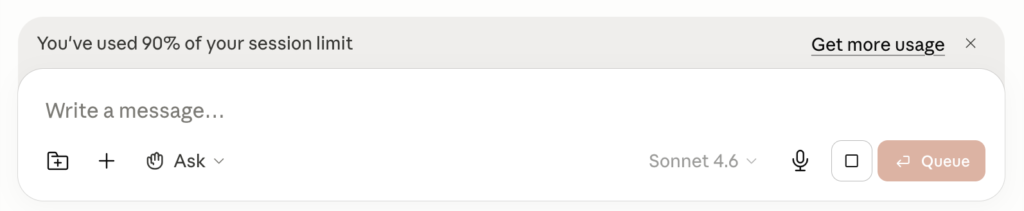
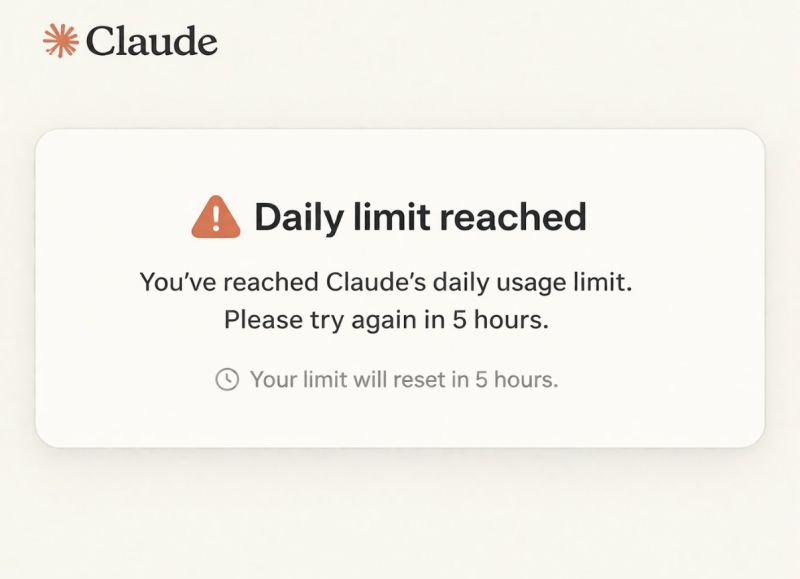
If you’ve ever been in the middle of a solid Claude session and suddenly hit a wall (“you’ve reached your usage limit”), you know how disorienting it feels. No countdown. No warning. Just a hard stop.
The problem isn’t just the limits themselves. It’s that they’re genuinely confusing. Claude doesn’t give you a fixed number of messages per day. The limits shift based on what you’re doing, which model you’re using, and how long your messages are. And the official documentation is scattered across a dozen different help center articles.
This guide pulls it all together. What the limits actually are, how they work behind the scenes, and what you can do to stop hitting them at the worst possible time.
Two types of Claude limits, and they’re very different things
Before getting into the numbers, it helps to understand that Claude has two separate limits that operate independently.
| Limit type | What it controls | What it feels like |
|---|---|---|
| Usage limit | How many messages you can send over time | “You’ve reached your limit” wall |
| Length limit (context window) | How much Claude can hold in working memory per conversation | Claude “forgetting” earlier parts of the chat |
You can hit either one independently, and they need different fixes. Running out of messages is a usage limit problem. Claude going vague or forgetting context is a context window problem.
Section 1: Message limits and how the 5-hour window actually works
The most common misconception about Claude’s limits: people assume they reset at midnight. They don’t.
Claude uses a rolling 5-hour window. If you send your first message at 9:00 AM and hit your limit, your capacity starts replenishing at 2:00 PM, not at midnight. You’re never more than 5 hours away from a full reset, regardless of when you started.
Message limits by plan
| Plan | Messages per 5-hour window | Peak-hour throttling | Price |
|---|---|---|---|
| Free | ~15-40 (dynamic) | Yes | Free |
| Pro | ~50-100 | No | $20/mo |
| Max 5x | ~225 | No | $100/mo |
| Max 20x | ~900+ | No | $200/mo |
| Team | Doubled since May 2026 | No | $30/user/mo |
| Enterprise | Custom | No | Custom |
These are estimates. Actual limits vary by message length, model, and features used.
Note: The free plan was explicitly excluded from Anthropic’s May 2026 rate limit increases. Paid plan ceilings went up substantially. Free limits stayed the same.
What actually burns through your limit faster
The message count shown in the UI is a simplification. Claude actually meters by tokens. Every prompt, file attachment, tool definition, and line of conversation history draws from the same quota.
| Action | Token impact |
|---|---|
| Short question | Low |
| Pasting a long document | High |
| Extended thinking / high effort mode | High |
| Uploading a file | Medium to high depending on size |
| Using web search or MCP connectors | Additional overhead per use |
Watch out: claude.ai, Claude Code, and Claude Desktop all draw from the same usage pool. Burn through a long Claude Code session in the morning and you’ll have less left for browser work in the afternoon.
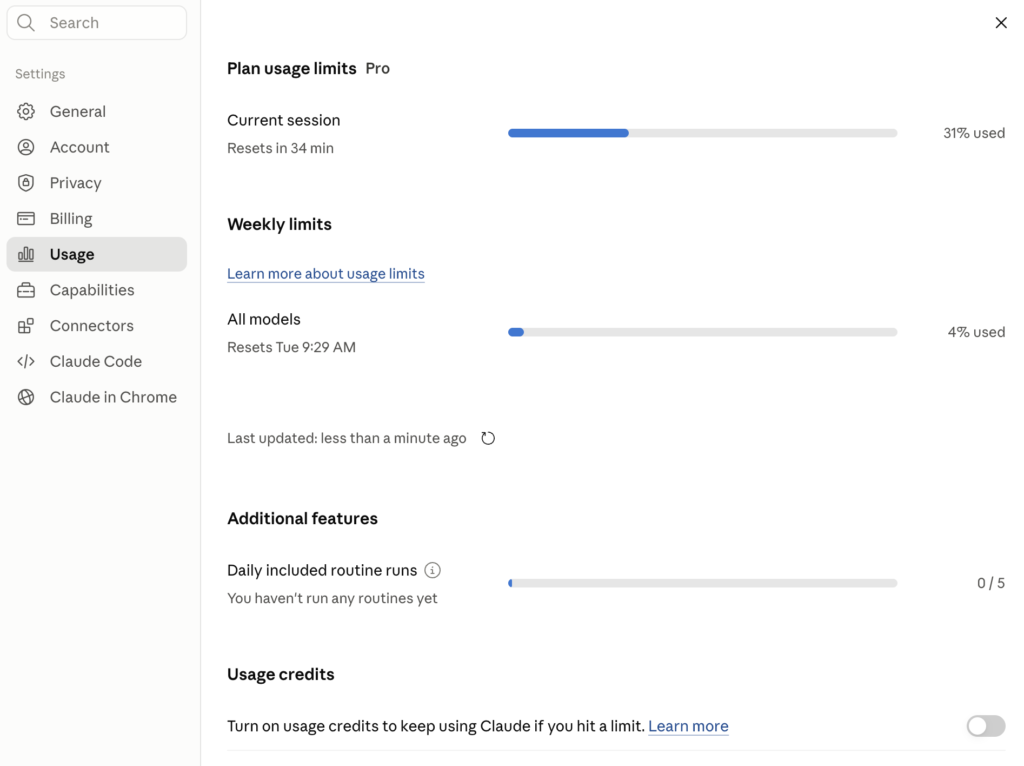
On paid plans, check Settings > Usage to see how much of your 5-hour session and weekly limits you’ve consumed.
Section 2: Context window limits and Claude’s working memory

The context window is Claude’s working memory for a conversation. Everything lives in it: your messages, Claude’s responses, uploaded files, and any instructions you gave. When it fills up, earlier content starts falling out.
Context window by model
| Model | Context window | Max output per response |
|---|---|---|
| Claude Opus 4.7 | 1,000,000 tokens | 128,000 tokens |
| Claude Sonnet 4.6 | 1,000,000 tokens | 64,000 tokens |
| Claude Haiku 4.5 | 200,000 tokens | Varies |
| Enterprise (some models) | 500,000 tokens | Varies |
To make that concrete: 1M tokens is roughly 750,000 words of English text, about 10 full-length novels or 1,500 average blog posts.
Important caveat: The 1M context window applies to the API and specific surfaces. According to Anthropic’s official help center, the context window on claude.ai is 200K tokens for all models and paid plans (except Enterprise). The model you’re using and where you’re accessing it both matter.
What happens when you approach the limit
For users with code execution enabled, Claude automatically manages long conversations. When your conversation approaches the limit, Claude summarizes earlier messages to continue seamlessly. Your full chat history is preserved even after summarization.
Tip: If you see Claude say it’s “organizing its thoughts” mid-conversation, that’s automatic context management working. It’s compressing earlier context, not losing your work. But these longer conversations do consume more of your usage limit, so starting a fresh chat is often the smarter move.
Section 3: Projects and memory and what actually persists
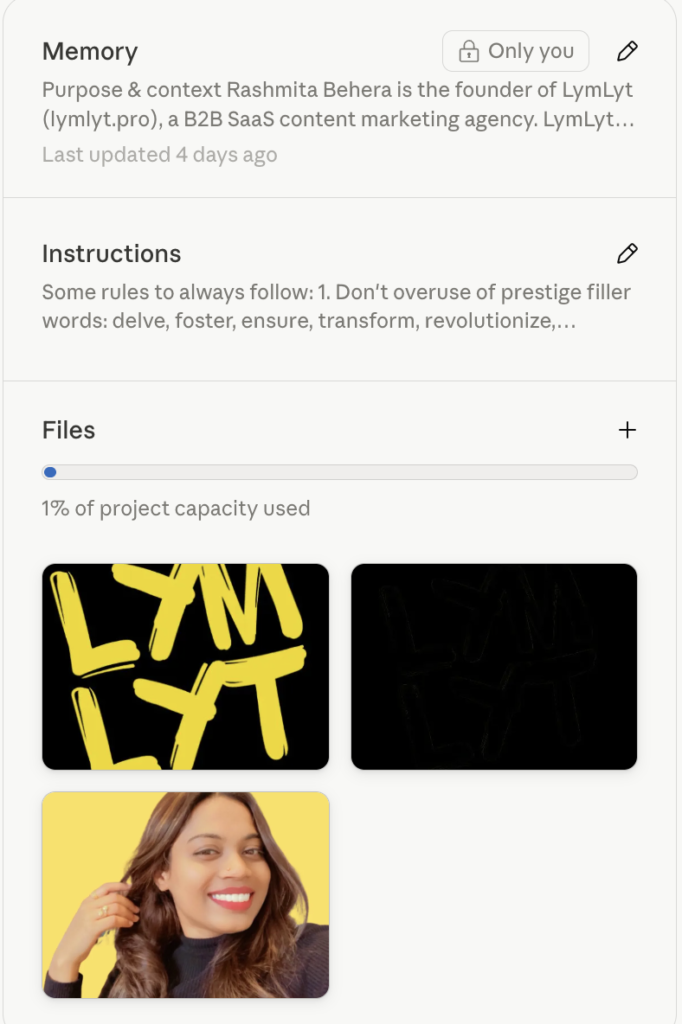
“Memory” means different things in different parts of Claude. Here’s how to keep them straight.
Projects
| Feature | Free | Pro / Max / Team / Enterprise |
|---|---|---|
| Number of projects | Up to 5 | Unlimited |
| Upload files to knowledge base | Yes | Yes |
| Set project instructions | Yes | Yes |
| Memory scoped to project | Yes | Yes |
Projects are self-contained workspaces. You upload documents, write instructions for how Claude should behave, and every conversation inside that project references those files automatically. Claude uses retrieval-augmented generation (RAG) to load only the relevant content into the context window at any given time, which is more efficient than pasting everything in manually.
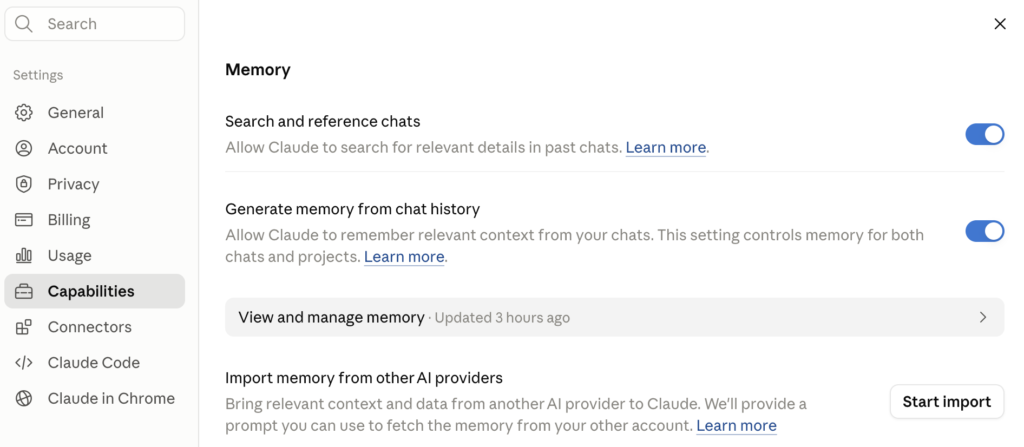
Memory from chat history
Claude automatically synthesizes key insights from your past conversations and updates this every 24 hours. That synthesis carries into every new standalone conversation you start.
Note: Each project has its own separate memory space. What Claude learns inside one project stays in that project and does not bleed into other projects or your standalone chats.
Memory from chat history is available on all plans including free. Toggle it under Settings > Capabilities.
What does NOT persist
Common misconception: Memory does not mean Claude remembers every conversation verbatim. It synthesizes patterns and key information across your history. If you need Claude to reliably reference something specific (a client brief, a style guide, a set of instructions), put it in a Project knowledge base. That’s the only reliable way to make it always available.
Section 4: API limits for developers and builders
Skip this section if you’re using Claude through claude.ai. This part is for developers accessing Claude programmatically.
The API meters everything by tokens, not messages. Every prompt, file, tool call, and line of conversation history draws from the same quota.
API tiers and rate limits (post May 2026)
| Tier | Minimum spend | Input tokens/min | Output tokens/min | Requests/min |
|---|---|---|---|---|
| Free | None | ~Low | ~Low | ~5 |
| Tier 1 | $5 deposit | 500,000 | 80,000 | 50 |
| Tier 2 | Varies | 2,000,000 | Varies | 1,000 |
| Tier 3 | Varies | 5,000,000 | Varies | 2,000 |
| Tier 4 | $400+ | 10,000,000 | Varies | 4,000 |
Tier 1 input tokens jumped from 30,000 to 500,000 per minute after the May 2026 expansion. Output tokens went from 8,000 to 80,000, a 10x increase.
Tip for API users: Cached tokens from prompt caching don’t count toward your ITPM limits. If you’re sending the same large system prompt repeatedly, prompt caching can give you 5-10x more effective throughput without upgrading your tier.
The API uses a token bucket algorithm, meaning capacity replenishes continuously rather than resetting at fixed intervals. Same principle as the 5-hour rolling window on claude.ai.
Section 5: Practical workarounds to stop hitting walls
Most limit problems are fixable with habit changes, not plan upgrades.
Start a new conversation instead of continuing an old one
Long conversations accumulate context with every turn. Starting fresh resets that pressure. If a conversation is going long and responses are getting worse, don’t push through. Start a new chat and paste in just the relevant context.
Tip: In Claude Code, run
/clearto reset context without ending your session entirely.
Use Projects for recurring work
If you’re working on the same client, product, or codebase repeatedly, put your instructions and key documents in a Project. Claude will reference them every time without you needing to re-paste anything.
Keep project instructions short
Warning: Verbose project instructions eat into your context window before you’ve even started working. Keep instructions focused on the essentials. Reserve task-specific detail for the chat itself. If your project instructions run past 500 words, trim them.
Turn off tools you’re not using
Web search, extended thinking, and MCP connectors all consume tokens on top of your actual message. Disable anything you don’t need for the task at hand.
Check your usage before a big session
On paid plans, go to Settings > Usage before starting intensive work. If you’re already deep into your 5-hour window, waiting for a reset costs nothing and saves a lot of frustration mid-task.
Break large tasks into sessions
Don’t try to process a 50-page document or run a complex multi-step task in one conversation. Break it into logical chunks across separate sessions. You’ll get sharper responses and you won’t lose progress to a limit hitting at the wrong moment.
Quick reference: all limits at a glance
| Free | Pro | Max 5x | Max 20x | Enterprise | |
|---|---|---|---|---|---|
| Messages per 5 hrs | ~15-40 (dynamic) | ~50-100 | ~225 | ~900+ | Custom |
| Context window (claude.ai) | 200K | 200K | 200K | 200K | 500K (some models) |
| Projects | Up to 5 | Unlimited | Unlimited | Unlimited | Unlimited |
| Memory from chat history | Yes | Yes | Yes | Yes | Yes (admin-controlled) |
| Peak-hour throttling | Yes | No | No | No | No |
| Price | Free | $20/mo | $100/mo | $200/mo | Custom |
Verify current pricing at anthropic.com/pricing before publishing. Plans update frequently.
The honest bottom line
Claude’s limits aren’t arbitrary. Running a model at this scale is compute-intensive, and Anthropic is balancing access across millions of users. That said, most of the friction people experience comes from misunderstanding how the limits work, not from the limits themselves.
The rolling 5-hour window is more flexible than a daily cap. Projects solve the “Claude forgot everything” problem that frustrates most regular users. And for heavy users, the Max plans have meaningfully higher ceilings than they did six months ago.
If you’re hitting limits daily on free, Pro is worth it. If you’re burning through Pro regularly, check whether you’re carrying long conversation histories you don’t need. That’s usually the fix before spending more money.
Want help building a content strategy that actually drives pipeline? Book a call with us or read more on the LymLyt blog.
Related reading:

Rashmita is content marketer with 8 years of experience building and growing SaaS brands. Now she tests various AI tools for marketers and shares her feedback on this blog, LinkedIn, Instagram, and YouTube.