
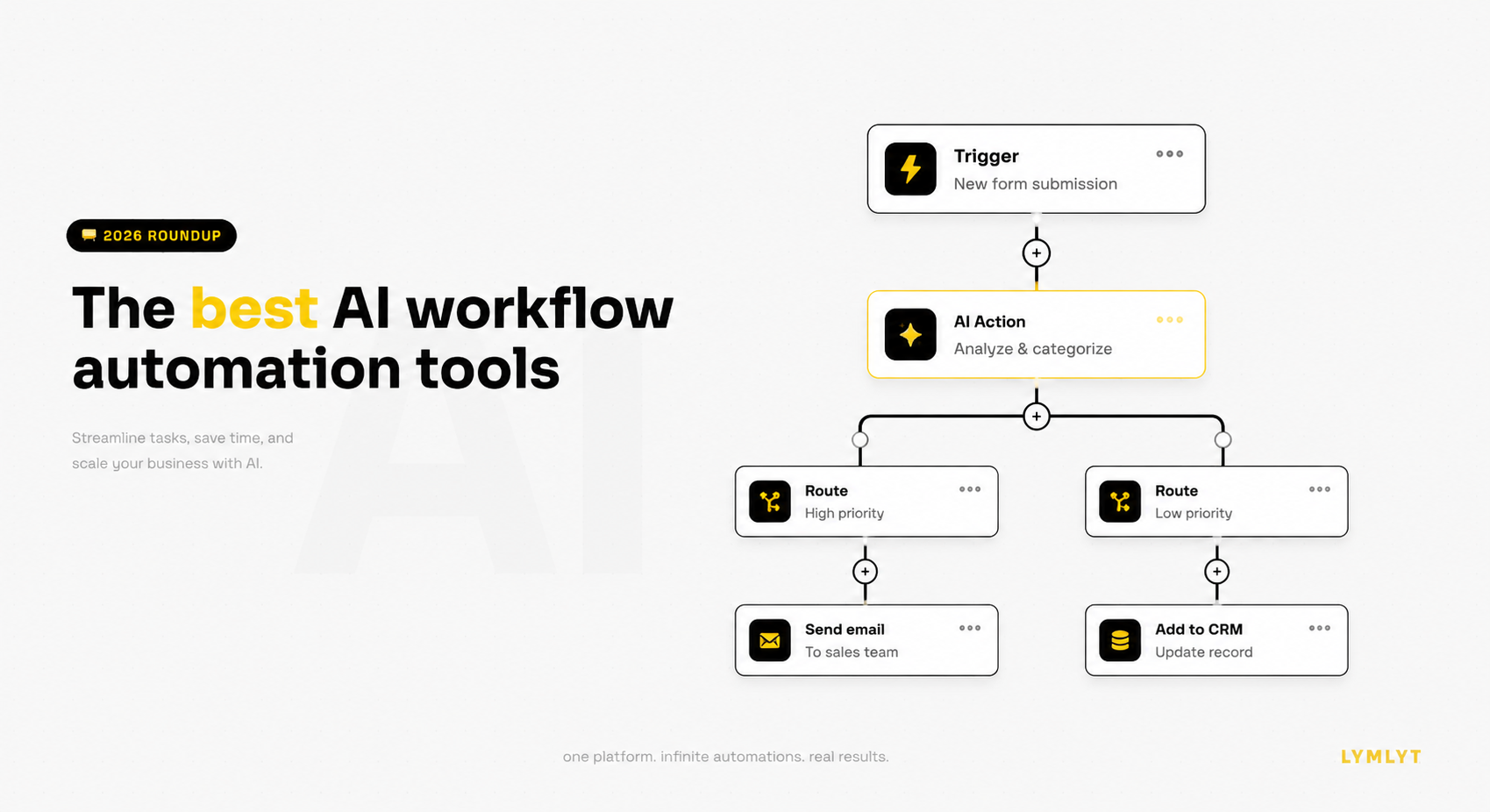
Pick the workflow you complained about last week. The copy-paste between three tools, the lead routing that misses one in ten, the report you rebuild by hand every Monday. That is the work “AI workflow automation” claims to fix in 2026, and depending on which tool you pick, it actually might. Or it might cost you four months of subscription fees while you keep doing the same workflow by hand at midnight.
The category broke into three distinct shapes this year, which is where most teams pick wrong.
The first shape is classic automation with AI steps bolted on. Zapier, Make, n8n. You still build a rule-based flow (“when X happens, do Y”), but one of the steps in the middle calls an LLM to write an email or summarize a document. The AI is a step, not the brain. These tools are predictable, controllable, and reach 95% of automation work.
The second shape is AI-native workflow platforms, where the LLM sits in the middle and makes decisions. The flow does not say “always do Y after X.” It says “look at X, decide what matters, and act.” Gumloop, Relevance AI, Taskade. These are powerful for messy, judgment-based work. They are also less predictable and harder to budget.
The third shape is AI agents and assistants for specific work. Lindy for inbox and calendar, Bardeen for the browser, Clay for sales enrichment, Manus AI for autonomous research. These are not workflow builders. They are pre-built agents that do one job well, you bring it work and it returns finished output.
A marketer who picks an agent platform when a Zapier flow would do is paying for power that disappears in unpredictable output. A team picking Zapier when they need real reasoning is going to hand-build prompts forever and call it automation. The right answer depends on the work, and the answer changes per workflow, not per team.
This guide covers all three. Fourteen tools in total, sorted by what they actually do, with current pricing checked in May 2026, “skip it if” lines on every one, and a dedicated marketer playbook at the end. If your search started with a specific tool, we have sibling articles for Make alternatives and n8n alternatives. For broader AI coverage, see our Top 100 AI Tools list.
What “AI workflow automation” actually means
Two distinctions worth getting right before spending money on anything in this category.
Automation vs agent. A classic automation follows a fixed set of rules you define upfront. When a form is submitted, send the lead to the CRM, then send a Slack message. Predictable, controllable, easy to debug. An AI agent makes decisions on its own as conditions change. Given an inbox, it decides which emails matter, drafts replies in your voice, and handles follow-ups without you defining each rule. More powerful, less predictable, harder to debug. Your workflows are rarely as tidy as a flowchart, which is why agents are useful. They are also why agents go wrong.
AI step vs AI brain. Most “AI workflow automation” you see advertised is the first kind. A Zapier flow with a step that calls OpenAI in the middle. That is automation that uses AI, not AI automation in the deeper sense. Real AI automation has the model doing the deciding, with the workflow as a thin shell around it. The difference shows up in price, complexity, and what the tool can actually handle.
A simple test: if your workflow could be drawn cleanly on a whiteboard with arrows and conditions, it is automation work, and a classic tool will do it cheaper and more reliably. If the workflow involves “look at this and decide what to do,” you are in agent territory, and the agent platforms earn their cost.
What marketers should actually look for
The criteria that matter once you actually run AI automation in a marketing team:
What AI is actually doing in the flow. Read past the marketing copy. Is the AI generating one email per run, or is it making the routing decision? Is it summarizing one document, or pulling research across ten sources and synthesizing a brief? Tools that say “AI-powered” often mean the first version. The second version is genuinely useful and worth paying for. The first is worth almost nothing.
Cost predictability. Classic tools charge per task or per operation, which you can forecast. AI tools often charge per “credit” or “agent activity,” which scale with how much the LLM thinks, and which you cannot forecast cleanly. A marketing team running 1,000 enrichments a month on a tool that charges by reasoning depth can hit the ceiling unexpectedly. Read the pricing page slowly.
Integration with your marketing stack. HubSpot, Salesforce, Apollo, Calendly, GA4, GTM, Mailchimp, your CRM. If the AI tool cannot reach the tools your work lives in, it is a demo, not a workflow. Test the integrations on day one.
Output quality after the first prompt. Every AI tool feels magic on the demo workflow. The honest test is the third, fifth, and tenth real workflow you run. Most teams report that quality holds for narrow tasks (write an email, summarize a doc) and collapses for broader tasks (research this account end to end). Plan accordingly.
Human-in-the-loop options. For client-facing work, an agent that sends an email autonomously is a liability. Tools with built-in approval steps (Relay.app, Lindy, parts of n8n) let you keep the agent’s speed without giving up the brand control. Worth its weight for any work that touches a customer.
Setup time vs payoff. Most of these tools take a week to set up properly, especially the AI-native ones. If the workflow they will automate runs three times a month, the math does not work. Save the AI tools for the workflows you run weekly or daily.
Logging and debugging. When the AI gets it wrong, can you see why? Some platforms log every step and every model decision. Some give you a black box. For any workflow you intend to scale, logging is the difference between fixable and broken.
Data control. Marketing data often includes PII (lead emails, contact details, internal notes). Check where the AI calls happen, which model is used, whether data is retained, and how the tool handles GDPR. This matters more for AI tools than for classic ones because LLM providers vary on data handling.
The 14 tools at a glance
| Tool | Category | What AI does | Starting price | Free option |
|---|---|---|---|---|
| Zapier | Classic + AI | AI as a step (Agents, Chatbots, AI Actions) | $19.99/mo Pro | Yes, 100 tasks |
| Make | Classic + AI | AI as a step plus Maia AI assistant and Make AI Agents | ~$9/mo Core | Yes, 1,000 ops |
| n8n | Classic + AI | Native LangChain, 70+ AI nodes, agent memory | Free self-hosted | Yes |
| Microsoft Power Automate | Classic + AI | Copilot for automation in Microsoft 365 | $15/user/mo | Limited |
| Pipedream | Classic + AI | Code-first with AI steps | ~$29/mo | Yes |
| Gumloop | AI-native | LLM at the core, visual canvas | Credit-based, free tier | Yes |
| Taskade | AI-native | Workspace agents with shared context | From ~$10/user/mo | Yes |
| Activepieces | AI-native (open source) | MCP support, AI-friendly open source | Free self-hosted | Yes |
| Relevance AI | AI-native | Custom multi-agent teams | Free, paid to ~$349/mo | Yes, 200 actions |
| Lindy | AI agent | Pre-built assistant for inbox, calendar, admin | $49.99/mo Plus | 7-day trial |
| Bardeen | AI agent | Browser-based automation playbooks | ~$10-20/user/mo | Yes, 100 credits |
| Relay.app | AI agent | AI workflows with human approval steps | ~$9/mo | Yes, 1,000 runs |
| Clay | AI agent (sales/marketing) | Lead enrichment, AI research, signal building | From ~$149/mo | Limited free |
| Manus AI | AI agent | Autonomous multi-step research and execution | Credit-based, paid | Limited trial |
Classic automation tools with AI features
This is the right category for most marketing teams most of the time. You build the workflow, you control the logic, and AI shows up as a step in the middle when you need it. Predictable cost, predictable output, real reach across your stack.
1. Zapier
Quick facts
- Best for: non-technical marketing teams who want the widest possible app coverage with AI added
- Price: AI Orchestration Free (100 tasks), Professional from $19.99/month (750 tasks), Team around $69/month, Enterprise custom; Agents Pro $33.33/month and Chatbots Pro $13.33/month sold as add-ons
- What AI does: AI Actions inside workflows, AI Agents for autonomous tasks, AI Chatbots for website and internal use, MCP support for orchestrating agents
- Learning curve: the lowest in this list for non-technical users
- Free option: yes, 100 tasks per month plus separate Agents and Chatbots free tiers
Zapier is the default starting point for a reason. The integration library is around 8,000 apps, more than anything else here, and the AI layer has matured significantly. In 2025 and 2026, Zapier split its product into AI Orchestration (the classic automation product), AI Agents (autonomous task agents), and Chatbots. The pricing now reflects that split, which means budgeting can get fiddly, but it also means you can pay only for the parts you actually use.
For marketing teams, the AI Action steps are the biggest practical win. You can drop an OpenAI call into any Zap to draft an email, summarize a form submission, or score a lead, without leaving the flow. The integration breadth means almost every marketing tool you use will be supported.
Skip it if: you run high-volume automation and cost predictability matters. Zapier’s per-task pricing climbs sharply at scale, and the AI Agents pricing is on top of that.
2. Make
Quick facts
- Best for: marketing teams who want more workflow power than Zapier without going technical
- Price: Free (1,000 ops), Core around $9 to $10.59/month, Pro around $18.82/month, Teams around $34/month, Enterprise custom
- What AI does: AI modules inside scenarios, the Maia AI assistant for building flows, Make AI Agents for autonomous task execution
- Learning curve: medium, the visual canvas takes a few sessions to feel intuitive
- Free option: yes, the most generous of the classic tools
Make competes on power and price. Per operation, it is roughly 13 times cheaper than Zapier on the entry tiers, which matters at volume. The visual scenario builder also handles complex branching, iterators, and conditional logic better than Zapier’s linear step model, which is the right shape for marketing workflows with multiple paths (different sequences by lead source, different routing by segment).
In 2026, Make launched Maia, an AI assistant that helps you build scenarios from a description, and Make AI Agents for autonomous execution. Both are real, not just labels on existing features. For a marketing team willing to invest a week in learning the canvas, Make hits a better cost-to-power ratio than Zapier.
Skip it if: your team is fully non-technical and you need the widest possible app coverage. Zapier is simpler and connects to more.
3. n8n
Quick facts
- Best for: technical marketing teams and ops teams that want full control or self-hosting
- Price: free self-hosted, Cloud Starter and Pro from around $20 to $50/month
- What AI does: native LangChain integration, 70+ AI nodes (LLM, RAG, agents, vector stores), persistent agent memory
- Learning curve: the steepest in this category, real technical investment required
- Free option: yes, unlimited when self-hosted
n8n is the technical-leaning choice and the most serious AI workflow platform among the classic tools. The 2.0 release in early 2026 added native LangChain integration, 70+ AI nodes, and persistent agent memory, which together turn n8n from “an automation tool with AI steps” into “a platform where you can build real AI agents alongside classic workflows.” The company hit a reported $2.3 billion valuation and $40 million in annual revenue, which signals real traction.
For a marketing team with a technical person, n8n is probably the best AI automation platform on this list, period. The catch is the technical investment. If nobody on your team is comfortable with webhooks, JSON, and basic API thinking, the savings from self-hosting disappear in the learning curve.
Skip it if: nobody on your team is technical. n8n rewards engineering thinking. For non-technical marketers, Zapier or Make are the right call.
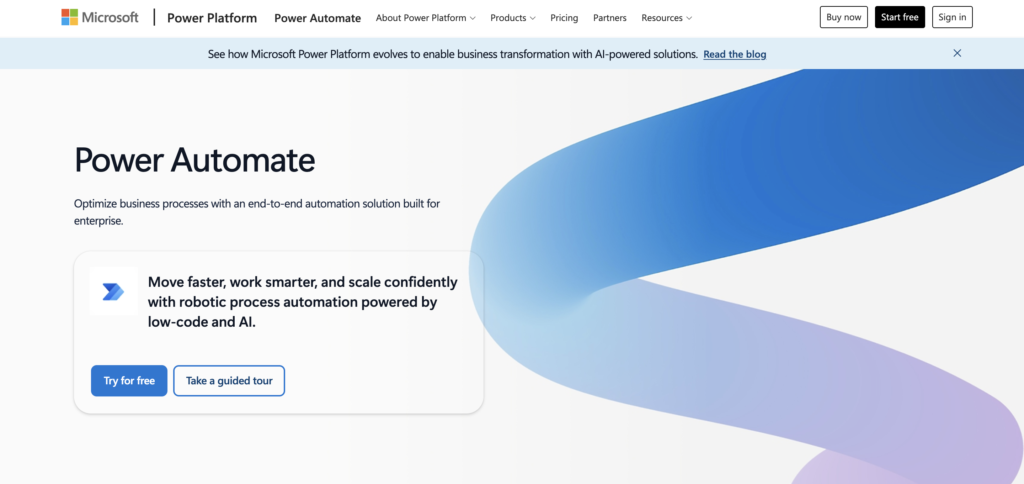
4. Microsoft Power Automate
Quick facts
- Best for: marketing teams already inside Microsoft 365
- Price: Premium at $15/user/month, Process at $150/bot/month, basic flows included with some Microsoft 365 plans
- What AI does: Copilot for building flows from descriptions, AI Builder for document understanding and prediction
- Learning curve: medium, easier if you already use Microsoft tools
- Free option: limited, tied to existing Microsoft licenses
Power Automate makes sense if your company is already on Microsoft 365. The Copilot integration lets you describe a flow in plain language and have it generated, which is genuinely useful for non-technical users, and the connections to Outlook, Teams, SharePoint, and Dynamics are deeper than anything else here. For internal marketing operations (approval workflows, content reviews, asset distribution), it fits the Microsoft world cleanly.
Outside Microsoft, the appeal drops. Third-party app coverage is thinner than Zapier, and the licensing has multiple models that take effort to work out.
Skip it if: you are not a Microsoft shop. The value sits almost entirely in that ecosystem fit.
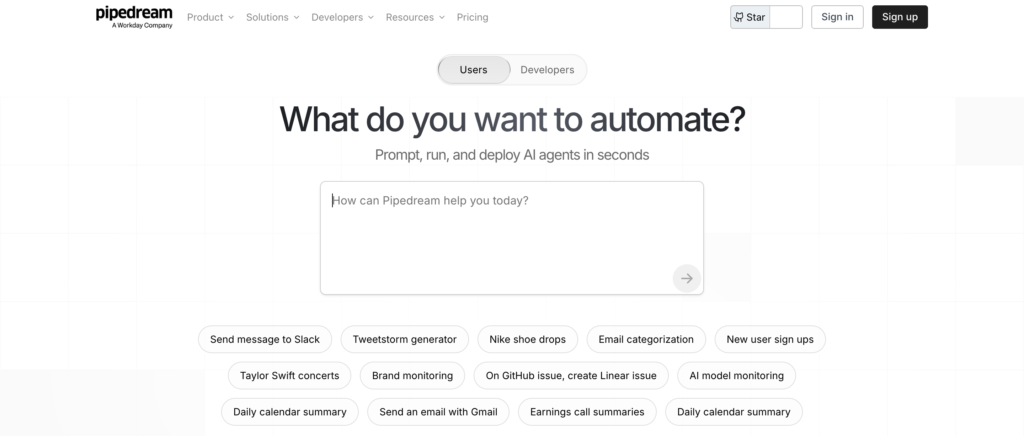
5. Pipedream
Quick facts
- Best for: developers who want code-first AI workflows with no server management
- Price: generous free tier, paid plans from around $29/month, Connect tier around $99/month
- What AI does: AI steps you can code against in Node.js, Python, Go, or Bash, with full LLM API access
- Learning curve: medium to high, developer-leaning
- Free option: yes, and genuinely usable
Pipedream sits between visual builders and raw code. For a marketing team with a developer on call, it gives you code-level control over AI steps while skipping infrastructure work. You can write a Python step that calls Claude, processes the response, and pipes the result into the next step, all without managing a server. The free tier is one of the most generous, which makes it a low-risk place for a developer to prototype an AI workflow.
It is a developer tool. The visual side is thin compared to Make or Zapier, and non-technical teammates will struggle.
Skip it if: your marketing team has no engineer to support automations. Pipedream’s whole advantage is code flexibility, and it disappears without that.
AI-native workflow platforms
This middle category is for teams that need real reasoning in the workflow, not just an AI step bolted onto a rules engine. The LLM sits in the middle and makes decisions. You get more power, less predictability, and prices that scale with how hard the model thinks. For complex marketing work (research, content workflows, multi-source enrichment), this is where the tools earn their keep.
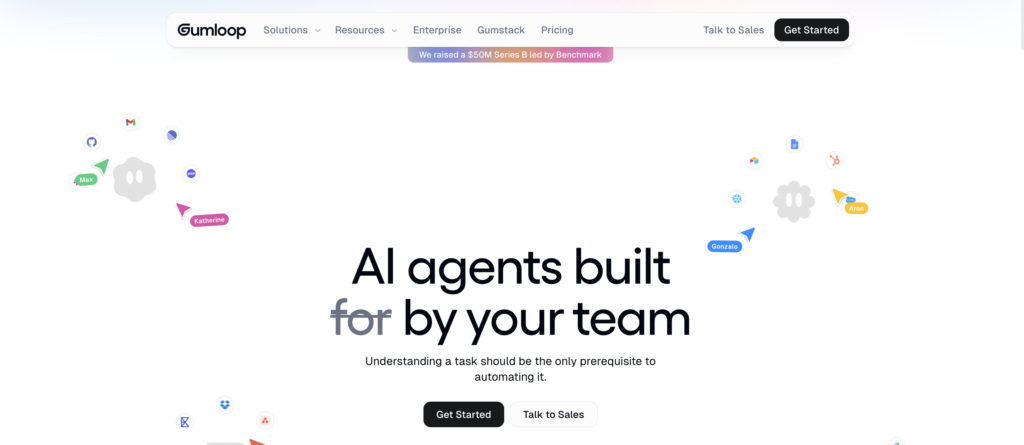
6. Gumloop
Quick facts
- Best for: marketing and ops teams that want visual AI workflows for data and document tasks
- Price: free tier, paid plans credit-based, Enterprise custom
- What AI does: LLM at the core of every node, with built-in guardrails for output reliability
- Learning curve: low to medium, the visual canvas is familiar to anyone who has used Make
- Free option: yes
Gumloop is the cleanest example of an AI-native workflow platform. You drag nodes onto a canvas, but every node is built around the AI doing the work: extract data from a document, research a company, summarize a transcript, score a lead. For a marketing team doing repeatable but messy work (competitive intelligence reports, lead research workflows, content audits), Gumloop hits a useful sweet spot.
Reviews credit the speed of building genuinely useful AI workflows. Honest complaints note that the credit-based pricing makes cost forecasting harder than classic tools, and that very large multi-step workflows can get awkward to manage inside the visual canvas.
Skip it if: your automations are simple and rule-based. Gumloop’s AI focus is wasted on work a classic tool would handle cheaper and more predictably.
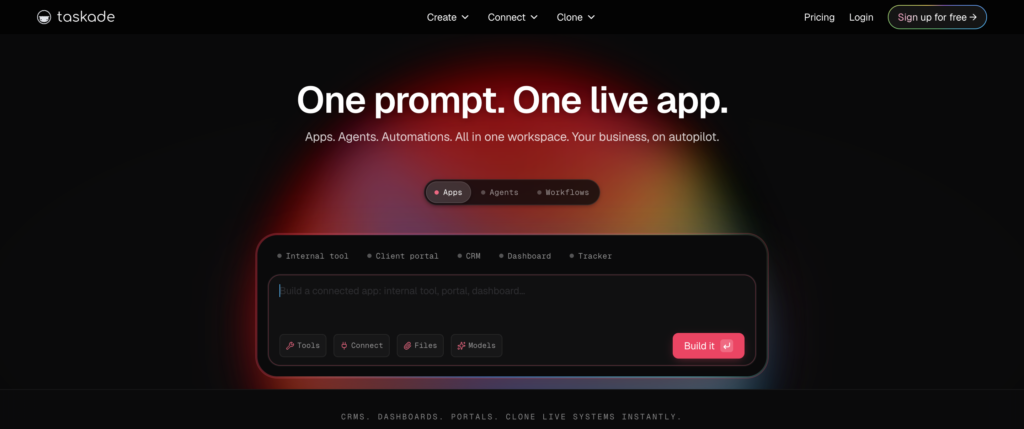
7. Taskade
Quick facts
- Best for: small teams that want AI agents living inside their existing workspace (docs, projects, knowledge)
- Price: Free with limits, paid plans from around $10/user/month, Business and Enterprise above
- What AI does: Workspace agents with shared context across documents, projects, and team knowledge
- Learning curve: low, the workspace concept is familiar from Notion-style tools
- Free option: yes, generous
Taskade takes a different angle. Instead of a workflow builder, it gives you a workspace where AI agents can read across your documents, projects, and team knowledge. The “Workspace DNA” approach means an agent triaging a customer email knows about your product, your past responses, and your team conventions, without you wiring all that context in manually each time. For a small marketing team with knowledge spread across docs, this saves real setup time.
Reviews credit the integration with team context. Honest complaints note that the integration library is smaller than Zapier or Make (around 100 integrations), which limits how far the workflows can reach beyond Taskade itself.
Skip it if: your work needs to reach across many third-party apps. Taskade is workspace-first, not integration-first.
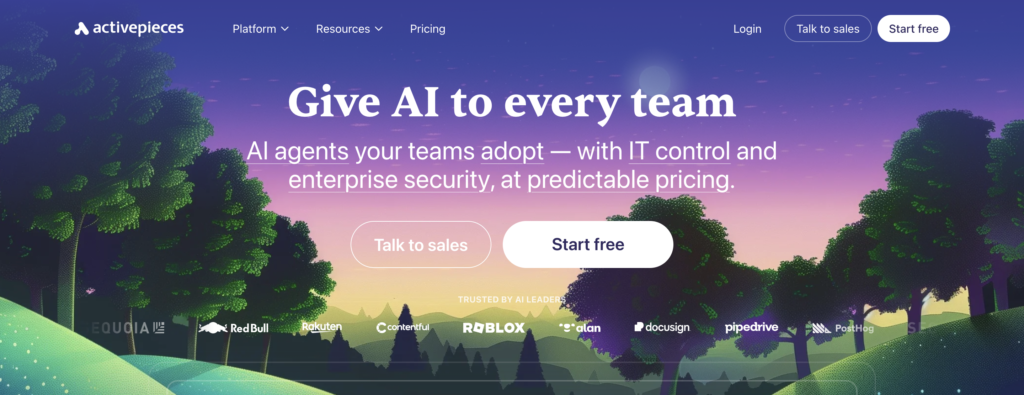
8. Activepieces
Quick facts
- Best for: teams that want open source with AI features, especially with self-hosting
- Price: free self-hosted (MIT license), cloud plans from around $5 per flow, agency and enterprise tiers
- What AI does: AI steps inside flows plus MCP (Model Context Protocol) support for connecting AI agents to your tools
- Learning curve: medium, similar to Make in feel
- Free option: yes, both self-hosted and a free cloud tier
Activepieces is the open-source answer in this category. The MIT license is genuinely permissive (n8n is “fair-code,” which is more restrictive), which matters for some businesses, and the AI features are growing fast. MCP support is the big one for 2026, since it lets AI agents (Claude, ChatGPT, others) actually use your business tools through Activepieces as the connector. For a technical marketing team that wants AI agents talking to their stack without building from scratch, this is the cleanest open-source option.
Used by Sequoia, Red Bull, Rakuten, Roblox, ClickUp, and others. Reviews credit the open source model and the MCP work. Honest complaints note that the community is smaller than n8n’s, and the polish on advanced features still lags the commercial leaders.
Skip it if: you have no technical setup capacity or you need the deepest integration library available. n8n is more mature; Zapier connects to more.
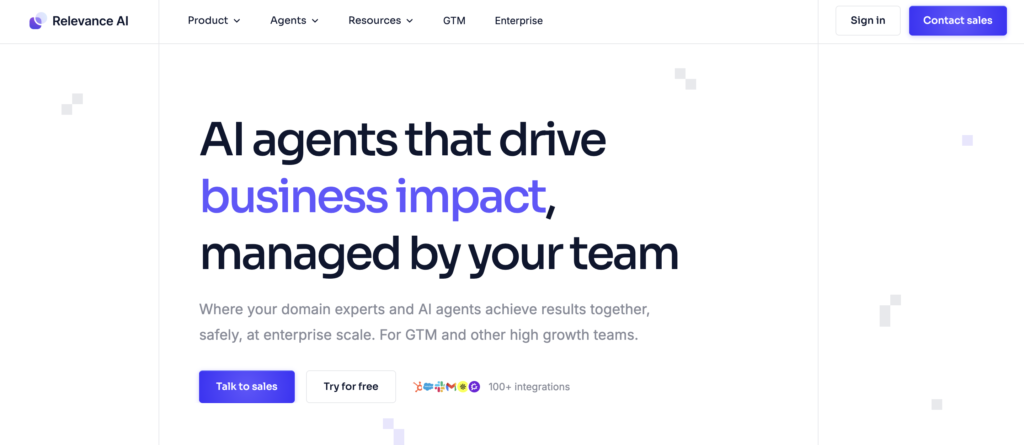
9. Relevance AI
Quick facts
- Best for: marketing and sales teams that want to build custom multi-agent teams
- Price: free plan with 200 actions a month, paid up to around $349/month, Enterprise custom
- What AI does: custom AI agents you build and deploy across sales, marketing, ops; supports multi-agent orchestration
- Learning curve: medium to high, a real build platform not a one-click setup
- Free option: yes
Relevance AI treats AI agents like staff. You build custom agents (one drafts emails, one researches accounts, one handles a support queue) and have them collaborate inside your workflows. Multi-agent orchestration means agents can pass work to each other, with one agent qualifying a lead and another reaching out, both under your supervision. For a marketing team willing to invest in genuine custom agent building, the flexibility is real.
Reviews credit the build flexibility and the multi-agent capability. Honest complaints note that the platform rewards investment of time, the pricing has two meters that take effort to understand, and that for simple work, the setup overhead is wasted.
Skip it if: you want plug-and-play. Relevance AI is a build platform. Without time to tune, the free plan will feel thin.
AI agents for specific work
This last group is different from the workflow platforms. These are not tools where you build the flow. They are pre-built agents that do one job, you bring them work, and they return results. For marketers, this is often the fastest path to real value: pick the agent that does the work you do, plug it in, get results.
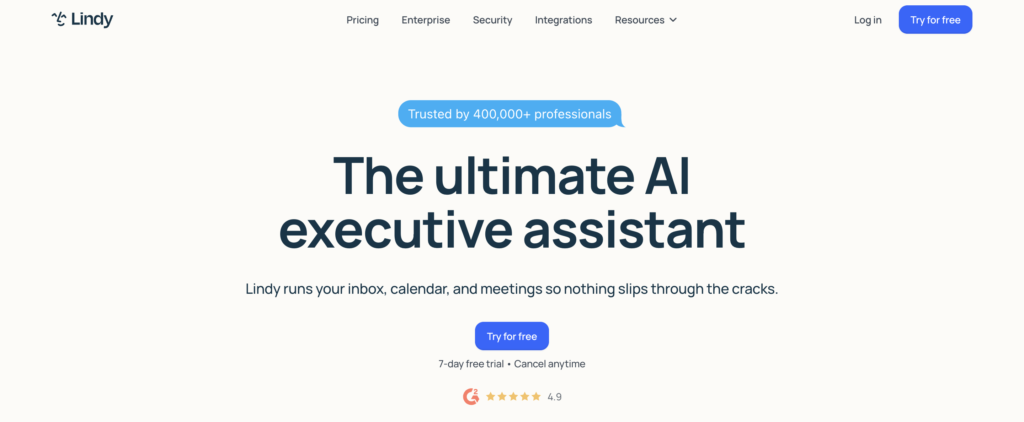
10. Lindy
Quick facts
- Best for: solo marketers, founders, and ops folks who want to delegate inbox, calendar, and admin to an AI assistant
- Price: free 7-day trial, Plus $49.99/month, Pro $99.99/month, Max $199.99/month
- What AI does: acts as a personal assistant across email, calendar, meetings, and basic outreach
- Learning curve: low to medium, the assistant learns from your behavior over time
- Free option: trial only
Lindy pivoted hard in 2025 from a general workflow builder to a focused AI assistant for personal work. You hand it tasks like inbox triage, meeting prep, follow-ups, scheduling, and basic outreach, and it works in the background, even over text message, learning your style as it goes. For a marketer drowning in admin work, this is the closest thing to having a junior assistant without hiring one.
Reviews praise the ease and the time savings on admin work. Honest complaints note that the credit system creates anxiety around experimentation, that debugging complex automations gets messy, and that the Plus tier at $49.99 feels expensive if you only run simple tasks.
Skip it if: you need a build-your-own-workflow platform. Lindy is an assistant, not a builder. For multi-step process automation across a team, look at Relevance AI or Relay.app.
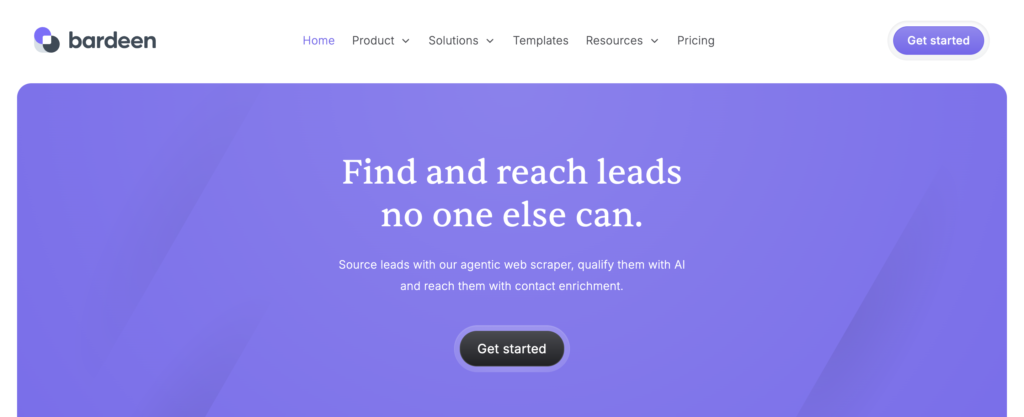
11. Bardeen
Quick facts
- Best for: sales and marketing folks who run a lot of repeatable browser work (LinkedIn, Notion, Salesforce, web research)
- Price: Free with 100 credits a month, Pro around $10 to $20/user/month, Enterprise custom
- What AI does: browser-based playbooks that scrape pages, fill forms, pull data, work inside web tools
- Learning curve: low, especially with the natural-language playbook builder
- Free option: yes, 100 credits
Bardeen runs as a Chrome extension, which sets it apart from everything else here. The automations live in the browser: scraping LinkedIn profiles, pulling data from web tools, working inside Notion or Salesforce or any other web app. The natural-language playbook builder turns a plain-English description into a working automation, which works well for the kind of repetitive browser work that marketers and SDRs do all day.
Reviews credit the speed and the natural-language builder. Honest complaints note that the browser-based design is also the limit, anything that needs to run server-side without a browser open is out of scope.
Skip it if: you need server-side automation or your work does not happen in the browser. Bardeen is built for the browser by design.
12. Relay.app
Quick facts
- Best for: marketing teams that want AI workflows with human approval built into the flow
- Price: Free with 1,000 runs/month, paid from around $9/month, Business around $60/month
- What AI does: AI steps with optional human approval before they execute
- Learning curve: low, the interface is genuinely usable for non-technical people
- Free option: yes
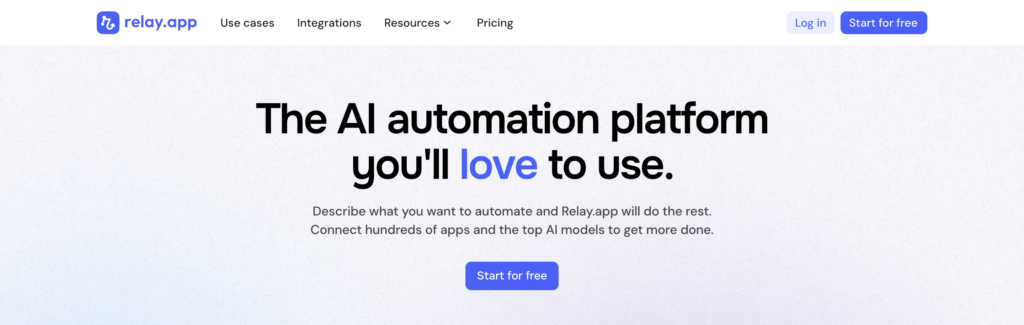
Relay.app solves a problem most automation tools ignore: sometimes you want a person to check the AI’s work before it goes out. Relay builds approval steps directly into the workflow. An automation can draft an email with AI, pause for you to approve or edit, then send. For client-facing marketing work where an AI sending unsupervised is a brand risk, this is the right shape. Used by teams at Cursor, Ramp, and Motion.
Reviews credit the human-in-the-loop design and the clean interface. Honest complaints note that the app library is smaller than the older incumbents, since the platform is younger.
Skip it if: you want fully hands-off automation or you need the widest possible integration library. Relay’s strength is the human checkpoint and the simplicity, not breadth.
13. Clay
Quick facts
- Best for: sales and marketing teams doing outbound, lead enrichment, and account research at scale
- Price: Free with limits, paid from around $149/month, scaling fast at higher tiers
- What AI does: waterfall enrichment across 150+ data providers, AI research and personalization, custom signals
- Learning curve: medium, the spreadsheet-like interface is familiar but the workflows take time to master
- Free option: limited free tier
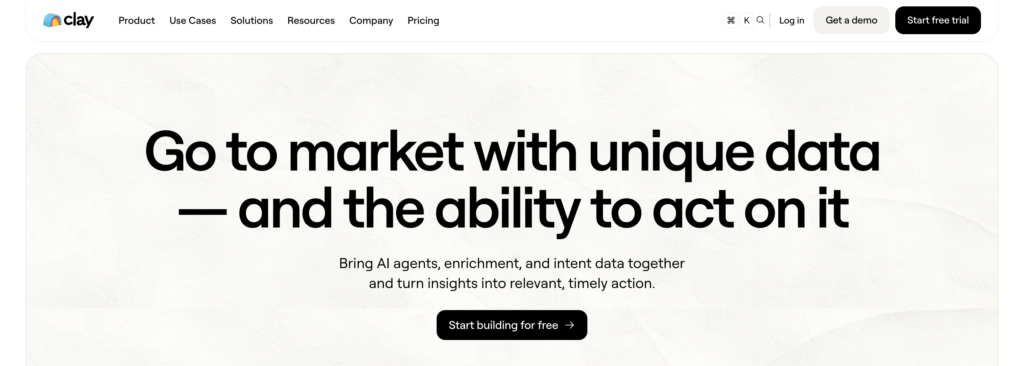
Clay is the most marketer-specific tool in this list and probably the most loved in B2B outbound right now. It is built around a spreadsheet-style interface where each row is a company or lead, and each column can be an AI enrichment, a data lookup, a research prompt, or an outreach step. The waterfall enrichment pulls from 150+ data sources to fill in missing fields, and the AI columns let you ask the same question (what does this company do, who do they sell to, what category are they in) across hundreds of rows and get clean answers back. The company hit a reported $3.1B valuation in 2025 and is the standard for AI-driven outbound at scale.
Reviews from GTM teams credit the data depth and the AI research. Honest complaints note that the pricing climbs fast as your enrichment volume grows, the credit math is hard to forecast, and that Clay is best at preparing data for outreach, not at running the outreach itself, which means it usually sits inside a stack with other tools.
Skip it if: your marketing work is not outbound or research-heavy. Clay is laser focused on GTM data and enrichment, and the price only justifies that use case.
14. Manus AI
Quick facts
- Best for: autonomous research and multi-step project work where you want the AI to figure out the steps
- Price: credit-based with paid plans, trial available
- What AI does: runs autonomous, multi-step projects (research a market, build a plan, produce a deliverable) without step-by-step direction
- Learning curve: the lowest of the AI agents (you describe the goal, not the steps)
- Free option: limited trial
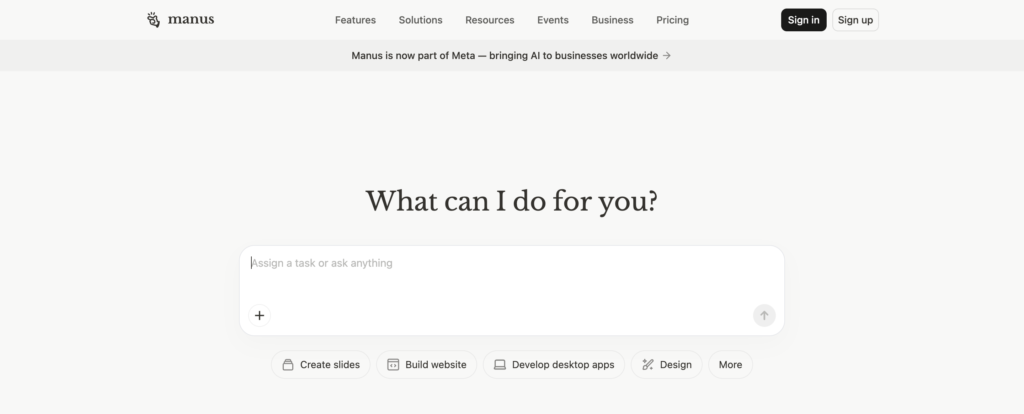
Manus AI is the newer entrant in the “fully autonomous agent” category. Where Lindy handles a defined assistant role and Clay handles a defined data shape, Manus is built for open-ended work: give it a research goal, a content production task, or a multi-step project, and it figures out the steps, executes them, and returns the deliverable. For a marketer who wants to delegate a research-heavy or planning-heavy project (competitive landscape, market sizing, content brief production), it can complete real work end to end.
Reviews credit the autonomy and the ability to handle messy briefs. Honest complaints note that the unpredictability is real, the credit usage can climb fast on complex tasks, and that for repeatable workflows, a tool like Gumloop or Relevance AI gives you more control.
Skip it if: you want predictable, repeatable workflows. Manus is built for one-off, open-ended projects. For repeating work, the structured tools earn their cost.
The free tier reality
A few honest points on free plans in this category.
Genuinely useful free tiers. Zapier’s free plan (100 tasks a month) is enough to test a real workflow. Make’s free plan (1,000 operations) is one of the most generous, suitable for low-volume real use. n8n is free if self-hosted. Pipedream’s free tier is enough for sustained prototyping. Activepieces is free self-hosted and has a free cloud tier. Relevance AI’s free plan (200 actions a month) is genuinely usable for testing. Bardeen’s 100 monthly credits get a lot of basic browser work done. Relay.app’s 1,000 free runs are enough for a real test.
Trial dressed as free. Lindy has a 7-day trial. Clay’s free tier is limited enough to be a trial in practice. Manus AI is credit-based with a limited free amount.
Pay-from-day-one. Power Automate, Workato, Gumloop’s paid tiers, and Clay’s serious workflows all need a paid subscription to do real work.
The practical rule for AI automation specifically: free tiers are good for testing whether the tool fits the workflow, not for running the workflow. AI calls cost money on the back end, which is why credit and operation limits are tighter on free tiers in this category than in other software. Plan to pay if you find a workflow that earns its keep.
The marketer playbook: what to actually pick
Marketers were the audience this article was written for. The picks by use case:
For general marketing automation (form to CRM to email, all the standard plumbing). Zapier. The integration library is the answer here. Make if your flows have real conditional logic and you want better cost-to-power.
For outbound, lead enrichment, and account research at scale. Clay. The whole tool is built for this, and the AI research columns are the closest thing to having a researcher on your team.
For inbox, calendar, and admin work eating your week. Lindy. The personal-assistant model fits exactly that work and the time savings show up fast.
For browser-based work (LinkedIn research, web data extraction, working inside SaaS UIs). Bardeen. The Chrome extension is the differentiator and the natural-language builder works.
For workflows where an AI does customer-facing work and you want approval before send. Relay.app. The human-in-the-loop design is what separates “AI helps me” from “AI represents my brand without supervision.”
For research-heavy, one-off projects (market sizing, competitive deep-dives, content brief production). Manus AI for open-ended projects, Gumloop for repeatable research workflows.
For content production and document processing workflows. Gumloop for visual flows, Make if you want classic automation with AI steps, n8n if you have a technical person.
For building a custom agent that does your specific work (your sales playbook, your support tone). Relevance AI. The build investment pays back if the workflow runs daily.
For Microsoft 365 teams. Power Automate with Copilot, since it costs almost nothing on top of what you already pay.
For technical marketing teams that want full control. n8n self-hosted. Genuinely the best AI workflow platform in this list if you can run it.
Three rules that apply regardless of which tool you pick:
- Pick tools by workflow, not by team. A marketing team can have Zapier for everyday plumbing, Clay for outbound enrichment, Lindy for personal admin, and Relay.app for client-facing approvals running simultaneously. Trying to make one tool do all of it leads to overspending on the wrong feature set.
- Start with one real workflow, not the tool tour. Pick the most painful repeated task on your team this week. Automate that. If the tool earns its keep on that one workflow, then expand. Most teams that fail at AI automation fail because they tried to “set up the platform” instead of solving one real problem first.
- Watch the AI cost curve. Classic automation costs scale linearly with usage. AI automation costs can scale exponentially as workflows get more complex and the model does more thinking. Set spending alerts on every paid tool here from day one.
How to set up your first AI workflow
Once you have picked a tool, the honest first-week plan:
Day one: pick the workflow. Not the tool’s example workflow. The actual task on your team that takes the most time this week. Write it out as a step-by-step description in plain English.
Day two to three: build the workflow. Most marketers underestimate this. Plan for a few hours of building, not a few minutes. Use the tool’s templates where they fit, but expect to modify them.
Day four: test on real data. Not example data, real data. The output you trust on the demo is not the output you get on the messy version of your job.
Day five to seven: refine and document. Note what the AI got wrong, fix the prompts, add guardrails, and document the workflow so a teammate can pick it up. This is the step most teams skip and the reason most AI automations die after the original builder leaves.
For learning resources, every tool here has official docs that are better than third-party tutorials. Zapier Learn, Make Academy, n8n docs, Power Automate training, Pipedream docs, Gumloop docs, Taskade help, Activepieces docs, Relevance AI docs, Lindy academy, Bardeen docs, Relay help, Clay University, and Manus AI docs all cover the practical setup.
For the conceptual side (the difference between automation and agents, how to think about AI workflow design), Doist’s async work guide and the LangChain documentation are both better than most paid courses.
How to choose
The shortest version of all the above:
- Widest integrations and easiest setup: Zapier.
- Best cost-to-power at scale: Make.
- Best technical AI platform: n8n self-hosted, especially with the 2.0 release.
- Best inside Microsoft 365: Power Automate.
- Best for developers: Pipedream.
- Best AI-native visual builder: Gumloop.
- Best workspace-AI integration: Taskade.
- Best open-source with MCP: Activepieces.
- Best for custom agents: Relevance AI.
- Best AI assistant for personal admin: Lindy.
- Best for browser work: Bardeen.
- Best with human approval built in: Relay.app.
- Best for B2B outbound and enrichment: Clay.
- Best for autonomous research projects: Manus AI.
Then test before you commit. Almost everything here has a free tier or trial. Build one real workflow, the one you actually run, and see how the output holds up after a week of use. The honest test is the third and fifth run, not the demo.
The bottom line
AI workflow automation in 2026 is genuinely useful and genuinely overhyped at the same time. A marketing team can take real admin work off the team’s plate and shift attention to the harder thinking. A team can also burn a quarter trying to make an AI agent handle work that a simple Zap would have done in an afternoon.
The honest version: pick by workflow, not by category. Most teams need one classic automation tool (Zapier or Make) for everyday plumbing, plus one or two specialist tools (Clay for outbound, Lindy for admin, Relay.app for approval workflows) for the work where AI judgment actually pays. Trying to make one tool do everything is the most common way teams end up overspending and under-shipping.
That is the same point we keep coming back to in our writing on content blindness, the idea that audiences (and teams) stop noticing because there is too much sameness and too much output. AI tools make it easier than ever to produce more of everything. Use them to remove the boring, repetitive work so your team has more time for the thinking and the writing a workflow cannot do. That is the part still worth being slow about.
If you want help with the message side of your marketing, see what we do or book a call.
Leave a Reply